Best RoomSketcher Alternatives for 2026 (5 Compared)
RoomSketcher alternatives: 5 contenders ranked by fit, with entry costs and free tiers. Where a tool struggles is spelled out. Reviewed in November 2026.
- Editor's choice
 Planner 5D
Simple 2D and 3D design in a browser
Starts at$19.99 a monthVisit planner5d.comFull review - Great alternative
 Cedreo
Builders and remodelers needing quick renderings
Starts atSee websiteVisit cedreo.comFull review - Also consider
 Sweet Home 3D
Free desktop room planning and furnishing
Starts atSee websiteVisit sweethome3d.comFull review
Direct answer
Planner 5D leads the list, best for simple 2D and 3D design in a browser. Listed starting prices: Planner 5D from $19.99 a month. For a different need, Cedreo covers builders and remodelers needing quick renderings and Sweet Home 3D covers free desktop room planning and furnishing. Details, prices and limits for the rest of the 5 tools are below.
TL;DR:
- The list opens with Planner 5D, aimed at simple 2D and 3D design in a browser.
- 3 of 5 tools offer a free plan: Planner 5D, Cedreo, Floorplanner.
- The cheapest monthly starting price in the list is $19.99 per month, offered by Planner 5D.
- For professional residential design and remodeling, Chief Architect is worth a look.
- The main caution on Sweet Home 3D: narrower than full architectural suites.
Last checked November 2026. Prices and plan details were read from the vendors' own pages in November 2026; vendors change plans often, so confirm the current price on the vendor site before you buy.
Quick comparison
| Tool | Best for | Starts at | Free plan? | |
|---|---|---|---|---|
| Planner 5D | Simple 2D and 3D design in a browser | $19.99 a month | Yes | Visit |
| Cedreo | Builders and remodelers needing quick renderings | See website | Yes | Visit |
| Sweet Home 3D | Free desktop room planning and furnishing | See website | Not stated | Visit |
 Floorplanner | Online floor plans for personal and business use | See website | Yes | Visit |
 Chief Architect | Professional residential design and remodeling | See website | Not stated | Visit |
Our 5 picks for RoomSketcher
LinkVetted put together this guide to RoomSketcher for readers who want a clear shortlist without reading every vendor page. It compares 5 tools on starting price, free plans, who each one suits and where each one falls short.
Planner 5D serves simple 2D and 3D design in a browser. It suits people who want fast visual results without learning a professional drafting suite.
The main drawbacks: Complicated projects may feel restricted.
More specifically, the simplicity comes at the cost of depth: in-depth construction drawings and advanced modeling are not its focus. What you pay to start with Planner 5D: $19.99 per month. A free plan is available with Planner 5D.
- Runs in the browser
- Easy-to-use interface
- Less technical depth
Cedreo serves builders and remodelers needing quick renderings. Cedreo is 3D home design software for both interior and exterior work, letting you build 2D and 3D floor plans and realistic renderings.
It is geared toward home builders, remodelers, architects and home designers who require presentable visuals for clients. The workflow is oriented toward producing designs and renderings efficiently instead of deep technical drafting. Cedreo does not show a starting price in this comparison, so check the vendor site for current pricing. A free plan is available with Cedreo.
Where it is weaker: Less suited to casual hobby planning.
- 2D and 3D floor plans together
- Interior and exterior renderings
- Centred on sales and presentation workflows
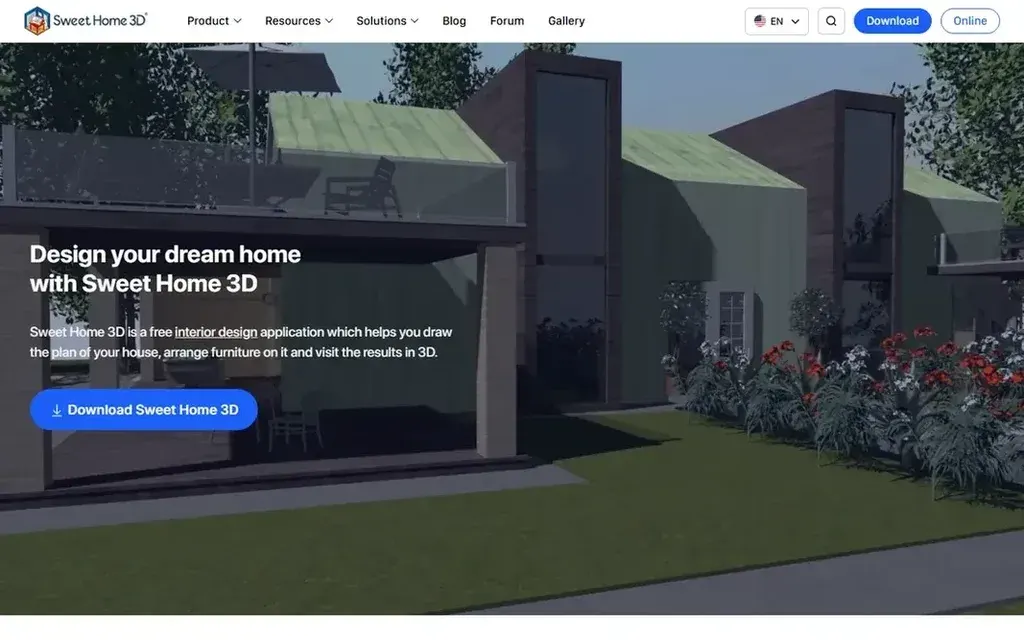
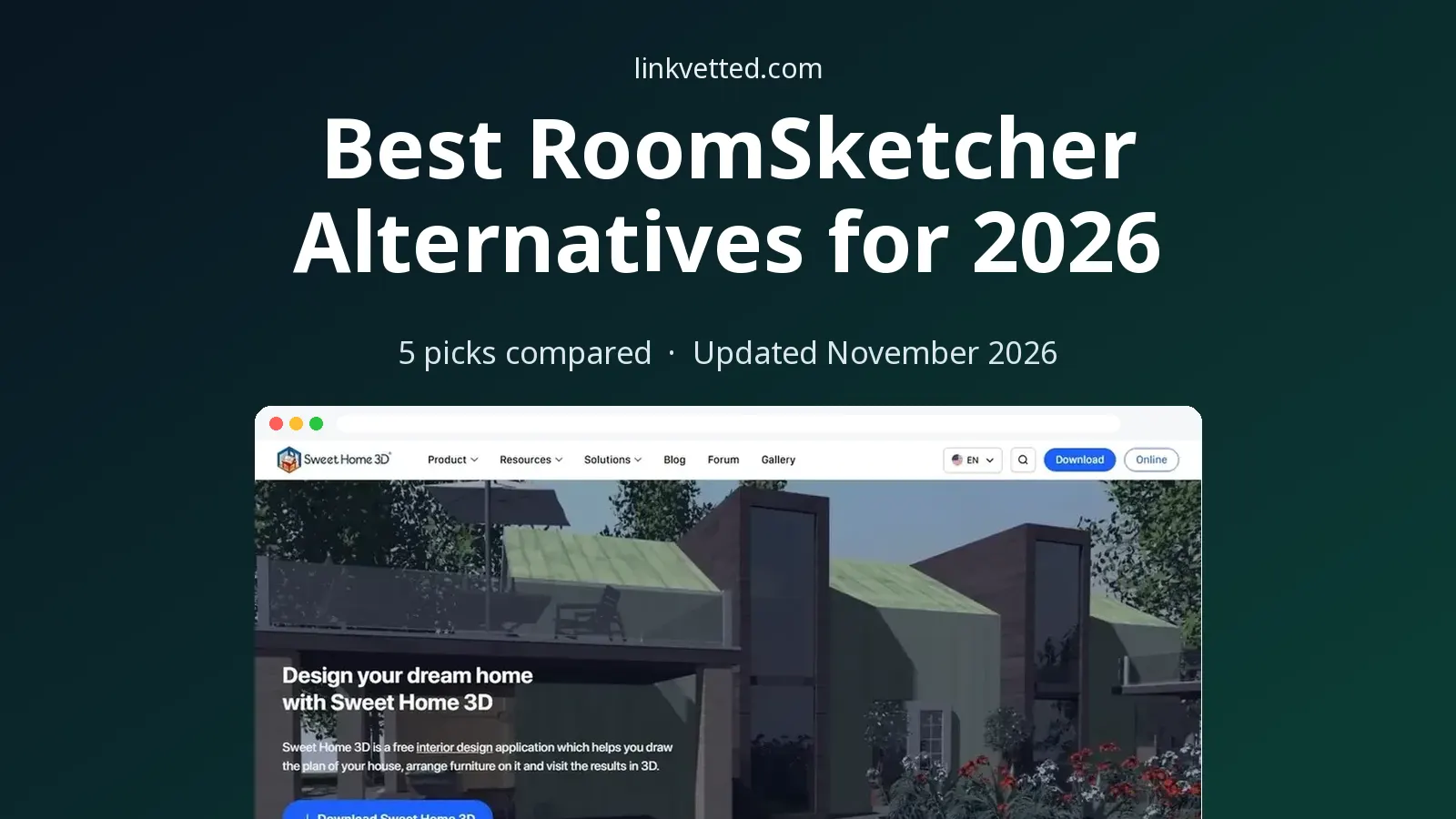
Sweet Home 3D works best for free desktop room planning and furnishing. Sweet Home 3D is interior design software built around realistic room planning and furnishing. You draw walls, place furniture and view the result in 3D, which includes the core of most home layout projects.
Its scope is interior layout instead of full architectural documentation, so structural or remodeling-heavy work may need a different tool. For everyday use, choose Sweet Home 3D when room planning and furnishing are the central goals and you prefer a desktop workflow. Sweet Home 3D does not show a starting price in this comparison, so check the vendor site for current pricing. On free options: Not stated.
Downsides: Interface feels utilitarian.
- Runs as a desktop application
- Realistic 3D home views
- Narrower than full architectural suites
Think of Floorplanner for online floor plans for personal and business use. Some capabilities rely on your account level. For everyday use, Floorplanner is an online floor planner and 3D room planner for creating 2D floor plans and 3D room designs in the browser.
It is positioned for personal use along with retail and real estate contexts. The online nature keeps setup straightforward. It is a planning and visualization tool instead of a professional architectural package, so structural detail and construction drawings are restricted. Floorplanner shows no starting price here, so confirm the cost on the vendor site. Floorplanner includes a free tier.
Where it is weaker: Advanced features sit behind account levels.
- 2D floor plans and 3D room designs
- Suited to personal
- Not a construction documentation tool
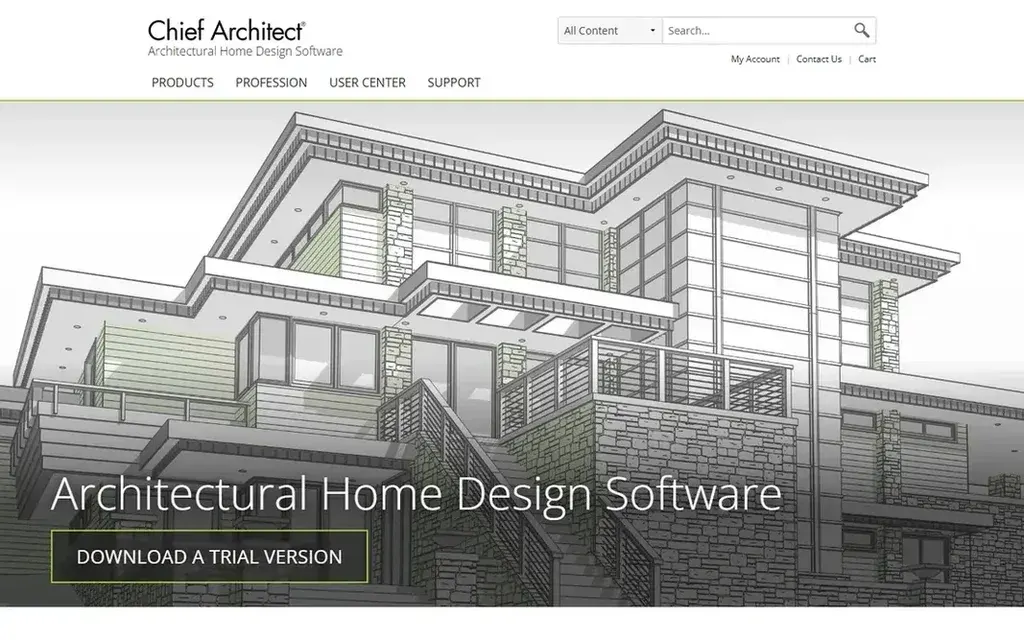
Choose Chief Architect for professional residential design and remodeling. Choose Chief Architect when professional output and remodeling detail matter more than speed.
If your work goes beyond arranging furniture into walls, dimensions and structure, this is the most capable choice on the list. Chief Architect is professional home design software pitched at residential design, interior design and remodeling. No starting price is listed for Chief Architect here; confirm pricing on the vendor site. On free options: Not stated.
Drawbacks to consider: Heavier than fast room planners.
- Deals with interiors and full home design
- Aimed at remodeling projects
- Steep ramp-up time for beginners
How we compared the tools
What to confirm before you sign up
- Confirm the entry price on the vendor page. For Cedreo, Sweet Home 3D, Floorplanner and Chief Architect that means a quote rather than a fixed price.
- Check what the free option really includes: Planner 5D, Cedreo and Floorplanner offer a free plan, and usage caps differ.
- Before choosing Planner 5D, weigh its main limit: less technical depth.
- Confirm you can export your data from Cedreo, so leaving later does not mean losing records.
- Look at the renewal terms for Sweet Home 3D: auto-renewal, notice periods and price changes can matter more than the first-year price.
FAQ
How are the tools for RoomSketcher ordered?
The order follows typical fit for RoomSketcher, with Planner 5D first and Chief Architect last, then price clarity and free access. It is editorial judgement, not a score, so another team could rank the tools differently.
Is there a free alternative to RoomSketcher?
Sweet Home 3D is a desktop interior design tool centred on room planning and furnishing, and it is widely used by hobbyists. Check each vendor site for the current terms of use.
Can I try these tools before paying?
Often, yes. Planner 5D, Cedreo and Floorplanner have a free plan. Use your own data and a real task during the test, and check what the free tier or trial limits before you rely on it.
Which options for RoomSketcher have a free plan?
On this list, Planner 5D, Cedreo and Floorplanner include a free plan. Caps on seats, usage or features are common, so test the free plan against your real workload.
Do these tools publish their prices?
Not all of them. Cedreo, Sweet Home 3D, Floorplanner and Chief Architect publish no starting price, so expect a quote request for those. The rest, Planner 5D included, show a starting price, though seats and billing terms still change the final cost.
Sources
- https://planner5d.com
- https://cedreo.com
- https://www.sweethome3d.com
- https://floorplanner.com
- https://www.chiefarchitect.com