Best Reviewed Environmental and Safety Software in 2026: 8 Tools Compared
best-reviewed environmental and safety software compared: 8 EHS tools for incidents, audits, inspections and training, with pricing and pros and cons.
- Editor's choice
 SafetyCulture
Frontline inspections and checklists
Starts at$24 per user per monthVisit safetyculture.comFull review - Great alternative
 VelocityEHS
Mid-size firms wanting usability
Starts atSee websiteVisit velocityehs.comFull review - Also consider
 Cority
Large enterprises needing full EHSQ
Starts atSee websiteVisit cority.comFull review
TL;DR:
- Environmental, health, and safety software, often called EHS software, covers incidents, inspections, audits, corrective actions, and training in one record.
- Frontline tools suit small teams and single sites, while enterprise suites suit multi-site firms with complex compliance and reporting needs.
- Mobile and offline access matters for field teams, since inspections and incident reports happen on site, not at a desk.
- Most enterprise EHS pricing is quote-based, so scope your sites, users, and modules before a sales call to get a useful quote.
Quick comparison
| Tool | Best for | Starts at | Free plan? | |
|---|---|---|---|---|
| SafetyCulture | Frontline inspections and checklists | $24 per user per month | Yes | Visit |
| VelocityEHS | Mid-size firms wanting usability | See website | No | Visit |
| Cority | Large enterprises needing full EHSQ | See website | No | Visit |
 Intelex | Configurable enterprise EHSQ | $49 per user per month | No | Visit |
 EHS Insight | Mid-market teams needing fast setup | $5,000 per year | Free trial | Visit |
 Benchmark Gensuite | Multi-site collaborative compliance | See website | No | Visit |
 EcoOnline | Safety management and chemical safety | See website | No | Visit |
 Safesite | Small teams starting free | Free | Yes | Visit |
The best reviewed environmental and safety software
We compared official pricing pages, feature lists, and public reviews for EHS tools that are still sold and supported in 2026. The list spans free frontline tools and large enterprise suites, so we note the team size and complexity each tool fits best.
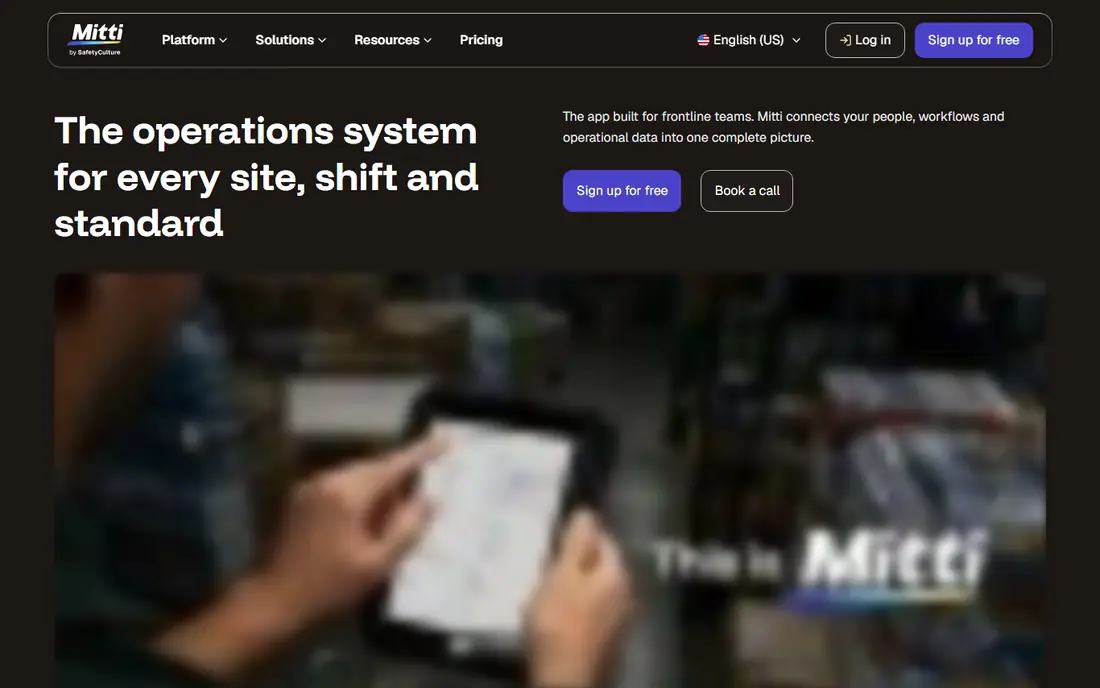
SafetyCulture, formerly iAuditor, is our pick for most small and mid-size teams that need inspections done well. Staff can build checklists, complete inspections on a phone, attach photos, and assign corrective actions without a long setup. The free tier lets a small team start, and the paid tiers add analytics, training, and asset tools.
SafetyCulture is not a full enterprise EHSQ suite, so a large firm with complex quality, occupational health, and sustainability reporting may need a deeper platform. Advanced analytics also sit on higher tiers. For day-to-day safety work on the front line, though, its ease of use is a real advantage.
- Easy mobile inspections and checklists
- Free tier for small teams
- Quick to start
- Less deep for enterprise EHSQ reporting
- Advanced analytics sit on higher tiers
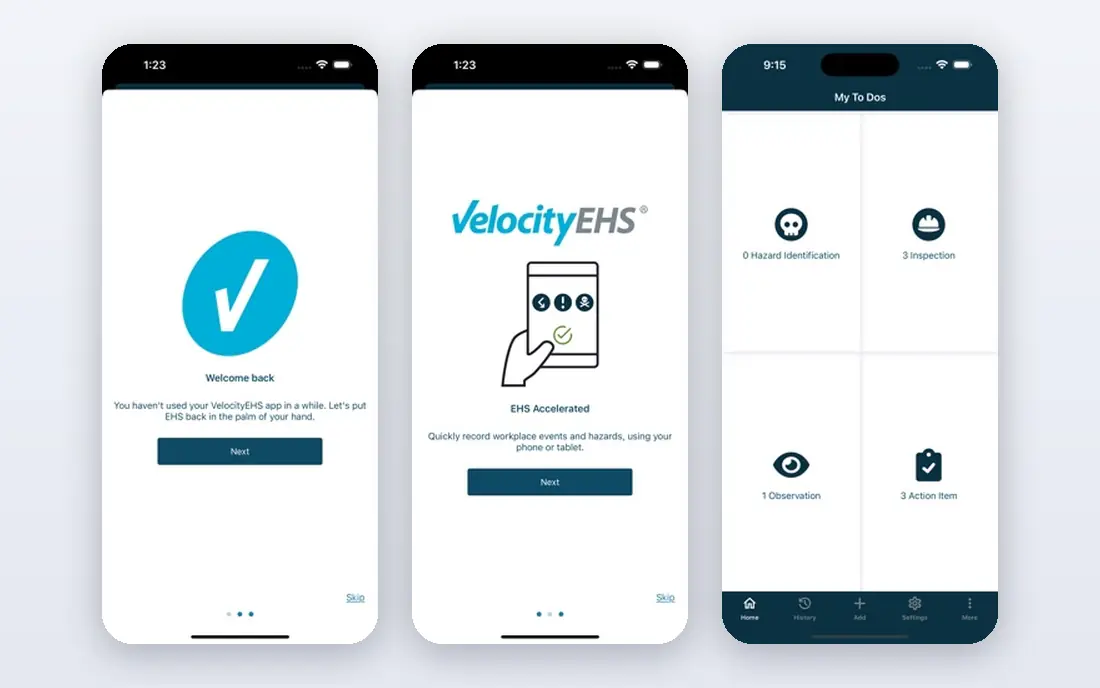
VelocityEHS suits mid-size firms that want a capable EHS platform without a long enterprise rollout. Its tools cover safety, chemical management, ergonomics, and operational risk, with an interface that frontline and office staff can learn more quickly than many enterprise suites. That usability helps adoption, which is often the hardest part of an EHS rollout.
Pricing is quote-based, so budgeting requires a scoped conversation about modules and users. Some enterprise features also depend on which modules you buy. For a mid-size firm that values ease of use and a faster start, VelocityEHS is a strong shortlist option.
- Strong usability for mid-market teams
- Chemical management and safety tools
- Faster setup than large suites
- Quote-based pricing
- Enterprise depth varies by module
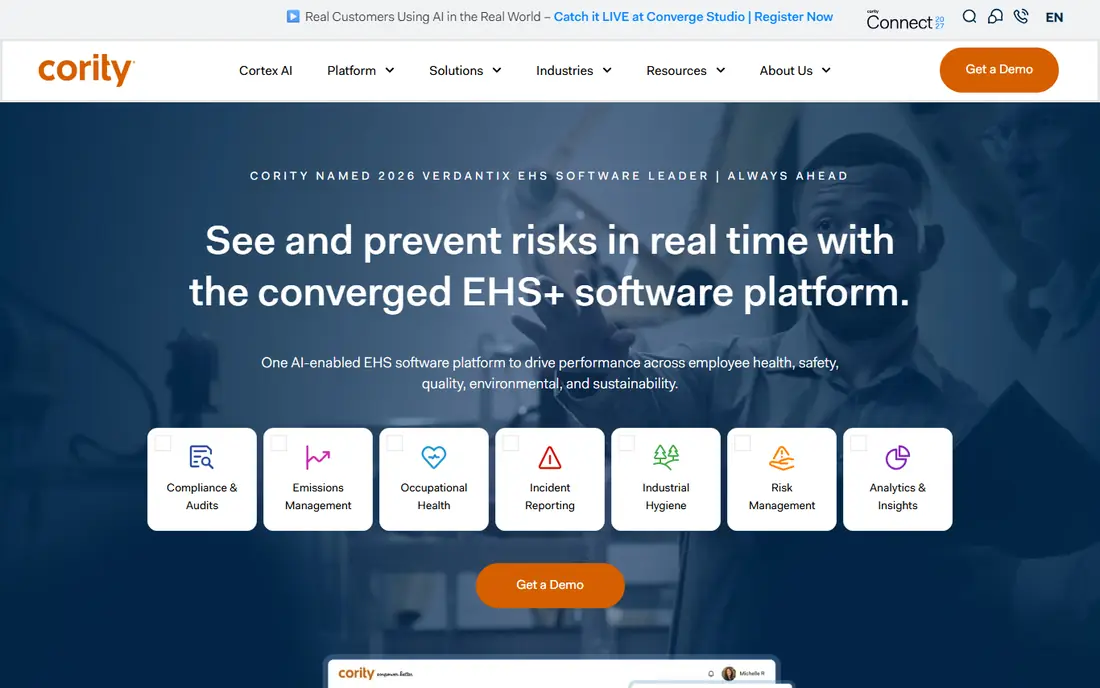
Cority, now sold as CorityOne, is built for large enterprises that run environment, health, safety, quality, and sustainability together. Its breadth covers occupational health, industrial hygiene, audits, incidents, and ESG reporting, with configurability for complex global operations. Large firms with many sites and regulatory needs use it as a single system of record.
That breadth brings cost and time. Pricing is custom and can be high for global deployments, and a full rollout can take months. Small teams will find Cority more than they need. For a large enterprise that needs the full EHSQ picture, Cority offers depth few tools match.
- Broad EHS, occupational health, and sustainability coverage
- Strong configurability
- Global enterprise fit
- Quote-based and often costly
- Implementation can take months
Intelex suits enterprises that need EHSQ shaped to their exact processes, with strong governance and analytics. It handles incidents, audits, permits, training, and quality workflows, and it scales across global sites. Teams that need detailed reporting and control over workflows will find its configurability useful.
Setup is not light. Configurability means planning, and some tiers have been reported with minimum user counts, so small teams should check current terms. Implementation also needs internal ownership to stay on track. For an enterprise that wants a system shaped around its processes, Intelex is a leading choice.
- Deep configurability
- Strong analytics and governance controls
- Global scalability
- Minimum user counts reported on some tiers
- Setup needs planning and resources
EHS Insight is a practical mid-market option with published pricing starting near $5,000 per year, scaled by users and modules. That transparency helps a safety team budget before a sales call, which is rare in this category. Mobile and offline tools suit field teams, and go-live is often faster than with large enterprise suites.
EHS Insight is strongest for safety and environmental compliance rather than full quality management alongside EHS. Teams that need both may need a wider EHSQ suite. For a mid-size firm that wants a full safety program live in months rather than a multi-year project, EHS Insight is worth a demo.
- Published modular pricing
- Faster go-live than enterprise suites
- Strong mobile and offline field tools
- Less suited to full quality management alongside EHS
- Price scales with users and modules
Benchmark Gensuite suits organizations with many sites that need to share compliance work, audits, and corrective actions. Its collaborative approach helps site teams, corporate safety staff, and contractors work from the same record, which reduces duplicate work and version confusion. The module range covers safety, environmental, and quality needs.
Pricing is quote-based and depends on scope, so a clear list of sites, users, and modules is needed for a useful quote. Rollout across many sites also needs coordination and training. For a multi-site firm that values shared compliance work, Benchmark Gensuite is a solid enterprise option.
- Collaborative tools for multi-site teams
- Broad compliance modules
- Good for global operations
- Quote-based pricing
- Implementation needs coordination across sites
EcoOnline is known for safety management and chemical safety, with tools for incidents, risk assessments, audits, and chemical handling. It has been recognized in industry analyst reports for safety management, and it suits firms that manage chemicals alongside general safety work. Its tools help teams track hazards, training, and corrective actions in one place.
Pricing is quote-based, and the best fit can vary by region and module, so check coverage for your sites. Smaller US-only teams may find a simpler frontline tool enough. For a firm with chemical safety needs and multi-site operations, EcoOnline deserves a place on the shortlist.
- Strong safety management scores
- Chemical safety tools
- Good for European and global firms
- Quote-based pricing
- Fit varies by region and module
Safesite is a good free starting point for a small team that needs inspections, incident reports, and basic safety tracking without a budget. The mobile app makes it easy for field staff to report hazards and complete checklists, and paid tiers add more users, analytics, and controls. That low barrier helps a small firm move from paper or spreadsheets to a real system.
Deeper enterprise reporting, integrations, and analytics need paid tiers, and very large firms will outgrow Safesite. For a small team, though, the free tier covers the core safety jobs well. Start free, learn what your team actually uses, and upgrade only when the need is clear.
- Free starting tier
- Simple inspections and incident reports
- Quick for small teams
- Paid tiers needed for deeper features
- Less suited to large enterprise reporting
How we picked these
We compared official pricing pages, feature lists, and public reviews for EHS tools that are still sold and supported in 2026. We favored tools with a clear safety record, mobile field tools, and a track record in their size band, from free frontline tools to enterprise suites. Where pricing was not published, we marked it as See website rather than guessing.
How to choose EHS software for your organization
Start with your main safety job, not the longest feature list. A construction firm needs incident reporting and inspections, a chemical plant needs chemical management, and a multi-site manufacturer needs audits and corrective actions across sites. List the three or four workflows that happen every week, then test those exact workflows in a demo with your own forms and data.
Next, check field usability. Ask frontline staff to complete an inspection and file a test incident on a phone, with and without signal, and see how long it takes. If field staff find the tool slow or confusing, they will revert to paper or messages, and the system will go stale. Also check how corrective actions are assigned, tracked, and closed, since open actions are where safety programs fail.
Finally, scope the total cost and rollout. Count sites, users, contractors, and modules, and ask for a written timeline, training plan, and data migration help. Enterprise suites can take months to roll out, while frontline tools can start in days, so match the timeline to your compliance deadlines. A named internal owner for the system also helps, since someone must keep forms, users, and reports current after launch.
FAQ
What is environmental and safety software?
Environmental and safety software, or EHS software, helps organizations track incidents, inspections, audits, hazards, corrective actions, and training in one system. It replaces spreadsheets and paper forms with a shared record that managers can report on. Some tools add environmental compliance, chemical management, and sustainability reporting.
What is the difference between EHS and EHSQ software?
EHS covers environment, health, and safety. EHSQ adds quality management, such as quality audits, nonconformances, and corrective actions for product or process quality. If your firm manages ISO 9001 quality alongside safety, an EHSQ platform avoids running two separate systems.
How much does EHS software cost?
Frontline tools can start free or near $24 per user per month, mid-market tools publish prices from about $5,000 per year, and enterprise suites are quote-based and can run into five or six figures per year. The total depends on sites, users, and modules, so scope those facts before asking for a quote.
Will EHS software keep us compliant with OSHA?
It helps a great deal by organizing OSHA logs, incident records, training, and audit trails, but it does not guarantee compliance on its own. Your firm still needs correct procedures, trained staff, and timely reporting. Treat the software as the record and reminder system, not as a replacement for a safety program.
How long does EHS software take to implement?
Simple frontline tools can be running in days, mid-market platforms often take four to twelve weeks, and enterprise suites can take three to nine months for a full rollout. Ask each vendor for a written timeline, including configuration, data migration, and training, before you sign.