Best Rive Alternatives for 2026 (5 Compared)
5 products for Rive alternatives, ranked by fit, with starting costs and free tiers. Adobe After Effects takes the lead for polished motion graphics for video.
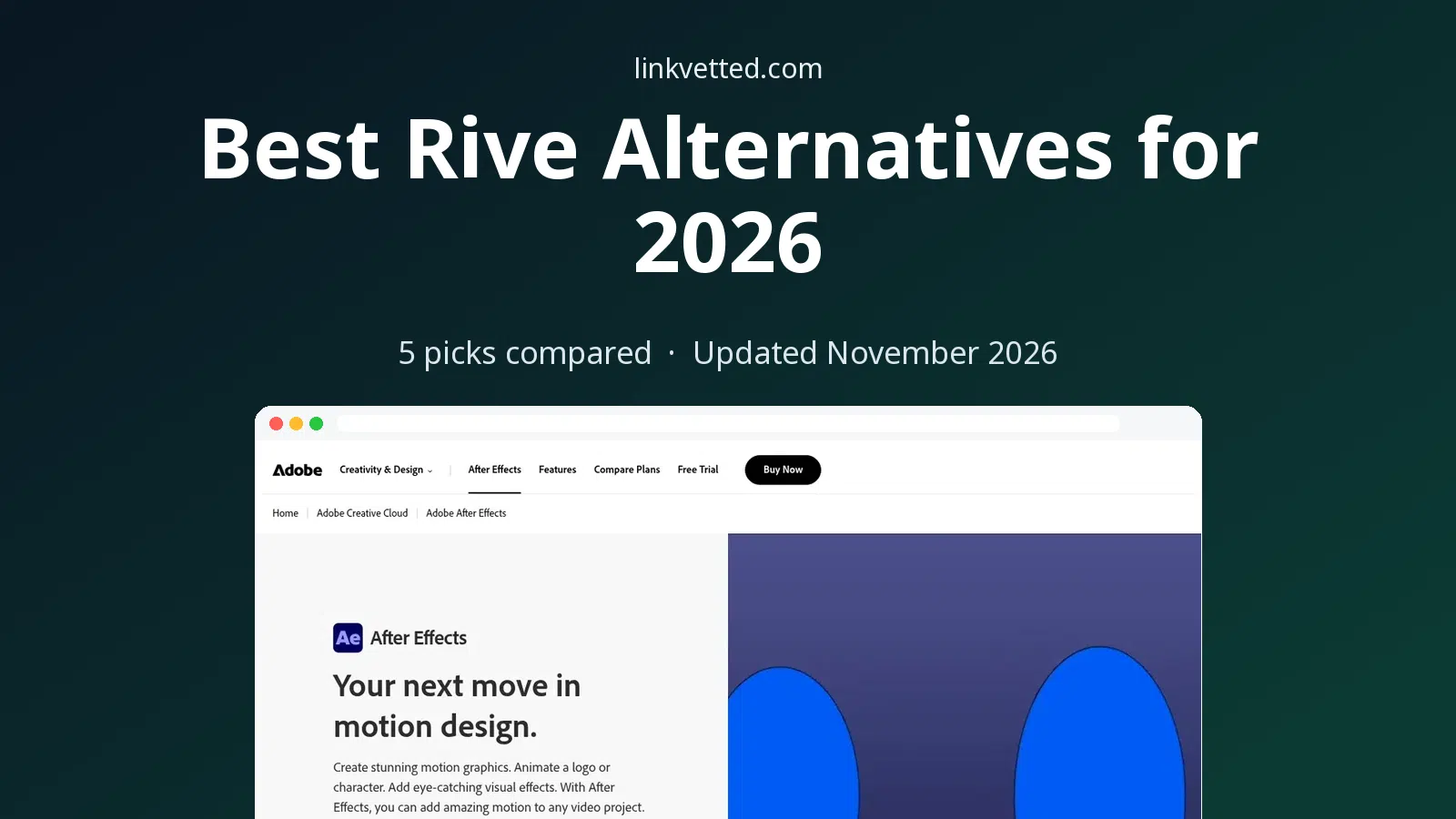
- Editor's choice
 Adobe After Effects
Refined motion graphics for video
Starts atSee websiteVisit adobe.comFull review - Great alternative
 Unity
Animation inside a full game engine
Starts at$210.00 per monthVisit unity.comFull review - Also considerHaiku Animator
Lottie and dynamic web components
Starts atSee websiteVisit haikuanimator.comFull review
Direct answer
Start with Adobe After Effects if you need refined motion graphics for video. Listed starting prices: Unity from $210.00 per month and LottieFiles from $19.99 per user a month. Unity fits animation inside a full game engine; Haiku Animator fits Lottie and dynamic web components. The other 2 tools in the list cover narrower or pricier cases.
TL;DR:
- Number one here is Adobe After Effects, a fit for refined motion graphics for video.
- LottieFiles is the one to check for light Lottie animation workflows.
- What to know about Spine first: game-oriented instead of web UI focused.
- Starting prices begin at $19.99 per user per month with LottieFiles.
Last checked November 2026. Prices and plan details were read from the vendors' own pages in November 2026; vendors change plans often, so confirm the current price on the vendor site before you buy.
Quick comparison
| Tool | Best for | Starts at | Free plan? | |
|---|---|---|---|---|
| Adobe After Effects | Refined motion graphics for video | See website | Not stated | Visit |
| Unity | Animation inside a full game engine | $210.00 per month | Free trial | Visit |
| Haiku Animator | Lottie and dynamic web components | See website | Not stated | Visit |
| Spine | 2D skeletal animation for games | See website | Not stated | Visit |
 LottieFiles | Light Lottie animation workflows | $19.99 per user a month | Not stated | Visit |
The 5 tools in detail
LinkVetted compared 5 tools for Rive. The goal is a practical shortlist: published prices, free plan facts, best-fit use cases and honest limits for every entry.
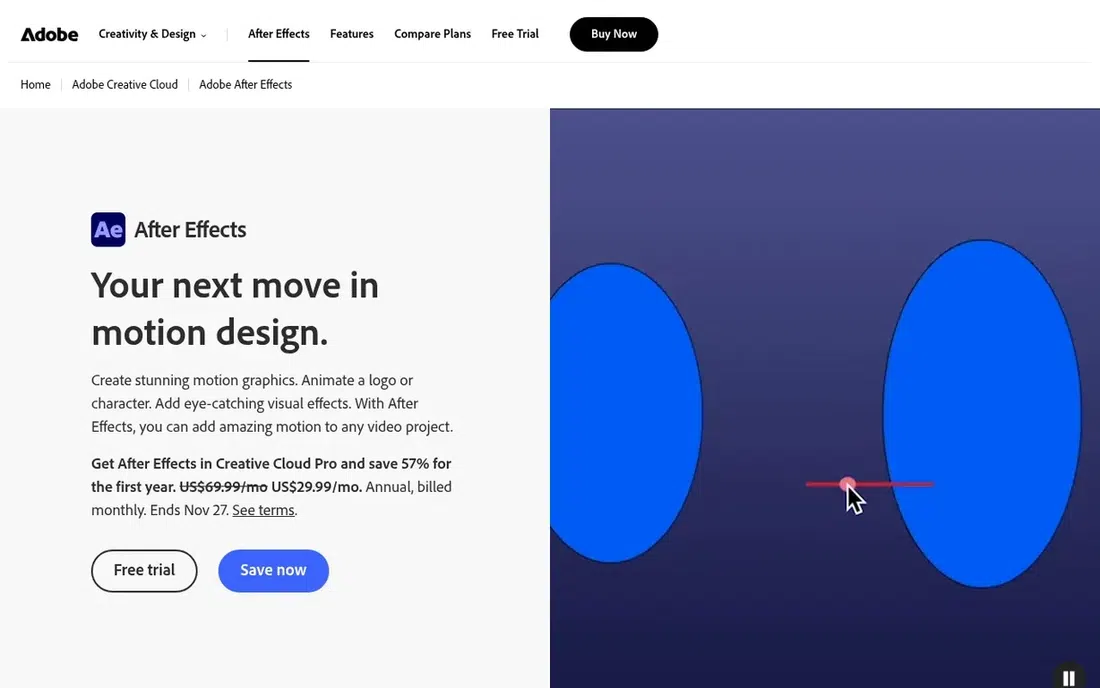
Adobe After Effects is designed for refined motion graphics for video. If your deliverable is rendered video instead of an interactive runtime asset, After Effects spans a wide range of compositing and animation needs in one environment.
Choose After Effects when production quality for video is the priority, and look to a Lottie-focused or game-focused tool when interactivity or runtime performance leads. Pricing for Adobe After Effects is not stated here, so ask the vendor for current figures. As for free access: Not stated.
Downsides: Heavier ramp-up time.
- Industry-standard motion graphics toolset
- Designs for film, TV
- Not built around interactive app runtimes
For animation inside a full game engine, Unity is a natural candidate. Unity is far broader than an animation tool, which means more setup and a bigger learning surface if you only need motion graphics. As for the details, Unity is described as a 3D game engine for developing, deploying and expanding projects across mobile, PC, console and XR, along with industrial applications.
What to check first: Much broader than animation alone.
For everyday use, teams producing straightforward web animations may find it excessive. Animation in Unity happens inside a complete engine, so teams already building interactive products can keep motion, logic and deployment in one environment. In practice, pick Unity when animation must live inside a live application or game, and use a dedicated animation tool when the deliverable is a standalone asset. The starting price for Unity: $210.00 per month. On free options: Free trial.
What users get: Supports interactive and industrial applications.
- Console and XR targets
- Spans mobile, PC
- Animation is one part of a large system
Haiku Animator
Best for: Lottie and dynamic web components
In short, Haiku Animator is for Lottie and dynamic web components. Haiku Animator is made for creating engaging animations for apps and websites, producing Lottie animations or dynamic web components through its timeline, stage and design tool integrations. Worth adding: the combination of a timeline workflow and component output makes it handy for product interfaces and marketing pages.
Its scope centers on web and app deliverables, so game character pipelines or broadcast video work fall outside its strengths. Beyond that, teams needing deep engine integration should look at Spine or Unity. Haiku Animator does not show a starting price in this comparison, so check the vendor site for current pricing. As for free access: Not stated.
Honest limits: Concentrated on web and app output.
What users get: Builds dynamic web components.
- Outputs Lottie animations
- Timeline
- Smaller scope than full engines
Spine
Best for: 2D skeletal animation for games
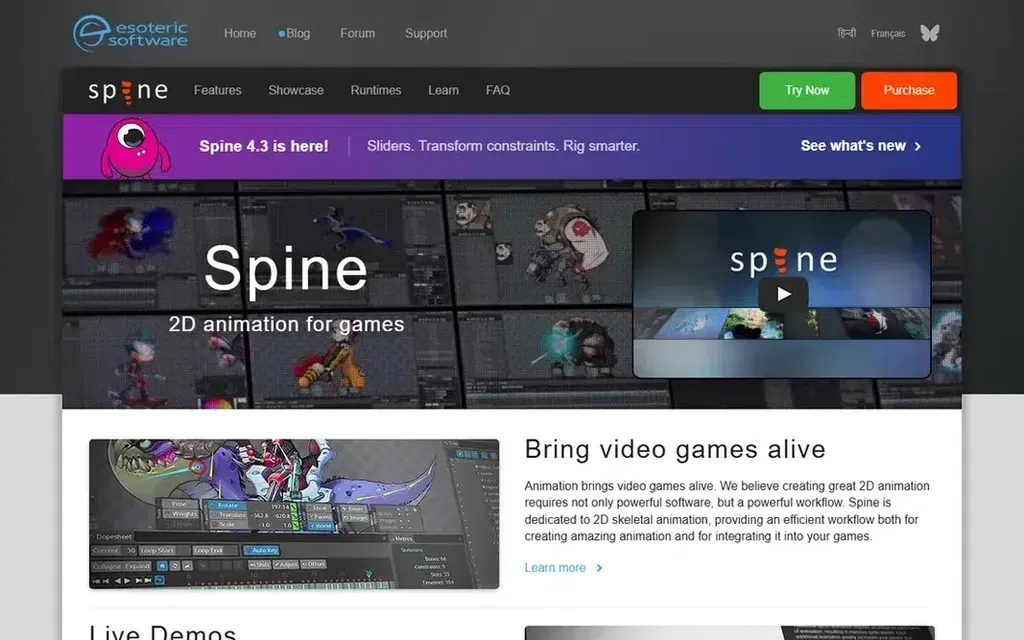
Spine is a good fit for 2D skeletal animation for games. Spine is pitched at game pipelines, so teams producing web interface motion or marketing video may find it a poor match. Spine is 2D skeletal animation software for video games, with the vendor noting support for Unity, C#, cocos2d-x, iOS, Android, C++, HTML5, JS and other engines.
From a buyer's view, getting decent results relies on understanding rigging and skeletal workflows. From a buyer's view, pick Spine when animated game characters and engine integration are central, and consider LottieFiles or Haiku Animator for web and app animation instead. This comparison lists no price for Spine; ask the vendor. On free options: Not stated.
Limits to weigh: Needs rigging knowledge.
- Focused workflow for character rigs
- Runtime support across plenty of engines and systems
- Game-oriented instead of web UI focused
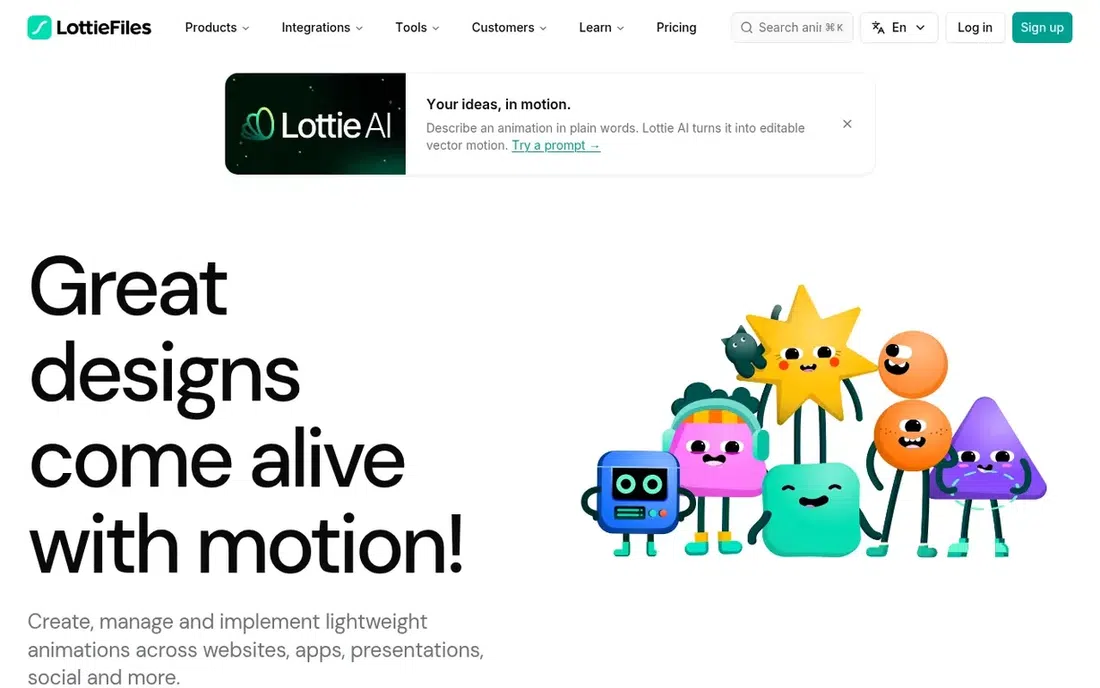
Think of LottieFiles for light Lottie animation workflows. Since the system revolves around the Lottie format, projects that require full 3D rendering or complicated character rigs may outgrow it. Teams already deep in a video compositing workflow might prefer a dedicated motion graphics suite.
Highlights: Ready-to-use motion graphics for web and apps; Produce, edit.
Honest limits: Centered on the Lottie format.
From a buyer's view, LottieFiles is a system for bringing small, ready-to-use motion graphics to the web, apps, social media and designs. Its description emphasizes creating, editing, testing, collaborating on and shipping Lottie animations rapidly. That makes it a natural fit for product and marketing teams that want light vector animation in interfaces without a heavy pipeline, and for designers who value a shared place to review and hand off motion work. Pick LottieFiles when fast, small web and app animations and collaboration matter more than wide rendering power. LottieFiles starts at: $19.99 per user per month. On free options: Not stated.
- Collaboration features built in
- Test and ship Lottie animations
- Less suited to full 3D work
How the list was put together
A buyer's checklist
- Ask Adobe After Effects, Haiku Animator and Spine for a written quote, since no starting price is shown.
- Run a trial of Unity with real work before paying for a year; your own workflow is the best test.
- Before choosing Adobe After Effects, weigh its main limit: heavier ramp-up time.
- Look at the help docs and support options for LottieFiles before you commit.
- Ask Spine whether prices are locked for the first term and what happens at renewal.
FAQ
What is the cheapest option for Rive in this list?
On published monthly entry prices, LottieFiles is the lowest here at $19.99 per user per month. Entry price is only part of the cost, because seats, add-ons and billing terms can change the total.
Can I try these tools before paying?
Often, yes. Unity offers a free trial. Use your own data and a real task during the test, and check what the free tier or trial limits before you rely on it. Each of the 5 options in this Rive alternatives guide has its own card above with the price, free plan and limits.
Is Adobe After Effects the right pick for everyone comparing Rive?
No single tool suits every team. Adobe After Effects comes first because it fits polished motion graphics for video, while Unity suits animation inside a full game engine and Haiku Animator suits Lottie and dynamic web components. Match the tool to your own size, budget and workflow before deciding.
What is the best Rive alternative for web animation?
This list starts with Adobe After Effects, which fits refined motion graphics for video. For other needs, Unity is aimed at animation inside a full game engine, and Haiku Animator at Lottie and dynamic web components. Check each tool's price and main limit first.
Does any tool for Rive here have a free plan?
No tool in this list, Adobe After Effects and LottieFiles included, has a permanent free plan. Unity offer a trial. Trials and quotes are the usual route, so plan a short evaluation period.
Sources
- https://www.adobe.com/products/aftereffects.html
- https://unity.com
- https://www.haikuanimator.com
- https://esotericsoftware.com
- https://lottiefiles.com