Best Rowing Machine Apps in 2026: 8 Apps Compared
Looking for the best rowing machine app? We compared 8 rowing apps for guided classes, data tracking, games and scenic routes to help you pick the right one.
- Editor's choice
 ErgData
Concept2 owners who want free tracking
Starts atFreeVisit concept2.comFull review - Great alternative
 Hydrow
Live and on-demand coached rowing
Starts atSee websiteVisit hydrow.comFull review - Also consider
 Peloton
Rowing plus a wider class library
Starts atSee websiteVisit peloton.comFull review
TL;DR:
- ErgData is the free, no-subscription starting point for Concept2 owners, while Hydrow and Peloton suit people who want coached classes.
- Check machine compatibility before you pay, since some apps only work with one brand of rower or one monitor type.
- Game-style apps such as Ergatta and EXR can help motivation, but they add a monthly cost on top of the machine itself.
- Free and low-cost tracking apps are often enough for steady training, and class apps are worth it mainly if you use the classes several times a week.
Quick comparison
| Tool | Best for | Starts at | Free plan? | |
|---|---|---|---|---|
| ErgData | Concept2 owners who want free tracking | Free | Yes | Visit |
| Hydrow | Live and on-demand coached rowing | See website | No | Visit |
| Peloton | Rowing plus a wider class library | See website | No | Visit |
 Ergatta | Game-based rowing motivation | See website | No | Visit |
 EXR | Virtual worlds and multiplayer rowing | See website | No | Visit |
 Kinomap | Real-world video routes | See website | No | Visit |
 ErgZone | Coach-created programming and intervals | See website | No | Visit |
 asensei | Guided technique coaching | See website | No | Visit |
The best rowing machine apps
A good rowing app does one of three jobs well: it records your work, it coaches you through it, or it makes the session more fun to finish. We compared official feature pages, pricing pages, app store listings and public reviews to sort the class leaders from the tracking tools and the game-style options.

ErgData is the official Concept2 companion app, and it remains the simplest choice for RowErg owners. It connects to the PM5 monitor, records each workout, and sends the result to your Concept2 logbook. From there you can share to Strava, Garmin and similar services. The Workout of the Day gives a ready session when you do not want to plan one yourself.
The trade-off is plain. ErgData is a data tool, not an entertainment platform. It will not talk you through a class or race you against a virtual field. If you like training by numbers and already follow your own plan, that focus is a strength. If you need a coach on screen to get started, pair it with a class app or pick a different option from this list.
- Free with no subscription
- Syncs to the Concept2 Online Logbook
- Shows live splits, stroke rate and heart rate data
- No coached classes
- Limited appeal if you do not own a Concept2
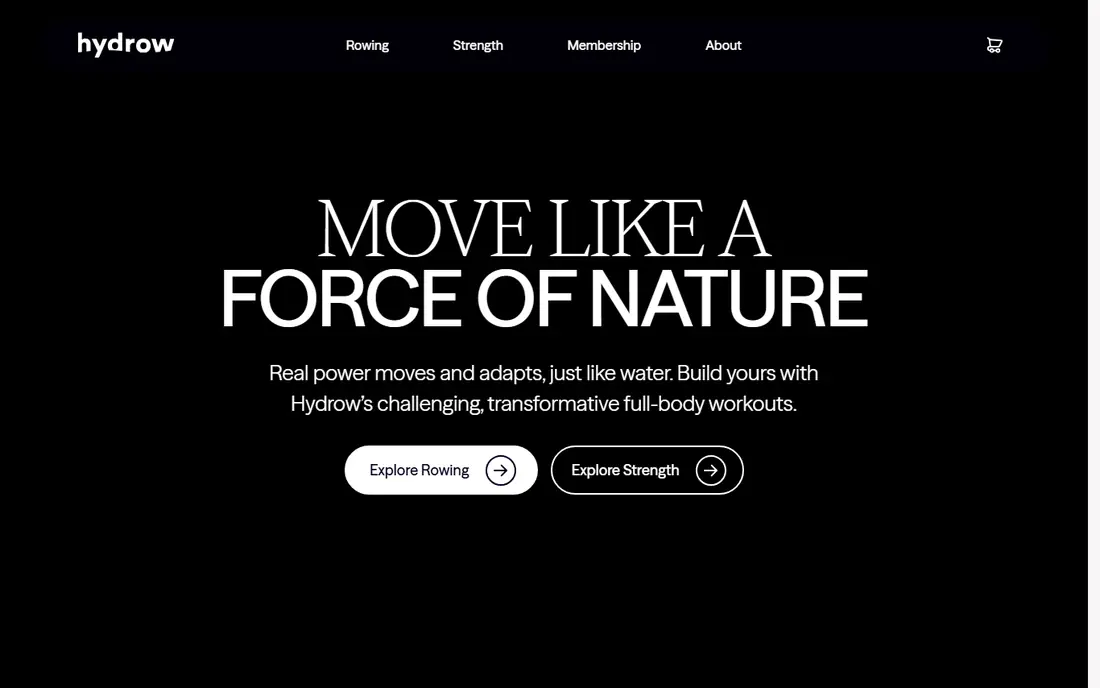
Hydrow built its name on filmed, trainer-led rowing that feels closer to a studio class than a workout log. Sessions range from short technique rows to longer endurance pieces, and the library also covers strength and mobility work off the rower. The live leaderboard adds a competitive edge for people who respond to racing others in real time.
The catch is the membership. Hydrow machines also offer a basic Just Row mode without a subscription, but the classes are the point of the platform. Before you commit, check the current monthly price on the Hydrow site and weigh it against how often you will actually row. Three sessions a week makes the cost easier to justify than one session a fortnight.
- Large library of trainer-led rows
- Scenic and outdoor rows
- Live leaderboard and community features
- Monthly membership is a major ongoing cost
- Full class access needs a subscription

Peloton is best known for cycling, but its rowing classes are a solid option for people who already like the Peloton style. Instructors lead sessions with clear cues, music and structured intervals, and the app also gives you strength, yoga and other classes for rest days. That breadth matters if you want one membership to cover more than rowing.
Peloton Row hardware is a separate purchase, and the app experience differs by device. People who only want rowing may find a rowing-first app gives more depth for the same money. People who want variety and already train with Peloton classes will get more value from the wider library.
- Wide range of rowing, strength and cardio classes
- Polished production
- Works across Peloton equipment and the app
- Rowing is one part of a larger platform
- Subscription required for full access
Ergatta turns rowing into a set of games rather than a set of classes. You race, chase targets and climb leaderboards, and the difficulty adapts to your ability so beginners and stronger rowers can both find a challenge. For people who find steady-state rowing dull, that structure can be the difference between skipping a session and finishing it.
The style is the main decision point. If you prefer a calm coach and scenic water, Ergatta may feel busy. If you like competition and short, sharp goals, it may keep you consistent for longer than a class library would. Check compatibility with your rower before subscribing, since the full experience is tied to Ergatta hardware or its connection kit.
- Games designed to make workouts feel competitive
- Personalised targets
- Works with Ergatta machines and a connection kit for some other rowers
- Game style will not suit everyone
- Subscription cost on top of hardware
EXR places your boat in virtual locations, including well-known rowing venues, and lets you train alone, follow a structured workout or race other users. It connects to Concept2 monitors and links to the Concept2 logbook, Strava and TrainingPeaks for analysis. That mix of immersion and real data is why it appeals to experienced indoor rowers as well as newcomers.
The app works best when you already own a compatible rower and enjoy training with numbers on screen. It is less useful as a pure coaching tool, since it does not replace a human coach for technique. Try the trial if one is offered, and check whether your monitor and device combination is supported before paying.
- Scenic virtual waterways
- Structured workouts and challenges
- Multiplayer racing and Concept2 logbook links
- Needs a compatible rower and a device to run it
- Virtual style is not for every rower
Kinomap uses real video footage so you row through actual rivers, lakes and coastal routes instead of a virtual world. Resistance can follow the terrain on compatible machines, which makes climbs and flat sections feel different. The platform also supports structured training sessions and challenges, so it is not only a scenic viewer.
The main limit is that filmed routes vary in quality, and some routes are better shot than others. People who want a coach talking them through intervals may prefer Hydrow or Peloton. People who want to explore real places from a home rower, and who already own a compatible machine, will find Kinomap a strong fit.
- Large library of real filmed routes
- Works with many connected rowers
- Training and coaching modes
- Video quality varies by route
- Route library matters more than class coaching
ErgZone is built for people who train with a plan. Coaches can share workouts, you can build intervals, and the app shows live data during the session. That makes it useful for clubs, teams and self-coached athletes who want precise sessions rather than a general fitness class.
It is not trying to entertain you with filmed classes or games. The value is in structure, repeatability and clear data. If you follow a training programme or work with a coach, ErgZone is an easy recommendation. If you need motivation to start, a class or game app may suit you better.
- Library of structured workouts
- Coach programming
- Real-time data display
- Works with Concept2, RP3 and some WaterRower machines
- Less entertainment content than class or game apps
- Interface rewards users who like programming
asensei focuses on coaching and technique rather than sheer class volume. Programmes are led by experienced coaches and build gradually, which helps beginners learn a sound stroke and helps returning rowers fix common faults. The app tracks progress against the plan, so you can see whether fitness and technique are moving together.
That coaching focus is also its limit. If you want hundreds of new classes each week, Peloton or Hydrow will give you more choice. If you want a plan that teaches you to row better, and you are happy to follow it week by week, asensei is a thoughtful pick.
- Coaching-led programmes
- Technique focus
- Progressive training plans
- Smaller content library than the big class platforms
- Coaching style may feel prescriptive
How we picked these
We compared official feature pages, pricing pages and app store listings for rowing apps that work in October 2026, and we checked compatibility notes for Concept2, WaterRower and other connected machines. We favoured apps with a clear job, a current product and honest pricing, and we kept a mix of free tracking, coached classes, games and scenic routes. We did not claim hands-on testing, and we left out apps that were discontinued, region-locked or tied to hardware that is no longer sold.
How to choose a rowing app
Start with your rower, not the app store. Check whether the app connects to your monitor by Bluetooth or a cable, and whether it needs a specific monitor version. Concept2 PM5 owners have the widest choice, while some brand apps only work fully on their own machines. A short trial, where offered, is the fastest way to test connection stability before you pay for a year.
Next, match the app to your motivation style. Class lovers should shortlist Hydrow and Peloton. People who train by numbers should start with ErgData or ErgZone. Gamers should try Ergatta or EXR, and scenery lovers should try Kinomap. Technique-focused beginners should look at asensei first. Paying for a class library you open twice a month is poor value, while a free tracker you use five times a week is excellent value.
Finally, add up the total cost. A free app plus a machine you already own beats a subscription you resent after three months. Check whether the price is monthly or annual, whether family members can share it, and whether cancelling leaves you with a usable basic mode. Keep your data portable where possible, so a change of app does not mean losing years of workouts.
FAQ
Do I need a subscription to use a rowing machine app?
No. ErgData is free for Concept2 owners, and some machines include a basic row mode without a membership. Subscriptions pay for classes, games, scenic routes or coaching, not for the basic act of rowing.
What is the best rowing app for a Concept2 RowErg?
ErgData is the natural starting point because it is free, official and syncs to the Concept2 logbook. EXR, ErgZone, Kinomap and asensei also support Concept2 machines and add virtual worlds, programming, routes or coaching. Your choice depends on whether you want data, games or classes most.
Can I use Hydrow or Peloton classes without buying their rower?
Both brands sell app access, and you can often follow classes on a different rower with a device mount, but the experience is not identical to using their own hardware. Check current app compatibility and whether metrics sync from your machine before subscribing.
Are rowing apps good for beginners?
Yes, when they teach technique and build gradually. Look for beginner programmes, technique cues and short sessions first, and avoid jumping straight into long, hard intervals. A coach-led app such as asensei, or a beginner series on a class app, is a safer start than an open leaderboard race.
Do rowing apps work with WaterRower machines?
Some do, including Kinomap and ErgZone on supported models, and CITYROW and other brand apps serve WaterRower owners. Compatibility varies by monitor, so check the app maker page for your exact model before you pay.
How much should I expect to pay each month?
Free tracking costs nothing beyond the machine. Paid class, game and scenic apps usually charge a monthly subscription, with annual billing often cheaper per month. Check the vendor site for the current price, since subscription prices have changed during 2026.