Top PRO Landscape Alternatives in 2026: 5 Picks Ranked
PRO Landscape alternatives: 5 tools compared on price, free plans and fit. We put AutoCAD first for precise DWG drafting and collaboration. See the full list.
- Editor's choice
 AutoCAD
Precise DWG drafting and collaboration
Starts atSee websiteVisit autodesk.comFull review - Great alternative
 SketchUp Pro
Accessible 3D modeling and documentation
Starts at$30 per user a yearVisit sketchup.comFull review - Also consider
 Lumion
Quick live visualization and rendering
Starts at$96 named user per monthVisit lumion.comFull review
Direct answer
Start with AutoCAD if you need precise DWG drafting and collaboration. Listed starting prices: SketchUp Pro from $30 per user a year, Lumion from $96 named user per month and DynaSCAPE from $48 a month. SketchUp Pro is the stronger choice for accessible 3D modeling and documentation, while Lumion suits quick live visualization and rendering. The other 2 tools in the list cover narrower or pricier cases.
TL;DR:
- AutoCAD sits first on this list: precise DWG drafting and collaboration.
- The main caution on AutoCAD: not landscape-specific from day one.
- None of the 5 tools, from AutoCAD to Vectorworks Landmark, has a free plan, so budget for a subscription or use a trial.
- SketchUp Pro has the lowest monthly starting price in this list: $30 per user per year.
Last checked November 2026. Prices and plan details were read from the vendors' own pages in November 2026; vendors change plans often, so confirm the current price on the vendor site before you buy.
Quick comparison
| Tool | Best for | Starts at | Free plan? | |
|---|---|---|---|---|
| AutoCAD | Precise DWG drafting and collaboration | See website | Not stated | Visit |
| SketchUp Pro | Accessible 3D modeling and documentation | $30 per user a year | Not stated | Visit |
| Lumion | Quick live visualization and rendering | $96 named user per month | Free trial | Visit |
 DynaSCAPE | Design plus business management | $48 a month | Free trial | Visit |
 Vectorworks Landmark | All-in-one landscape design and documentation | See website | Not stated | Visit |
Tool-by-tool breakdown
This LinkVetted guide covers 5 options for PRO Landscape. Each profile lists a starting price, free plan details, strengths and drawbacks, so you can drop poor fits quickly.
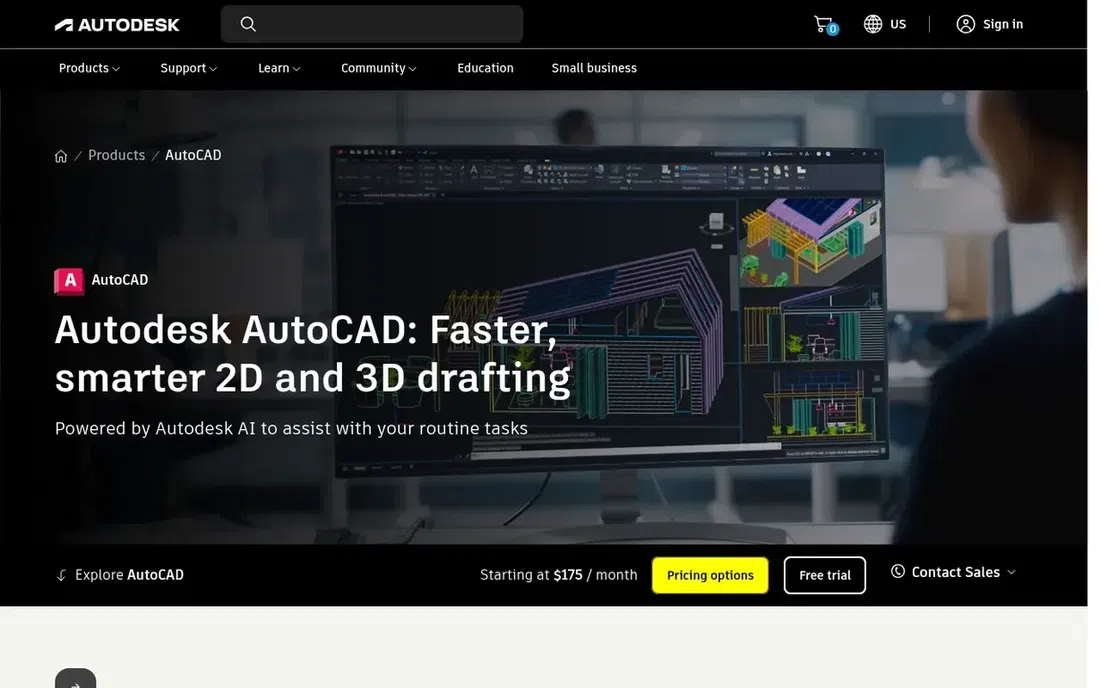
AutoCAD serves precise DWG drafting and collaboration. Its vendor flags automation and performance improvements in the current release.
Worth adding: AutoCAD is a general drafting tool, so planting libraries, irrigation symbols and landscape-specific documentation need customization or extras. AutoCAD does not show a starting price in this comparison, so check the vendor site for current pricing. Free plan details: Not stated.
Honest limits: Not landscape-specific from day one.
- Desktop and web collaboration
- Wide drafting and automation features
- Needs customization for planting and irrigation
For accessible 3D modeling and documentation, SketchUp Pro is a natural candidate. Landscape-specific features like planting schedules and irrigation planning are not native, so documentation can take additional effort. As for the details, pick it when adaptable modeling and clear client visuals matter more than built-in landscape workflows.
From a buyer's view, businesses with heavy construction-document demands may pair it with other tools. For everyday use, SketchUp Pro is professional 3D design software from Trimble, offering precision modeling plus LayOut for producing documentation. Its approachable modeling environment makes it a typical starting point for landscape designers who want to build and present spatial concepts rapidly. The starting price for SketchUp Pro: $30 per user per year. Trial and free access: Not stated.
What users get: LayOut for documentation.
Trade-offs to know: Limited landscape-specific tooling.
- Widely used and approachable
- Precision 3D modeling
- Advanced documentation needs additional effort
Lumion is a good fit for quick live visualization and rendering. Teams without an existing model source will need one first.
The main drawbacks: Relies on models created elsewhere.
Landscape designers commonly use it to turn models built in other software into compelling client presentations. Starting cost for Lumion: $96 named user per month. Free options: Free trial.
- Suits architectural presentation workflows
- Supports concept-to-final visualization
- Rendering tool

For design plus business management, DynaSCAPE is a natural candidate. The vendor frames it as a way to help landscape companies scale.
Also, teams already committed to a separate business management system may see overlap. Price to start with DynaSCAPE: $48 per month. Free access: Free trial.
Points against: Narrower general-purpose drafting reach.
- Supports scaling a design business
- Design tools paired with business management
- Business modules may overlap with other software
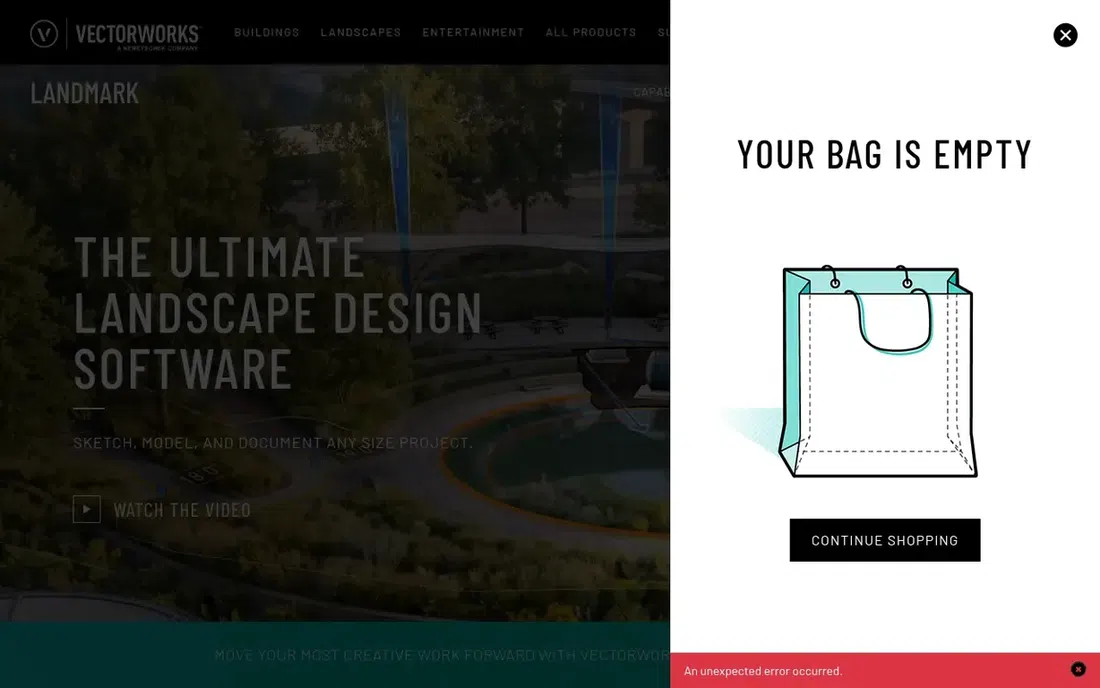
Vectorworks Landmark is designed for all-in-one landscape design and documentation. Its vendor describes workflows that span design, presentation, irrigation and documentation, which means a project can move from concept sketches to construction paperwork without switching applications.
What to check first: Wide feature set takes time to learn.
Also, consider a lighter choice if documentation and irrigation planning are not part of your usual scope. More specifically, the breadth of the product means a steeper ramp-up time and more setup than a focused drafting tool. Vectorworks Landmark does not show a starting price in this comparison, so check the vendor site for current pricing. Free plan details: Not stated.
- Presentation and irrigation work
- Aimed at professional landscape projects
- May be more than small studios need
How we compared the tools
Selection started from tools commonly considered for PRO Landscape, then narrowed to 5 that have clear pricing information or a clear quote process. Where a vendor does not publish a price, the entry says quote. Where a price depends on seats or billing term, the entry says so. Position on the page reflects fit for a typical buyer first, with price clarity and free access breaking ties. Treat it as a guide, not a ruling.
Questions to settle before buying
- Ask AutoCAD and Vectorworks Landmark for a written quote, since no starting price is shown.
- Run a trial of Lumion and DynaSCAPE with real work before paying for a year; your own workflow is the best test.
- Before choosing AutoCAD, weigh its main limit: not landscape-specific from day one.
- Ask SketchUp Pro whether prices are locked for the first term and what happens at renewal.
- Work out what DynaSCAPE costs with your real seat count, add-ons and usage, not just the entry price.
FAQ
Is AutoCAD the right pick for everyone comparing PRO Landscape?
No single tool suits every team. AutoCAD comes first because it fits precise DWG drafting and collaboration, while SketchUp Pro suits accessible 3D modeling and documentation and Lumion suits fast real-time visualization and rendering. Match the tool to your own size, budget and workflow before deciding.
Do these tools publish their prices?
Not all of them. AutoCAD and Vectorworks Landmark publish no starting price, so expect a quote request for those. The rest, SketchUp Pro included, show a starting price, though seats and billing terms still change the final cost.
Is SketchUp Pro enough on its own for landscape work?
SketchUp Pro deals with precision modeling and documentation through LayOut, and plenty of designers use it as a core tool. It is a solid fit for adaptable, approachable modeling.
Can I try these tools before paying?
Often, yes. Lumion and DynaSCAPE offer a free trial. Use your own data and a real task during the test, and check what the free tier or trial limits before you rely on it.
Does any tool for PRO Landscape here have a free plan?
No tool in this list, AutoCAD and Vectorworks Landmark included, has a permanent free plan. Lumion, DynaSCAPE offer a trial. Trials and quotes are the usual route, so plan a short evaluation period.
Which PRO Landscape alternative is a good match for full landscape documentation?
The first pick on this list is AutoCAD, because it suits precise DWG drafting and collaboration. SketchUp Pro is better for accessible 3D modeling and documentation, and Lumion for quick live visualization and rendering. Check price and limits against your own needs before choosing.
Sources
- https://www.autodesk.com/products/autocad
- https://www.sketchup.com/plans-and-pricing/sketchup-pro
- https://lumion.com
- https://www.dynascape.com
- https://www.vectorworks.net/en-US/landmark