Placeit Alternatives in 2026: 5 Options Vetted
Placeit alternatives: 5 tools compared on price, free plans and fit. VistaCreate comes first for AI design for social and print. Pick with confidence.
- Editor's choice
 VistaCreate
AI design for social and print
Starts atSee websiteVisit create.vista.comFull review - Great alternative
 Piktochart
Infographics and data visualization
Starts at$10 per member per monthVisit piktochart.comFull review - Also consider
 Canva
All-around design for any project
Starts atSee websiteVisit canva.comFull review
Direct answer
If you need AI design for social and print, VistaCreate is the first tool to look at here. Listed starting prices: Piktochart from $10 per member per month and Snappa from $10 a month. Look at Piktochart for Infographics and data visualization, and at Canva for all-around design for any project. The remaining 2 options are covered below with prices and limits.
TL;DR:
- This list starts with VistaCreate, which is built for AI design for social and print.
- The cheapest monthly starting price in the list is $10 per member per month, offered by Piktochart.
- Only 3 of the 5 tools have a free plan (VistaCreate, Piktochart, Snappa), so check the caps.
- PicMonkey is the one to check for photo editing and graphic design.
Last checked November 2026. Prices and plan details were read from the vendors' own pages in November 2026; vendors change plans often, so confirm the current price on the vendor site before you buy.
Quick comparison
| Tool | Best for | Starts at | Free plan? | |
|---|---|---|---|---|
| VistaCreate | AI design for social and print | See website | Yes | Visit |
| Piktochart | Infographics and data visualization | $10 per member per month | Yes | Visit |
| Canva | All-around design for any project | See website | Not stated | Visit |
 Snappa | AI-generated social media graphics | $10 a month | Yes | Visit |
 PicMonkey | Photo editing and graphic design | See website | Free trial | Visit |
The 5 tools in detail
LinkVetted compared 5 tools for Placeit. The goal is a practical shortlist: published prices, free plan facts, best-fit use cases and honest limits for every entry.
VistaCreate targets AI design for social and print. VistaCreate is an AI graphic design software for online and print.
Also, certain templates and assets are only available with a premium subscription. VistaCreate does not show a starting price in this comparison, so check the vendor site for current pricing. VistaCreate includes a free tier.
Points against: Some assets need a premium plan.
- Approachable interface
- Templates for online and print
- Restricted advanced editing tools
Piktochart targets Infographics and data visualization. Piktochart is an infographic tool and AI design product that turns data into visuals rapidly. Its Pikto AI Studio helps build designs, presentations, reports, ebooks, and videos without design experience.
Piktochart is optimized for infographics and data visuals, so it may not be the best choice for everyday social media graphics. Also, certain advanced features are available only with a subscription. What you pay to start with Piktochart: $10 per member per month. A free plan is available with Piktochart.
Honest limits: Some features need a premium plan.
- Specialized in infographics
- Templates for reports and ebooks
- Less suited for general graphic design
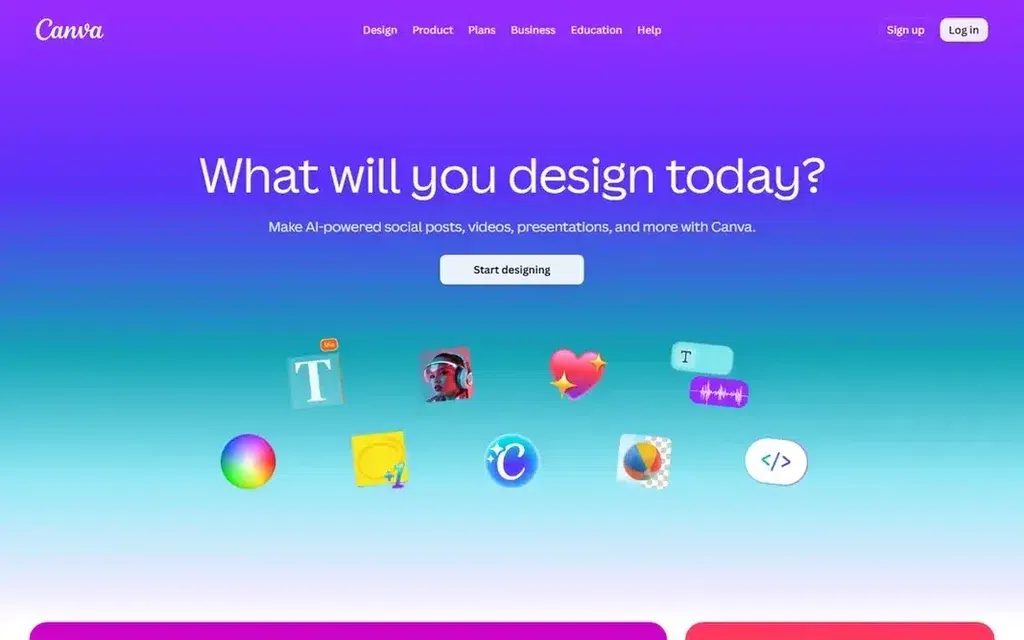
Canva was built for all-around design for any project. Canva is an online graphic design tool that lets you build social media posts, presentations, posters, videos, logos, and more. Its visual suite is built for everyone, from beginners to professionals, and it provides a vast collection of templates and elements.
Watch-outs: Can be overwhelming for beginners.
Also, some advanced features and content are locked behind a subscription. From a buyer's view, if you prefer a more focused tool for infographics or photo editing, consider Piktochart or PicMonkey instead. This comparison lists no price for Canva; ask the vendor. As for free access: Not stated.
- Collaboration features
- Supports numerous design types
- Some features need a premium plan
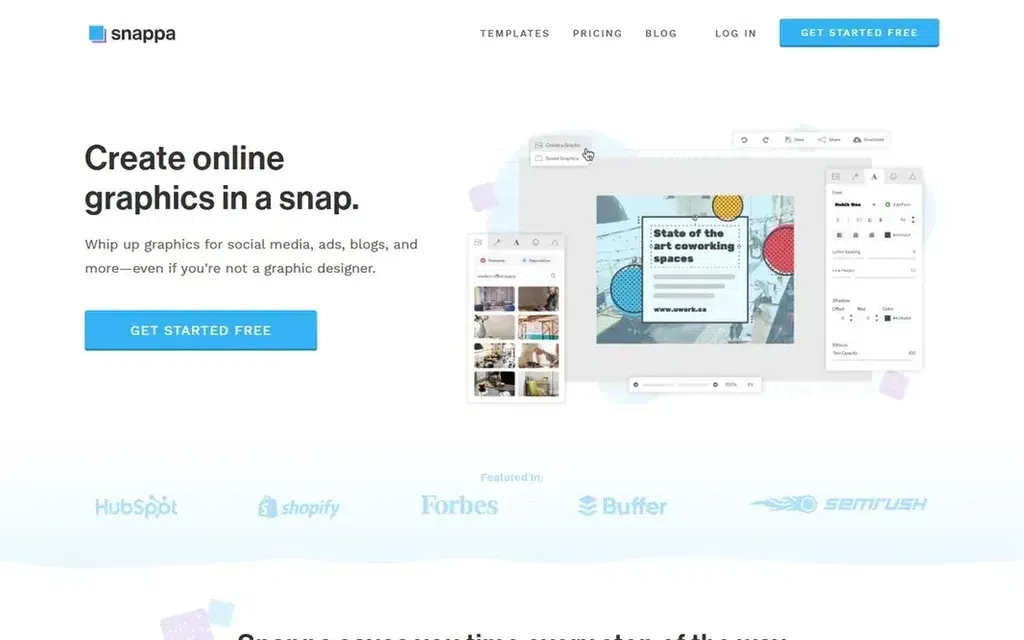
For AI-generated social media graphics, Snappa is a natural candidate. Snappa concentrates on social media and blog graphics, so it may not handle other design needs like presentations or infographics.
Watch-outs: Fewer template categories.
Also, its template variety is narrower than some competitors. On cost, Snappa starts like this: $10 per month. Snappa offers a free plan.
- Quick creation for social ads
- Straightforward interface
- Restricted to social and blog graphics
PicMonkey is aimed squarely at photo editing and graphic design. PicMonkey is a photo editor and graphic design maker that lets you build beautiful photos, logos, social media graphics, and Facebook spans. It gives you templates, graphics, and stock photos and video.
Honest limits: Less focus on infographics.
Also, some features are behind a paywall. In practice, if infographics are your priority, Piktochart is a better alternative. No starting price is listed for PicMonkey here; confirm pricing on the vendor site. Trial and free access: Free trial.
- Stock photos and video included
- Templates for logos and social graphics
- Some features need a premium plan
How we chose
Pre-purchase checklist
- Get a written quote from VistaCreate, Canva and PicMonkey; the list shows no starting price for them.
- Look at free plan limits closely: VistaCreate, Piktochart and Snappa have one, and the caps decide whether it is usable for real work.
- Run a trial of PicMonkey with real work before paying for a year; your own workflow is the best test.
- Read the limits listed for VistaCreate first: restricted advanced editing tools.
- The entry price of Snappa is only the starting point; model the full cost with seats and extras.
- Check whether VistaCreate bills monthly or annually, and what cancelling early costs.
FAQ
Is VistaCreate the right pick for everyone comparing Placeit?
No single tool suits every team. VistaCreate comes first because it fits AI design for social and print, while Piktochart suits Infographics and data visualization and Canva suits all-around design for any project. Match the tool to your own size, budget and workflow before deciding.
How are the tools for Placeit ordered?
The order follows typical fit for Placeit, with VistaCreate first and PicMonkey last, then price clarity and free access. It is editorial judgement, not a score, so another team could rank the tools differently.
What is the best free alternative to Placeit?
The first pick on this list is VistaCreate, because it suits AI design for social and print. Piktochart is better for Infographics and data visualization, and Canva for all-around design for any project. Check price and limits against your own needs before choosing.
Are these tools right for creating social media graphics?
Yes, most of these tools, including Canva, VistaCreate, and Snappa, offer templates and AI features for social media graphics. Snappa focuses specifically on prompt-to-graphic creation for social ads and blogs.
Do these tools publish their prices?
Not all of them. VistaCreate, Canva and PicMonkey publish no starting price, so expect a quote request for those. The rest, Piktochart included, show a starting price, though seats and billing terms still change the final cost.
Which Placeit alternative is a good match for infographics?
Start with VistaCreate if you need AI design for social and print. Piktochart is the better match for Infographics and data visualization, and Canva for all-around design for any project. The best choice depends on budget, team size and workflow.
Sources
- https://create.vista.com
- https://piktochart.com
- https://www.canva.com
- https://snappa.com
- https://www.picmonkey.com