PixVerse Alternatives in 2026: 5 Options Vetted
PixVerse alternatives, compared. 5 tools with published prices, free plans and limits. Each listing flags where it falls short. Budget notes included.
- Editor's choice
 Adobe Firefly
Creative suites with image, audio and video
Starts atSee websiteVisit adobe.comFull review - Great alternative
 HeyGen
Personal avatar and talking-head videos
Starts at$29 per monthVisit heygen.comFull review - Also consider
 Hailuo AI
Social video, image and meme content
Starts atSee websiteVisit hailuoai.videoFull review
Direct answer
If you need creative suites with image, audio and video, Adobe Firefly is the first tool to look at here. Listed starting prices: HeyGen from $29 per month and Pika from $10 per month. Look at HeyGen for personal avatar and talking-head videos, and at Hailuo AI for social video, image and meme content. The full list of 5 tools follows, with prices and free plan facts.
TL;DR:
- This list starts with Adobe Firefly, which is built for creative suites with image, audio and video.
- Kling AI is the one to check for Multimodal text, image and reference input.
- 2 of 5 tools offer a free plan: HeyGen, Pika.
- Pika is the lowest-priced starter here at $10 per month.
- Check the limits for Pika before you commit: model choice can overwhelm beginners.
Last checked November 2026. Prices and plan details were read from the vendors' own pages in November 2026; vendors change plans often, so confirm the current price on the vendor site before you buy.
Quick comparison
| Tool | Best for | Starts at | Free plan? | |
|---|---|---|---|---|
| Adobe Firefly | Creative suites with image, audio and video | See website | Not stated | Visit |
| HeyGen | Personal avatar and talking-head videos | $29 per month | Yes | Visit |
| Hailuo AI | Social video, image and meme content | See website | Not stated | Visit |
 Pika | Multi-model video, image and audio creation | $10 per month | Yes | Visit |
 Kling AI | Multimodal text, image and reference input | See website | Not stated | Visit |
5 options for PixVerse in detail
Short on time? The summary and table above give the quick view of 5 tools for PixVerse, and the profiles that follow give the detail behind each entry.
Adobe Firefly serves creative suites with image, audio and video. Adobe Firefly is a generative AI offering for creating and editing images, audio and video. It also lets you try models from other providers.
What Adobe Firefly does well: Also surfaces models from other providers.
Standalone video creators may find a dedicated generator more direct. Beyond that, the mix of media types makes it a wide alternative instead of a video-only one. More specifically, Firefly is most handy if you are invested in Adobe's ecosystem, and what you can do relies on the specific product and model you use. This comparison lists no price for Adobe Firefly; ask the vendor. Trial and free access: Not stated. Drawbacks to consider: Best value inside Adobe ecosystem.
- Suits Adobe creative workflows
- Handles images
- Feature access varies by product
HeyGen is aimed squarely at personal avatar and talking-head videos. HeyGen concentrates on AI videos built around a personal avatar that uses your face and voice.
Honest limits: Narrower than general video generators.
So you can produce clear, confident videos without filming each one. The avatar-centric approach makes it a distinct alternative to prompt-based video generators. Entry price for HeyGen: $29 per month. You can start on HeyGen without paying.
Where HeyGen stands out: Reduces repeat filming.
- Personal avatar from your face and voice
- Geared toward clear
- Avatar quality relies on source material
Choose Hailuo AI for social video, image and meme content. Pick Hailuo when quick, shareable content is the goal. Worth adding: results still vary by prompt and source image.
Drawbacks to consider: Fewer pro workflow features.
The meme-oriented extras make it simple to lean into playful formats. Its social-first focus means fewer of the structured, professional workflow features found elsewhere, so long-form or brand-critical projects may need a different tool. Hailuo AI does not show a starting price in this comparison, so check the vendor site for current pricing. On free options: Not stated.
- Text and photo to video
- Designed for social creators
- Geared toward short-form content

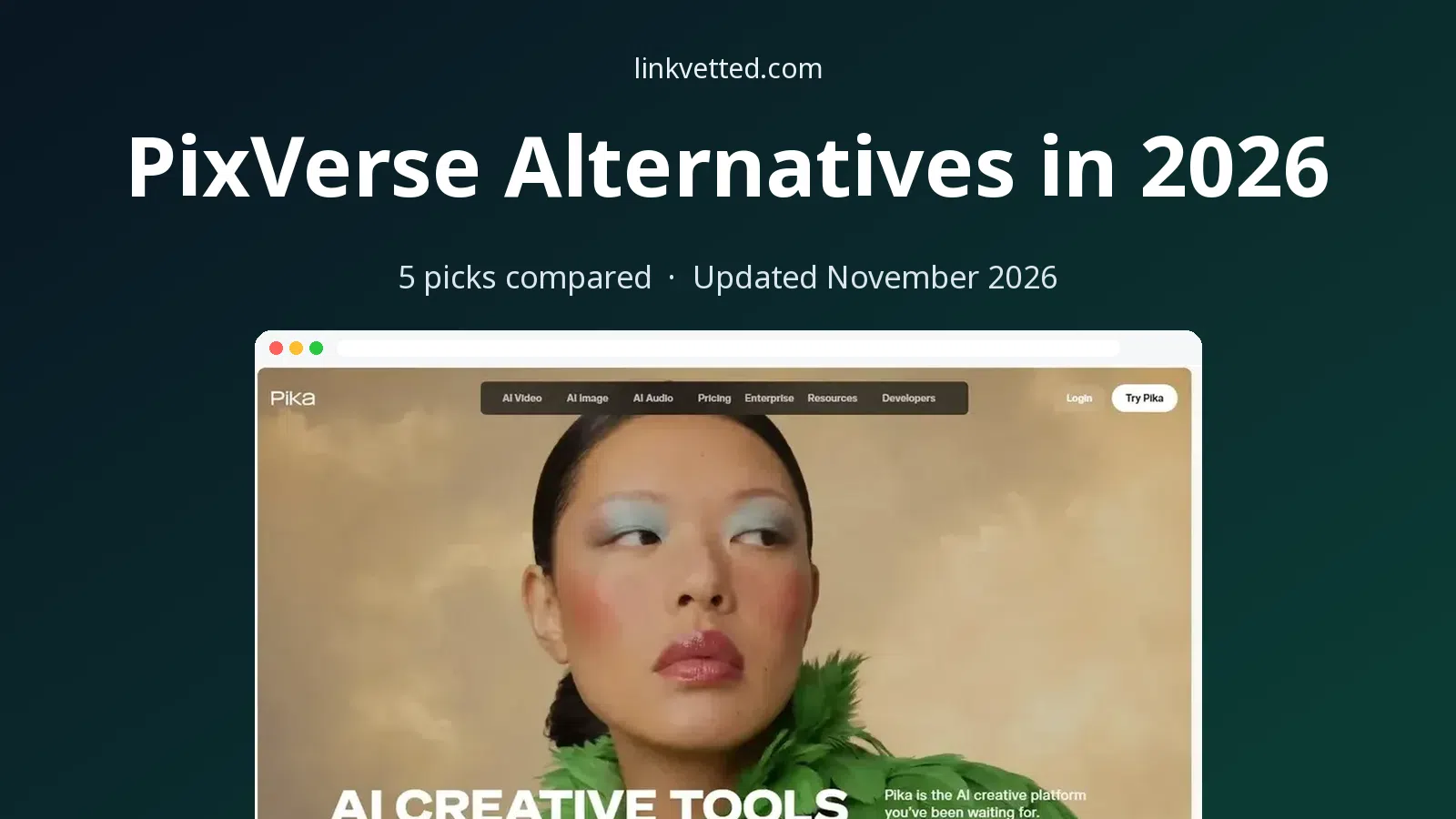
In short, Pika is for multi-model video, image and audio creation. Pika presents itself as a creative product for video, images and audio, letting you work with models for example Seedance, Kling, Veo and Wan in one place.
Downsides: Model choice can overwhelm beginners.
It fits hobbyists and small teams that value adaptability over a single fixed model. What you pay to start with Pika: $10 per month. Pika has a free plan.
- Single creative workspace
- Multiple video models in one product
- Output quality varies by model

Kling AI targets Multimodal text, image and reference input. It appeals to creators who want to guide output with reference material instead of text alone. If you prefer a stripped-down prompt box, a more straightforward tool may be less friction.
Points against: Reference handling needs experimentation.
Worth adding: the combined video and image setup keeps related work in a single environment. In daily use, the range of input types means a ramp-up time, and reference-driven results can need multiple attempts to land where you want. Kling AI does not show a starting price in this comparison, so check the vendor site for current pricing. Free plan details: Not stated.
- Accepts text
- Video and image in one studio
- Feature set takes time to learn
Our selection method
LinkVetted looked at what each vendor publishes: pricing, plan limits, feature coverage for PixVerse and stated drawbacks. No hands-on testing is claimed. Seat minimums, billing terms and add-ons can move the real cost, so the starting prices here are a guide and not a quote. The order reflects how well each tool fits the most common buying scenario for PixVerse, then price clarity, then free plan access. It is a starting point, not a verdict.
What to check before you buy
- Get a written quote from Adobe Firefly, Hailuo AI and Kling AI; the list shows no starting price for them.
- Check what the free option really includes: HeyGen and Pika offer a free plan, and usage caps differ.
- Before choosing Adobe Firefly, weigh its main limit: best value inside Adobe ecosystem.
- Read the plan comparison for Pika carefully; key features often start on a higher tier.
- Pick one real project and run it in HeyGen first; a small pilot shows fit faster than a checklist.
FAQ
Which options for PixVerse have a free plan?
On this list, HeyGen and Pika include a free plan. Caps on seats, usage or features are common, so test the free plan against your real workload. All 5 picks in this PixVerse alternatives comparison list a starting price, free plan details and the main limits on their cards above.
What is the cheapest option for PixVerse in this list?
On published monthly entry prices, Pika is the lowest here at $10 per month. Entry price is only part of the cost, because seats, add-ons and billing terms can change the total. For the full picture, the cards above cover all 5 entries of this PixVerse alternatives list, including price, free plan and limits.
How should I choose between these AI video tools?
Then confirm current model support and workflow fit on the vendor site. A short trial project normally reveals which tool matches your process.
What is the best PixVerse alternative for multi-model video work?
Start with Adobe Firefly if you need creative suites with image, audio and video. HeyGen is the better match for personal avatar and talking-head videos, and Hailuo AI for social video, image and meme content. The best choice depends on budget, team size and workflow.
Can I use these tools for social media content?
Yes, multiple are oriented toward creators and short-form output, with Hailuo AI explicitly bundling video, image and meme tools for social content. Always check each vendor's terms for how output can be used.
How are the tools for PixVerse ordered?
Adobe Firefly sits first and Kling AI last because the order follows typical fit for PixVerse, then price clarity and free access. It is a judgement call, so read each profile for fit and limits.
Sources
- https://www.adobe.com/products/firefly.html
- https://www.heygen.com
- https://hailuoai.video
- https://pika.art
- https://klingai.com