Pacdora Alternatives in 2026: 5 Options Vetted
5 products for Pacdora alternatives, ranked by fit, with starting costs and free tiers. Strengths and weak spots are spelled out. Narrow your shortlist.
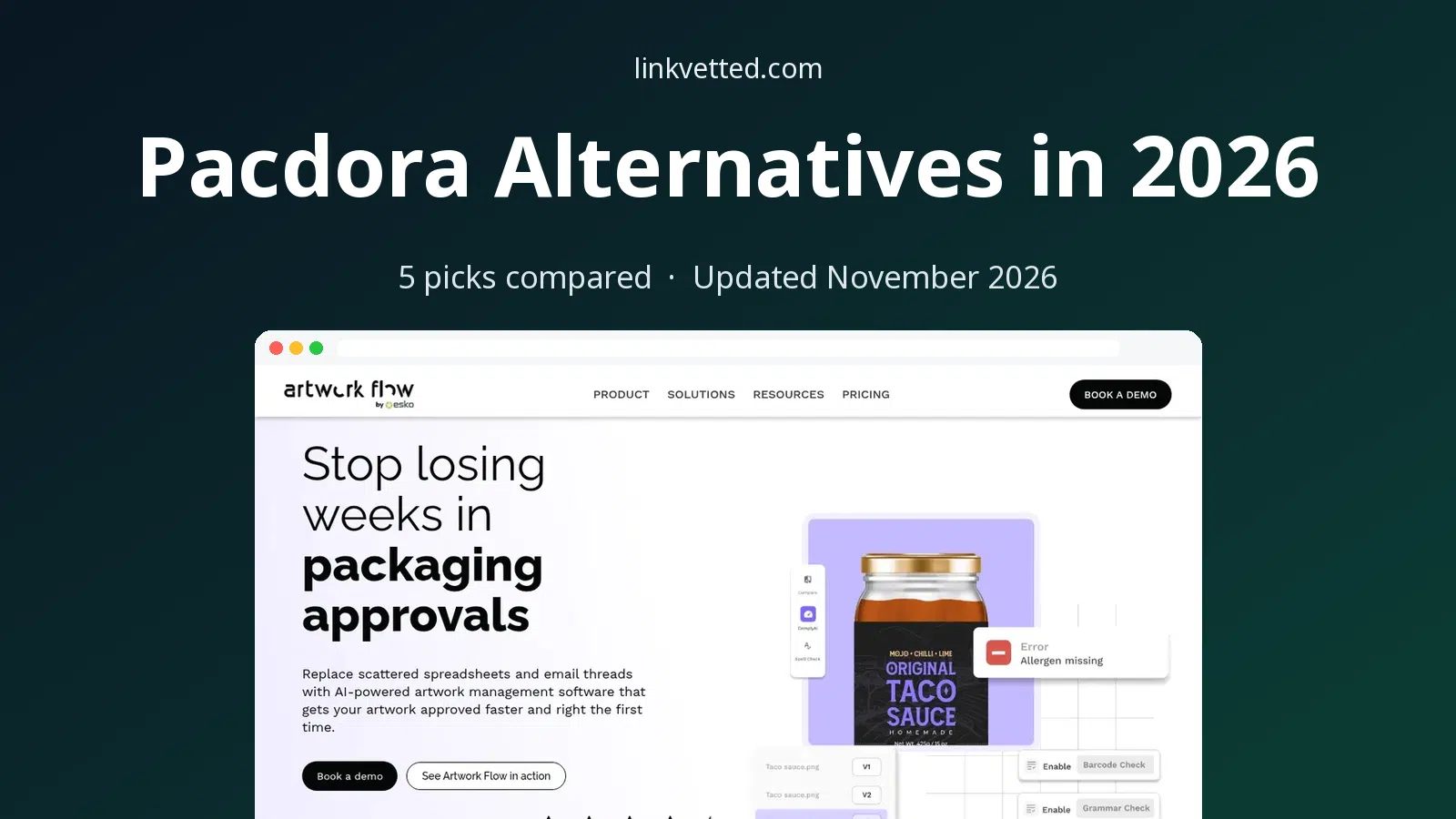
- Editor's choice
 Artwork Flow
Regulated artwork reviews and approvals
Starts at$30 per user per monthVisit artworkflowhq.comFull review - Great alternative
 CorelDRAW
Vector, illustration and technical design
Starts atSee websiteVisit coreldraw.comFull review - Also considerPackify
AI-driven packaging concepts and dielines
Starts at$9.9 per month per seatVisit packify.aiFull review
Direct answer
Artwork Flow comes first here, mainly for regulated artwork reviews and approvals. Listed starting prices: Artwork Flow from $30 per user per month and Packify from $9.9 per month per seat. If your case is different, CorelDRAW suits vector, illustration and technical design and Packify suits AI-driven packaging concepts and dielines. Details, prices and limits for the rest of the 5 tools are below.
TL;DR:
- Artwork Flow takes the first slot, best suited to regulated artwork reviews and approvals.
- Before buying Packify, weigh this: narrow focus on packaging.
- Adobe Illustrator fits professional vector design and illustration.
- A free plan is available from 2 of the 5 tools: Artwork Flow, Packify.
- For the cheapest start, look at Packify: $9.9 per month per seat.
Last checked November 2026. Prices and plan details were read from the vendors' own pages in November 2026; vendors change plans often, so confirm the current price on the vendor site before you buy.
Quick comparison
| Tool | Best for | Starts at | Free plan? | |
|---|---|---|---|---|
| Artwork Flow | Regulated artwork reviews and approvals | $30 per user per month | Yes | Visit |
| CorelDRAW | Vector, illustration and technical design | See website | Not stated | Visit |
| Packify | AI-driven packaging concepts and dielines | $9.9 per month per seat | Yes | Visit |
 Canva | Fast, accessible visual design | See website | Not stated | Visit |
 Adobe Illustrator | Professional vector design and illustration | See website | Not stated | Visit |
The full Pacdora list
Short on time? The summary and table above give the quick view of 5 tools for Pacdora, and the profiles that follow give the detail behind each entry.
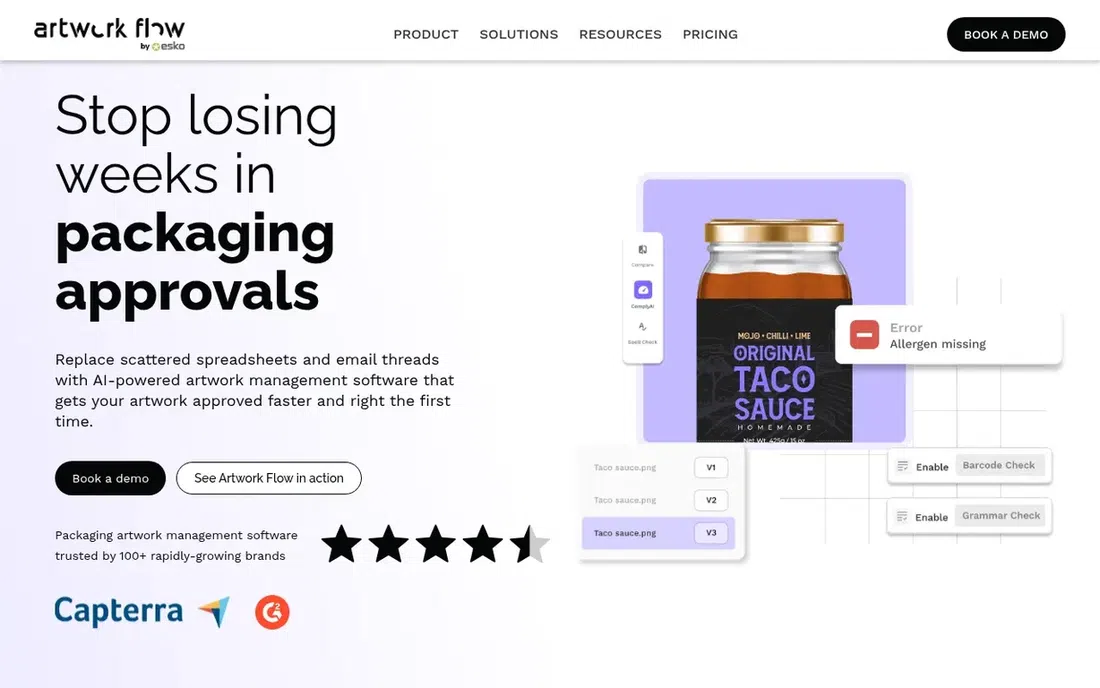
Artwork Flow is built with regulated artwork reviews and approvals in mind. It eases artwork reviews, approvals, version control and compliance for food, pharma, cosmetics and FMCG teams.
Also, Artwork Flow handles the process around artwork instead of creating the visuals. Artwork Flow starts at: $30 per user per month. Artwork Flow includes a free tier.
Where it is weaker: Concentrated on process, not visuals.
- Version control for artwork
- Review and approval workflows
- Not a design creation tool
CorelDRAW targets vector, illustration and technical design. CorelDRAW gives you professional graphic design software with vector, technical illustration and CAD choices for logos, posters, drafting and prototypes.
Main advantages: Technical and CAD choices.
For everyday use, teams with regulated review needs should pair it with a management tool or choose Artwork Flow instead. More specifically, like other general editors here, CorelDRAW does not manage artwork approvals or packaging production workflows itself. This comparison lists no price for CorelDRAW; ask the vendor. Free plan details: Not stated. The main drawbacks: Ramp-up time for newcomers.
- Vector and illustration tools
- Wide design use cases
- Not packaging-specific
Packify
Best for: AI-driven packaging concepts and dielines
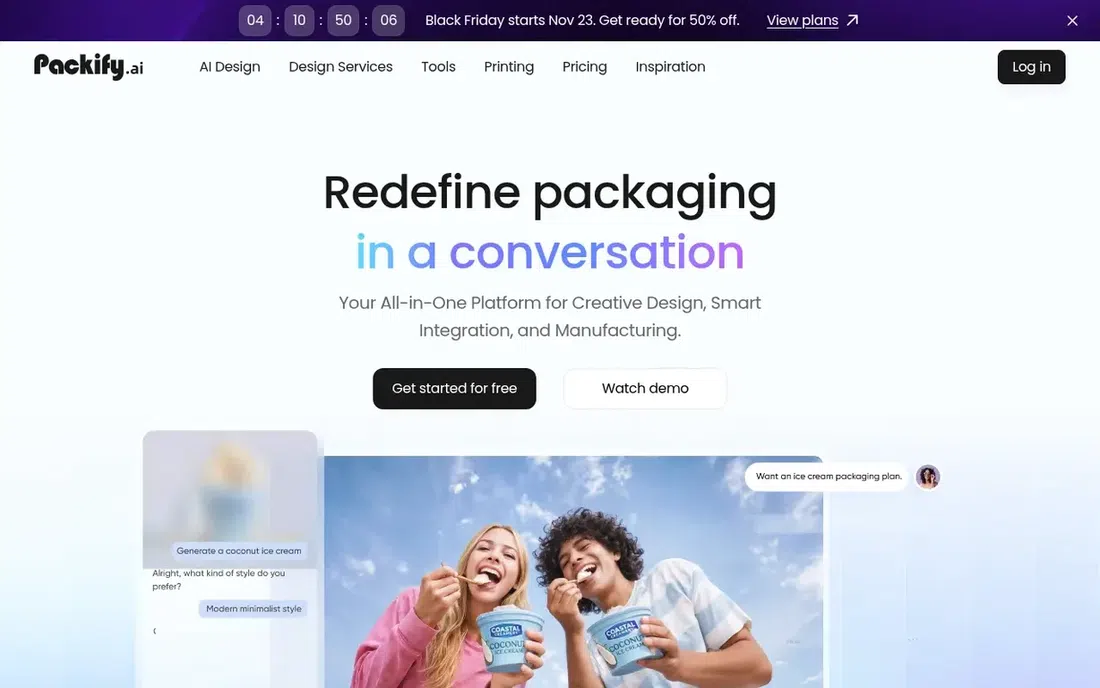
Packify is aimed squarely at AI-driven packaging concepts and dielines. Its stated scope runs from early concepts and dielines through to brand-ready production files, which makes it a natural fit for brands and packaging teams that want to move from idea to artwork in a single environment.
Where it is weaker: Narrow focus on packaging.
Starting cost for Packify: $9.9 per month per seat. Packify includes a free tier.
- One-stop packaging system
- Dielines to production files
- Less suited to general design
Canva makes the most sense for fast, accessible visual design. Its visual suite fits marketers and small teams who want to produce packaging mockups or brand visuals rapidly without deep design software knowledge.
Where it falls short: Limited prepress depth.
Canva shows no starting price here, so confirm the cost on the vendor site. Free options: Not stated.
- Wide template range
- Handles plenty of content types
- Less precise vector control
Pick Adobe Illustrator if this describes you: professional vector design and illustration. Adobe Illustrator is vector graphics software powered by generative AI, able to transform a text prompt into a completely editable vector graphic.
What to check first: Not packaging-specific.
On top of that, choose it when creative control matters more than packaging-specific process features. Pricing for Adobe Illustrator is not stated here, so ask the vendor for current figures. As for free access: Not stated.
- Generative AI vector features
- Broad creative adaptability
- Needs design skill
How we compared the tools
A buyer's checklist
- Confirm the entry price on the vendor page. For CorelDRAW, Canva and Adobe Illustrator that means a quote rather than a fixed price.
- Look at free plan limits closely: Artwork Flow and Packify have one, and the caps decide whether it is usable for real work.
- Read the limits listed for Artwork Flow first: not a design creation tool.
- Check the support hours and onboarding help Canva offers; smaller vendors vary a lot here.
- Make sure Adobe Illustrator lets you export your data in a format another tool can read.
FAQ
Is Artwork Flow the right pick for everyone comparing Pacdora?
No single tool suits every team. Artwork Flow comes first because it fits regulated artwork reviews and approvals, while CorelDRAW suits vector, illustration and technical design and Packify suits AI-driven packaging concepts and dielines. Match the tool to your own size, budget and workflow before deciding.
What is the best Pacdora alternative for AI packaging design?
The first pick on this list is Artwork Flow, because it suits regulated artwork reviews and approvals. CorelDRAW is better for vector, illustration and technical design, and Packify for AI-driven packaging concepts and dielines. Check price and limits against your own needs before choosing.
Which options for Pacdora have a free plan?
Artwork Flow and Packify offer a free plan in this list. Free plans usually cap users, projects or features, so check the limits on the vendor page.
Can I try these tools before paying?
Often, yes. Artwork Flow and Packify have a free plan. Use your own data and a real task during the test, and check what the free tier or trial limits before you rely on it.
How should I choose between these choices?
Start with your primary need: AI packaging concepts, regulated approvals, prepress production or general vector design. Then confirm export formats and workflow fit on each vendor site.
Do these tools publish their prices?
Not all of them. CorelDRAW, Canva and Adobe Illustrator publish no starting price, so expect a quote request for those. The rest, Artwork Flow included, show a starting price, though seats and billing terms still change the final cost.
Sources
- https://www.artworkflowhq.com
- https://www.coreldraw.com
- https://packify.ai
- https://www.canva.com
- https://www.adobe.com/products/illustrator.html