OctaneRender Alternatives in 2026: 5 Options Vetted
5 tools for OctaneRender alternatives, compared on pricing, free plans and best-fit use. Trade-offs are spelled out for each entry. Read the profiles.
- Editor's choiceRedshift
GPU-accelerated rendering for motion graphics
Starts atSee websiteVisit maxon.netFull review - Great alternative
 Lumion
Architectural visualization and live rendering
Starts at$96 named user per monthVisit lumion.comFull review - Also consider
 Enscape
Live rendering and VR for architects
Starts atSee websiteVisit enscape3d.comFull review
Direct answer
Our first pick is Redshift, best for GPU-accelerated rendering for motion graphics. Listed starting prices: Lumion from $96 named user per month and KeyShot from $7.92 a month. Lumion is better for architectural visualization and live rendering, and Enscape is better for live rendering and VR for architects. All 5 tools are compared below on price, free plan and limits.
TL;DR:
- This list starts with Redshift, which is built for GPU-accelerated rendering for motion graphics.
- Before buying Enscape, weigh this: restricted to supported systems.
- Neither Redshift nor KeyShot, nor any of the other 3 tools, has a permanent free plan; trials and quotes are the norm.
- For product design and live visualization, KeyShot is worth a look.
Last checked November 2026. Prices and plan details were read from the vendors' own pages in November 2026; vendors change plans often, so confirm the current price on the vendor site before you buy.
Quick comparison
| Tool | Best for | Starts at | Free plan? | |
|---|---|---|---|---|
| Redshift | GPU-accelerated rendering for motion graphics | See website | Not stated | Visit |
| Lumion | Architectural visualization and live rendering | $96 named user per month | Free trial | Visit |
| Enscape | Live rendering and VR for architects | See website | Not stated | Visit |
 V-Ray | Photorealistic rendering across systems | See website | Not stated | Visit |
 KeyShot | Product design and live visualization | $7.92 a month | Free trial | Visit |
Every option for OctaneRender explained
Choosing OctaneRender usually comes down to price, fit and limits. This LinkVetted guide sets 5 tools side by side on those three points, with the facts kept short and checkable.
Redshift
Best for: GPU-accelerated rendering for motion graphics
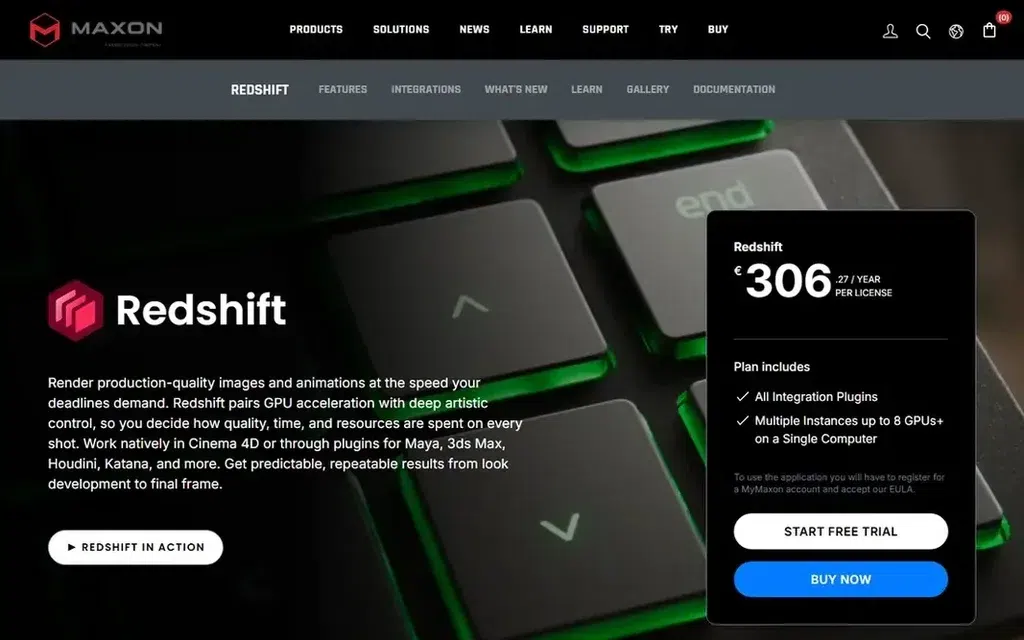
Where Redshift fits: GPU-accelerated rendering for motion graphics. If you work primarily in Cinema 4D or need GPU speed, Redshift is a solid choice.
Redshift does not show a starting price in this comparison, so check the vendor site for current pricing. On free options: Not stated.
Where it is weaker: Needs compatible GPU.
- Integrated with Maxon tools
- Quick rendering
- Restricted product support
Where Lumion fits: architectural visualization and live rendering. Lumion is a live 3D rendering software tailored for architects, enabling quick visualization from concept to final render. It emphasizes speed, quality, and simplicity, making it accessible to users who may not be rendering experts.
Where it is weaker: Restricted advanced features.
Its workflow is built to simplify architectural design presentations and client communication. Lumion is primarily aimed at architectural visualization, so it may lack the advanced features needed for product design or VFX. The starting price for Lumion: $96 named user per month. Free access: Free trial.
- Real-time rendering
- Simple to use
- Centred on architecture
Enscape makes the most sense for live rendering and VR for architects. Enscape's system support is restricted to specific BIM and design tools, so it may not fit all pipelines. It also gives you fewer advanced rendering controls compared with more technical renderers.
Downsides: Restricted to supported systems.
From a buyer's view, if you need deep customization or work outside supported products, consider V-Ray or KeyShot instead. It lets architects and designers to visualize their projects with just one click, fostering fast iteration and immersive presentations. Its focus on simplicity and VR makes it widely used in architectural workflows. Pricing for Enscape is not stated here, so ask the vendor for current figures. Free options: Not stated.
- One-click rendering
- Virtual reality support
- May lack advanced controls

V-Ray was built for Photorealistic rendering across products. If you prefer a self-contained renderer or need live performance above all, KeyShot or Enscape might be more appropriate. It is noted for producing high-quality, realistic images and is widely used in architecture, product design, and visual effects.
Watch-outs: Can be resource-intensive.
V-Ray can be demanding on hardware and may need significant render times for complicated scenes. It also needs to be integrated into a host application, so it is not a standalone option. V-Ray shows no starting price here, so confirm the cost on the vendor site. Free options: Not stated.
- Photorealistic quality
- Broad product support
- Needs plugin integration
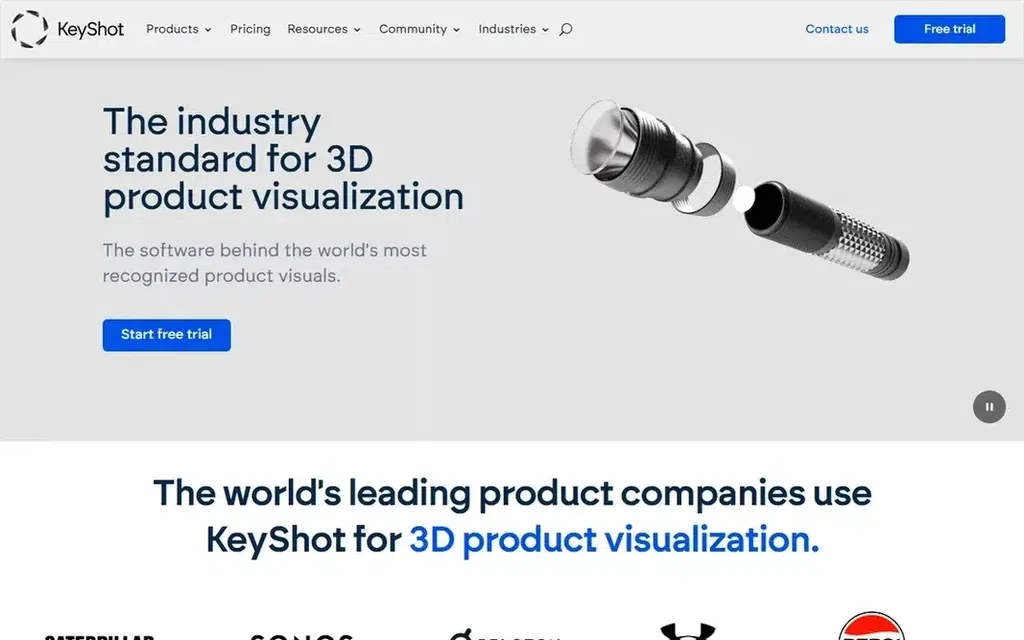
For product design and live visualization, KeyShot is a natural candidate. KeyShot is a live 3D rendering and AI visualization software geared toward product design businesses.
Its focus on product visualization makes it a natural alternative for those who prioritize speed and design communication over complicated simulation. The starting price for KeyShot: $7.92 per month. As for free access: Free trial.
Limits to weigh: Restricted to certain workflows.
- Live rendering
- AI-assisted visualization
- May need ramp-up time
What went into this list
A buyer's checklist
- Get a written quote from Redshift, Enscape and V-Ray; the list shows no starting price for them.
- Run a trial of Lumion and KeyShot with real work before paying for a year; your own workflow is the best test.
- Read the limits listed for Redshift first: needs compatible GPU.
- Ask V-Ray which support channels and response times come with the plan you would buy.
- Compare total cost, not headline price: for Enscape, add extra seats, add-ons and any usage-based charges.
FAQ
What is the best alternative to OctaneRender for product design?
The first pick on this list is Redshift, because it suits GPU-accelerated rendering for motion graphics. Lumion is better for architectural visualization and live rendering, and Enscape for live rendering and VR for architects. Check price and limits against your own needs before choosing.
Can I try these tools before paying?
Often, yes. Lumion and KeyShot offer a free trial. Use your own data and a real task during the test, and check what the free tier or trial limits before you rely on it. Each of the 5 options in this OctaneRender alternatives guide has its own card above with the price, free plan and limits.
Is Redshift the right pick for everyone comparing OctaneRender?
No single tool suits every team. Redshift comes first because it fits GPU-accelerated rendering for motion graphics, while Lumion suits architectural visualization and real-time rendering and Enscape suits real-time rendering and VR for architects. Match the tool to your own size, budget and workflow before deciding.
Does any tool for OctaneRender here have a free plan?
No tool in this list, Redshift and KeyShot included, has a permanent free plan. Lumion, KeyShot offer a trial. Trials and quotes are the usual route, so plan a short evaluation period.
Is there a free alternative to OctaneRender?
Some renderers offer free versions or trials, but features may be restricted. For professional use, consider the tools compared above based on your budget and needs.
How are the tools for OctaneRender ordered?
The order follows typical fit for OctaneRender, with Redshift first and KeyShot last, then price clarity and free access. It is editorial judgement, not a score, so another team could rank the tools differently.
Sources
- https://www.maxon.net/en/redshift
- https://lumion.com
- https://enscape3d.com
- https://www.chaos.com/vray
- https://www.keyshot.com