Ocenaudio Alternatives in 2026: 5 Options Vetted
5 tools for Ocenaudio alternatives, compared on pricing, free plans and best-fit use. Strengths and weak spots are spelled out. Reviewed in November 2026.
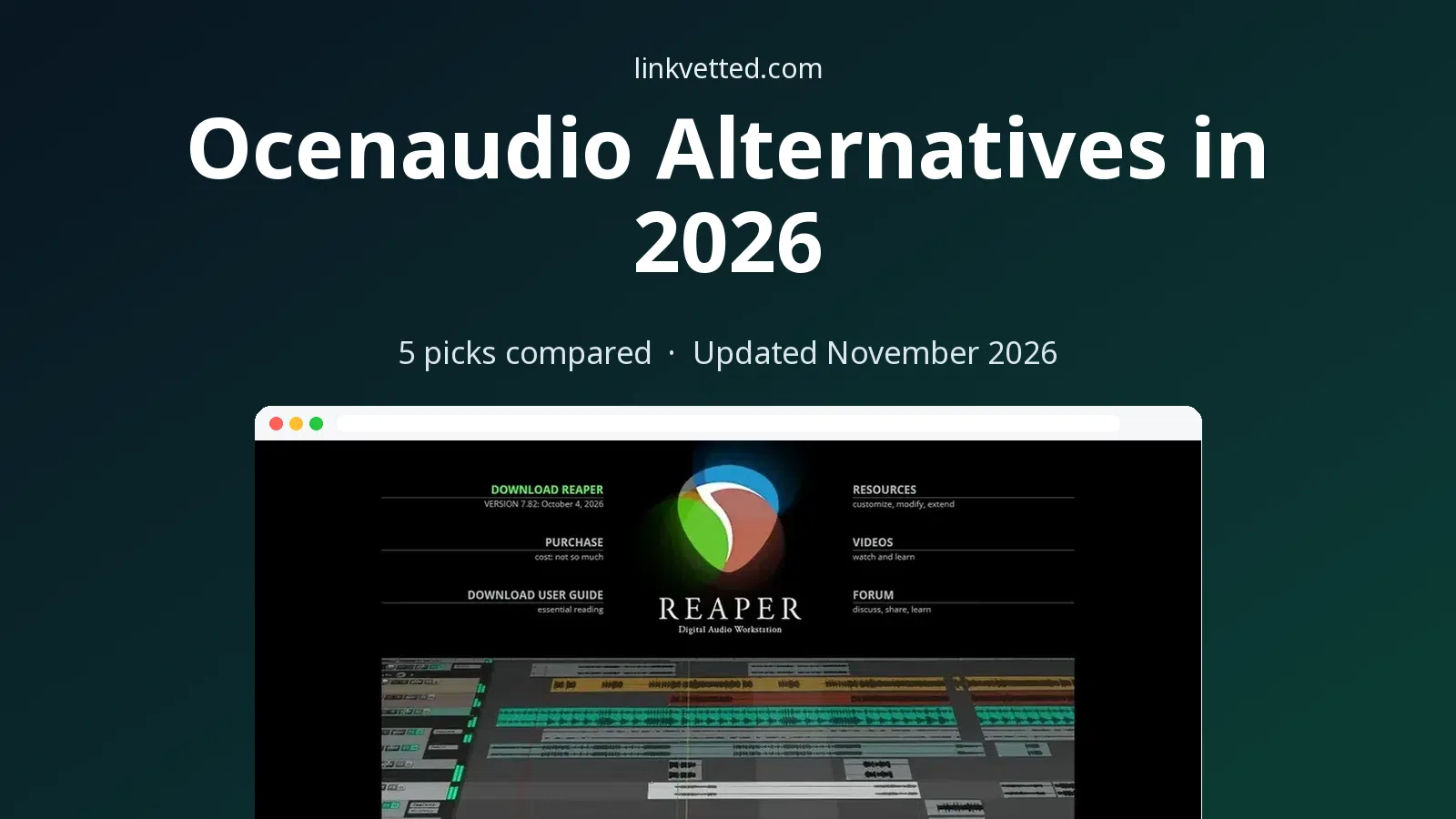
- Editor's choice
 Reaper
Adaptable digital audio production
Starts atPricing on requestVisit reaper.fmFull review - Great alternative
 Audacity
Free, open-source audio editing
Starts atPricing on requestVisit audacityteam.orgFull review - Also consider
 Adobe Audition
Thorough audio editing and mixing
Starts atPricing on requestVisit adobe.comFull review
Direct answer
Reaper comes first here, mainly for adaptable digital audio production. If your case is different, Audacity suits free, open-source audio editing and Adobe Audition suits full audio editing and mixing. Details and limits for the rest of the 5 tools are below. None of these vendors publish plan prices, so pricing is on request for every option.
TL;DR:
- Reaper is the opening pick, best for adaptable digital audio production.
- No starting price is shown for any of the 5 tools, Reaper and Sound Forge included, so plan time for sales calls.
- None of the 5 tools, from Reaper to Sound Forge, has a free plan, so budget for a subscription or use a trial.
- For professional audio editing, Sound Forge is worth a look.
- The main caution on Steinberg WaveLab: costly for casual users.
Last checked November 2026. Pricing on request: vendors did not publish plan prices when this guide was last checked (November 2026), so ask each vendor for a written quote.
Quick comparison
| Tool | Best for | Starts at | Free plan? | |
|---|---|---|---|---|
| Reaper | Adaptable digital audio production | Pricing on request | Not stated | Visit |
| Audacity | Free, open-source audio editing | Pricing on request | Not stated | Visit |
| Adobe Audition | Thorough audio editing and mixing | Pricing on request | Not stated | Visit |
| Steinberg WaveLab | Mastering and audio restoration | Pricing on request | Not stated | Visit |
| Sound Forge | Professional audio editing | Pricing on request | Not stated | Visit |
Ocenaudio profiles
If you are comparing Ocenaudio, this page covers 5 tools in one place: what each is best for, what it costs to start, whether it has a free plan, and the main limit to know about.
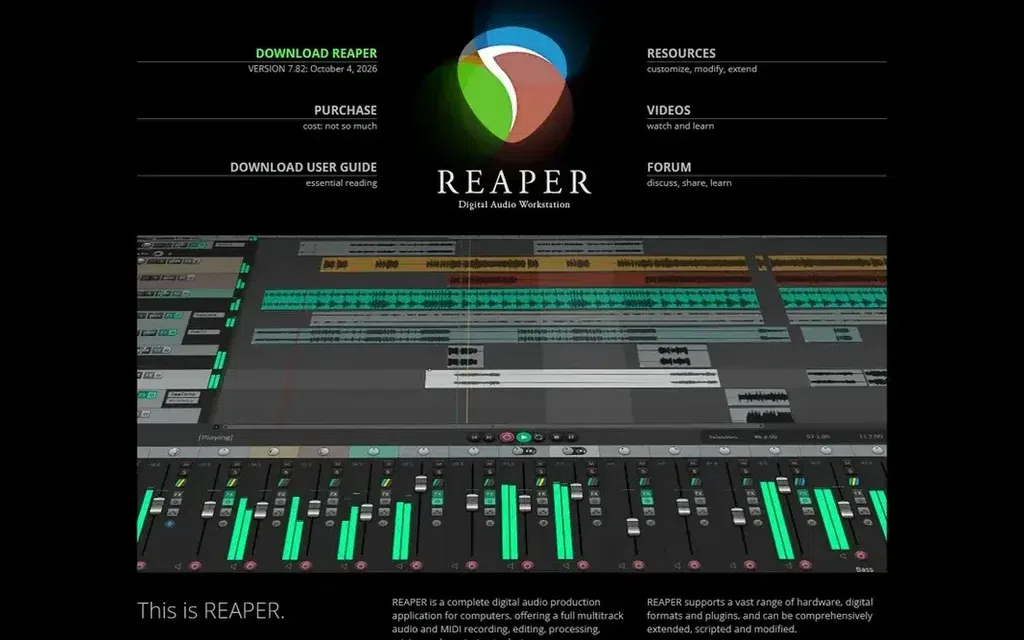
Reaper targets adaptable digital audio production. It appeals to musicians, producers, and engineers who require a configurable environment for recording, editing, and mixing. Its light design and capable features make it a favorite among professionals.
The main drawbacks: Needs configuration for optimal use.
In daily use, if you prefer an out-of-the-box solution, consider Adobe Audition. On top of that, Reaper's steep ramp-up time and need for customization can be daunting for new users. This comparison lists no price for Reaper; ask the vendor. Free access: Not stated.
- Efficient performance
- Highly configurable workflow
- Complicated for beginners
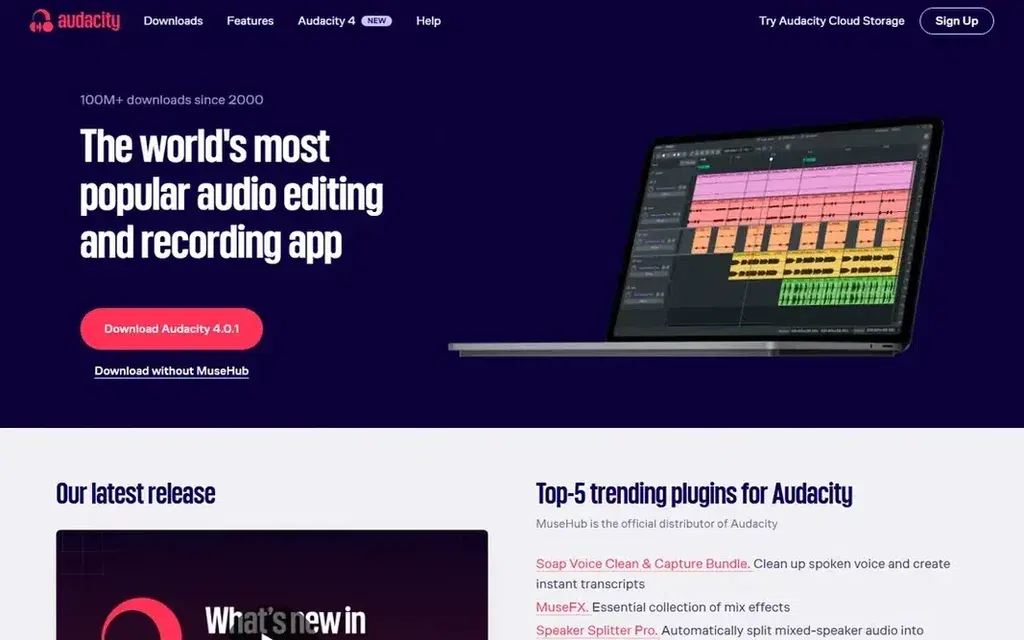
For free, open-source audio editing, Audacity is a natural candidate. Audacity is a free, open-source audio editor and recorder that provides essential tools for recording and editing audio. It is well suited to hobbyists, students, and anyone on a budget who needs entry-level audio manipulation.
In practice, for professional-grade tools, explore Adobe Audition or Reaper. From a buyer's view, Whereas Audacity includes entry-level editing, it lacks some advanced features found in premium alternatives, for example spectral editing or advanced restoration. It may also have occasional stability issues with large projects. Audacity shows no starting price here, so confirm the cost on the vendor site. Free access: Not stated.
Where it is weaker: Limited advanced features.
- Fully free and open source
- Straightforward interface for entry-level editing
- Occasional stability issues
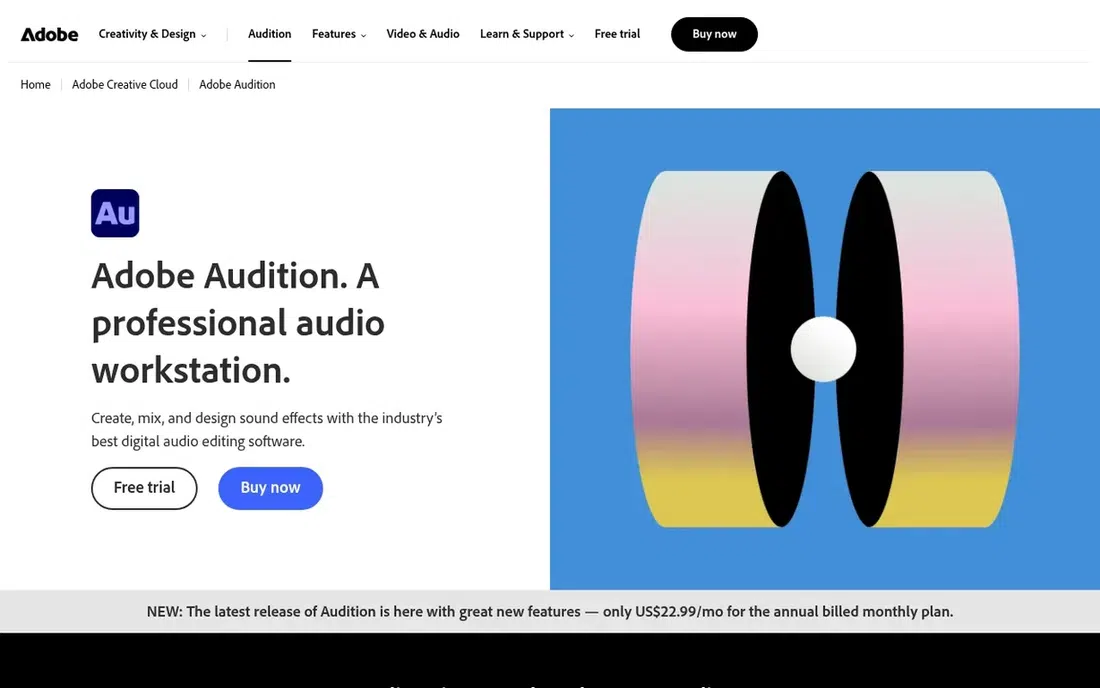
Pick Adobe Audition if this describes you: thorough audio editing and mixing. Its full features make it a strong choice for those requiring advanced editing capabilities. That said, Audition operates on a subscription basis, which may not suit users preferring one-time purchases.
Where it is weaker: Steeper ramp-up time.
Highlights: spectral display. Its broad feature set can also be overwhelming for beginners. On top of that, if you need a more straightforward, free tool, consider Audacity instead. No starting price is listed for Adobe Audition here; confirm pricing on the vendor site. Trial and free access: Not stated.
- Part of Adobe Creative Cloud ecosystem
- Multitrack, waveform
- Subscription-based model
Steinberg WaveLab
Best for: Mastering and audio restoration
Where Steinberg WaveLab fits: Mastering and audio restoration. It is built for mastering engineers and audio professionals who need precise control over their sound. Its full toolset bundles spectral editing and advanced analysis.
For everyday use, for broader editing needs, Adobe Audition or Reaper might be better. WaveLab's specialized focus makes it less a good match for general editing tasks, and its cost may be prohibitive for hobbyists. It also lacks multitrack recording capabilities. Pricing for Steinberg WaveLab is not stated here, so ask the vendor for current figures. As for free access: Not stated.
Watch-outs: Windows and macOS only.
- Advanced mastering tools
- Supports high-resolution audio
- Expensive for casual users
Sound Forge
Best for: Professional audio editing
Sound Forge is a good fit for professional audio editing. It is widely used among audio engineers and sound designers for its precise editing and batch processing capabilities.
It is also relatively pricey. No starting price is listed for Sound Forge here; confirm pricing on the vendor site. Free access: Not stated.
Where it is weaker: No multitrack recording.
- Batch processing
- Capable editing tools
- Windows only
What went into this list
A buyer's checklist
- Request quotes from Reaper, Sound Forge and the others; the list shows no fixed prices.
- Before choosing Reaper, weigh its main limit: complicated for beginners.
- Involve the people who will use Steinberg WaveLab daily; a short pilot beats a long feature checklist.
- Check the integration list for Sound Forge against the tools you run today, and note which ones need a higher plan.
- Check how data leaves Reaper: formats, limits and whether exports are available on every plan.
FAQ
Are there any Windows-only alternatives to Ocenaudio?
Sound Forge is a Windows-only audio editor with feature-rich editing tools. Steinberg WaveLab is available for both Windows and macOS. Most other alternatives like Adobe Audition and Reaper are cross-platform.
Can I use these alternatives for music production?
Reaper is a full digital audio workstation aimed at music production, with broad plugin support and customization. That said, tools like Acoustica and Sound Forge are more centred on editing and restoration.
Which Ocenaudio alternative is a good match for professional audio editing?
The first pick on this list is Reaper, because it suits adaptable digital audio production. Audacity is better for free, open-source audio editing, and Adobe Audition for thorough audio editing and mixing. Check price and limits against your own needs before choosing.
Is Reaper the right pick for everyone comparing Ocenaudio?
No single tool suits every team. Reaper comes first because it fits flexible digital audio production, while Audacity suits free, open-source audio editing and Adobe Audition suits comprehensive audio editing and mixing. Match the tool to your own size, budget and workflow before deciding.
Does any tool for Ocenaudio here have a free plan?
No tool in this list, Reaper and Sound Forge included, has a permanent free plan. Trials and quotes are the usual route, so plan a short evaluation period.
How are the tools for Ocenaudio ordered?
Reaper sits first and Sound Forge last because the order follows typical fit for Ocenaudio, then price clarity and free access. It is a judgement call, so read each profile for fit and limits.
Sources
- https://www.reaper.fm
- https://www.audacityteam.org
- https://www.adobe.com/products/audition.html
- https://www.steinberg.net/wavelab
- https://www.magix.com/us/music/sound-forge