Online Giving Software for Multisite Churches in 2026: The 6 Best Options Side by Side
Best online giving software for multisite churches: 6 tools compared on price, free plans and fit. Hidden costs and gaps are flagged. Updated for 2026.
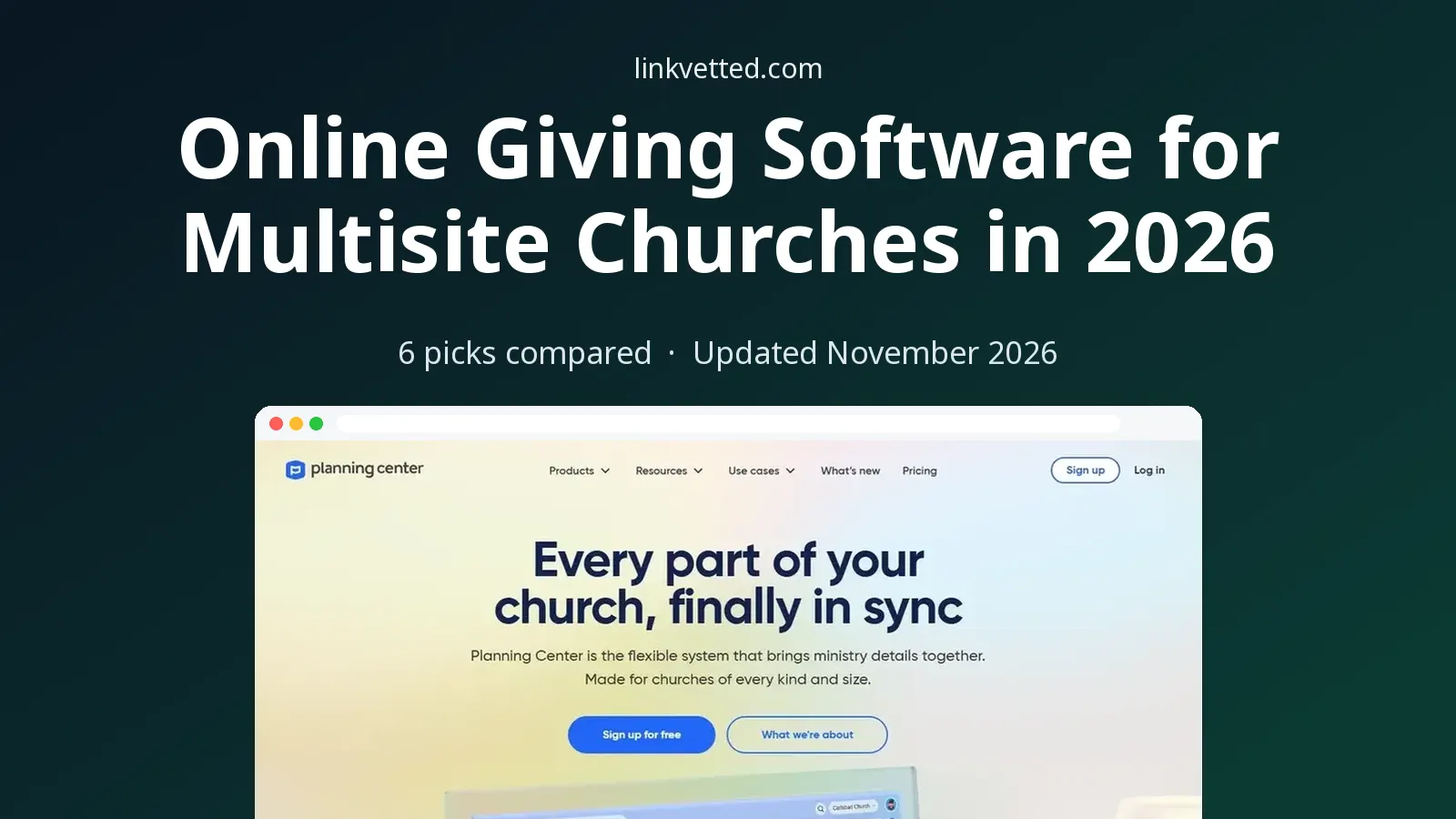
- Editor's choicePlanning Center Giving
Churches already using Planning Center
Starts at$5 a monthVisit planningcenter.comFull review - Great alternativePushpay
Engagement-focused giving and custom apps
Starts atSee websiteVisit pushpay.comFull review - Also considerVanco
Straightforward payment and donation processing
Starts at$54 a monthVisit vancopayments.comFull review
Direct answer
Planning Center Giving is the first pick on this list for churches already using Planning Center. Listed starting prices: Planning Center Giving from $5 a month, Vanco from $54 a month and Tithe.ly from $19 per month. Pushpay is the stronger choice for engagement-focused giving and custom apps, while Vanco suits straightforward payment and donation processing. The remaining 3 options are covered below with prices and limits.
TL;DR:
- Number one here is Planning Center Giving, a fit for churches already using Planning Center.
- 5 of 6 tools offer a free plan: Planning Center Giving, Vanco, Givelify, Tithe.ly, Subsplash.
- The cheapest monthly starting price in the list is $5 per month, offered by Planning Center Giving.
- Check the limits for Planning Center Giving before you commit: most solid value inside the Planning Center ecosystem.
- Subsplash fits apps, websites and giving together.
Last checked November 2026. Prices and plan details were read from the vendors' own pages in November 2026; vendors change plans often, so confirm the current price on the vendor site before you buy.
Quick comparison
| Tool | Best for | Starts at | Free plan? | |
|---|---|---|---|---|
| Planning Center Giving | Churches already using Planning Center | $5 a month | Yes | Visit |
| Pushpay | Engagement-focused giving and custom apps | See website | Free trial | Visit |
| Vanco | Straightforward payment and donation processing | $54 a month | Yes | Visit |
| Givelify | Mobile-first donation collection | See website | Yes | Visit |
| Tithe.ly | All-in-one giving and church management | $19 per month | Yes | Visit |
| Subsplash | Apps, websites and giving together | See website | Yes | Visit |
Every option for online giving software for multisite churches explained
If you are comparing online giving software for multisite churches, this page covers 6 tools in one place: what each is best for, what it costs to start, whether it has a free plan, and the main limit to know about.
Planning Center Giving
Best for: Churches already using Planning Center
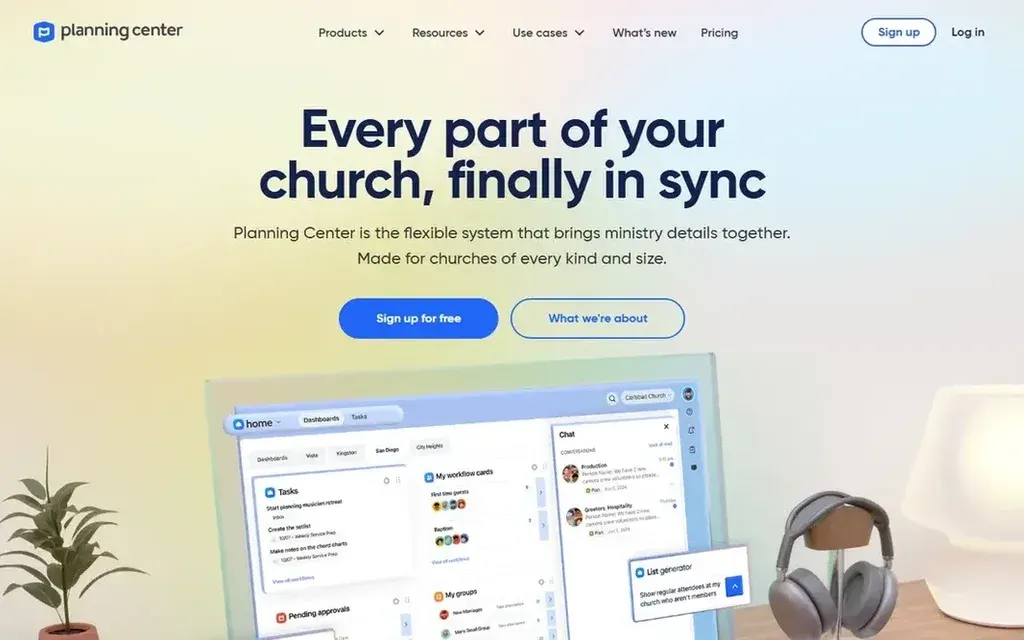
Planning Center Giving makes the most sense for churches already using Planning Center. Multisite teams that want gifts tied to the same records they use for scheduling and people data will find it a logical fit.
Check how campus-specific funds and reports are structured before deciding. Planning Center Giving cost at the entry level: $5 per month. You can start on Planning Center Giving without paying.
Honest limits: Most solid value inside the Planning Center ecosystem.
- Custom reports for tracking gifts
- Online giving connected to church management
- Multisite reporting setup should be verified
Pushpay
Best for: Engagement-focused giving and custom apps
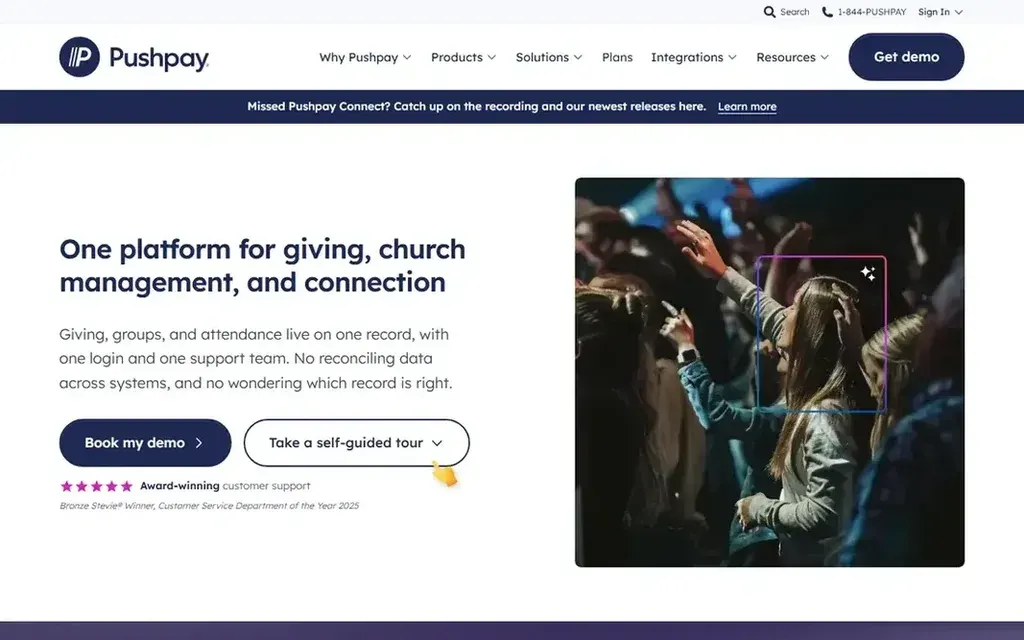
Pushpay was built for engagement-focused giving and custom apps. If you chiefly need straightforward online giving, compare lighter choices first. Multisite churches that want a consistent digital front door across campuses frequently look here, since the app and streaming pieces can support a shared experience whereas giving data stays centralized.
Drawbacks to consider: Engagement focus may exceed what some churches need.
Pushpay describes itself as a church engagement product that brings together giving, custom apps, analytics and live streaming. The system leans toward churches ready to use its broader engagement features, so smaller or more straightforward operations may prefer a giving-first tool. This comparison lists no price for Pushpay; ask the vendor. Free options: Free trial. Main advantages: analytics and live streaming in one product.
- Giving
- Positioned around church engagement
- Setup expectations should be discussed with the vendor
Vanco
Best for: Straightforward payment and donation processing
For straightforward payment and donation processing, Vanco is a natural candidate. For multisite churches, that processing-first approach can suit teams that want steady donation handling with a donor-friendly app and fewer peripheral features. It appeals to congregations looking for a practical giving backbone.
Trade-offs to know: Multisite reporting details should be verified.
More specifically, Vanco describes straightforward online payment processing services and a giving app that make it simple to provide when and where you want. On top of that, ask how funds and campuses are separated in reporting before you commit. On cost, Vanco starts like this: $54 per month. Free access exists with Vanco.
- Giving when and where donors choose
- Straightforward processing focus
- Less emphasis on engagement features
Givelify
Best for: Mobile-first donation collection
Think of Givelify for mobile-first donation collection. Givelify centers on mobile and online giving for churches and nonprofits, offering a giving app alongside websites and QR codes for collecting donations. Since the emphasis is donation collection, churches needing deep people management or service planning will likely pair it with another system.
From a buyer's view, Multisite congregations that want donors to provide rapidly from a phone, including at in-person services, commonly find this kind of mobile-first approach appealing. In daily use, confirm how several campuses appear to donors in the app and on giving pages. Pricing for Givelify is not stated here, so ask the vendor for current figures. You can start on Givelify without paying.
Limits to weigh: Multisite structure should be checked with the vendor.
- Aimed at churches and nonprofits
- Centred on mobile and online donations
- Narrower scope than full church management systems
Tithe.ly
Best for: All-in-one giving and church management
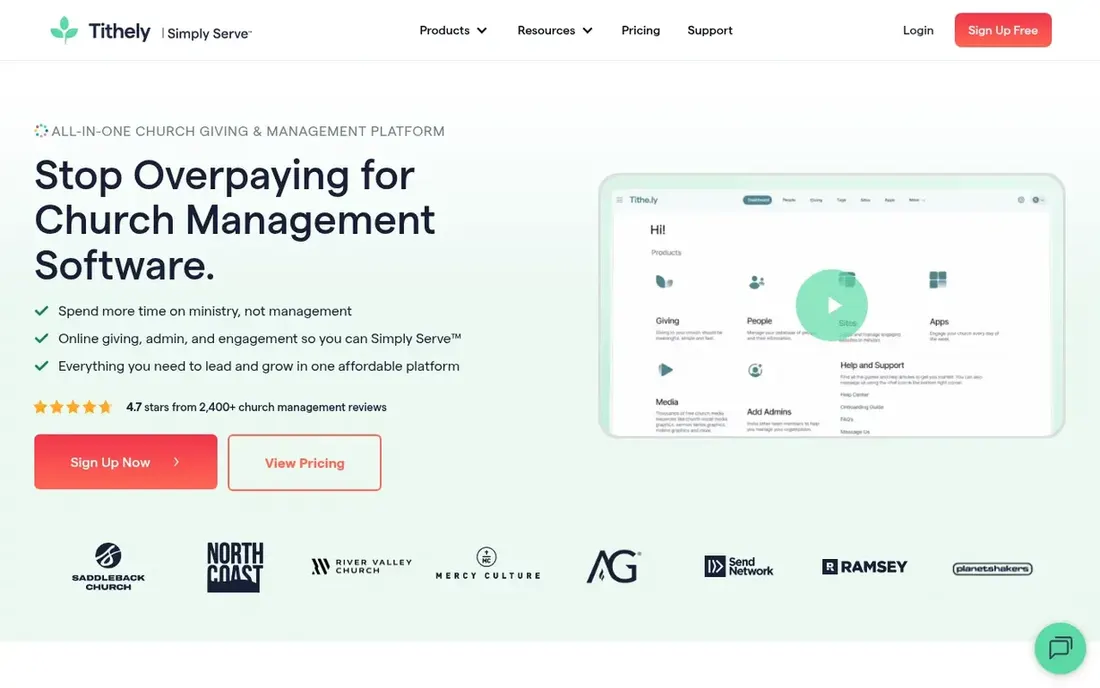
Where Tithe.ly fits: all-in-one giving and church management. Since the system spans multiple product areas, teams should check how campus-level reporting and permissions are handled before committing.
Watch-outs: Multisite configuration details should be confirmed with the vendor.
Starting cost for Tithe.ly: $19 per month. A free plan is available with Tithe.ly.
- Designed for churches of every size
- Online giving
- Wide feature set may feel like more than small teams need
Subsplash
Best for: Apps, websites and giving together
Choose Subsplash for apps, websites and giving together. Subsplash frames its product around mobile apps, church management software, websites and online giving, with the goal of helping churches engage and grow their audiences.
Watch-outs: Wide system may need more setup effort.
Where it shines: Mobile apps. For multisite churches, that combination can keep the app, site and giving experience consistent from campus to campus. In daily use, churches with an established app or site stack may not need the full package. This comparison lists no price for Subsplash; ask the vendor. Subsplash has a free plan.
- Built to help churches engage and grow audiences
- Church management
- Campus-level configuration details need confirmation
How we chose
Pre-purchase checklist
- Ask Pushpay, Givelify and Subsplash for a written quote, since no starting price is shown.
- Read the fine print on the free plans from Planning Center Giving, Vanco, Givelify and others; seat, project and feature caps differ.
- Use real work to test the free trial from Pushpay, rather than a demo project.
- Read the limits listed for Planning Center Giving first: most solid value inside the Planning Center ecosystem.
- The entry price of Planning Center Giving is only the starting point; model the full cost with seats and extras.
- Find out what support Vanco includes on your plan, and whether onboarding help costs extra.
FAQ
Can I try these tools before paying?
Often, yes. Planning Center Giving, Vanco, Givelify and others have a free plan and Pushpay offers a free trial. Use your own data and a real task during the test, and check what the free tier or trial limits before you rely on it.
How are the tools for online giving software for multisite churches ordered?
Planning Center Giving sits first and Subsplash last because the order follows typical fit for online giving software for multisite churches, then price clarity and free access. It is a judgement call, so read each profile for fit and limits.
Is Planning Center Giving the right pick for everyone comparing online giving software for multisite churches?
No single tool suits every team. Planning Center Giving comes first because it fits churches already using Planning Center, while Pushpay suits engagement-focused giving and custom apps and Vanco suits simple payment and donation processing. Match the tool to your own size, budget and workflow before deciding.
What is the cheapest option for online giving software for multisite churches in this list?
On published monthly entry prices, Planning Center Giving is the lowest here at $5 per month. Entry price is only part of the cost, because seats, add-ons and billing terms can change the total. Prices, free plan details and limits for all 6 tools in this online giving software for Multisite Churches roundup sit on the individual cards above.
How do we evaluate setup effort across campuses?
Ask vendors to walk through onboarding for a church with several locations, including app or page configuration and staff training. Compare that effort against your team's capacity before deciding.
Sources
- https://www.planningcenter.com/giving
- https://pushpay.com
- https://www.vancopayments.com
- https://www.givelify.com
- https://tithe.ly
- https://www.subsplash.com