Open Records Software in 2026: The 6 Best Options Side by Side
Best open records software in 2026: 6 tools with starting prices, free plans and limits. Price notes and drawbacks come with each one. Skim the table first.
- Editor's choice
 OpenText
Enterprise information management at scale
Starts atSee websiteVisit opentext.comFull review - Great alternativeAccela
Cloud government operations and engagement
Starts atSee websiteVisit accela.comFull review - Also considerGovQA
Customizable public records request management
Starts atSee websiteVisit govqa.comFull review
Direct answer
This list puts OpenText first for enterprise information management at scale. Listed starting prices: Laserfiche from $42 per user per month. Accela fits cloud government operations and engagement; GovQA fits customizable public records request management. All 6 tools are compared below on price, free plan and limits.
TL;DR:
- OpenText sits first on this list: enterprise information management at scale.
- Laserfiche suits document management with process automation.
- Laserfiche has the lowest monthly starting price in this list: $42 per user per month.
- Check the limits for OpenText before you commit: very broad scope for records requests.
- None of the 6 tools, from OpenText to Laserfiche, has a free plan, so budget for a subscription or use a trial.
Last checked November 2026. Prices and plan details were read from the vendors' own pages in November 2026; vendors change plans often, so confirm the current price on the vendor site before you buy.
Quick comparison
| Tool | Best for | Starts at | Free plan? | |
|---|---|---|---|---|
| OpenText | Enterprise information management at scale | See website | Not stated | Visit |
| Accela | Cloud government operations and engagement | See website | Not stated | Visit |
| GovQA | Customizable public records request management | See website | Not stated | Visit |
| JustFOIA | Purpose-built FOIA request management | See website | Not stated | Visit |
 Granicus | Wide citizen experience system for government | See website | Not stated | Visit |
 Laserfiche | Document management with process automation | $42 per user per month | Not stated | Visit |
Tool-by-tool breakdown
If you are comparing open records software, this page covers 6 tools in one place: what each is best for, what it costs to start, whether it has a free plan, and the main limit to know about.
Pick OpenText if this describes you: enterprise information management at scale. Consider OpenText when records management is part of a wider enterprise information strategy.
OpenText does not show a starting price in this comparison, so check the vendor site for current pricing. As for free access: Not stated.
What to check first: Likely heavier than small agency needs.
- Connects data across the enterprise
- Secure enterprise information management
- Very wide scope for records requests
Accela
Best for: Cloud government operations and engagement
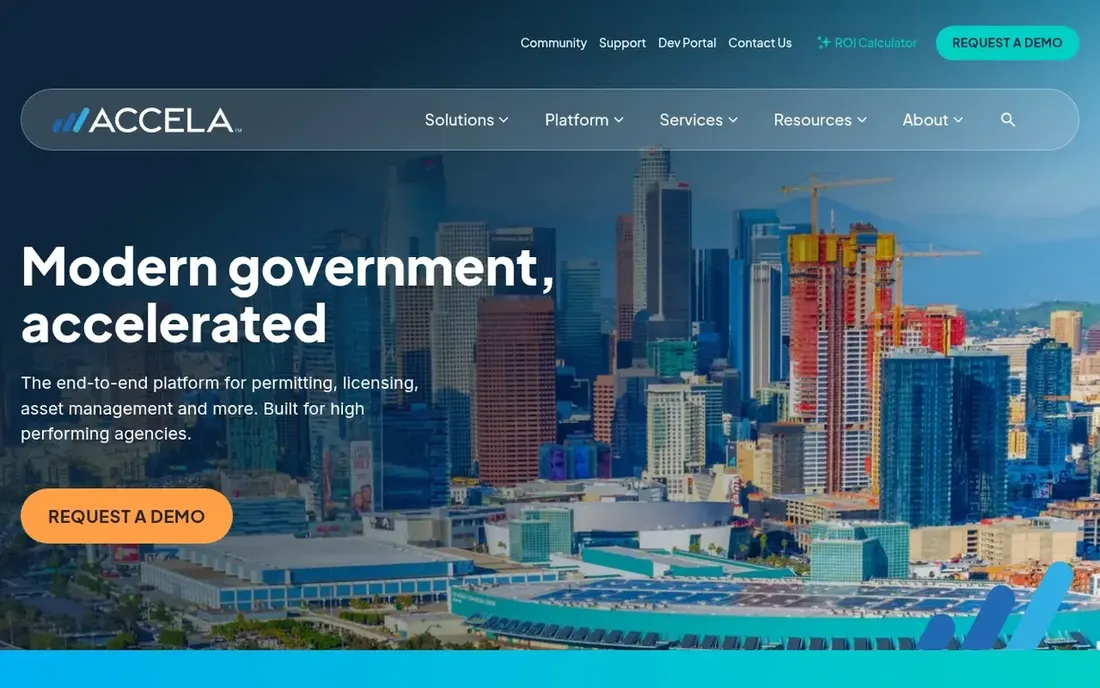
Accela makes the most sense for cloud government operations and engagement. Accela offers cloud-based options intended to enhance government operations, boost efficiency and boost citizen engagement.
Where it is weaker: May need module evaluation.
Open records request handling is not the primary emphasis of the homepage messaging, so confirm how records workflows are supported before choosing it for that purpose. Agencies commonly encounter it as part of a broader government operations stack, which can be handy when records work links to permitting, licensing or other departmental processes. Check the vendor site for Accela pricing; none is listed in this comparison. Free access: Not stated.
- Comes with citizen engagement focus
- Cloud-based government options
- Records requests are not the headline focus
GovQA
Best for: Customizable public records request management
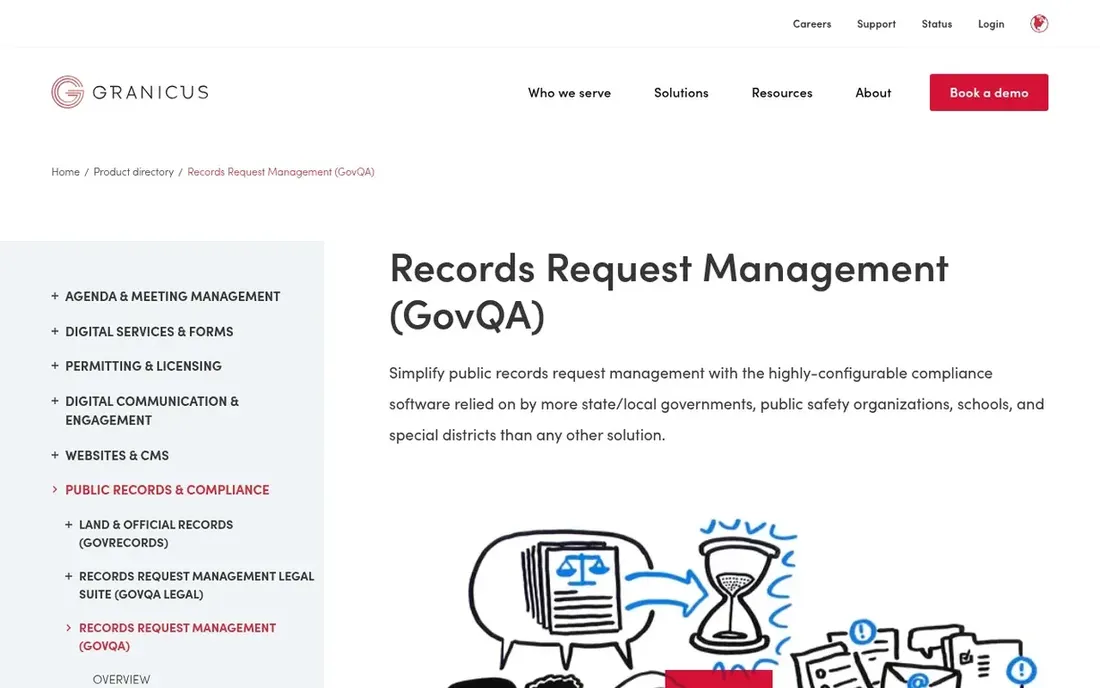
Think of GovQA for customizable public records request management. Consider a wider system if records requests are only one part of a bigger information management plan.
Limits to weigh: Configuration may need setup effort.
Teams that deal with steady request volume and need customizable workflows will find the focus handy. GovQA shows no starting price here, so confirm the cost on the vendor site. Trial and free access: Not stated.
- Concentrated on records request handling
- Security emphasis for agencies
- Narrower than full document systems
JustFOIA
Best for: Purpose-built FOIA request management
JustFOIA was built for purpose-built FOIA request management. Its focus on FOIA request management means agencies needing broad document management or automation may pair it with other systems.
Pricing for JustFOIA is not stated here, so ask the vendor for current figures. Free options: Not stated.
What to check first: Narrower scope than enterprise systems.
- Built to ease records requests
- Built with user input in mind
- Best suited to FOIA-style workflows
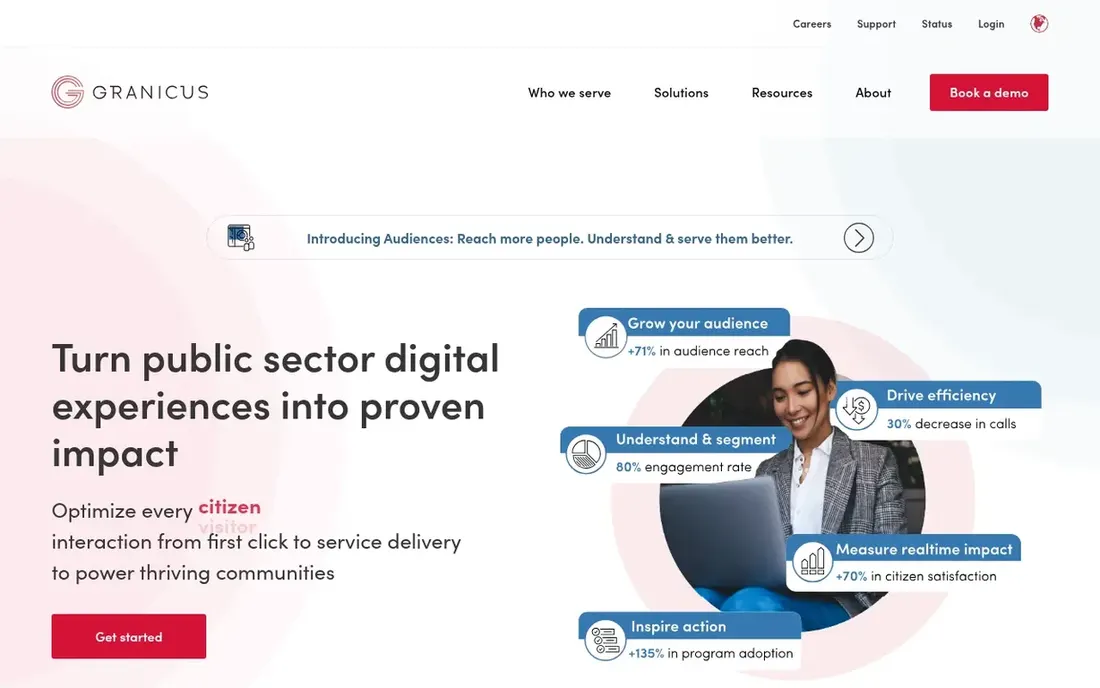
Choose Granicus for broad citizen experience product for government. For open records work, it is relevant as the broader product behind GovQA, so agencies already using Granicus services may value the shared environment.
The system scope is large, and a small agency with only records request needs may find a focused product more straightforward to adopt. Granicus does not show a starting price in this comparison, so check the vendor site for current pricing. Trial and free access: Not stated.
The main drawbacks: Wide scope may exceed small agency needs.
- Links multiple citizen-facing functions
- System approach to government service
- Records requests are one piece of a bigger suite
Laserfiche targets document management with process automation. Agencies use it to organize content and automate processes, and records request handling can fit within that broader capability.
Honest limits: Records requests are one use case.
Beyond that, a dedicated request management product may be quicker to adopt if that is the only requirement. What you pay to start with Laserfiche: $42 per user per month. On free options: Not stated.
- AI-powered automation focus
- Document management and workflows
- Broader product may need configuration
Our selection method
A buyer's checklist
- Confirm the entry price on the vendor page. For OpenText, Accela, GovQA and others that means a quote rather than a fixed price.
- Read the limits listed for OpenText first: very wide scope for records requests.
- Confirm minimum seats and billing terms with Granicus before you commit to an annual plan.
- Ask Accela how an export works before you move any records in; an easy exit lowers the risk.
- Test how quickly JustFOIA answers a pre-sales question; it hints at how support will feel later.
FAQ
How are the tools for open records software ordered?
The order follows typical fit for open records software, with OpenText first and Laserfiche last, then price clarity and free access. It is editorial judgement, not a score, so another team could rank the tools differently.
Is OpenText the right pick for everyone comparing open records software?
No single tool suits every team. OpenText comes first because it fits enterprise information management at scale, while Accela suits cloud government operations and engagement and GovQA suits configurable public records request management. Match the tool to your own size, budget and workflow before deciding.
Can I try these options before paying?
Not by default. None of the tools, from OpenText to Laserfiche, lists a free plan or a free trial here, so ask each vendor for a demo before committing.
What is the cheapest option for open records software in this list?
On published monthly entry prices, Laserfiche is the lowest here at $42 per user per month. Entry price is only part of the cost, because seats, add-ons and billing terms can change the total.
Should small agencies choose a system or a focused tool?
Small agencies with largely request-handling needs commonly benefit from a focused product that is quicker to set up. A broader system makes sense when records work is part of a bigger information management plan.
Sources
- https://www.opentext.com
- https://www.accela.com
- https://www.govqa.com
- https://www.justfoia.com
- https://granicus.com
- https://www.laserfiche.com