Top Navicat Premium Alternatives in 2026: 5 Picks Ranked
Navicat Premium alternatives in 2026: 5 tools with starting prices, free plans and limits. Each listing flags where it falls short. Updated November 2026.
- Editor's choiceSQL Server Management Studio
SQL Server administration and development
Starts atPricing on requestVisit learn.microsoft.comFull review - Great alternativeHeidiSQL
Light MySQL and MariaDB work
Starts atPricing on requestVisit heidisql.comFull review - Also consider
 DBeaver
Open-source multi-database management
Starts atPricing on requestVisit dbeaver.ioFull review
Direct answer
For SQL Server administration and development, SQL Server Management Studio is where this list starts. If your case is different, HeidiSQL suits light MySQL and MariaDB work and DBeaver suits open-source multi-database management. The other 2 tools in the list cover narrower or pricier cases. None of these vendors publish plan prices, so pricing is on request for every option.
TL;DR:
- SQL Server Management Studio takes the first slot, best suited to SQL Server administration and development.
- A permanent free plan is missing from all 5 tools, SQL Server Management Studio and DataGrip included; plan for a trial or a premium start.
- Pricing across the list, from SQL Server Management Studio to DataGrip, is by quote only.
- A fair warning about HeidiSQL: primarily associated with Windows.
Last checked November 2026. Pricing on request: vendors did not publish plan prices when this guide was last checked (November 2026), so ask each vendor for a written quote.
Quick comparison
| Tool | Best for | Starts at | Free plan? | |
|---|---|---|---|---|
| SQL Server Management Studio | SQL Server administration and development | Pricing on request | Not stated | Visit |
| HeidiSQL | Light MySQL and MariaDB work | Pricing on request | Not stated | Visit |
| DBeaver | Open-source multi-database management | Pricing on request | Not stated | Visit |
| pgAdmin | PostgreSQL management across systems | Pricing on request | Not stated | Visit |
| DataGrip | IDE-style database development | Pricing on request | Not stated | Visit |
5 options for Navicat Premium in detail
Choosing Navicat Premium usually comes down to price, fit and limits. This LinkVetted guide sets 5 tools side by side on those three points, with the facts kept short and checkable.
SQL Server Management Studio
Best for: SQL Server administration and development
SQL Server Management Studio is built with SQL Server administration and development in mind. Worth adding: choose SSMS when SQL Server administration is the primary job and vendor alignment matters.
What to check first: Concentrated on the SQL Database Engine.
If your environment is SQL Server first, SSMS is the natural anchor tool. Its scope is tied to SQL Server, so it is not a substitute for a multi-engine client when you also run MySQL or PostgreSQL. No starting price is listed for SQL Server Management Studio here; confirm pricing on the vendor site. Free access: Not stated.
- Configure
- Deep SQL Server integration
- Not a multi-engine client
HeidiSQL
Best for: Light MySQL and MariaDB work
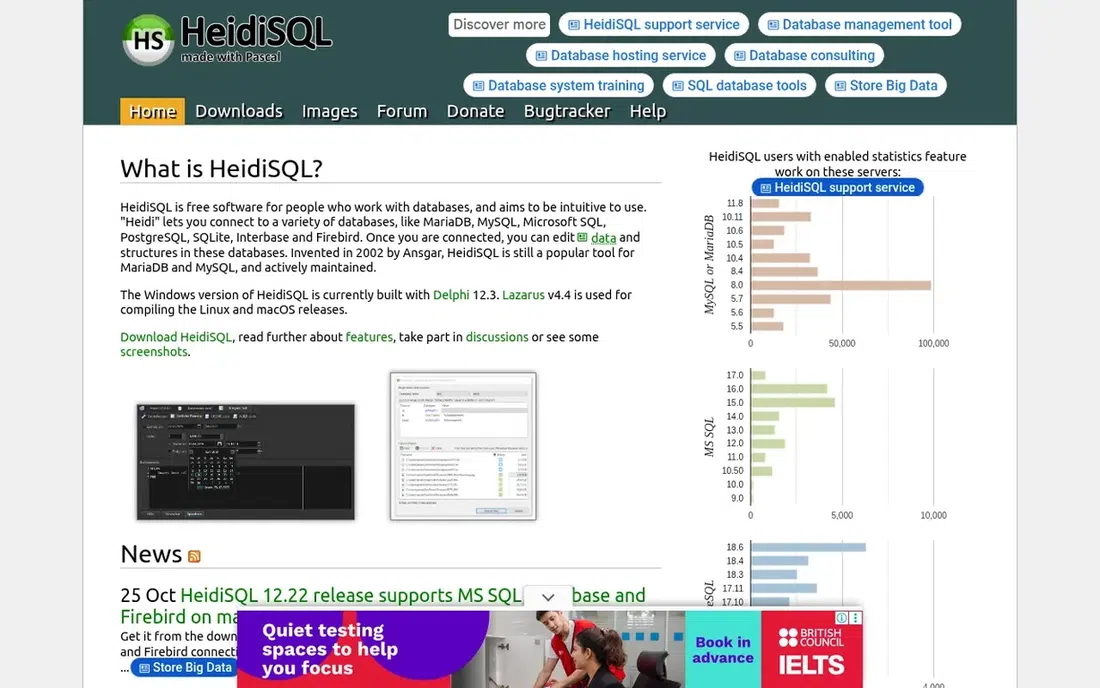
HeidiSQL targets lightweight MySQL and MariaDB work. HeidiSQL is a free and feature-rich client for MariaDB, MySQL, Microsoft SQL Server, PostgreSQL, SQLite and Interbase/Firebird, based on its homepage.
Limits to weigh: Fewer cross-engine extras than bigger suites.
In daily use, choose HeidiSQL when you want a free, focused client instead of a wide IDE. For MySQL and MariaDB users especially, it is a practical, light alternative to a bigger premium suite. No starting price is listed for HeidiSQL here; confirm pricing on the vendor site. Free plan details: Not stated.
- Handles multiple widely used engines
- Free and feature-rich client
- Chiefly associated with Windows
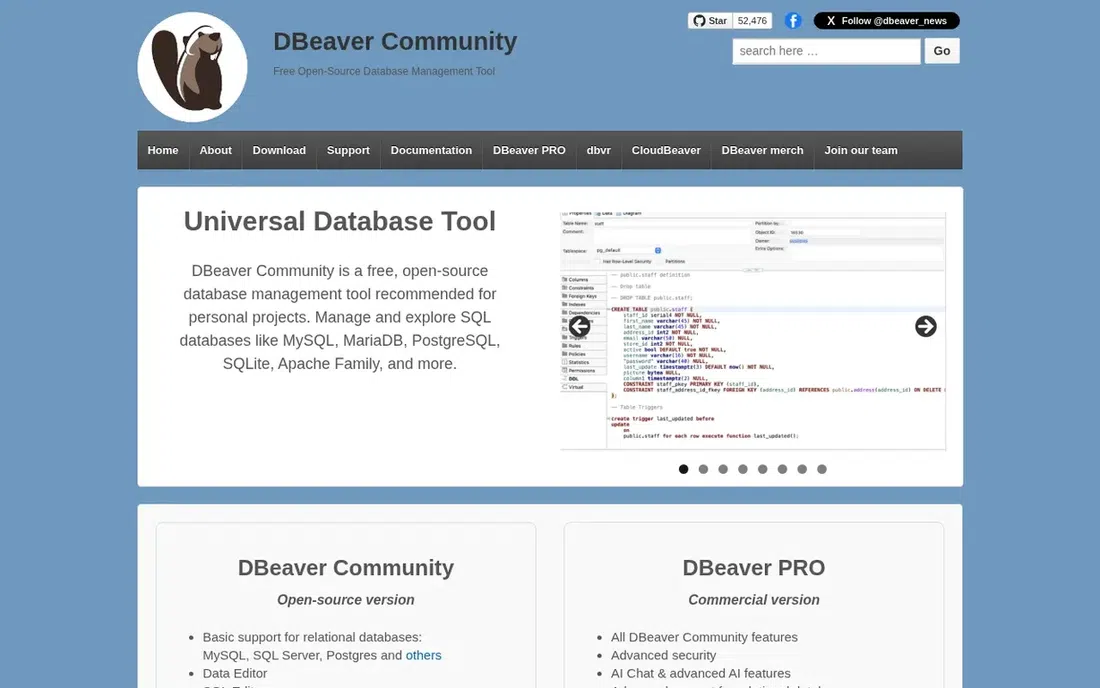
DBeaver targets open-source multi-database management. DBeaver is a free, open-source database management tool that presents itself as a single client for working with databases.
Where it is weaker: Advanced features vary by edition.
As for the details, since it aims to support many engines, some engine-specific features may be restricted compared to a vendor's own tool. No starting price is listed for DBeaver here; confirm pricing on the vendor site. Free options: Not stated.
- Cross-platform desktop client
- Deals with plenty of database engines
- Interface can feel dense for beginners
pgAdmin
Best for: PostgreSQL management across systems
pgAdmin serves PostgreSQL management across products. pgAdmin is the PostgreSQL Tools project, offered for Windows, Mac, Linux and the web based on its homepage.
It targets PostgreSQL, so it will not replace a multi-engine client for teams running multiple databases. From a buyer's view, running it in the browser can involve extra setup. pgAdmin does not show a starting price in this comparison, so check the vendor site for current pricing. Trial and free access: Not stated.
Where it falls short: Web mode brings setup considerations.
What users get: Open-source project.
- Linux and the web
- Available for Windows, Mac
- PostgreSQL only
DataGrip
Best for: IDE-style database development
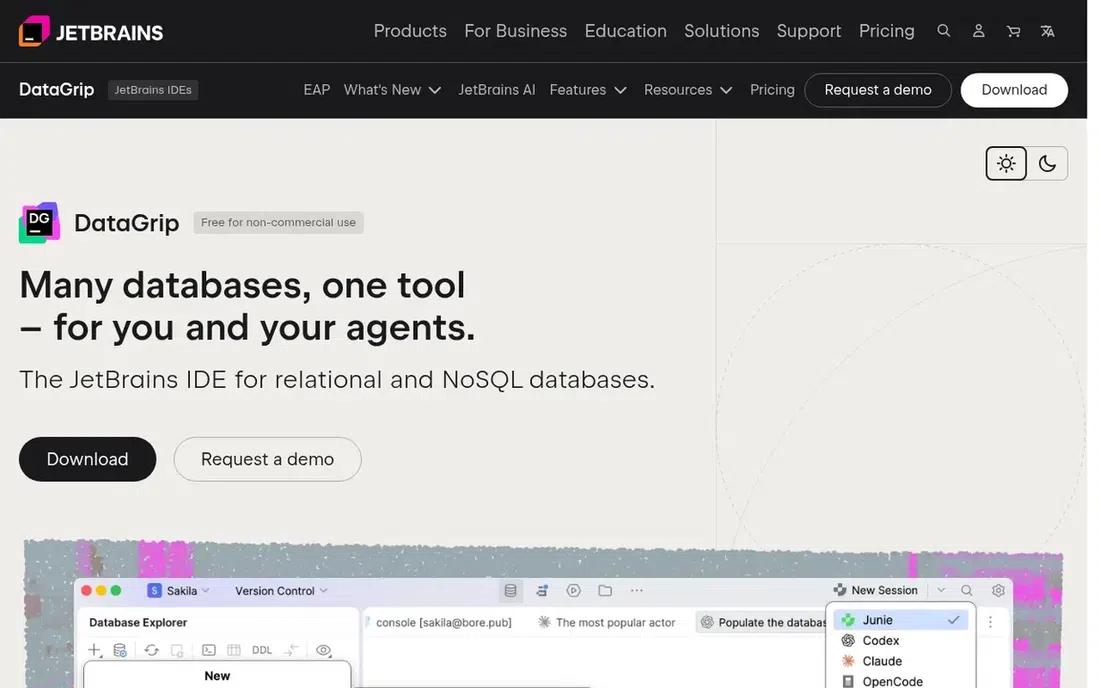
DataGrip was built for IDE-style database development. DataGrip is the JetBrains IDE for relational and NoSQL databases. Its homepage describes a cross-platform environment where you link, query and run databases in one interface, both traditionally and using AI agents.
From a buyer's view, as an IDE, it carries more weight and a steeper ramp-up time than a light client, which can be overkill for straightforward queries. Also, pick DataGrip when database work is a core part of your daily coding. Beyond that, teams that only need occasional database access may find a more straightforward tool quicker. DataGrip does not show a starting price in this comparison, so check the vendor site for current pricing. On free options: Not stated.
Limits to weigh: Heavier than a straightforward client.
- Query and run in one interface
- Cross-platform IDE for relational and NoSQL databases
- Built around the JetBrains IDE model
Our selection method
We compared the tools on published pricing, free plan or trial availability, feature coverage for Navicat Premium, and the limits each vendor documents. Where a price is missing, the vendor does not list one publicly or ties it to a quote. Always confirm before budgeting. The ranking is editorial: typical fit first, then clear pricing, then free access. If your needs are unusual, read the profiles rather than relying on position.
Things to verify first
- Request quotes from SQL Server Management Studio, DataGrip and the others; the list shows no fixed prices.
- Read the limits listed for SQL Server Management Studio first: concentrated on the SQL Database Engine.
- Run a one or two week pilot of DataGrip with the people who will use it every day.
- Confirm that DBeaver connects to the apps your team already uses, on the plan you would actually buy.
- Make sure SQL Server Management Studio lets you export your data in a format another tool can read.
FAQ
How are the tools for Navicat Premium ordered?
SQL Server Management Studio sits first and DataGrip last because the order follows typical fit for Navicat Premium, then price clarity and free access. It is a judgement call, so read each profile for fit and limits.
Do these tools publish their prices?
No. None of the tools, from SQL Server Management Studio to DataGrip, shows a fixed starting price here, so budget time for quotes.
Can I try these tools before paying?
Not by default. None of the tools, from SQL Server Management Studio to DataGrip, lists a free plan or a free trial here, so ask each vendor for a demo before committing.
Does any tool for Navicat Premium here have a free plan?
A permanent free plan is not offered by SQL Server Management Studio, DataGrip or the other tools here. Plan a short evaluation period instead.
Sources
- https://learn.microsoft.com/en-us/sql/ssms
- https://www.heidisql.com
- https://dbeaver.io
- https://www.pgadmin.org
- https://www.jetbrains.com/datagrip