Microsoft PowerPoint Alternatives in 2026: 5 Options Vetted
Microsoft PowerPoint alternatives in 2026: 5 tools with starting prices, free plans and limits. Caveats come with every verdict. Quick comparison inside.
- Editor's choice
 Canva
Design-led decks and visual assets
Starts atSee websiteVisit canva.comFull review - Great alternative
 Beautiful.ai
On-brand enterprise decks
Starts at$14.50 a monthVisit beautiful.aiFull review - Also consider
 Pitch
Collaborative team deck workflow
Starts at€10 a monthVisit pitch.comFull review
Direct answer
Canva comes first here, mainly for design-led decks and visual assets. Listed starting prices: Beautiful.ai from $14.50 a month and Pitch from €10 a month. Look at Beautiful.ai for on-brand enterprise decks, and at Pitch for collaborative team deck workflow. Prices, free plans and limits for all 5 tools follow.
TL;DR:
- Canva takes the first slot, best suited to design-led decks and visual assets.
- The cheapest monthly starting price in the list is $14.50 per month, offered by Beautiful.ai.
- Pitch stands alone as the one tool in this list with a free plan.
- Google Slides comes with a trade-off: design depth is restricted compared with desktop suites.
Last checked November 2026. Prices and plan details were read from the vendors' own pages in November 2026; vendors change plans often, so confirm the current price on the vendor site before you buy.
Quick comparison
| Tool | Best for | Starts at | Free plan? | |
|---|---|---|---|---|
| Canva | Design-led decks and visual assets | See website | Not stated | Visit |
| Beautiful.ai | On-brand enterprise decks | $14.50 a month | Free trial | Visit |
| Pitch | Collaborative team deck workflow | €10 a month | Yes | Visit |
 Google Slides | Browser-based collaborative decks | See website | Not stated | Visit |
 Prezi | Interactive live delivery | See website | Not stated | Visit |
Microsoft PowerPoint profiles
LinkVetted compared 5 tools for Microsoft PowerPoint. The goal is a practical shortlist: published prices, free plan facts, best-fit use cases and honest limits for every entry.
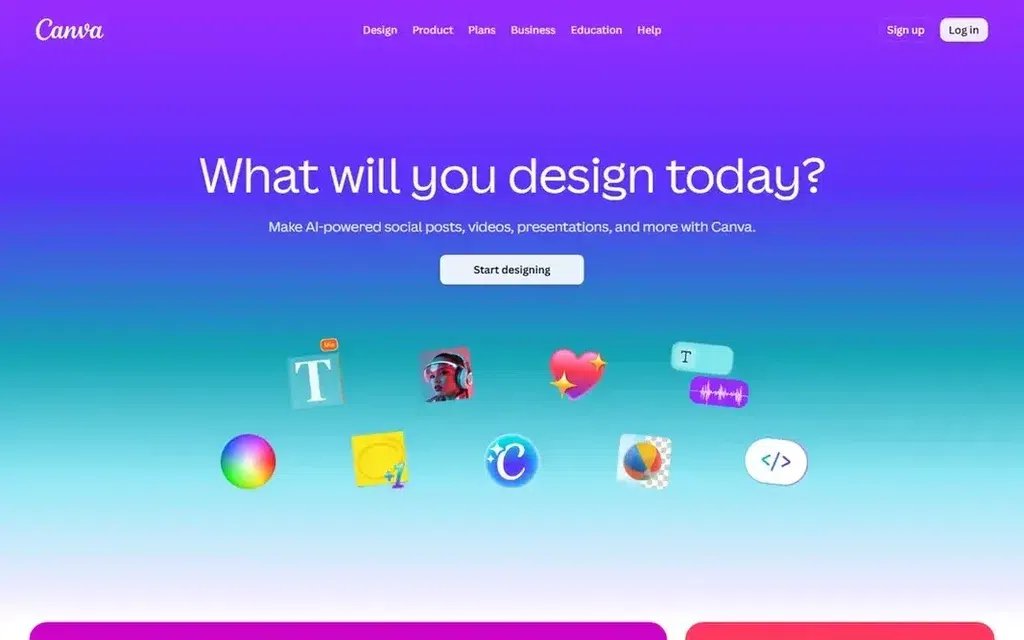
For design-led decks and visual assets, Canva is a natural candidate. Canva favors speed over precision. Also, if you need rigorous layout control or advanced animation, consider a purpose-built presentation tool.
In daily use, Canva is described as a visual suite for everyone, including social media posts, presentations, posters, videos and logos. More specifically, fine typographic control and complicated slide logic are less adaptable than in dedicated presentation software, and template-driven decks can start to look alike. Pricing for Canva is not stated here, so ask the vendor for current figures. Trial and free access: Not stated.
Limits to weigh: Advanced layout control can be restricted.
Highlights: One suite for posts.
- Posters and video
- Straightforward drag-and-drop editing
- Heavy decks may need design cleanup
Beautiful.ai serves on-brand enterprise decks. Beautiful.ai is an AI presentation product made for enterprise teams, keeping every deck on-brand and ready to share across a company.
That automation limits manual control, so unusual layouts or highly custom slides can be awkward. The starting price for Beautiful.ai: $14.50 per month. Free options: Free trial.
Where it is weaker: Less manual layout freedom.
- Design adjusts as content changes
- Pitched at enterprise team sharing
- Template logic drives the look
For collaborative team deck workflow, Pitch is a natural candidate. If you only need a straightforward editor for a handful of decks, a lighter tool will be simpler to adopt. The emphasis is on shared deck production instead of one person building slides alone, which fits startups, agencies and departments that iterate on presentations together and present them from the same place.
Pitch describes itself as an AI presentation workspace and a collaborative product for teams that want to produce, share and deliver better work. From a buyer's view, the team-first design means solo or occasional presenters may not use much of what it offers. Entry price for Pitch: €10 per month. Pitch offers a free plan.
Where it is weaker: Feature depth varies by workflow.
- Built around team collaboration
- Build
- Less handy for solo casual users
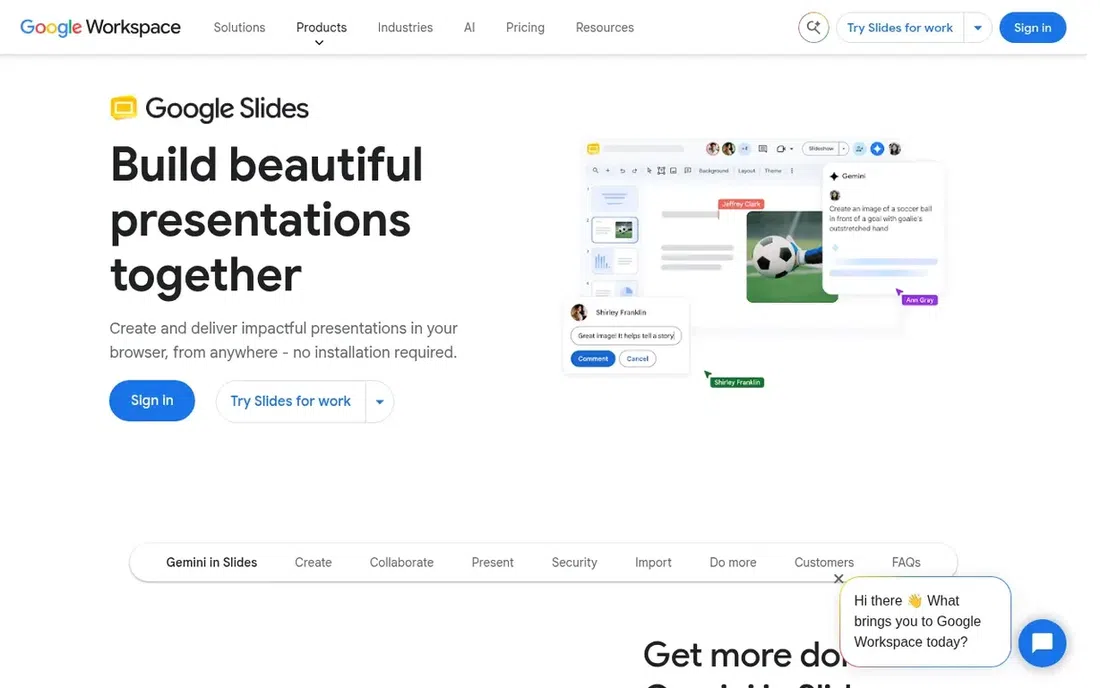
Where Google Slides fits: browser-based collaborative decks. Google Slides is a presentation slideshow maker within Google Workspace. It centers on creating decks in the browser, applying slide templates for typical use cases, and using AI to create visualizations.
Honest limits: Design depth is restricted compared with desktop suites.
As for the details, since files live online, multiple people can work on the same deck at once, which fits distributed teams, classrooms and anyone who already organizes work in Google's ecosystem. Worth adding: if your decks are design-heavy or must match a strict brand system, a dedicated design or enterprise tool may serve you better. Google Slides shows no starting price here, so confirm the cost on the vendor site. Free access: Not stated.
- Runs in the browser with no install
- Slide templates for plenty of use cases
- Offline use relies on setup
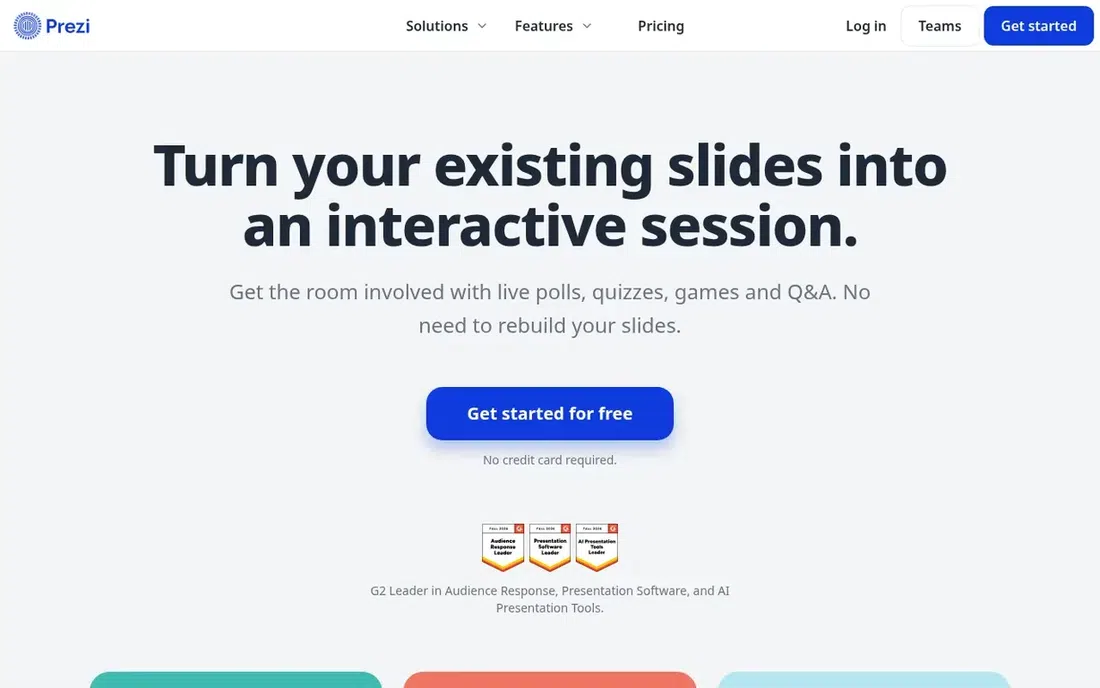
Think of Prezi for interactive live delivery. It is geared toward educators, trainers and teams, letting you bring slides you already have or describe your content, then run live polls and quizzes that the audience joins from their phone, and share one link afterward.
As for the details, the zooming canvas and interactive features take time to learn, and the format can distract from straightforward informational decks. Worth adding: if you primarily need clean, linear slides for reading later, a conventional editor is the more straightforward choice. No starting price is listed for Prezi here; confirm pricing on the vendor site. Free options: Not stated.
Honest limits: Nonlinear canvas has a ramp-up time.
- Shareable presentation links
- Live polls and quizzes from phones
- Less suited to static document-style decks
How these tools were picked
Selection started from tools commonly considered for Microsoft PowerPoint, then narrowed to 5 that have clear pricing information or a clear quote process. Treat prices as a snapshot: vendors change plans often, so check the vendor site for the figure that applies today. The sequence is a judgement call: typical use case first, then pricing transparency, then free access. Use the profiles to check fit.
What to check before you buy
- Get a written quote from Canva, Google Slides and Prezi; the list shows no starting price for them.
- Test the free plan from Pitch against your real workload before relying on it.
- Take the trial from Beautiful.ai and push a live task through it before you pay.
- Read the limits listed for Canva first: advanced layout control can be restricted.
- Read the plan comparison for Prezi carefully; key features often start on a higher tier.
- Check whether Canva bills monthly or annually, and what cancelling early costs.
FAQ
Which options for Microsoft PowerPoint have a free plan?
Pitch is the only tool in this list with a free plan. Free plans usually cap users, projects or features, so check the limits on the vendor page. One other tool offers a trial instead. All 5 picks in this Microsoft PowerPoint alternatives comparison list a starting price, free plan details and the main limits on their cards above.
What is the cheapest option for Microsoft PowerPoint in this list?
On published monthly entry prices, Beautiful.ai is the lowest here at $14.50 per month. Entry price is only part of the cost, because seats, add-ons and billing terms can change the total. For the full picture, the cards above cover all 5 entries of this Microsoft PowerPoint alternatives list, including price, free plan and limits.
Which alternative is closest to PowerPoint for everyday business decks?
Google Slides is the closest everyday substitute for most teams since it spans slide creation, templates and shared editing in the browser. Keynote is a solid choice if your team works on Apple devices.
Can I try these tools before paying?
Often, yes. Pitch has a free plan and Beautiful.ai offers a free trial. Use your own data and a real task during the test, and check what the free tier or trial limits before you rely on it. Prices, free plan details and limits for all 5 tools in this Microsoft PowerPoint alternatives roundup sit on the individual cards above.
Do these tools help with design if I am not a designer?
Canva leans on templates and visual assets, Beautiful.ai enforces brand rules automatically, and Google Slides provides templates plus AI-generated visuals. The tradeoff is normally less manual layout freedom.
How are the tools for Microsoft PowerPoint ordered?
The order follows typical fit for Microsoft PowerPoint, with Canva first and Prezi last, then price clarity and free access. It is editorial judgement, not a score, so another team could rank the tools differently.
Sources
- https://www.canva.com
- https://www.beautiful.ai
- https://pitch.com
- https://workspace.google.com/products/slides
- https://prezi.com