Best Microsoft Power BI Alternatives for 2026 (5 Compared)
Need Microsoft Power BI alternatives? We compare 5 tools on cost, free access and who each suits. Every profile names its biggest catch. Narrow your shortlist.
- Editor's choice
 Qlik Sense
End-to-end data integration and insight
Starts atSee websiteVisit qlik.comFull review - Great alternative
 Domo
Governed data for AI agents
Starts atSee websiteVisit domo.comFull review - Also consider
 Zoho Analytics
Wide app connections and dashboards
Starts atSee websiteVisit zoho.comFull review
Direct answer
This list puts Qlik Sense first for end-to-end data integration and insight. Listed starting prices: Tableau from $15 per user a month. Domo is better for governed data for AI agents, and Zoho Analytics is better for broad app connections and dashboards. All 5 tools are compared below on price, free plan and limits.
TL;DR:
- Qlik Sense sits first on this list: end-to-end data integration and insight.
- For the cheapest start, look at Tableau: $15 per user per month.
- Only Tableau offers a free plan among these 5 tools.
- Tableau fits visual exploration and wide data connections.
Last checked November 2026. Prices and plan details were read from the vendors' own pages in November 2026; vendors change plans often, so confirm the current price on the vendor site before you buy.
Quick comparison
| Tool | Best for | Starts at | Free plan? | |
|---|---|---|---|---|
| Qlik Sense | End-to-end data integration and insight | See website | Not stated | Visit |
| Domo | Governed data for AI agents | See website | Free trial | Visit |
| Zoho Analytics | Wide app connections and dashboards | See website | Not stated | Visit |
 Sisense | Embedded analytics in products | See website | Free trial | Visit |
 Tableau | Visual exploration and wide data connections | $15 per user a month | Yes | Visit |
Microsoft Power BI profiles
LinkVetted put together this guide to Microsoft Power BI for readers who want a clear shortlist without reading every vendor page. It compares 5 tools on starting price, free plans, who each one suits and where each one falls short.
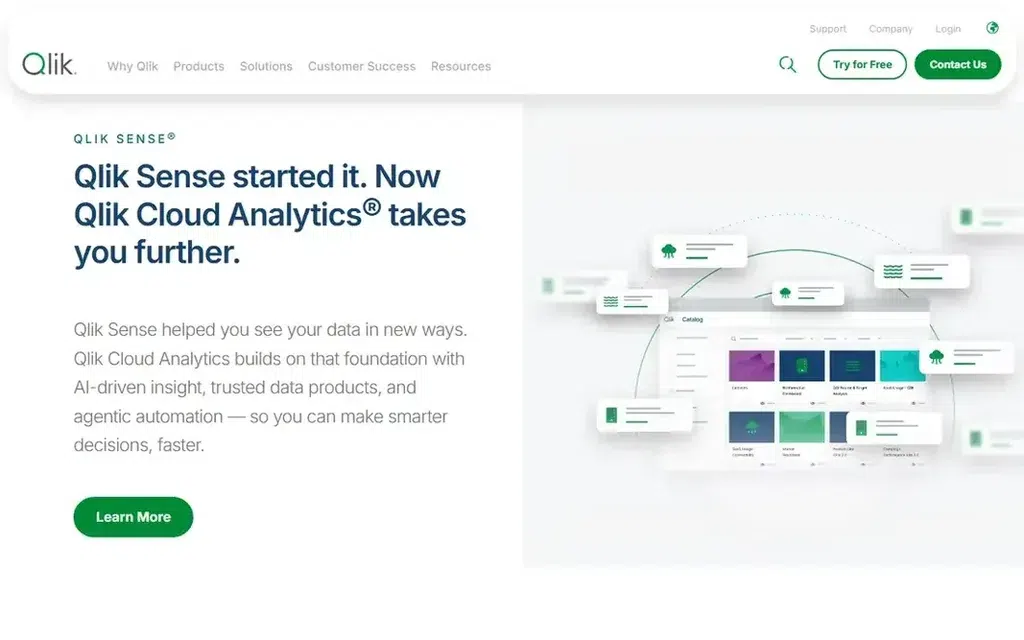
For end-to-end data integration and insight, Qlik Sense is a natural candidate. The end-to-end scope is capable but can make rollout and ownership more involved than a focused BI tool.
Points against: Wide scope can complicate rollout.
Check how the integration, quality and analytics pieces fit your environment before committing. Qlik Sense does not show a starting price in this comparison, so check the vendor site for current pricing. Trial and free access: Not stated.
- Data quality capabilities included
- Data fabric spanning integration and analytics
- Feature depth varies by module
Choose Domo for governed data for AI agents. It fits organizations that want data movement, preparation and insight delivery addressed together and that are preparing trusted data for AI use cases.
Downsides: Wide system needs clear ownership.
Domo shows no starting price here, so confirm the cost on the vendor site. As for free access: Free trial.
- Prepares and expands data access
- Links and moves data from any source
- Value relies on data readiness
Zoho Analytics is built with wide app connections and dashboards in mind. Zoho Analytics is data analytics software and an AI-powered BI system.
Honest limits: Best value inside the Zoho ecosystem.
It links to numerous apps, lets users build dashboards and aims to deliver actionable insights rapidly, which fits small and midsize teams that want reporting across typical business applications without a heavy setup. Zoho Analytics shows no starting price here, so confirm the cost on the vendor site. Free access: Not stated.
- Links to plenty of apps
- AI-powered insight features
- Deep customization may be limited
Sisense is a good fit for embedded analytics in products. Sisense gives AI-powered embedded analytics intended to unlock insights and convert data into revenue, with pro-code, low-code and no-code adaptability.
If internal reporting is the central goal, Tableau or Zoho Analytics may suit better. Worth adding: the embedding focus means Sisense is less obviously pitched at organizations that just need internal dashboards. This comparison lists no price for Sisense; ask the vendor. Free access: Free trial.
Watch-outs: Embedding focus narrows general BI fit.
- AI-powered embedded analytics
- Low-code and no-code choices
- Adaptability paths need clear standards
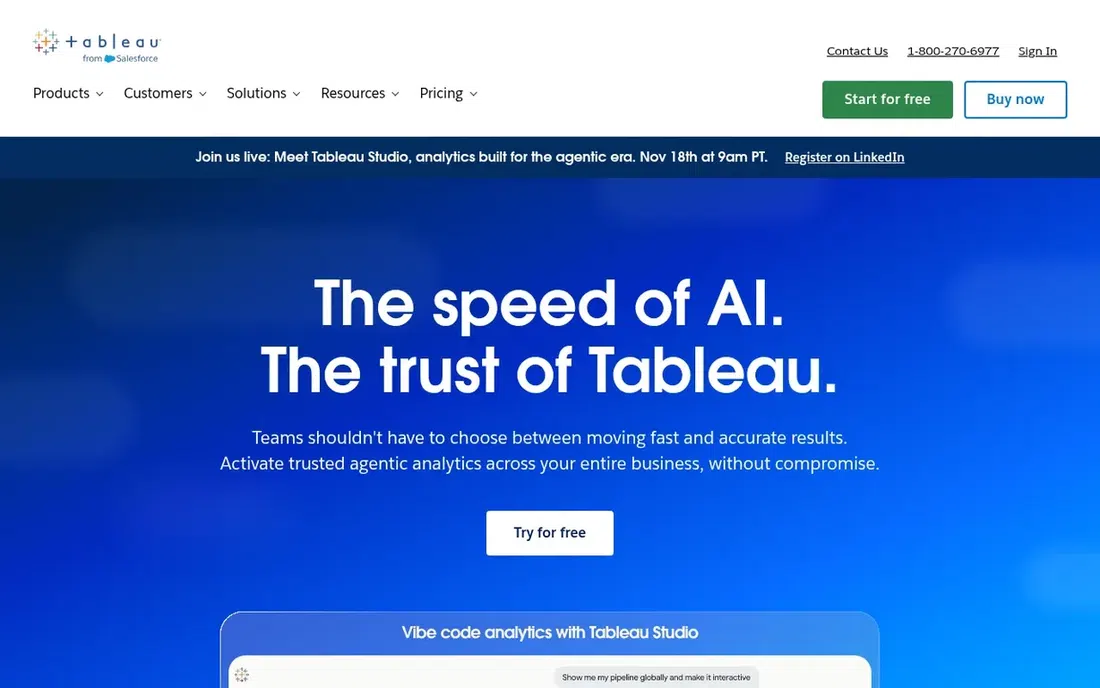
In short, Tableau is for visual exploration and wide data connections. Tableau is business intelligence and analytics software built around visual analysis.
Users link to almost any database, then drag-and-drop to produce visualizations and share them with a click. Also, confirm connection and sharing details on the vendor site. Entry price for Tableau: $15 per user per month. Free access exists with Tableau.
Where it falls short: Governance setup takes planning.
- Drag-and-drop visualization building
- Links to almost any database
- Rich visuals can need training
How the list was put together
Selection started from tools commonly considered for Microsoft Power BI, then narrowed to 5 that have clear pricing information or a clear quote process. Plan names, prices and limits change often. Treat the figures here as a starting point and verify them with the vendor. The sequence is a judgement call: typical use case first, then pricing transparency, then free access. Use the profiles to check fit.
Pre-purchase checklist
- Get a written quote from Qlik Sense, Domo, Zoho Analytics and Sisense; the list shows no starting price for them.
- Test the free plan from Tableau against your real workload before relying on it.
- Take the trial from Domo and Sisense and push a live task through it before you pay.
- Read the limits listed for Qlik Sense first: wide scope can complicate rollout.
- Involve the people who will use Qlik Sense daily; a short pilot beats a long feature checklist.
- Total up the real monthly cost of Sisense, including add-ons, extra users and usage-based fees.
FAQ
How does Zoho Analytics compare with the bigger systems?
Zoho Analytics emphasizes connecting plenty of apps and building dashboards rapidly, which fits smaller teams with typical business applications. Bigger systems for example Qlik Sense and Domo span broader data integration and governance.
Do these tools publish their prices?
Not all of them. Qlik Sense, Domo, Zoho Analytics and Sisense publish no starting price, so expect a quote request for those. The rest, Tableau included, show a starting price, though seats and billing terms still change the final cost.
Which Power BI alternative is a good match for visual analysis?
This list starts with Qlik Sense, which fits end-to-end data integration and insight. For other needs, Domo is aimed at governed data for AI agents, and Zoho Analytics at wide app connections and dashboards. Check each tool's price and main limit first.
Which options for Microsoft Power BI have a free plan?
Tableau is the only tool in this list with a free plan. Free plans usually cap users, projects or features, so check the limits on the vendor page. Several others offer a trial instead. Prices, free plan details and limits for all 5 tools in this microsoft power BI alternatives roundup sit on the individual cards above.
What is the cheapest option for Microsoft Power BI in this list?
On published monthly entry prices, Tableau is the lowest here at $15 per user per month. Entry price is only part of the cost, because seats, add-ons and billing terms can change the total. Each of the 5 options in this microsoft power BI alternatives guide has its own card above with the price, free plan and limits.
What should I check before switching BI systems?
Confirm connector coverage, governance needs and whether you plan to embed analytics in products. These factors typically decide the fit more than the dashboard builder itself.
Sources
- https://www.qlik.com
- https://www.domo.com
- https://www.zoho.com/analytics
- https://www.sisense.com
- https://www.tableau.com