Top Land F/X Alternatives in 2026: 5 Picks Ranked
Land F/X alternatives in 2026: 5 contenders with entry costs and free tiers. ArchiCAD is the first pick for easy-to-learn BIM for architects. Plain facts.

- Editor's choice
 ArchiCAD
Easy-to-learn BIM for architects
Starts at$43 per seat per monthVisit graphisoft.comFull review - Great alternative
 Twinmotion
Live visualization for architecture
Starts atSee websiteVisit twinmotion.comFull review - Also consider
 Lumion
Live rendering and visualization
Starts at$96 named user a monthVisit lumion.comFull review
Direct answer
Our first pick is ArchiCAD, best for easy-to-learn BIM for architects. Listed starting prices: ArchiCAD from $43 per seat per month, Lumion from $96 named user a month and DynaSCAPE from $48 per month. Alternatives: Twinmotion for live visualization for architecture, and Lumion for live rendering and visualization. The other 2 tools in the list cover narrower or pricier cases.
TL;DR:
- Top of the list is ArchiCAD, which targets easy-to-learn BIM for architects.
- For general CAD drafting and customization, AutoCAD is worth a look.
- DynaSCAPE comes with a trade-off: restricted to landscape industry.
- The lowest published monthly entry price here is $43 per seat per month, from ArchiCAD.
- A permanent free plan is missing from all 5 tools, ArchiCAD and AutoCAD included; plan for a trial or a premium start.
Last checked November 2026. Prices and plan details were read from the vendors' own pages in November 2026; vendors change plans often, so confirm the current price on the vendor site before you buy.
Quick comparison
| Tool | Best for | Starts at | Free plan? | |
|---|---|---|---|---|
| ArchiCAD | Easy-to-learn BIM for architects | $43 per seat per month | Free trial | Visit |
| Twinmotion | Live visualization for architecture | See website | Not stated | Visit |
| Lumion | Live rendering and visualization | $96 named user a month | Free trial | Visit |
 DynaSCAPE | Landscape design and business management | $48 per month | Free trial | Visit |
 AutoCAD | General CAD drafting and customization | See website | Not stated | Visit |
Land F/X profiles
Short on time? The summary and table above give the quick view of 5 tools for Land F/X, and the profiles that follow give the detail behind each entry.

ArchiCAD serves easy-to-learn BIM for architects. Archicad is a BIM software known for its easy-to-learn interface and powerful suite of built-in tools. It makes it possible for architects to design and document efficiently.
Watch-outs: Restricted landscape-specific features.
As for the details, Archicad is tailored for building design and may lack dedicated landscape tools. It might need extra plugins for site and planting design. The software supports a simplified BIM workflow. ArchiCAD cost at the entry level: $43 per seat per month. As for free access: Free trial.
- Approachable interface
- Capable built-in tools
- Needs extras for advanced site design
Twinmotion is a good fit for live visualization for architecture. Lumion is a comparable alternative for live rendering.
Limits to weigh: Restricted design capabilities.
It lets designers to produce immersive visuals and explore designs interactively. It may lack advanced rendering features found in dedicated solutions. Twinmotion does not show a starting price in this comparison, so check the vendor site for current pricing. On free options: Not stated.
- Approachable interface
- Real-time rendering
- Needs separate modeling software
Lumion is aimed squarely at live rendering and visualization. Lumion is a visualization tool, not a design or drafting system, so it must be paired with modeling software. It may not be well suited to those seeking an all-in-one landscape design option.
In practice, Lumion is a live 3D rendering software for architects and designers. It transforms design workflows with speed, quality, and ease. Also, users can visualize every step from concept to final render. Lumion starts at: $96 named user per month. Free options: Free trial.
What to check first: Not a design tool.
- Quick to learn
- High-quality visuals
- Needs separate modeling software
DynaSCAPE is built with landscape design and business management in mind. DynaSCAPE is specialized for the landscape industry and may not serve broader architectural needs.
From a buyer's view, consider AutoCAD for more general design adaptability. Price to start with DynaSCAPE: $48 per month. On free options: Free trial.
Points against: Less a good match for general architecture.
- Integrated business management
- Industry-focused
- Restricted to landscape industry
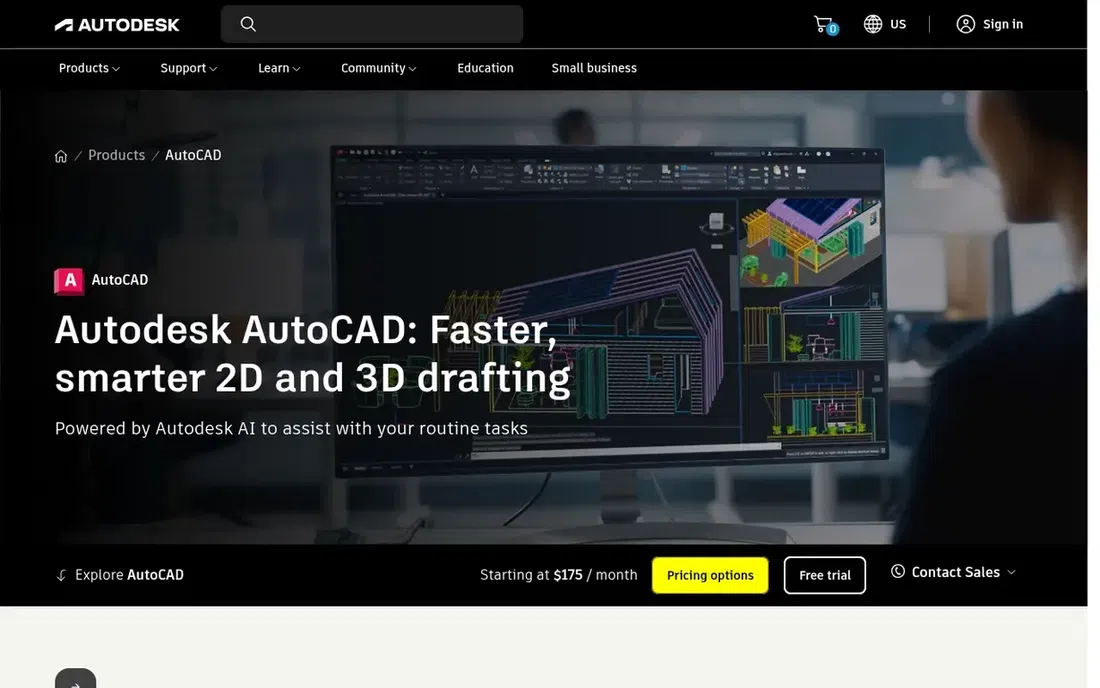
In short, AutoCAD is for general CAD drafting and customization. It offers AI automation, better performance, and shared DWG collaboration.
Where it falls short: Needs customization for landscape-specific tools.
Also, consider DynaSCAPE if you prefer preconfigured landscape features. Landscape designers can tailor it with custom tools and libraries. Check the vendor site for AutoCAD pricing; none is listed in this comparison. Trial and free access: Not stated.
- Widely used industry standard
- AI automation features
- Subscription-based licensing
How we built this list
Each tool was reviewed on what its vendor publishes: price, plan limits, core features and stated drawbacks. We did not run hands-on tests. Where a price is missing, the vendor does not list one publicly or ties it to a quote. Always confirm before budgeting. The order reflects how well each tool fits the most common buying scenario for Land F/X, then price clarity, then free plan access. It is a starting point, not a verdict.
Pre-purchase checklist
- Get a written quote from Twinmotion and AutoCAD; the list shows no starting price for them.
- Use real work to test the free trial from ArchiCAD, Lumion and DynaSCAPE, rather than a demo project.
- Before choosing ArchiCAD, weigh its main limit: restricted landscape-specific features.
- Run a one or two week pilot of Twinmotion with the people who will use it every day.
- Confirm you can export your data from ArchiCAD, so leaving later does not mean losing records.
FAQ
Which tool is a good match for rendering landscape designs?
Start with ArchiCAD if you need easy-to-learn BIM for architects. Twinmotion is the better match for live visualization for architecture, and Lumion for live rendering and visualization. The best choice depends on budget, team size and workflow.
Can I try these tools before paying?
Often, yes. ArchiCAD, Lumion and DynaSCAPE offer a free trial. Use your own data and a real task during the test, and check what the free tier or trial limits before you rely on it.
How are the tools for Land F/X ordered?
The order follows typical fit for Land F/X, with ArchiCAD first and AutoCAD last, then price clarity and free access. It is editorial judgement, not a score, so another team could rank the tools differently.
Do these tools publish their prices?
Not all of them. Twinmotion and AutoCAD publish no starting price, so expect a quote request for those. The rest, ArchiCAD included, show a starting price, though seats and billing terms still change the final cost.
Is ArchiCAD the right pick for everyone comparing Land F/X?
No single tool suits every team. ArchiCAD comes first because it fits intuitive BIM for architects, while Twinmotion suits real-time visualization for architecture and Lumion suits real-time rendering and visualization. Match the tool to your own size, budget and workflow before deciding.
Are there free alternatives to Land F/X?
Some tools offer free versions or trials, but capabilities vary. For professional landscape design, premium options like DynaSCAPE or AutoCAD are typical.
Sources
- https://graphisoft.com/solutions/archicad
- https://www.twinmotion.com
- https://lumion.com
- https://www.dynascape.com
- https://www.autodesk.com/products/autocad/overview