Top MediBang Paint Alternatives in 2026: 5 Picks Ranked
Searching for MediBang Paint alternatives? Here are 5 options with prices and free plans. Fit and flaws are laid out for each entry. Current for November 2026.
- Editor's choice
 Sketchbook
Cross-platform sketching and illustration
Starts atPricing on requestVisit sketchbook.comFull review - Great alternative
 Autodesk SketchBook
Legacy SketchBook users seeking continuity
Starts atPricing on requestVisit autodesk.comFull review - Also consider
 Adobe Photoshop
All-in-one photo editing and digital painting
Starts atPricing on requestVisit adobe.comFull review
Direct answer
This list puts Sketchbook first for cross-platform sketching and illustration. Alternatives: Autodesk SketchBook for legacy SketchBook users seeking continuity, and Adobe Photoshop for all-in-one photo editing and digital painting. Free plan facts and limits for all 5 tools follow. None of these vendors publish plan prices, so pricing is on request for every option.
TL;DR:
- Sketchbook sits first on this list: cross-platform sketching and illustration.
- What to know about Rebelle first: desktop only, no mobile version.
- A permanent free plan is missing from all 5 tools, Sketchbook and Affinity Photo included; plan for a trial or a premium start.
- Affinity Photo is the one to check for precise photo editing and retouching.
- Sketchbook, Affinity Photo and the 3 others all sell by quote; expect sales conversations before you see a price.
Last checked November 2026. Pricing on request: vendors did not publish plan prices when this guide was last checked (November 2026), so ask each vendor for a written quote.
Quick comparison
| Tool | Best for | Starts at | Free plan? | |
|---|---|---|---|---|
| Sketchbook | Cross-platform sketching and illustration | Pricing on request | Not stated | Visit |
| Autodesk SketchBook | Legacy SketchBook users seeking continuity | Pricing on request | Not stated | Visit |
| Adobe Photoshop | All-in-one photo editing and digital painting | Pricing on request | Not stated | Visit |
 Rebelle | Realistic natural media painting | Pricing on request | Not stated | Visit |
 Affinity Photo | Precise photo editing and retouching | Pricing on request | Not stated | Visit |
MediBang Paint compared in detail
LinkVetted put together this guide to MediBang Paint for readers who want a clear shortlist without reading every vendor page. It compares 5 tools on starting price, free plans, who each one suits and where each one falls short.
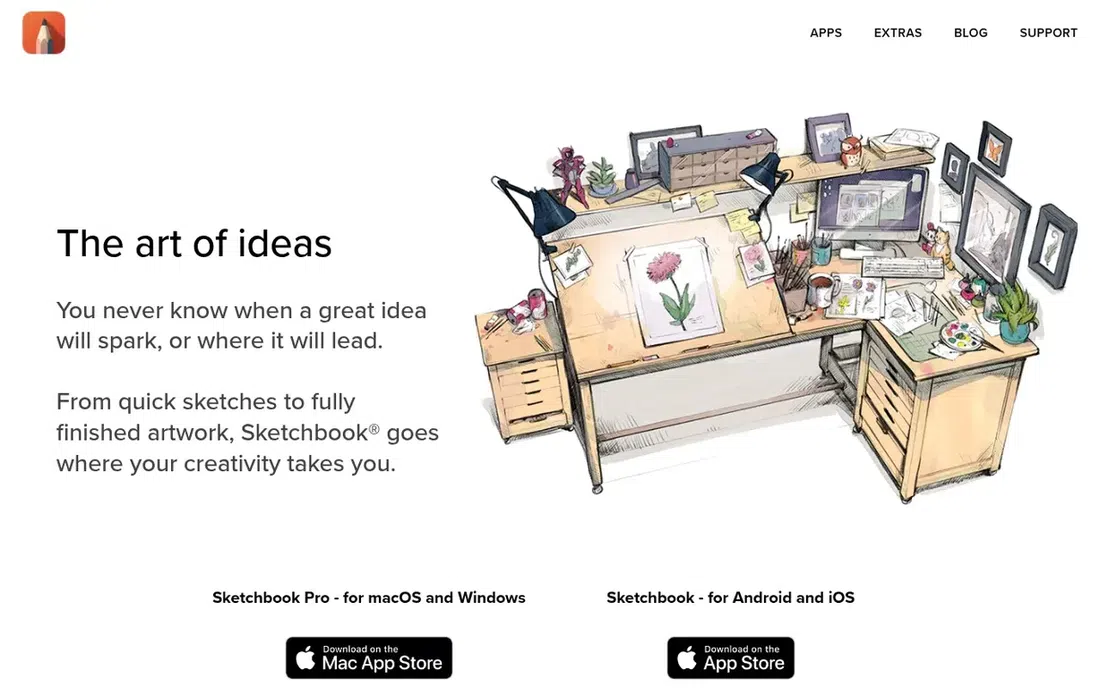
For cross-platform sketching and illustration, Sketchbook is a natural candidate. It offers professional-grade drawing tools in a beautiful interface that is simple to use for anyone who wants to explore and experiment.
Sketchbook centres on drawing and sketching instead of advanced photo editing or complicated compositing. Check the vendor site for Sketchbook pricing; none is listed in this comparison. Trial and free access: Not stated.
Honest limits: May lack some high-end painting choices.
- Professional-grade drawing tools
- Available on all major systems
- Fewer advanced photo-editing features
Autodesk SketchBook targets legacy SketchBook users seeking continuity. Even so, Autodesk has discontinued the product and no longer provides downloads or new versions. It may still be relevant for artists who already have it installed and are comfortable with its workflow, but it is not a forward-looking choice.
Downsides: No longer available for download.
New users cannot obtain it from Autodesk. Consider Autodesk SketchBook only if you already depend on it and are aware of its limitations. Since the software is discontinued, it receives no updates or support, which can pose security and compatibility risks over time. Pricing for Autodesk SketchBook is not stated here, so ask the vendor for current figures. Trial and free access: Not stated.
- Professional sketching tools
- Familiar interface for existing users
- Discontinued, no new updates
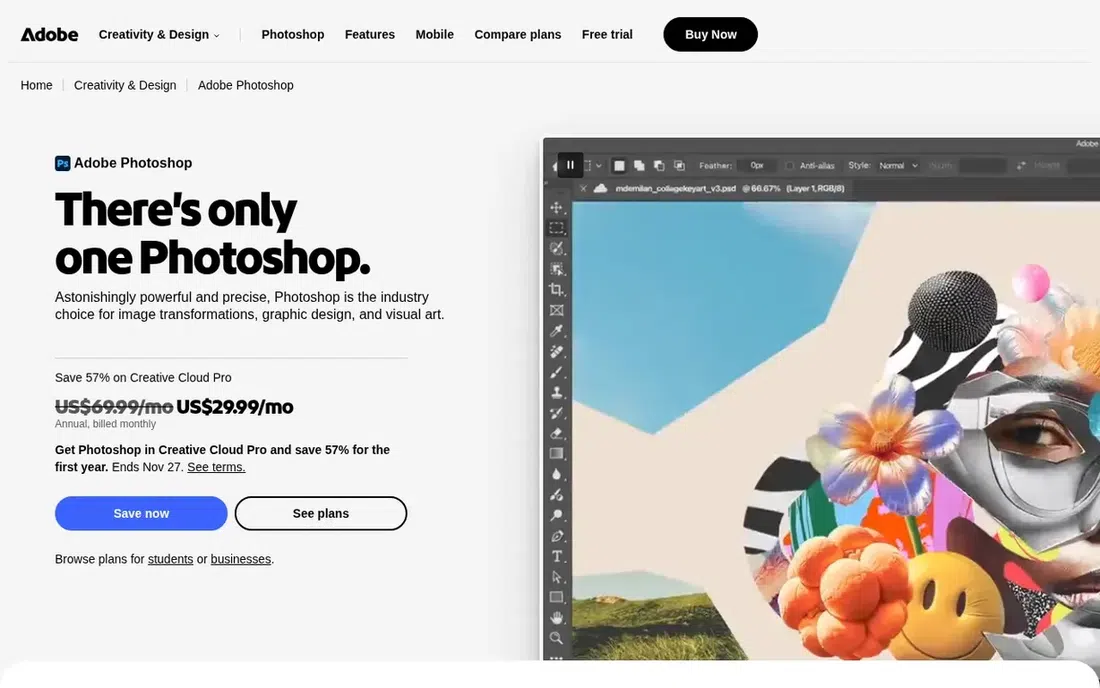
Think of Adobe Photoshop for all-in-one photo editing and digital painting. It merges image manipulation, custom scene creation, and painting tools in one environment.
For everyday use, the mobile app extends entry-level editing to phones and tablets. If you chiefly draw and seldom edit photos, a dedicated drawing app may be a better fit. Adobe Photoshop shows no starting price here, so confirm the cost on the vendor site. Free access: Not stated.
Limits to weigh: Can be resource-intensive.
- Wide toolset for editing and painting
- Available on desktop and mobile
- Subscription-based access
Where Rebelle fits: realistic natural media painting. Rebelle is real media paint software for digital painting that simulates real-world color mixing, blending, wet-diffusion, and drying. It is built for artists who want traditional painting effects in a digital environment.
Honest limits: Desktop only, no mobile version.
As for the details, if you need a mobile drawing app or thorough image editing, look elsewhere. More specifically, choose Rebelle when realistic painting simulation is your top priority. Also, the software is available for Mac and Windows. Pricing for Rebelle is not stated here, so ask the vendor for current figures. Free plan details: Not stated.
- Wet-diffusion and drying effects
- Available for Mac and Windows
- Concentrated on painting, not photo editing
Affinity Photo is designed for precise photo editing and retouching. Affinity Photo is a professional photo editor made for precision, speed, and creative freedom. It provides a full set of editing tools for retouching, compositing, and image adjustment.
From a buyer's view, choose Affinity Photo when your central work is photo editing and you want a precise, capable tool. Worth adding: Whereas Affinity Photo bundles painting tools, it is not primarily a drawing app, so illustrators may find its brush engine less natural than dedicated sketching software. Affinity Photo does not show a starting price in this comparison, so check the vendor site for current pricing. Free access: Not stated.
Trade-offs to know: Less focus on natural drawing.
- One-time purchase choice
- Precision and speed for complicated edits
- Steeper ramp-up time for beginners
How these tools were picked
The comparison looks at four things: starting price, free access, how well the feature set matches MediBang Paint, and the main limit of each tool. Treat prices as a snapshot: vendors change plans often, so check the vendor site for the figure that applies today. Order on the page follows fit for the typical buyer first, then price transparency and free access. Your own requirements should decide the final pick.
Things to verify first
- Confirm the entry price with every vendor: no tool from Sketchbook to Affinity Photo shows a fixed starting price.
- Before choosing Sketchbook, weigh its main limit: fewer advanced photo-editing features.
- Confirm the exact Sketchbook plan that includes your must-have features.
- Check the support hours and onboarding help Affinity Photo offers; smaller vendors vary a lot here.
- Pick one real project and run it in Autodesk SketchBook first; a small pilot shows fit faster than a checklist.
FAQ
Is Sketchbook the right pick for everyone comparing MediBang Paint?
No single tool suits every team. Sketchbook comes first because it fits cross-platform sketching and illustration, while Autodesk SketchBook suits legacy SketchBook users seeking continuity and Adobe Photoshop suits all-in-one photo editing and digital painting. Match the tool to your own size, budget and workflow before deciding.
Can I try these tools before paying?
Not by default. None of the tools, from Sketchbook to Affinity Photo, lists a free plan or a free trial here, so ask each vendor for a demo before committing.
Do these tools publish their prices?
No. None of the tools, from Sketchbook to Affinity Photo, shows a fixed starting price here, so budget time for quotes.
What is the best free alternative to MediBang Paint?
Sketchbook is the pick this page puts first, mainly for cross-platform sketching and illustration. If your situation differs, Autodesk SketchBook suits legacy SketchBook users seeking continuity, and Adobe Photoshop suits all-in-one photo editing and digital painting. Compare price and limits before you decide.
How are the tools for MediBang Paint ordered?
Sketchbook sits first and Affinity Photo last because the order follows typical fit for MediBang Paint, then price clarity and free access. It is a judgement call, so read each profile for fit and limits.
Sources
- https://www.sketchbook.com
- https://www.autodesk.com/products/sketchbook/overview
- https://www.adobe.com/products/photoshop.html
- https://www.escapemotions.com/products/rebelle
- https://affinity.serif.com/en-us/photo