Switching From Kittl? 5 Alternatives for 2026
Kittl alternatives in 2026: 5 contenders with entry costs and free tiers. Top pick: Placeit, aimed at Mockups, logos and video templates. Prices checked.
- Editor's choice
 Placeit
Mockups, logos and video templates
Starts at$7.47 a monthVisit placeit.netFull review - Great alternative
 VistaCreate
Template-led social and print design
Starts atSee websiteVisit create.vista.comFull review - Also consider
 Figma
Collaborative product and interface design
Starts at$3 a monthVisit figma.comFull review
Direct answer
If you need Mockups, logos and video templates, Placeit is the first tool to look at here. Listed starting prices: Placeit from $7.47 a month and Figma from $3 a month. Alternatives: VistaCreate for template-led social and print design, and Figma for collaborative product and interface design. The other 2 tools in the list cover narrower or pricier cases.
TL;DR:
- Placeit is the opening pick, best for Mockups, logos and video templates.
- For all-around visual design work, Canva is worth a look.
- Check the limits for Figma before you commit: steeper ramp-up time for beginners.
- Figma has the lowest monthly starting price in this list: $3 per month.
- A free plan is available from 2 of the 5 tools: Placeit, VistaCreate.
Last checked November 2026. Prices and plan details were read from the vendors' own pages in November 2026; vendors change plans often, so confirm the current price on the vendor site before you buy.
Quick comparison
| Tool | Best for | Starts at | Free plan? | |
|---|---|---|---|---|
| Placeit | Mockups, logos and video templates | $7.47 a month | Yes | Visit |
| VistaCreate | Template-led social and print design | See website | Yes | Visit |
| Figma | Collaborative product and interface design | $3 a month | Not stated | Visit |
 DesignCrowd | Crowdsourced custom design work | See website | Not stated | Visit |
 Canva | All-around visual design work | See website | Not stated | Visit |
Kittl profiles
This LinkVetted guide covers 5 options for Kittl. Each profile lists a starting price, free plan details, strengths and drawbacks, so you can drop poor fits quickly.
Placeit makes the most sense for Mockups, logos and video templates. Placeit centers on mockups, logos, videos and designs, letting users customize templates for logos, videos, mockups, flyers and business cards in seconds. As for the details, the template library spans many different visual categories.
Points against: Template-bound creative control.
Strengths: Includes logos.
In daily use, for product teams, a collaborative canvas tool is the more appropriate choice. From a buyer's view, users who require precise brand systems or custom illustration may outgrow it. Placeit pricing: $7.47 per month. A free plan is available with Placeit.
- Instant customization of templates
- Capable mockup and video template range
- Not aimed at product or UI design
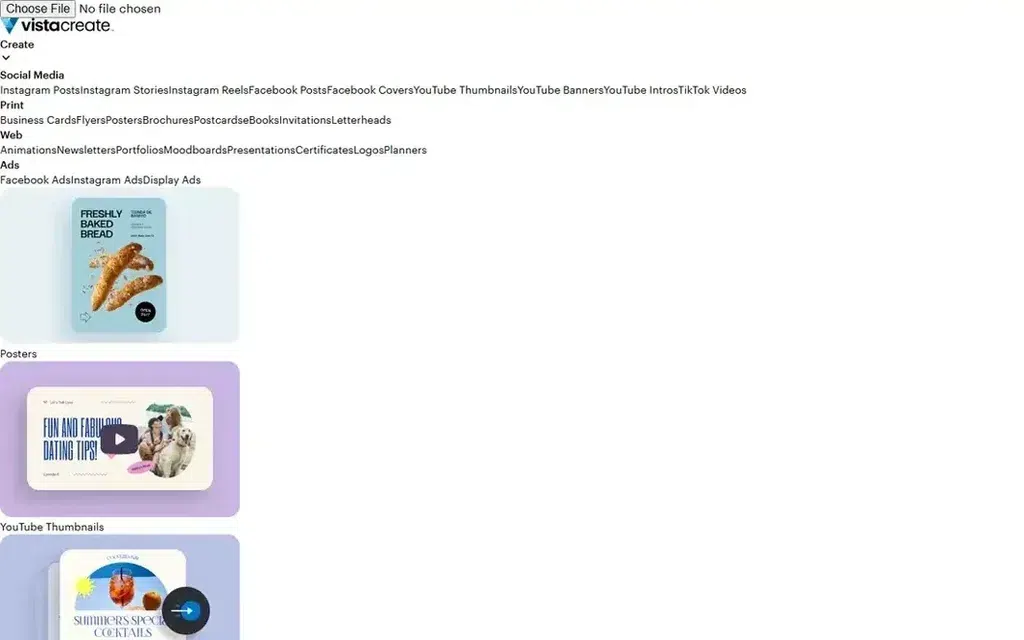
Choose VistaCreate for template-led social and print design. It suits small firms, content creators and marketers who want a guided, template-first workflow.
Watch-outs: Less suited to complicated product design.
VistaCreate is oriented toward marketing and print outputs, so it is not the natural choice for interface design or code-adjacent collaboration. This comparison lists no price for VistaCreate; ask the vendor. Free access exists with VistaCreate.
- Turns photos and ideas into templates
- AI-assisted design for social and print
- Feature depth varies by design type
In short, Figma is for collaborative product and interface design. Figma describes itself as a collaborative canvas where design, code and AI come together, taking teams from first idea to shipped product in one place. Beginners may find the canvas less at once approachable than template-first tools.
The main drawbacks: Less concentrated on social media templates.
The shared workspace is built around real-time collaboration instead of template browsing. Figma is pitched at product and interface work, so it is not the obvious pick for fast social posts or print flyers. More specifically, if your need is marketing graphics instead of product design, a visual suite or template system will likely be more straightforward. Figma pricing: $3 per month. Free access: Not stated.
Main advantages: Shared canvas for design and code.
- Supports concept-to-production workflows
- Designed for team collaboration
- Steeper ramp-up time for beginners
DesignCrowd is built with Crowdsourced custom design work in mind. Results rely on the brief and on reviewing submissions, which takes time. On top of that, DesignCrowd is not a self-serve design editor.
So it will not replace a tool you use for fast daily graphics. From a buyer's view, if you prefer to design straight from templates yourself, a template-based product is the better match. DesignCrowd does not show a starting price in this comparison, so check the vendor site for current pricing. Free options: Not stated.
Downsides: Turnaround relies on designer submissions.
- Graphic and web design
- Access to plenty of freelance designers
- Not a self-serve template editor
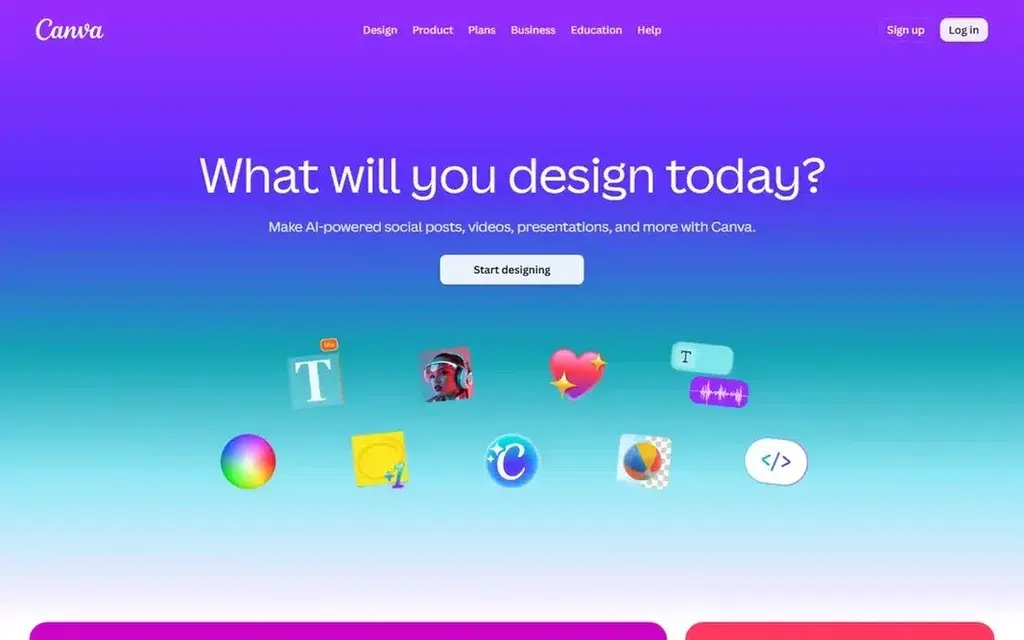
Canva makes the most sense for all-around visual design work. Teams with strict brand systems may also want more governance features. If your work centers on interface or product design instead of marketing visuals, a dedicated design canvas tool is the better fit.
In practice, since Canva aims at wide audiences, it may not satisfy designers who require precise vector editing or highly specialized print production controls. Canva presents itself as a visual suite for everyone, built around an online graphic design tool for social media posts, presentations, posters, videos, logos and more. This comparison lists no price for Canva; ask the vendor. As for free access: Not stated.
Drawbacks to consider: Advanced vector control is restricted.
- Print and video
- Spans plenty of design types in one suite
- Wide scope can feel overwhelming
Selection criteria
Selection started from tools commonly considered for Kittl, then narrowed to 5 that have clear pricing information or a clear quote process. Where a price is missing, the vendor does not list one publicly or ties it to a quote. Always confirm before budgeting. Tools are placed by general fit for Kittl, with price clarity and free access as tie-breakers. A different team can reasonably rank them differently.
A buyer's checklist
- Get a written quote from VistaCreate, DesignCrowd and Canva; the list shows no starting price for them.
- Check what the free option really includes: Placeit and VistaCreate offer a free plan, and usage caps differ.
- Before choosing Placeit, weigh its main limit: template-bound creative control.
- Make sure DesignCrowd lets you export your data in a format another tool can read.
- Confirm the exact Placeit plan that includes your must-have features.
FAQ
How are the tools for Kittl ordered?
Placeit sits first and Canva last because the order follows typical fit for Kittl, then price clarity and free access. It is a judgement call, so read each profile for fit and limits.
What is the best free alternative to Kittl for social media graphics?
Start with Placeit if you need Mockups, logos and video templates. VistaCreate is the better match for template-led social and print design, and Figma for collaborative product and interface design. The best choice depends on budget, team size and workflow.
Can I try these tools before paying?
Often, yes. Placeit and VistaCreate have a free plan. Use your own data and a real task during the test, and check what the free tier or trial limits before you rely on it.
Can I get custom design work instead of editing templates?
The remaining tools are primarily self-serve editors built around templates and customization. Choose based on whether you want to design yourself or commission original work.
Which Kittl alternative is a good match for logos?
Start with Placeit if you need Mockups, logos and video templates. VistaCreate is the better match for template-led social and print design, and Figma for collaborative product and interface design. The best choice depends on budget, team size and workflow.
Which options for Kittl have a free plan?
On this list, Placeit and VistaCreate include a free plan. Caps on seats, usage or features are common, so test the free plan against your real workload.
Sources
- https://placeit.net
- https://create.vista.com
- https://www.figma.com
- https://www.designcrowd.com
- https://www.canva.com