Switching From Kapwing? 5 Alternatives for 2026
Kapwing alternatives: 5 contenders ranked by fit, with entry costs and free tiers. Vimeo leads the list for hosting and watching video. Updated November 2026.
- Editor's choice
 Vimeo
Hosting and watching video
Starts atSee websiteVisit vimeo.comFull review - Great alternative
 Descript
Text-based video and audio editing
Starts at$16 per person a monthVisit descript.comFull review - Also consider
 Adobe Premiere Pro
Professional editing and postproduction
Starts atSee websiteVisit adobe.comFull review
Direct answer
Our first pick is Vimeo, best for hosting and watching video. Listed starting prices: Descript from $16 per person a month and WeVideo from $4.99 a month. Alternatives: Descript for text-based video and audio editing, and Adobe Premiere Pro for professional editing and postproduction. The remaining 2 options are covered below with prices and limits.
TL;DR:
- Vimeo takes the first slot, best suited to hosting and watching video.
- Starting prices begin at $4.99 per month with WeVideo.
- One limit worth knowing about WeVideo: niche focus may not fit general editing.
- A free plan is available from 3 of the 5 tools: Vimeo, Descript, WeVideo.
Last checked November 2026. Prices and plan details were read from the vendors' own pages in November 2026; vendors change plans often, so confirm the current price on the vendor site before you buy.
Quick comparison
| Tool | Best for | Starts at | Free plan? | |
|---|---|---|---|---|
| Vimeo | Hosting and watching video | See website | Yes | Visit |
| Descript | Text-based video and audio editing | $16 per person a month | Yes | Visit |
| Adobe Premiere Pro | Professional editing and postproduction | See website | Not stated | Visit |
 WeVideo | Interactive and learning-focused video | $4.99 a month | Yes | Visit |
 Canva | Template-driven design and video | See website | Not stated | Visit |
Every option for Kapwing explained
This LinkVetted guide covers 5 options for Kapwing. Each profile lists a starting price, free plan details, strengths and drawbacks, so you can drop poor fits quickly.
Vimeo is a good fit for hosting and watching video. Use it after editing elsewhere, or choose a full editor if the timeline is where most of your work happens. Beyond that, Vimeo is a video product where you can watch films, shorts, documentaries and staff picks streaming in HD.
It also supports publishing and hosting for creators. More specifically, Vimeo is not a replacement for a dedicated editor when you have to cut, trim or mix audio in detail. Pricing for Vimeo is not stated here, so ask the vendor for current figures. Vimeo includes a free tier.
Watch-outs: Not a full editing suite.
- Streaming in HD
- Clean viewing experience
- Editing features are secondary
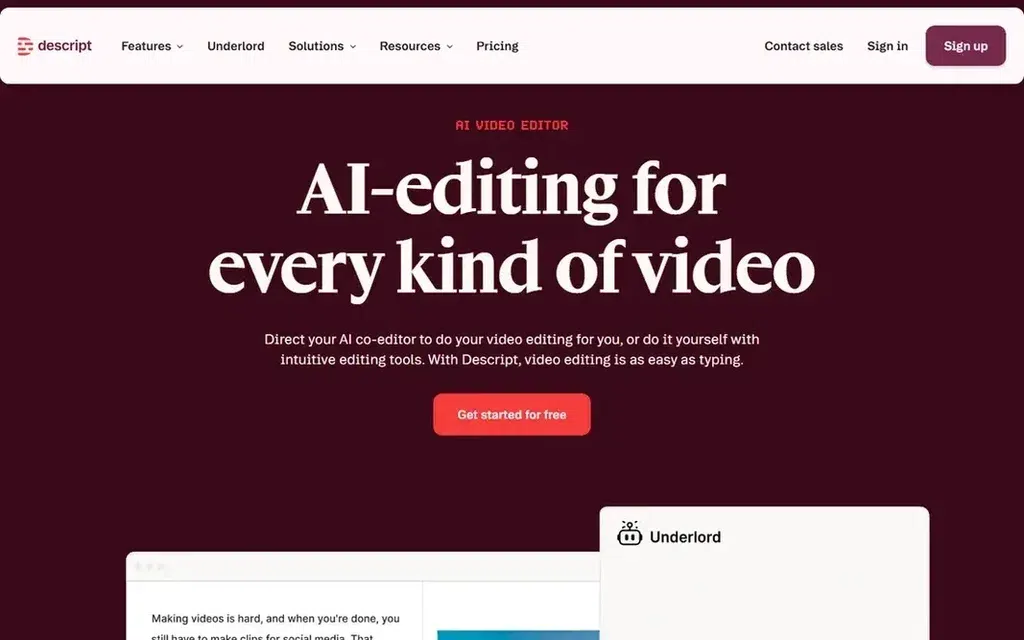
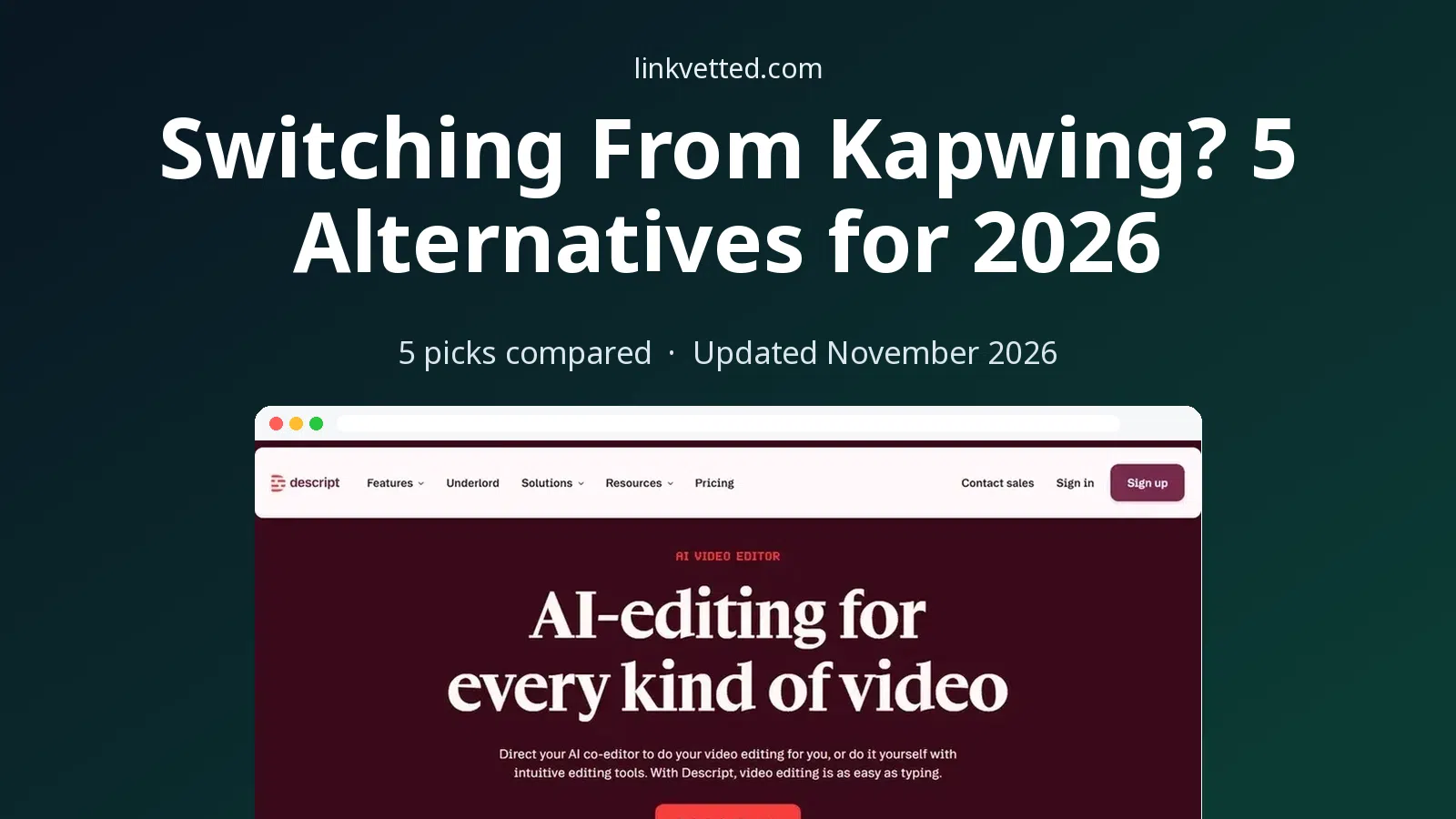
Pick Descript if this describes you: text-based video and audio editing. It suits podcasters, interviewers and creators who talk on camera and want a quick path from raw recording to published clip without scrubbing a timeline.
Worth adding: the text-based model is feature-rich for spoken content but less natural for heavily visual projects or intricate effects work. The starting price for Descript: $16 per person per month. Free access exists with Descript.
Downsides: Text-first approach may not suit all edits.
Reasons to shortlist it: Manages both video and audio.
- Transcribe and publish in one tool
- Edit recordings by editing text
- Less a strong match for complicated visual effects
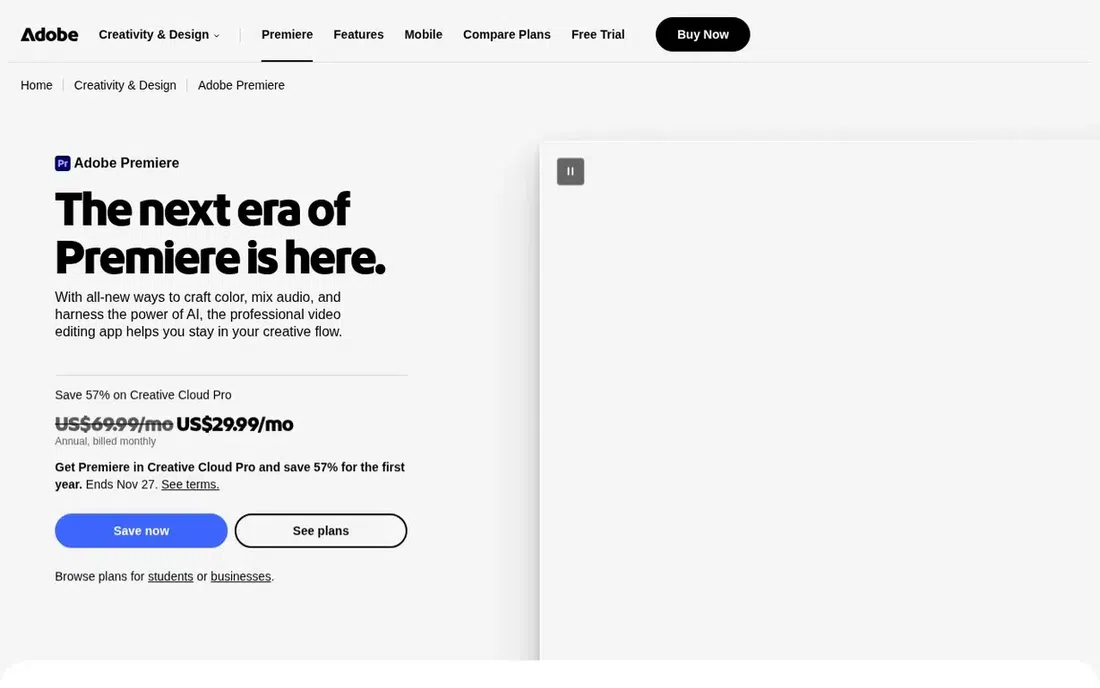
Adobe Premiere Pro makes the most sense for professional editing and postproduction. On top of that, the depth includes a ramp-up time.
The software is heavier than straightforward browser editors, which can matter on modest hardware. Adobe Premiere Pro does not show a starting price in this comparison, so check the vendor site for current pricing. Free options: Not stated.
Limits to weigh: Steeper ramp-up time.
- Pitched at professional workflows
- Deep trimming and effects tools
- Heavier than browser editors
WeVideo is built with interactive and learning-focused video in mind. WeVideo presents itself as a video creation tool centered on interactive video, positioning itself around turning passive viewers into active learners.
Honest limits: Niche focus may not fit general editing.
Entry price for WeVideo: $4.99 per month. You can start on WeVideo without paying.
- Fits educational content
- Pitched at turning viewers into learners
- Fewer details on advanced editing
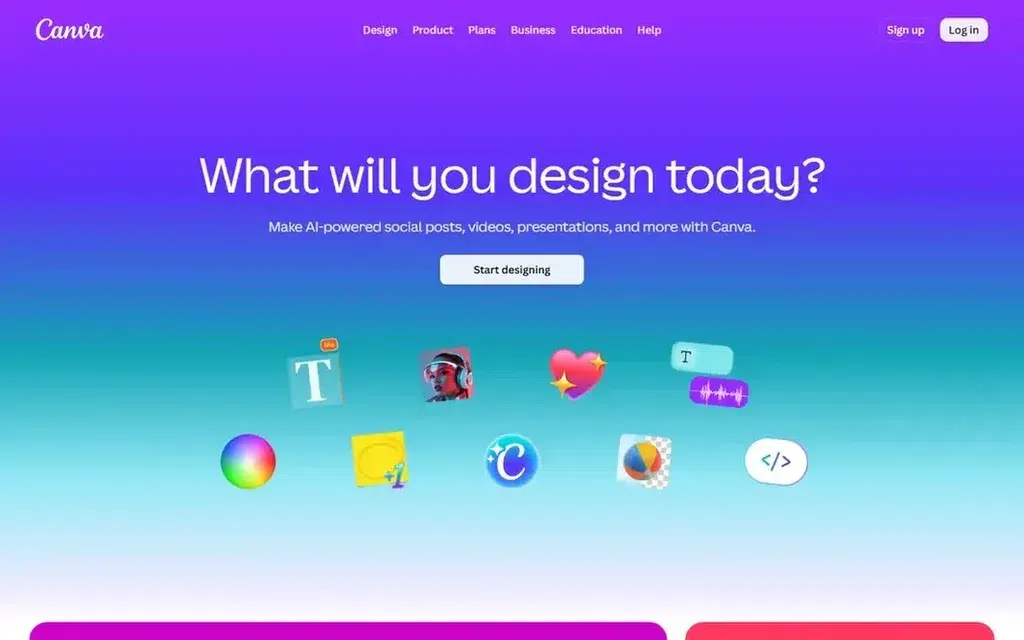
Canva is designed for template-driven design and video. If your work mixes graphics and short video, Canva keeps both in one place.
Drawbacks to consider: Less precise than dedicated editors.
Since it is built around templates and design, Canva is less suited to frame-accurate editing, advanced audio work or long-form projects. Pricing for Canva is not stated here, so ask the vendor for current figures. Free access: Not stated.
- Broad range of design and video templates
- Browser-based visual suite for everyone
- Complicated timelines may feel restricted
Selection criteria
LinkVetted looked at what each vendor publishes: pricing, plan limits, feature coverage for Kapwing and stated drawbacks. No hands-on testing is claimed. Plan names, prices and limits change often. Treat the figures here as a starting point and verify them with the vendor. Position on the page reflects fit for a typical buyer first, with price clarity and free access breaking ties. Treat it as a guide, not a ruling.
Things to verify first
- Ask Vimeo, Adobe Premiere Pro and Canva for a written quote, since no starting price is shown.
- Look at free plan limits closely: Vimeo, Descript and WeVideo have one, and the caps decide whether it is usable for real work.
- Before choosing Vimeo, weigh its main limit: not a full editing suite.
- Let daily users try Adobe Premiere Pro on real work; their feedback beats any feature checklist.
- Check how data leaves WeVideo: formats, limits and whether exports are available on every plan.
FAQ
Which options for Kapwing have a free plan?
On this list, Vimeo, Descript and WeVideo include a free plan. Caps on seats, usage or features are common, so test the free plan against your real workload.
Can I edit video by editing text rather than a timeline?
Descript is built around that idea: it transcribes your recording so you can edit the text and have the media follow. This does well for interviews, podcasts and talking-head videos, though visual effects work is better handled elsewhere.
Do these tools publish their prices?
Not all of them. Vimeo, Adobe Premiere Pro and Canva publish no starting price, so expect a quote request for those. The rest, Descript included, show a starting price, though seats and billing terms still change the final cost.
Is Vimeo the right pick for everyone comparing Kapwing?
No single tool suits every team. Vimeo comes first because it fits hosting and watching video, while Descript suits text-based video and audio editing and Adobe Premiere Pro suits professional editing and postproduction. Match the tool to your own size, budget and workflow before deciding.
What is the cheapest option for Kapwing in this list?
On published monthly entry prices, WeVideo is the lowest here at $4.99 per month. Entry price is only part of the cost, because seats, add-ons and billing terms can change the total.
Sources
- https://vimeo.com
- https://www.descript.com
- https://www.adobe.com/products/premiere.html
- https://www.wevideo.com
- https://www.canva.com