Switching From LetsEnhance? 5 Alternatives for 2026
Need LetsEnhance alternatives? We compare 5 tools on cost, free access and who each suits. The weak spots sit next to the strengths. Narrow your shortlist.
- Editor's choice
 VanceAI
All-in-one AI photo enhancement and editing
Starts at$15 a monthVisit vanceai.comFull review - Great alternative
 Photoroom
E-commerce product photo editing
Starts atSee websiteVisit photoroom.comFull review - Also consider
 Pixelcut
Fast and simple AI photo editing
Starts at$24 a month, billed yearlyVisit pixelcut.aiFull review
Direct answer
If you need all-in-one AI photo enhancement and editing, VanceAI is the first tool to look at here. Listed starting prices: VanceAI from $15 a month, Pixelcut from $24 a month, billed yearly and Topaz Photo AI from $19 per month. Photoroom fits E-commerce product photo editing; Pixelcut fits fast and simple AI photo editing. Prices, free plans and limits for all 5 tools follow.
TL;DR:
- VanceAI is the opening pick, best for all-in-one AI photo enhancement and editing.
- Cutout.pro suits AI-powered image and video editing.
- Cutout.pro has the lowest monthly starting price in this list: $5.00 per month.
- A fair warning about Pixelcut: may lack advanced features.
Last checked November 2026. Prices and plan details were read from the vendors' own pages in November 2026; vendors change plans often, so confirm the current price on the vendor site before you buy.
Quick comparison
| Tool | Best for | Starts at | Free plan? | |
|---|---|---|---|---|
| VanceAI | All-in-one AI photo enhancement and editing | $15 a month | Not stated | Visit |
| Photoroom | E-commerce product photo editing | See website | Free trial | Visit |
| Pixelcut | Fast and simple AI photo editing | $24 a month, billed yearly | Yes | Visit |
 Topaz Photo AI | Professional photo sharpening and denoising | $19 per month | Not stated | Visit |
 Cutout.pro | AI-powered image and video editing | $5.00 a month | Yes | Visit |
The full LetsEnhance list
This LinkVetted guide covers 5 options for LetsEnhance. Each profile lists a starting price, free plan details, strengths and drawbacks, so you can drop poor fits quickly.
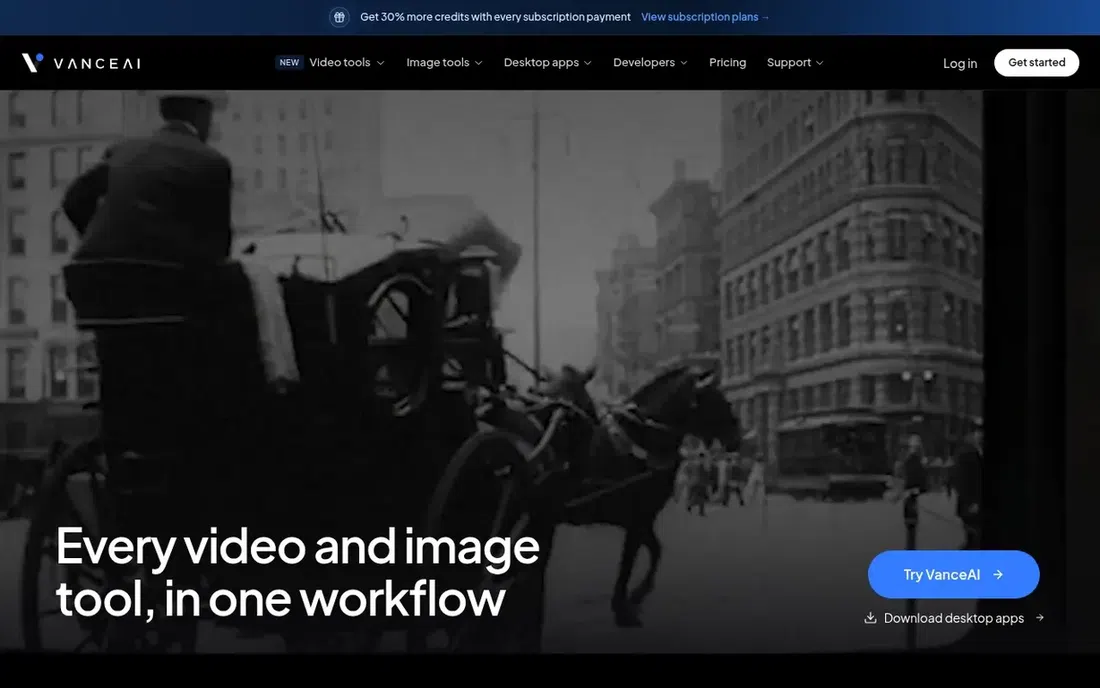
Pick VanceAI if this describes you: all-in-one AI photo enhancement and editing. VanceAI gives you a suite of AI-powered tools for photo enhancement, upscaling, sharpening, denoising, and background removal. Whereas VanceAI provides numerous features, some users might find the interface overwhelming because of the sheer number of tools.
Limits to weigh: Some tools need separate purchases.
On top of that, certain advanced features may come at an additional cost. Worth adding: the product aims to simplify photo processing and enhance creativity. The starting price for VanceAI: $15 per month. Free plan details: Not stated.
Where it shines: Boosts productivity and creativity.
- Several AI tools for enhancing, upscaling, editing
- Background removal and generation
- May have limits on batch processing
For E-commerce product photo editing, Photoroom is a natural candidate. Photoroom is tailored for e-commerce, turning product photos into professional listing images and videos. It uses AI to simplify the creation of marketing visuals, making it well suited to online sellers who require to present products attractively.
Points against: less versatile for other uses.
For everyday use, the platform supports both image and video content. Even so, Photoroom is specialized for e-commerce and may not be the best fit for general photo enhancement or artistic editing. For everyday use, if you need a more versatile tool, consider VanceAI or Cutout.pro. Pricing for Photoroom is not stated here, so ask the vendor for current figures. Free plan details: Free trial.
- Helps with selling on e-commerce systems
- Creates listing images and videos
- Concentrated on e-commerce
Choose Pixelcut for quick and simple AI photo editing. The system emphasizes simplicity and speed. On top of that, Pixelcut is an easy-to-use AI photo editor that concentrates on making photos stand out with minimal effort.
Limits to weigh: May lack advanced features.
What users get: Approachable interface. It supplies tools for background removal, enhancement, and other fast edits, making it right for social media users and small companies. Worth adding: Whereas Pixelcut is well suited to fast edits, it may not satisfy users needing advanced retouching or high-end enhancement. From a buyer's view, for more capable tools, consider Topaz Photo AI or VanceAI. Entry price for Pixelcut: $24 per month, billed yearly. Free access exists with Pixelcut.
- Free to use
- AI tools for background removal and enhancement
- Output quality can vary
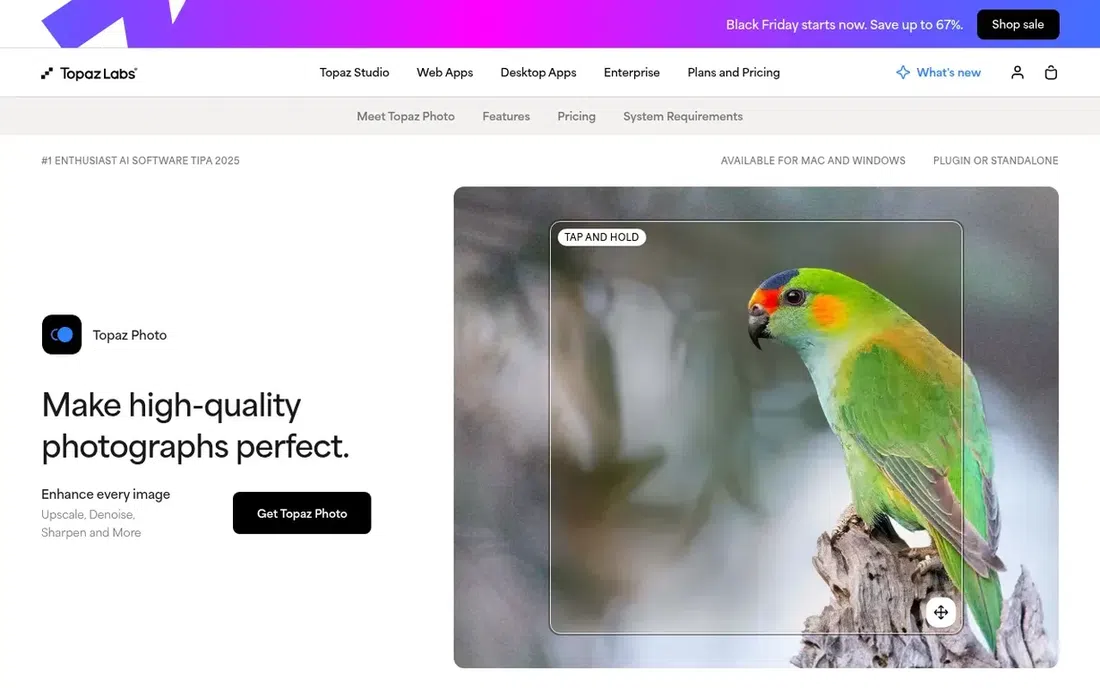
Topaz Photo AI serves professional photo sharpening and denoising. Topaz Photo AI is a dedicated tool for enhancing image quality using AI. It specializes in sharpening, denoising, and upscaling photos, making it well suited to photographers who want to rescue blurry or noisy shots.
Honest limits: May need a ramp-up time.
The software is aimed at professionals and enthusiasts who require high-quality results without complicated manual adjustments. Even so, Topaz Photo AI is not a full-fledged photo editor; it lacks advanced compositing or graphic design features. If you need a broader set of editing tools, consider alternatives like VanceAI or Pixelcut that offer more diverse editing choices. What you pay to start with Topaz Photo AI: $19 per month. As for free access: Not stated.
- Advanced AI sharpening and denoising
- Used by professionals and enthusiasts
- Centred on enhancement, not all-in-one editing
Cutout.pro is aimed squarely at AI-powered image and video editing. The service aims to ease complicated editing tasks. It is aimed at creatives and social media users who require a multi-functional product to produce content.
Limits to weigh: Can be complicated for beginners.
Worth adding: the breadth of features might overwhelm new users, and some tools may need a learning period. On top of that, heavy usage may hit limits. On cost, Cutout.pro starts like this: $5.00 per month. A free plan is available with Cutout.pro.
- Also supports video and music generation
- Background removal and image enhancement
- May have limits on free usage
What went into this list
What to confirm before you sign up
- Ask Photoroom for a written quote, since no starting price is shown.
- Read the fine print on the free plans from Pixelcut and Cutout.pro; seat, project and feature caps differ.
- Use real work to test the free trial from Photoroom, rather than a demo project.
- Before choosing VanceAI, weigh its main limit: may have limits on batch processing.
- Pick one real project and run it in Topaz Photo AI first; a small pilot shows fit faster than a checklist.
- Look at which plan of VanceAI unlocks the features you need; entry tiers are often cut down.
FAQ
Can I try these tools before paying?
Often, yes. Pixelcut and Cutout.pro have a free plan and Photoroom offers a free trial. Use your own data and a real task during the test, and check what the free tier or trial limits before you rely on it.
What is the best LetsEnhance alternative for professional photographers?
Start with VanceAI if you need all-in-one AI photo enhancement and editing. Photoroom is the better match for E-commerce product photo editing, and Pixelcut for fast and simple AI photo editing. The best choice depends on budget, team size and workflow.
Do these tools publish their prices?
Not all of them. Photoroom publishes no starting price, so expect a quote request for it. The rest, VanceAI included, show a starting price, though seats and billing terms still change the final cost.
Are there free alternatives to LetsEnhance?
Some tools like Pixelcut offer free entry-level features, but advanced capabilities may need payment. Always check the current offerings on vendor sites.
How are the tools for LetsEnhance ordered?
The order follows typical fit for LetsEnhance, with VanceAI first and Cutout.pro last, then price clarity and free access. It is editorial judgement, not a score, so another team could rank the tools differently.
Can I use these alternatives for e-commerce product photos?
Photoroom is specifically aimed at e-commerce, helping produce listing images and videos. Other tools like Pixelcut and VanceAI also offer background removal and enhancement a good match for product photos.
Sources
- https://vanceai.com
- https://www.photoroom.com
- https://www.pixelcut.ai
- https://www.topazlabs.com/topaz-photo-ai
- https://www.cutout.pro