Switching From InVision? 5 Alternatives for 2026
5 products for InVision alternatives, ranked by fit, with starting costs and free tiers. Short, factual notes on every option. A comparison table is included.
- Editor's choice
 Miro
Visual collaboration and ideation workshops
Starts at$8 per member a monthVisit miro.comFull review - Great alternative
 Axure RP
In-depth prototypes and specifications
Starts at$29 per user a monthVisit axure.comFull review - Also consider
 Balsamiq
Quick, low-fidelity wireframing
Starts at$16 per editor a monthVisit balsamiq.comFull review
Direct answer
Miro is the first pick on this list for visual collaboration and ideation workshops. Listed starting prices: Miro from $8 per member a month, Axure RP from $29 per user a month and Balsamiq from $16 per editor a month. Alternatives: Axure RP for in-depth prototypes and specifications, and Balsamiq for quick, low-fidelity wireframing. The full list of 5 tools follows, with prices and free plan facts.
TL;DR:
- Top of the list is Miro, which targets visual collaboration and ideation workshops.
- Check the limits for Miro before you commit: less centred on pixel-level UI design.
- Sketch fits Mac designers wanting a focused tool.
- For the cheapest start, look at Figma: $3 per month.
- Miro is the only tool of the 5 with a free plan.
Last checked November 2026. Prices and plan details were read from the vendors' own pages in November 2026; vendors change plans often, so confirm the current price on the vendor site before you buy.
Quick comparison
| Tool | Best for | Starts at | Free plan? | |
|---|---|---|---|---|
| Miro | Visual collaboration and ideation workshops | $8 per member a month | Yes | Visit |
| Axure RP | In-depth prototypes and specifications | $29 per user a month | Not stated | Visit |
| Balsamiq | Quick, low-fidelity wireframing | $16 per editor a month | Free trial | Visit |
 Figma | Collaborative design and code handoff | $3 per month | Not stated | Visit |
 Sketch | Mac designers wanting a focused tool | $12 per editor a month | Free trial | Visit |
5 options for InVision in detail
Choosing InVision usually comes down to price, fit and limits. This LinkVetted guide sets 5 tools side by side on those three points, with the facts kept short and checkable.
For visual collaboration and ideation workshops, Miro is a natural candidate. Miro is an AI-powered visual platform for speeding up product development from ideation to launch, helping teams align and break tool silos. More specifically, choose a design-first alternative if pixel-level control is the primary need.
Downsides: Less centred on pixel-level UI design.
From a buyer's view, Miro is not a dedicated UI design or prototyping tool. So teams needing precise interface work will likely pair it with something else. The starting price for Miro: $8 per member per month. A free plan is available with Miro.
- AI-powered visual workspace
- Breaks down tool silos for teams
- May need pairing with a dedicated design tool
Axure RP is designed for in-depth prototypes and specifications. Consider a more straightforward alternative if your central goal is fast early-stage layouts instead of in-depth specs.
Honest limits: Steeper ramp-up time for straightforward projects.
In practice, the tool's depth can slow down straightforward projects, and teams wanting light, quick wireframing may find it overbuilt. For everyday use, Axure RP is an all-in-one software design tool for creating prototypes, specifications, and diagrams. Axure RP pricing: $29 per user per month. On free options: Not stated.
- Fits complicated interaction design
- Merges prototypes, specs, diagrams
- Interface may feel heavy for fast wireframes
Choose Balsamiq for quick, low-fidelity wireframing. Pick a full-featured design tool if you have to move from wireframe to production-ready screens.
Where it is weaker: Not a full prototyping or handoff suite.
Highlights: Focused wireframing without friction. As for the details, Balsamiq stays intentionally low-fidelity, so it is not the right fit for refined visual design or complicated interactive prototypes. Worth adding: Balsamiq gives you quick wireframing and prototyping tools built to remove friction from early UI exploration. Balsamiq starts at: $16 per editor per month. On free options: Free trial.
- Approachable for product and business teams
- Fast to sketch and refine UI
- Restricted for high-fidelity visual design
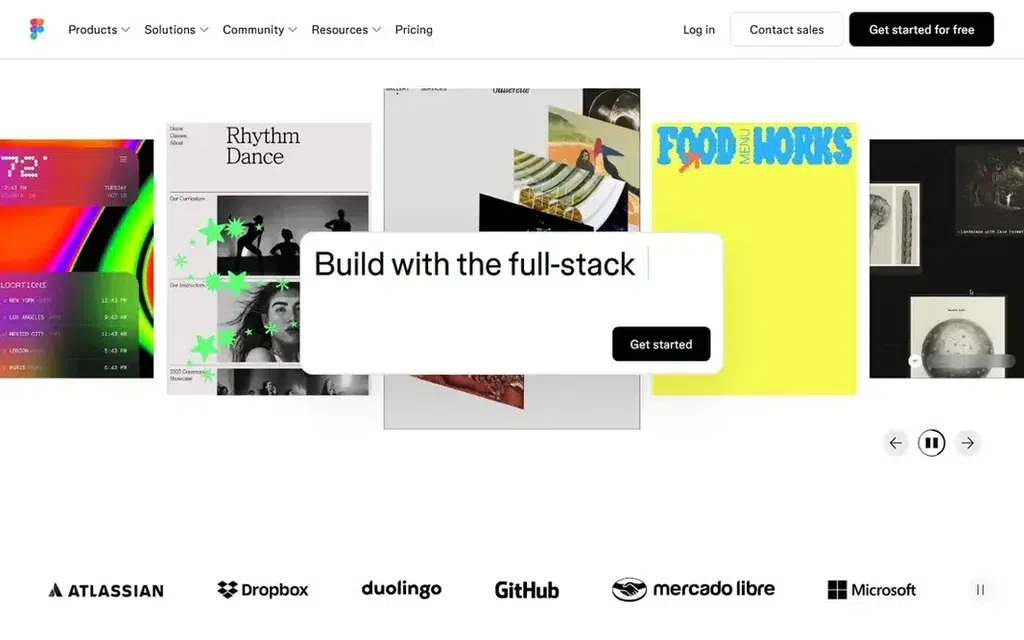
In short, Figma is for collaborative design and code handoff. Figma is a collaborative canvas where design, code, and AI come together, letting teams move from concept to production in one place.
Watch-outs: Browser-based workflow may not suit offline needs.
In practice, the shared workspace cuts handoff friction and keeps feedback close to the design. What you pay to start with Figma: $3 per month. Free plan details: Not stated.
- Works across the entire product team
- Bridges design, code, AI
- Wide feature set can overwhelm beginners
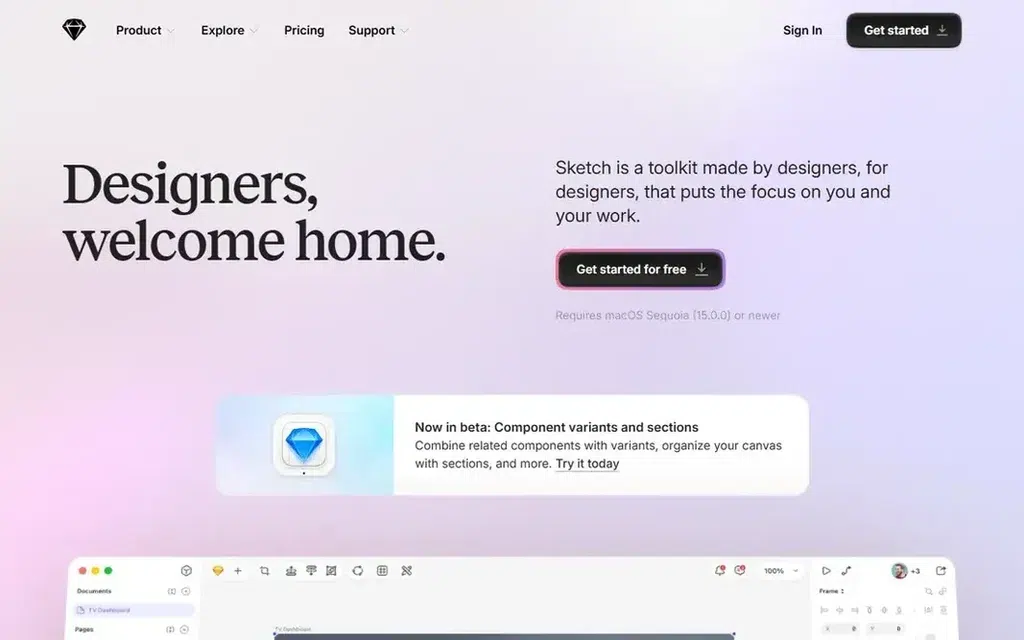
Sketch is a good fit for Mac designers wanting a focused tool. Its Mac-only nature can be a hurdle for mixed-platform organizations.
Limits to weigh: Mac-only system limits cross-platform teams.
Teams wanting an all-in-one canvas for design, code, and AI may find it less expansive. On cost, Sketch starts like this: $12 per editor per month. Free access: Free trial.
- Includes design, prototyping, handoff
- Designed by designers for designers
- Collaboration features may feel narrower than all-in-one canvases
How we compared the tools
LinkVetted looked at what each vendor publishes: pricing, plan limits, feature coverage for InVision and stated drawbacks. No hands-on testing is claimed. Plan names, prices and limits change often. Treat the figures here as a starting point and verify them with the vendor. Order on the page follows fit for the typical buyer first, then price transparency and free access. Your own requirements should decide the final pick.
What to confirm before you sign up
- Check the vendor page for the current price: Figma starts at $3 per month here, and seats or billing terms can move it.
- Test the free plan from Miro against your real workload before relying on it.
- Run a trial of Balsamiq and Sketch with real work before paying for a year; your own workflow is the best test.
- Before choosing Miro, weigh its main limit: less concentrated on pixel-level UI design.
- Ask Balsamiq whether prices are locked for the first term and what happens at renewal.
- Find out whether the entry plan of Miro covers your must-haves or only a trimmed-down version.
FAQ
Do these tools publish their prices?
Yes. Every tool from Miro to Sketch shows a starting price, though seats, add-ons and billing terms still change the final cost. All 5 picks in this InVision alternatives comparison list a starting price, free plan details and the main limits on their cards above.
Can I try these tools before paying?
Often, yes. Miro has a free plan and Balsamiq and Sketch offer a free trial. Use your own data and a real task during the test, and check what the free tier or trial limits before you rely on it. For the full picture, the cards above cover all 5 entries of this InVision alternatives list, including price, free plan and limits.
Which options for InVision have a free plan?
Miro is the only tool in this list with a free plan. Free plans usually cap users, projects or features, so check the limits on the vendor page. Several others offer a trial instead. Prices, free plan details and limits for all 5 tools in this InVision alternatives roundup sit on the individual cards above.
Can I replace InVision with a free or low-cost tool?
Multiple tools offer entry points, but pricing changes and should be checked straight with each vendor. Balsamiq centres on quick wireframing and may suit smaller budgets, whereas Figma and Sketch cover broader design needs.
How are the tools for InVision ordered?
The order follows typical fit for InVision, with Miro first and Sketch last, then price clarity and free access. It is editorial judgement, not a score, so another team could rank the tools differently.
Sources
- https://miro.com
- https://www.axure.com
- https://balsamiq.com
- https://www.figma.com
- https://www.sketch.com