Switching From HWiNFO? 5 Alternatives for 2026
Searching for HWiNFO alternatives? Here are 5 options with prices and free plans. CPU-Z opens the ranking for quick hardware identification. See which fits.
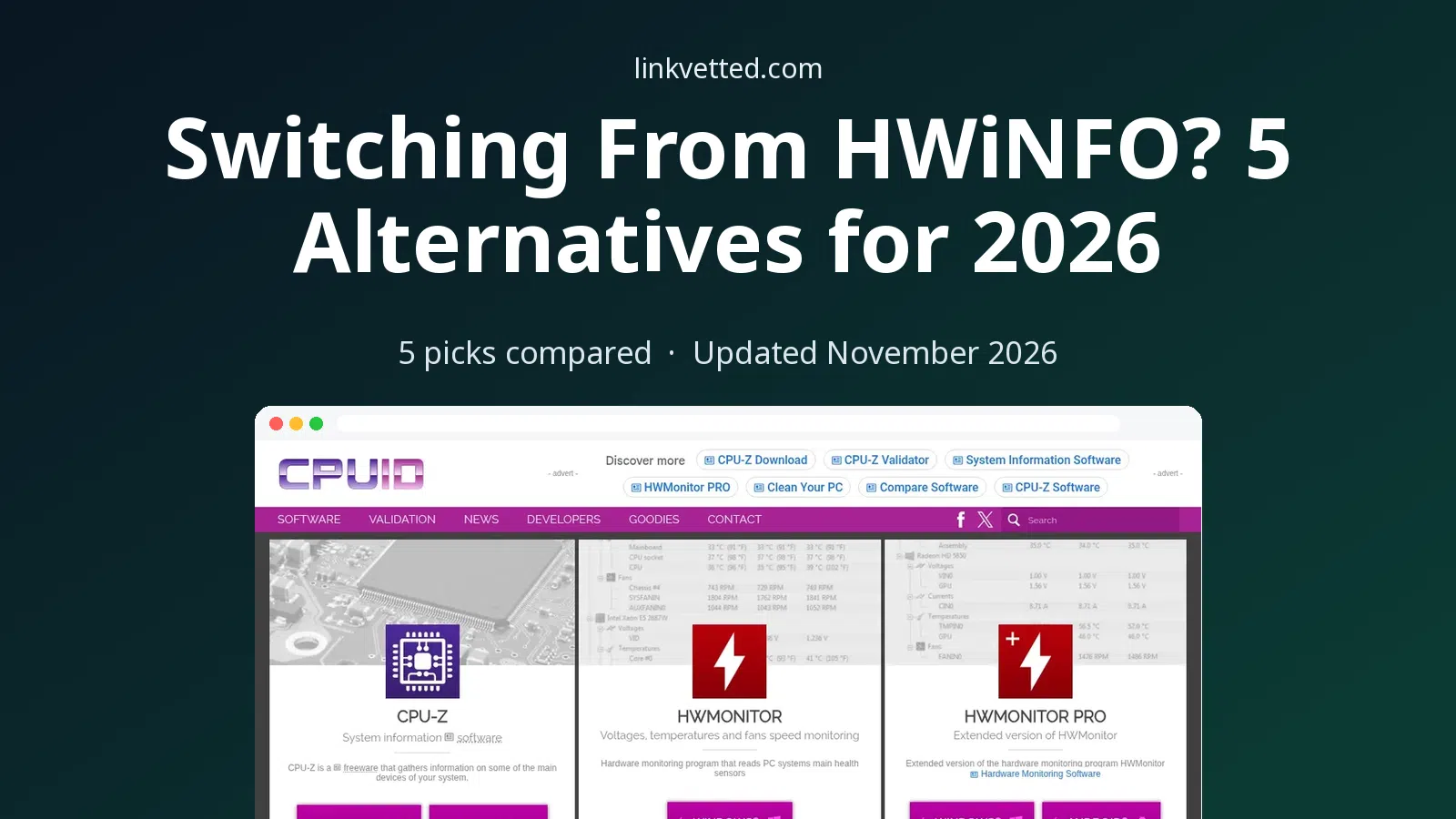
- Editor's choiceCPU-Z
Fast hardware identification
Starts atSee websiteVisit cpuid.comFull review - Great alternativeLibre Hardware Monitor
Maintained open source monitoring
Starts at$4 per user a monthVisit github.comFull review - Also considerOpen Hardware Monitor
Open source sensor tracking
Starts atSee websiteVisit openhardwaremonitor.orgFull review
Direct answer
CPU-Z is the first pick on this list for fast hardware identification. Listed starting prices: Libre Hardware Monitor from $4 per user a month. For a different need, Libre Hardware Monitor covers maintained open source monitoring and Open Hardware Monitor covers Open source sensor tracking. The remaining 2 options are covered below with prices and limits.
TL;DR:
- Number one here is CPU-Z, a fit for fast hardware identification.
- For deep diagnostics and benchmarking, AIDA64 is worth a look.
- The cheapest monthly starting price in the list is $4 per user per month, offered by Libre Hardware Monitor.
- Only Libre Hardware Monitor offers a free plan among these 5 tools.
Last checked November 2026. Prices and plan details were read from the vendors' own pages in November 2026; vendors change plans often, so confirm the current price on the vendor site before you buy.
Quick comparison
| Tool | Best for | Starts at | Free plan? | |
|---|---|---|---|---|
| CPU-Z | Fast hardware identification | See website | Not stated | Visit |
| Libre Hardware Monitor | Maintained open source monitoring | $4 per user a month | Yes | Visit |
| Open Hardware Monitor | Open source sensor tracking | See website | Not stated | Visit |
| Speccy | Readable spec summaries | See website | Not stated | Visit |
 AIDA64 | Deep diagnostics and benchmarking | See website | Not stated | Visit |
Tool-by-tool breakdown
Choosing HWiNFO usually comes down to price, fit and limits. This LinkVetted guide sets 5 tools side by side on those three points, with the facts kept short and checkable.
CPU-Z
Best for: Fast hardware identification
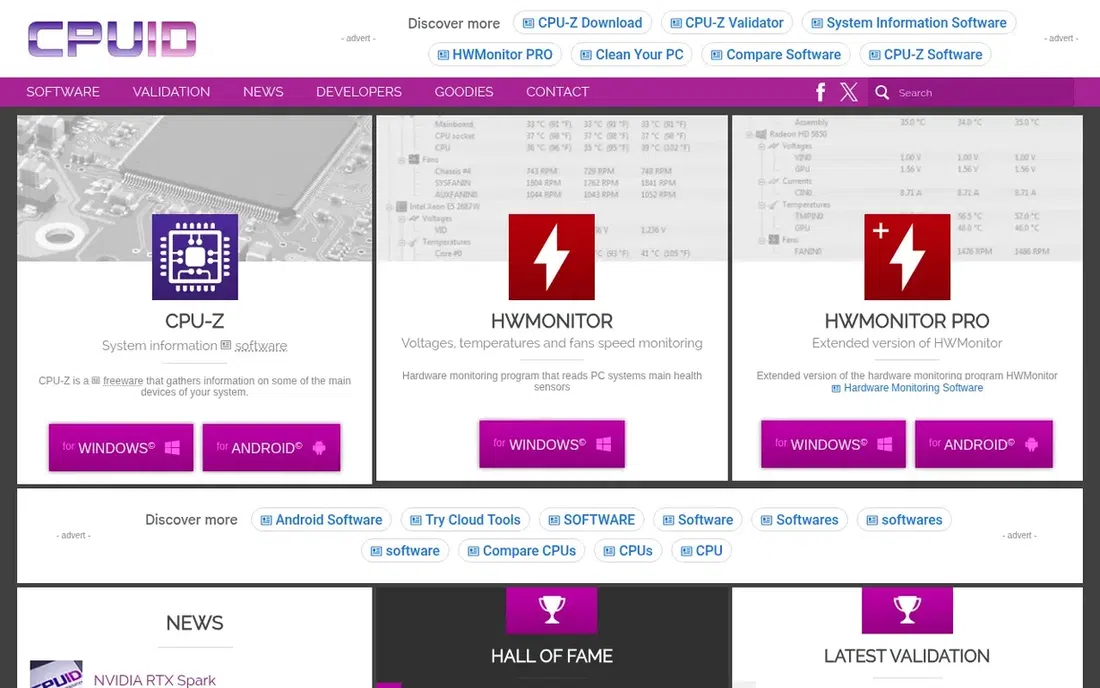
CPU-Z serves fast hardware identification. CPU-Z from CPUID spots processors, memory, mainboard and related hardware, and the vendor also gives you benchmarking and monitoring software for Windows and Android devices. More specifically, CPU-Z is not designed as a continuous sensor monitor, so sustained temperature and voltage tracking is restricted compared to dedicated monitoring tools.
In daily use, choose it for identification and fast checks, and pair it with a monitoring tool if you need continuing sensor history. For everyday use, the layout is straightforward and the footprint is small. CPU-Z does not show a starting price in this comparison, so check the vendor site for current pricing. Trial and free access: Not stated.
Drawbacks to consider: Not a full monitoring suite.
- Windows and Android versions
- Clear component summaries
- Restricted long-term logging
Libre Hardware Monitor
Best for: Maintained open source monitoring
Think of Libre Hardware Monitor for maintained open source monitoring. Libre Hardware Monitor is free software that watches temperature sensors, fan accelerates, voltages, load and clock accelerates. Choose it for open source sensor monitoring, and pick AIDA64 when you need in-depth reports and benchmarks.
For everyday use, as a community project, support and hardware coverage rely on contributors, so very new components may not be recognized at once. It also provides fewer reporting and diagnostic extras than commercial suites. In daily use, the scope is clear and the project is simple to obtain from its repository. Entry price for Libre Hardware Monitor: $4 per user per month. A free plan is available with Libre Hardware Monitor.
Trade-offs to know: Community-driven support.
- Tracks load and clock accelerates
- Reads temperatures and voltages
- Fewer reporting extras
Open Hardware Monitor
Best for: Open source sensor tracking
Open Hardware Monitor is built with Open source sensor tracking in mind. Open Hardware Monitor is an open source utility that reads core temperature, fan speed and voltages. It can present readings in a desktop gadget.
The project is widely known and straightforward to understand. In daily use, reporting and benchmarking features are minimal. Pricing for Open Hardware Monitor is not stated here, so ask the vendor for current figures. On free options: Not stated.
Downsides: Development has slowed.
- Free and open source
- Watches core temp and fans
- Restricted modern hardware coverage
Speccy
Best for: Readable spec summaries
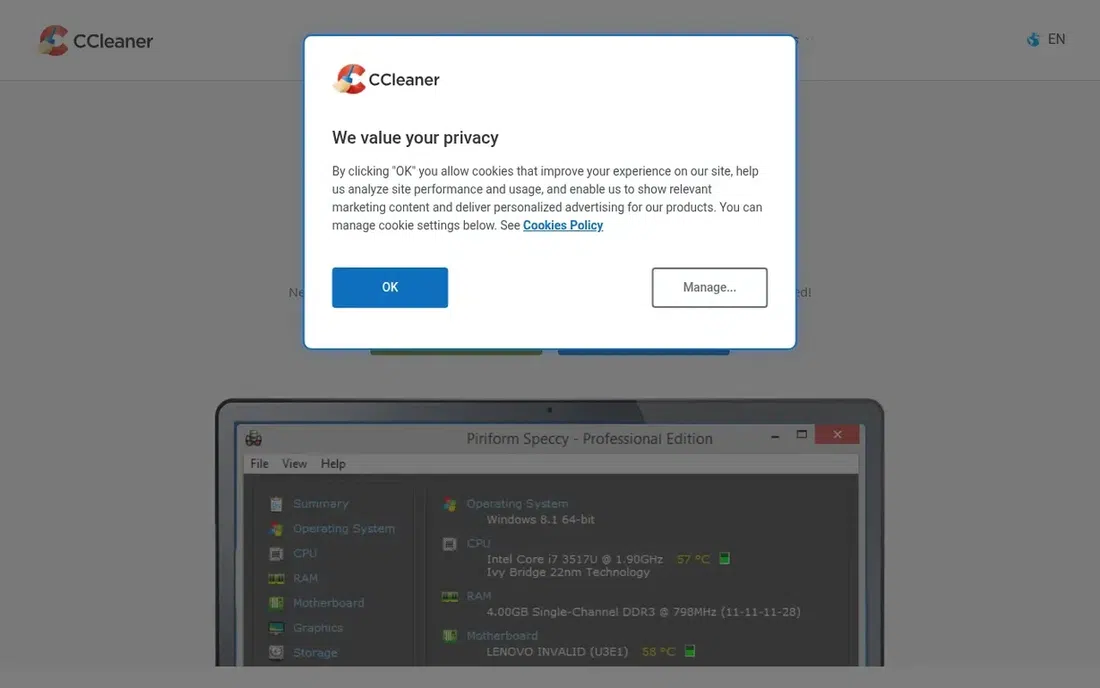
Speccy works best for readable spec summaries. Speccy from CCleaner finds and displays the details of a computer's specs, which helps with spotting issues or finding compatible upgrades. Also, Speccy emphasizes spec reporting rather than deep live monitoring, so it is weaker for tracking voltages or fan behavior over time.
Trade-offs to know: Fewer advanced sensor features.
More specifically, advanced diagnostics and benchmarking are also outside its scope. The presentation is friendly and the purpose is narrow, which keeps it simple to use. Check the vendor site for Speccy pricing; none is listed in this comparison. Trial and free access: Not stated.
- Handy for upgrade planning
- Organized spec overview
- Less depth than diagnostic suites
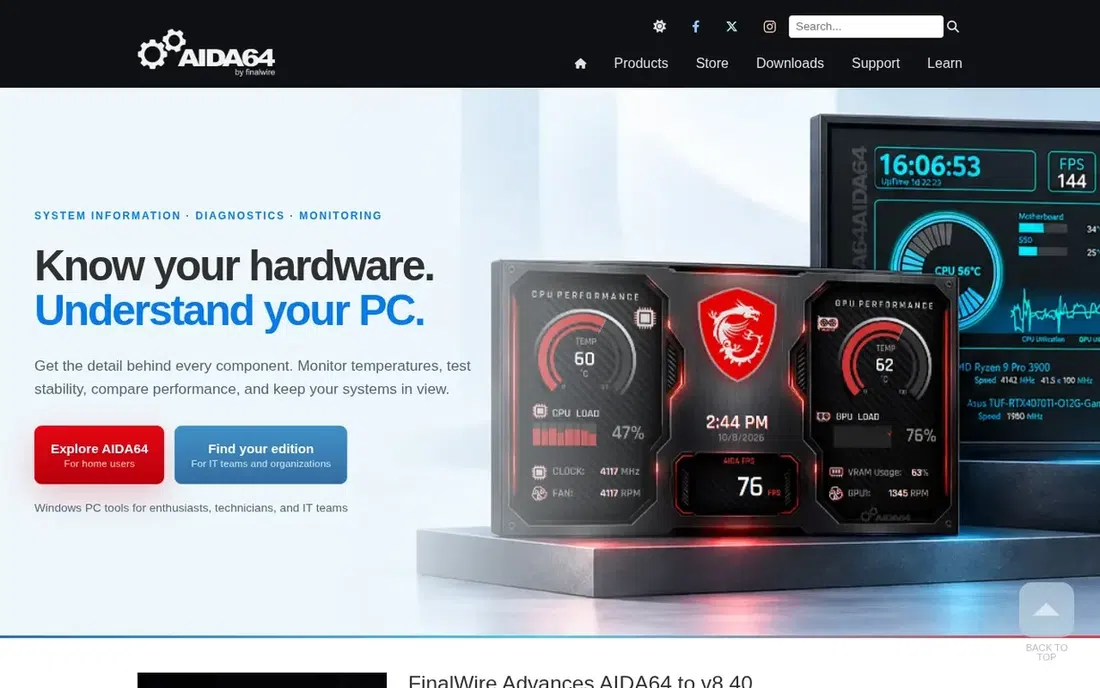
AIDA64 was built for deep diagnostics and benchmarking. AIDA64 is a system information, diagnostics and benchmarking suite with advanced hardware monitoring and in-depth system reports.
More specifically, pick something more straightforward if you only want live sensor values, and choose AIDA64 when reporting and benchmarking matter as much as monitoring. As for the details, if you need more than sensor readouts, like structured reports or benchmark results, AIDA64 includes that broader ground in a single package. Pricing for AIDA64 is not stated here, so ask the vendor for current figures. Free options: Not stated.
Points against: Heavier than straightforward watches.
- Advanced hardware monitoring
- Benchmarking built in
- More features than casual users need
What went into this list
For each of the 5 tools we noted price, free plan or trial, fit for HWiNFO and the main limit, using vendor pages and documentation. Plan names, prices and limits change often. Treat the figures here as a starting point and verify them with the vendor. The sequence is a judgement call: typical use case first, then pricing transparency, then free access. Use the profiles to check fit.
What to confirm before you sign up
- Get a written quote from CPU-Z, Open Hardware Monitor, Speccy and AIDA64; the list shows no starting price for them.
- Look at the free plan from Libre Hardware Monitor closely: its caps decide whether it is usable for real work.
- Read the limits listed for CPU-Z first: restricted long-term logging.
- Confirm the exact AIDA64 plan that includes your must-have features.
- Before rolling out Libre Hardware Monitor, verify the integrations your workflow depends on.
FAQ
Which options for HWiNFO have a free plan?
Libre Hardware Monitor is the only tool in this list with a free plan. Free plans usually cap users, projects or features, so check the limits on the vendor page.
Do these tools publish their prices?
Not all of them. CPU-Z, Open Hardware Monitor, Speccy and AIDA64 publish no starting price, so expect a quote request for those. The rest, Libre Hardware Monitor included, show a starting price, though seats and billing terms still change the final cost.
Can I try these tools before paying?
Often, yes. Libre Hardware Monitor has a free plan. Use your own data and a real task during the test, and check what the free tier or trial limits before you rely on it.
How are the tools for HWiNFO ordered?
The order follows typical fit for HWiNFO, with CPU-Z first and AIDA64 last, then price clarity and free access. It is editorial judgement, not a score, so another team could rank the tools differently.
Sources
- https://www.cpuid.com
- https://github.com/LibreHardwareMonitor/LibreHardwareMonitor
- https://openhardwaremonitor.org
- https://www.ccleaner.com/speccy
- https://www.aida64.com