Switching From HitPaw FotorPea? 5 Alternatives for 2026
Shortlisting HitPaw FotorPea alternatives? 5 products compared on cost, free access and ideal buyer. Each pick comes with its main catch. Refreshed for 2026.
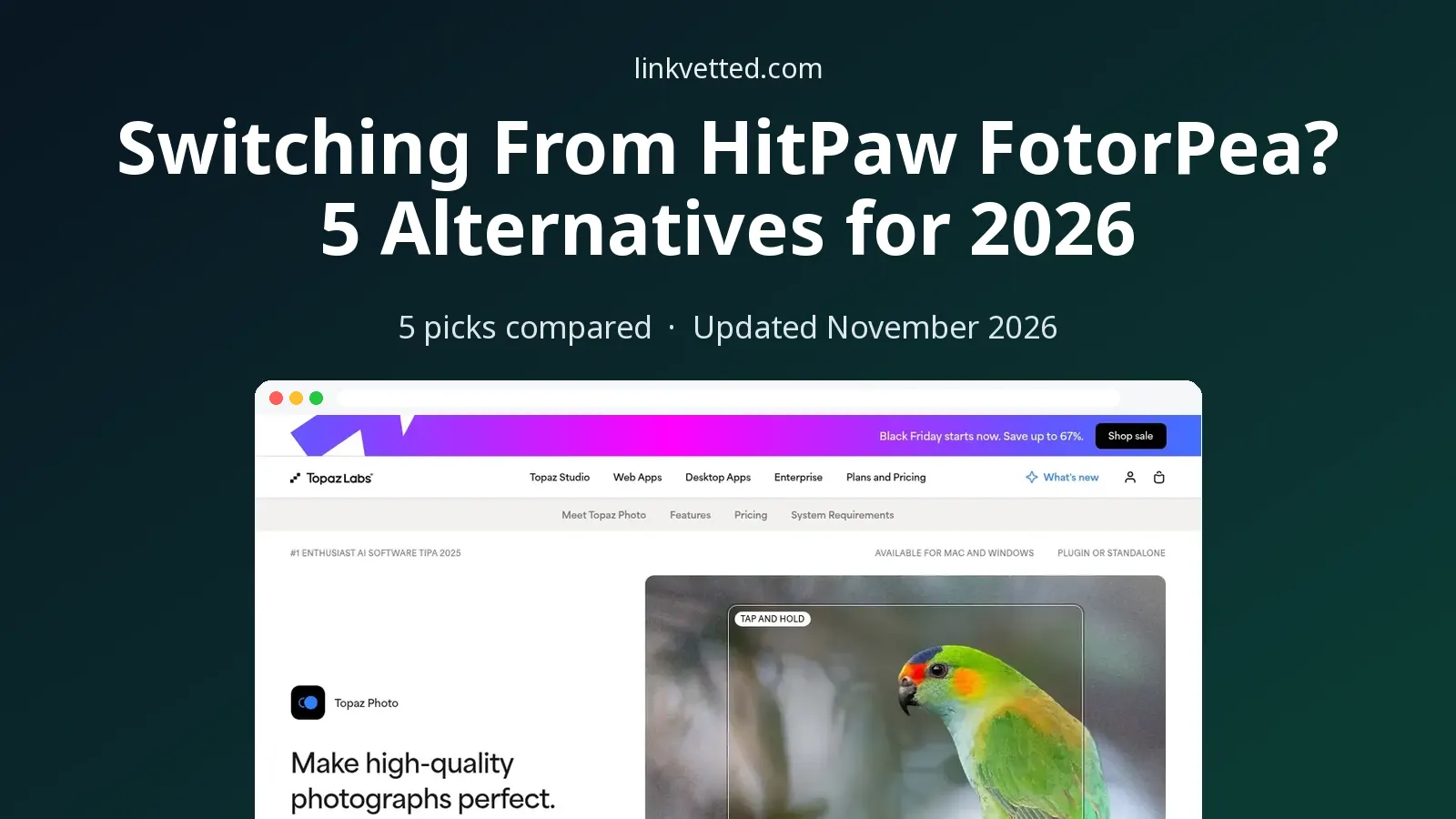
- Editor's choice
 Canva
Everyday design and social graphics
Starts atSee websiteVisit canva.comFull review - Great alternative
 Topaz Photo AI
Sharpen, denoise and upscale control
Starts at$19 a monthVisit topazlabs.comFull review - Also consider
 Luminar Neo
Approachable AI-assisted creative editing
Starts atSee websiteVisit skylum.comFull review
Direct answer
Our first pick is Canva, best for everyday design and social graphics. Listed starting prices: Topaz Photo AI from $19 a month. Alternatives: Topaz Photo AI for Sharpen, denoise and upscale control, and Luminar Neo for approachable AI-assisted creative editing. Details, prices and limits for the rest of the 5 tools are below.
TL;DR:
- The list opens with Canva, aimed at everyday design and social graphics.
- Only Fotor offers a free plan among these 5 tools.
- What to know about Remini first: restricted manual editing depth.
- Topaz Photo AI has the lowest monthly starting price in this list: $19 per month.
- Fotor is the one to check for fast online photo editing.
Last checked November 2026. Prices and plan details were read from the vendors' own pages in November 2026; vendors change plans often, so confirm the current price on the vendor site before you buy.
Quick comparison
| Tool | Best for | Starts at | Free plan? | |
|---|---|---|---|---|
| Canva | Everyday design and social graphics | See website | Not stated | Visit |
| Topaz Photo AI | Sharpen, denoise and upscale control | $19 a month | Not stated | Visit |
| Luminar Neo | Approachable AI-assisted creative editing | See website | No | Visit |
 Remini | Quick AI photo enhancement and restoration | See website | Not stated | Visit |
 Fotor | Fast online photo editing | See website | Yes | Visit |
Our 5 picks for HitPaw FotorPea
LinkVetted compared 5 tools for HitPaw FotorPea. The goal is a practical shortlist: published prices, free plan facts, best-fit use cases and honest limits for every entry.
Canva serves everyday design and social graphics. Canva is a visual suite for everyone, described as an online graphic design tool for social media posts, presentations, posters, videos, logos and more.
Watch-outs: Not a dedicated photo retouching tool.
From a buyer's view, use it for layout, branding and content design, and turn to a dedicated photo editor when you need in-depth enhancement, denoising or compositing. Pricing for Canva is not stated here, so ask the vendor for current figures. As for free access: Not stated.
- Wide visual design suite
- Templates for numerous content types
- Fine image correction is restricted
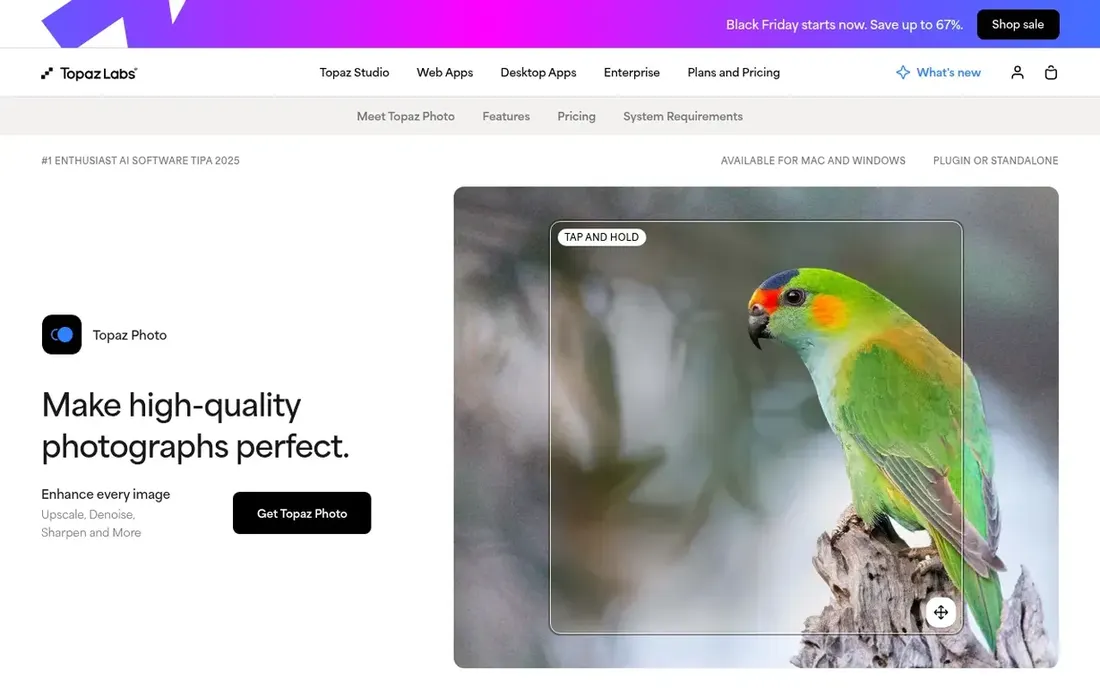
Where Topaz Photo AI fits: Sharpen, denoise and upscale control. Topaz Photo AI is positioned as a tool for sharpening, denoising, unblurring and upscaling images.
Honest limits: Interface can feel technical for beginners.
It suits photographers and editors who handle noisy, soft or low-resolution files and want a dedicated utility instead of a general-purpose design product. Topaz Photo AI cost at the entry level: $19 per month. Trial and free access: Not stated.
- Denoising and upscaling
- Merges sharpening
- Narrower scope than a full editor

Pick Luminar Neo if this describes you: approachable AI-assisted creative editing. Luminar Neo is most solid when you want approachable, AI-supported editing for individual photos.
The main drawbacks: Less depth than professional suites.
More specifically, consider it for personal and creative projects instead of demanding production pipelines that depend on deep manual control. Luminar Neo is photo editing software for PC and Mac from Skylum, described as a straightforward editor with AI that helps you edit photos as you imagine them. Check the vendor site for Luminar Neo pricing; none is listed in this comparison. Luminar Neo has no permanent free option. What works well: guided editing.
- Available for PC and Mac
- AI tools for creative edits
- Some AI results may need adjustment
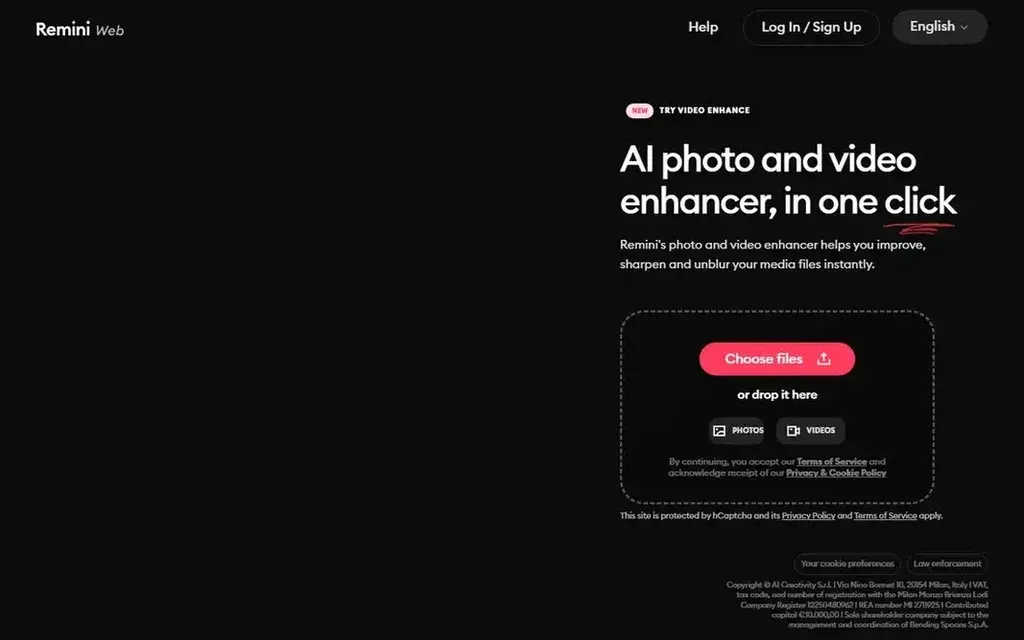
Remini serves quick AI photo enhancement and restoration. Remini is an AI photo enhancement tool offered through the web and mobile apps. It is built around improving clarity, sharpening faces and restoring detail in older or low-quality images with minimal manual input.
Watch-outs: Results can look over-processed at times.
As for the details, choose it when speed and automatic improvement matter more than granular adjustments, and look elsewhere if your project needs manual masking, text layers or design elements. Also, Remini leans heavily on automatic enhancement, so users who require precise retouching, layered compositing or in-depth color work will likely want a broader editor instead. Remini does not show a starting price in this comparison, so check the vendor site for current pricing. Free access: Not stated.
- Well suited to restoring older or soft images
- Straightforward enhancement-focused workflow
- Restricted manual editing depth
In short, Fotor is for fast online photo editing. Fotor is an online photo editor for enhancing and editing images in the browser, with tools for cropping, adding text and effects, retouching and more. If your work relies on precise layer control or professional-grade retouching, compare it against a full editing suite before committing.
Fotor is oriented toward straightforward online edits, so highly specialized correction or advanced compositing may call for a more capable tool. It does well for everyday improvements and fast graphic touches. Fotor does not show a starting price in this comparison, so check the vendor site for current pricing. Free access exists with Fotor.
The main drawbacks: Complicated projects may hit limits.
- Text and effect tools
- Browser-based editing
- Less advanced than pro suites
Selection criteria
The comparison looks at four things: starting price, free access, how well the feature set matches HitPaw FotorPea, and the main limit of each tool. Prices and plan limits come from vendor pages and can change, so confirm them on the vendor site before you buy. Order on the page follows fit for the typical buyer first, then price transparency and free access. Your own requirements should decide the final pick.
Questions to settle before buying
- Ask Canva, Luminar Neo, Remini and Fotor for a written quote, since no starting price is shown.
- Look at the free plan from Fotor closely: its caps decide whether it is usable for real work.
- Read the limits listed for Canva first: not a dedicated photo retouching tool.
- Let daily users try Remini on real work; their feedback beats any feature checklist.
- Make sure Luminar Neo lets you export your data in a format another tool can read.
FAQ
Is Canva the right pick for everyone comparing HitPaw FotorPea?
No single tool suits every team. Canva comes first because it fits everyday design and social graphics, while Topaz Photo AI suits Sharpen, denoise and upscale control and Luminar Neo suits approachable AI-assisted creative editing. Match the tool to your own size, budget and workflow before deciding.
Can I edit photos online without installing software?
Yes. Canva and Fotor are browser-based, and Photoshop provides online and mobile access. Remini also offers a web experience. Check each vendor site for the specific features available in the browser.
What is the cheapest option for HitPaw FotorPea in this list?
On published monthly entry prices, Topaz Photo AI is the lowest here at $19 per month. Entry price is only part of the cost, because seats, add-ons and billing terms can change the total. For the full picture, the cards above cover all 5 entries of this HitPaw FotorPea alternatives list, including price, free plan and limits.
How are the tools for HitPaw FotorPea ordered?
Canva sits first and Fotor last because the order follows typical fit for HitPaw FotorPea, then price clarity and free access. It is a judgement call, so read each profile for fit and limits.
Do these tools publish their prices?
Not all of them. Canva, Luminar Neo, Remini and Fotor publish no starting price, so expect a quote request for those. The rest, Topaz Photo AI included, show a starting price, though seats and billing terms still change the final cost.
Sources
- https://www.canva.com
- https://www.topazlabs.com/topaz-photo-ai
- https://skylum.com/luminar
- https://remini.ai
- https://www.fotor.com