Top Help A B2B Writer Alternatives in 2026: 6 Picks Ranked
Looking for Help a B2B Writer alternatives in 2026? I compare six content and outreach tools from vendor docs and public sources, with pros, cons and limits.
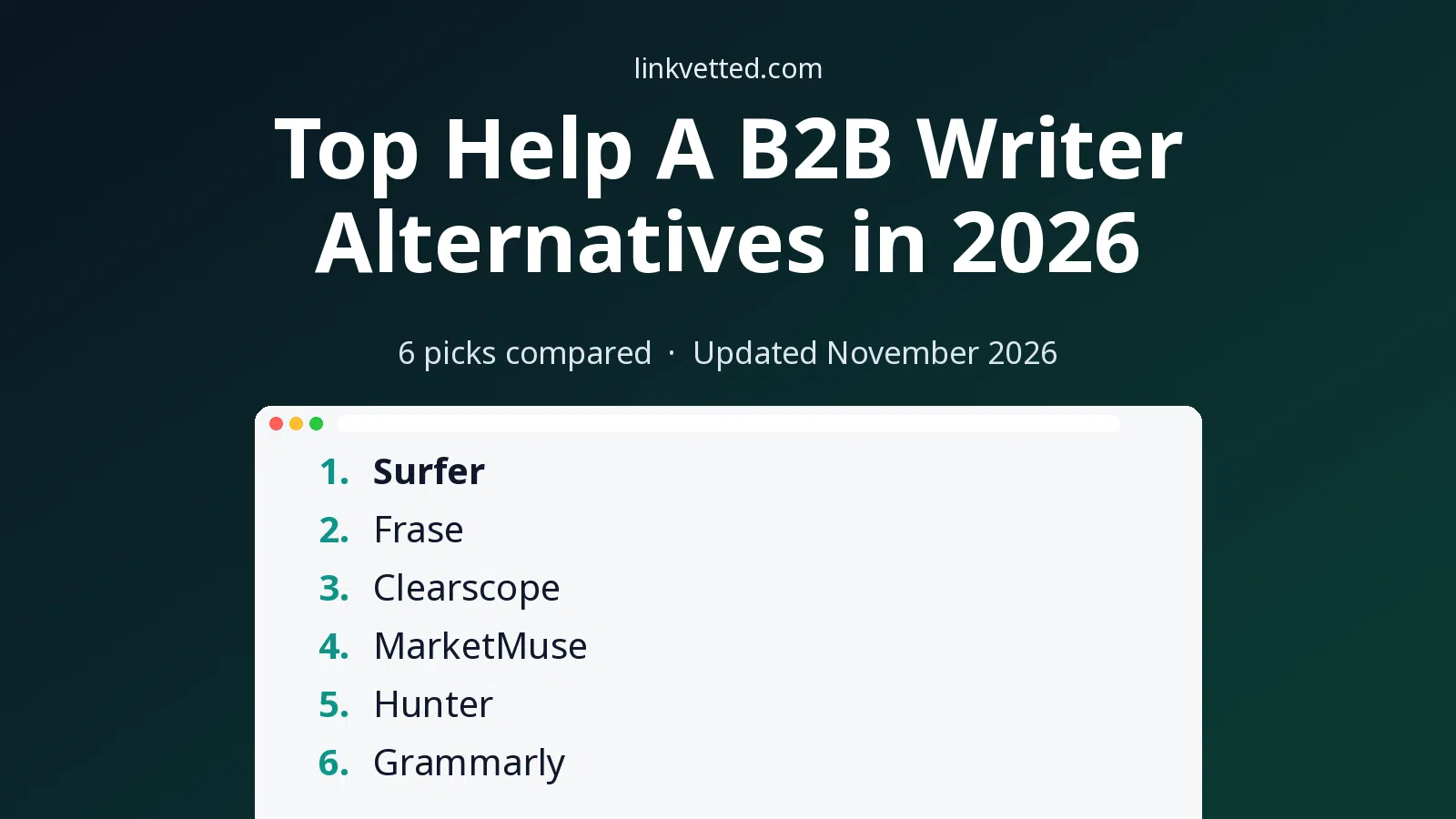
- Editor's choice
 Surfer
Guided drafting with content briefs
Starts atSee websiteVisit surferseo.comFull review - Great alternative
 Frase
Fast research and brief building
Starts atSee websiteVisit frase.ioFull review - Also consider
 Clearscope
Content optimization for editorial teams
Starts atSee websiteVisit clearscope.ioFull review
Direct answer
My first pick is Surfer, because its content editor and briefs give a writer a clear structure and term targets to work from. For teams that need briefs and topic research more than scoring, Frase is a sensible second. If the job is finding and managing outreach contacts, Hunter fits better. People look for Help a B2B Writer alternatives because they want different workflows, clearer pricing pages or features the original tool does not cover.
TL;DR:
- Surfer suits writers who want an editor that checks content against a brief while they draft.
- Frase is a reasonable choice when the main task is building briefs and research documents quickly.
- Hunter covers contact finding and verification, which is a different job from drafting.
- Clearscope and MarketMuse fit teams that plan content across many pages, not just single articles.
- No tool replaces a writer's judgment, and none of these picks guarantees rankings.
Last checked November 2026. Plan prices are not quoted in this guide because they change often; see each vendor's own pricing page for current figures before you buy.
Quick comparison
| Tool | Best for | Starts at | Free plan? | |
|---|---|---|---|---|
| Surfer | Guided drafting with content briefs | See website | No free plan | Visit |
| Frase | Fast research and brief building | See website | Free trial | Visit |
| Clearscope | Content optimization for editorial teams | See website | No free plan | Visit |
 MarketMuse | Planning topic coverage across a site | See website | Free plan | Visit |
 Hunter | Finding and verifying outreach contacts | See website | Free plan | Visit |
 Grammarly | Line editing and proofreading drafts | See website | Free plan | Visit |
The best Help a B2B Writer alternatives compared
I compared these tools from vendor documentation and public sources, not from hands-on tests. I looked at what each product says it does, who it is built for, and where the documentation points to limits. My aim is to help you shortlist tools to evaluate yourself, since a writer's needs vary by client, niche and workflow.
Surfer is a content optimization platform built around an editor that compares a draft against a brief and a set of related terms. It fits writers who like a visible checklist while drafting and who work from a keyword or a client brief. The vendor documentation describes it as a tool for creating and optimizing content, and that framing matches how most teams use it.
For a B2B writer, the useful part is the brief: it gives you headings, questions and terms to cover, which saves time on research. You can draft in the editor or paste in a draft and review suggestions. The workflow is draft, review terms, then edit for sense and tone, because the tool cannot judge whether a sentence is accurate or useful to a buyer.
The limit is that the score is a proxy, not a quality measure. Writers who treat every term as mandatory end up with awkward copy. Skip it if you write highly technical or regulated content where term lists add little, or if you only need a proofreading pass.
- Content editor with term targets
- brief generation from a keyword
- outline and structure support
- Score chasing can hurt natural writing
- pricing is aimed at teams
Frase is a content research and optimization tool. It pulls together search results and questions around a topic so you can build a brief without opening a dozen tabs. It suits writers who spend a lot of time on the research phase and want a starting document they can shape into a client-ready brief.
In a B2B workflow, I would use it at the start of an assignment: generate a research document, pull out the questions buyers actually ask, then write the outline myself. The tool's suggestions are a starting point, and the vendor documentation is clear that the output is meant to be edited. It also offers an editor for checking a draft against the brief.
The main drawback is that generated briefs can be generic, especially in narrow B2B niches where search results are thin. Skip it if your research already comes from subject-matter interviews, or if you want one tool for both research and final proofreading.
- Brief and outline generation
- research documents from search results
- simple editor
- Output needs heavy editing
- less useful for pure line editing
Clearscope is a content optimization platform that produces reports on terms and topics a page should cover. It is often used by editorial teams that need a consistent process across many writers. The interface is deliberately simple, which helps when you hand a report to a freelance writer who has not used the tool before.
For a B2B writer, the report works as a second opinion after drafting: you check coverage, add missing subtopics, and remove anything that reads as filler. The vendor documentation covers content inventory and tracking, which matters if a client wants to update older pages rather than publish new ones. That makes it more of a program tool than a drafting aid.
The limit is fit. Solo writers may find the team-oriented setup more than they need, and the tool does not write or restructure copy for you. Skip it if your main gap is research or outreach rather than optimization.
- Clean term reports
- writer-friendly interface
- inventory and tracking features
- Built for teams rather than solo writers
- limited use outside optimization
MarketMuse is a content planning and optimization platform. It analyzes a site and suggests topics and clusters to cover, then helps build briefs for individual pages. It fits content leads and writers who are responsible for a section of a site rather than a single article.
For B2B writing, the planning view is the draw: you can see gaps in a client's coverage and propose a series instead of one post. Briefs built from that plan give a writer context about where an article sits. The vendor documentation describes the platform as aimed at content strategy and optimization, so expect a setup period before it is useful.
The drawback is complexity. New users need time to understand the models and reports, and small clients may not have enough content to justify the planning layer. Skip it if you only write standalone pieces and already get clear briefs from clients.
- Topic and cluster planning
- content inventory analysis
- brief creation
- Steeper learning curve
- planning focus can feel heavy for one-off articles
Hunter is an email discovery and verification tool. You enter a company domain and it returns publicly available email addresses and patterns, which you can verify before adding them to a list. It fits writers and link builders who handle their own outreach and need contact data without a separate research stack.
In a B2B writer's workflow, Hunter sits after the article is published: you identify sites or companies worth contacting, find a plausible contact, verify it, and send a short pitch. The vendor documentation covers search, verification and list management. Keep outreach relevant and personal, and follow applicable email rules.
The limit is that it is not a content tool, so it does nothing for drafting or editing. Results also depend on what data is public, and some domains return little. Skip it if someone else on your team owns outreach, or if you do not do link or partnership outreach at all.
- Domain search for email patterns
- verification to reduce bounces
- simple lists
- Not a writing tool
- results depend on public data quality
Grammarly is a writing assistant that checks grammar, spelling, clarity and tone as you type. It fits almost any writer as a final pass before a draft goes to a client. The vendor documentation covers browser extensions, desktop apps and integrations with common writing tools, so it slots into most workflows without much setup.
For B2B writing, I use this kind of tool at the end: fix typos, tighten long sentences, and flag passive constructions that make copy feel distant. It is not a substitute for a subject-matter review, and it will not tell you whether a claim is accurate. Treat suggestions as options, not orders, especially in technical copy.
The drawback is that style advice can flatten a distinctive voice or miss industry conventions. It also does not help with research, briefs or outreach. Skip it if your team already has a strict house style guide and an editor who applies it.
- Works in browser and common editors
- catches grammar and clarity issues
- style suggestions
- Advice can be generic for B2B tone
- not a research or brief tool
How I chose
I chose these tools by reading vendor documentation and public product pages, then matching each one to a stage of a B2B writer's workflow: research, brief, draft, optimize, proofread and outreach. I did not run hands-on tests, so treat this as a shortlist to evaluate rather than a lab result. Where a vendor page was vague about features, I left the claim out instead of guessing.
I also weighed limits. A tool that only helps with one stage is fine if that is your bottleneck, but it is a poor fit if you need an all-in-one. I avoided tools whose public material leans on ranking promises, and I did not include anything I could not confirm as a real, operating product with an official site. Pricing changes often, so I point you to each vendor's page instead of quoting figures.
What to check before you buy
- Confirm which stage of your workflow the tool covers, and whether you need research, drafting, optimization or outreach.
- Read the vendor's own documentation for limits on seats, projects or credits before you commit.
- Check whether the tool works with the editors and formats your clients use.
- Ask whether briefs and reports can be exported, so you are not locked into one interface.
- Test the tool on a real client brief during any trial, not on a demo topic.
- Confirm how the vendor handles client data and whether that fits your contracts.
FAQ
What is the best alternative to Help a B2B Writer?
There is no single best pick, because the tools cover different jobs. Surfer is my first choice for guided drafting, Frase for research and briefs, and Hunter for outreach contacts. Shortlist two or three, then test them on one real assignment before you decide.
Are these tools a replacement for a human writer?
No. They support research, structure, editing and outreach, but they do not verify facts, understand a client's buyers or take responsibility for accuracy. A writer still decides what to include, how to frame it and whether a suggestion improves the piece.
Do I need more than one tool?
Often yes, but keep the stack small. A common setup is one research or brief tool, one optimization check and one proofreading pass. Adding outreach only makes sense if you handle your own link or partnership emails. Review the stack each quarter and drop anything you stop using.
Can these tools guarantee rankings?
No, and you should be wary of any vendor that says otherwise. They help with content structure, coverage and clarity, which are inputs. Rankings depend on competition, site authority, technical health and search changes that no writing tool controls.
How often should I review my tool stack?
I would review it when a client contract changes, when a tool's plan no longer fits your volume, or every few months. Check the vendor's changelog and your own invoices. If a tool is not saving time on real briefs, cancel it and put the budget into editing or research instead.
Sources
- https://www.surferseo.com
- https://www.frase.io
- https://www.clearscope.io
- https://www.marketmuse.com
- https://hunter.io
- https://www.grammarly.com