Best Help Desk Software Comparison in 2026: 8 Tools Compared
Our best help desk software comparison covers 8 platforms for ticketing, chat, and self-service, with current per-agent pricing and fit for each team size.

- Editor's choice
 Freshdesk
Small and mid-size support teams
Starts at$19 per agent per monthVisit freshdesk.comFull review - Great alternative
 Zendesk
Larger multi-channel support operations
Starts at$19 per agent per monthVisit zendesk.comFull review - Also consider
 Zoho Desk
Budget teams and Zoho users
Starts at$7 per user per monthVisit zoho.comFull review
TL;DR:
- Freshdesk and Zendesk both start at $19 per agent per month on annual billing, so the choice turns on channels, AI costs, and ease of setup rather than entry price alone.
- Zoho Desk remains the budget leader in this group, with a free plan for up to three users and paid plans from $7 per user per month.
- Help Scout suits email-first teams that want a shared inbox feel without a heavy ticketing interface, while Intercom suits chat-first software teams.
- Jira Service Management is the natural pick for internal IT support, since requests can link directly to engineering work in Jira.
Quick comparison
| Tool | Best for | Starts at | Free plan? | |
|---|---|---|---|---|
| Freshdesk | Small and mid-size support teams | $19 per agent per month | Free trial | Visit |
| Zendesk | Larger multi-channel support operations | $19 per agent per month | Free trial | Visit |
| Zoho Desk | Budget teams and Zoho users | $7 per user per month | Yes | Visit |
 Help Scout | Email-first small and mid-size teams | $25 per user per month | Yes | Visit |
 Intercom | SaaS teams that lead with chat | $29 per seat per month | Free trial | Visit |
 HubSpot Service Hub | Companies already running HubSpot CRM | $20 per seat per month | Yes | Visit |
 Jira Service Management | Internal IT and engineering support | $20 per agent per month | Yes | Visit |
 Front | Shared inbox teams in sales and success | $25 per seat per month | Free trial | Visit |
The best help desk software
Help desk software should make it easy for customers to get help and easy for agents to answer without losing track of a conversation, so we compared ticketing, channels, automation, and pricing side by side.
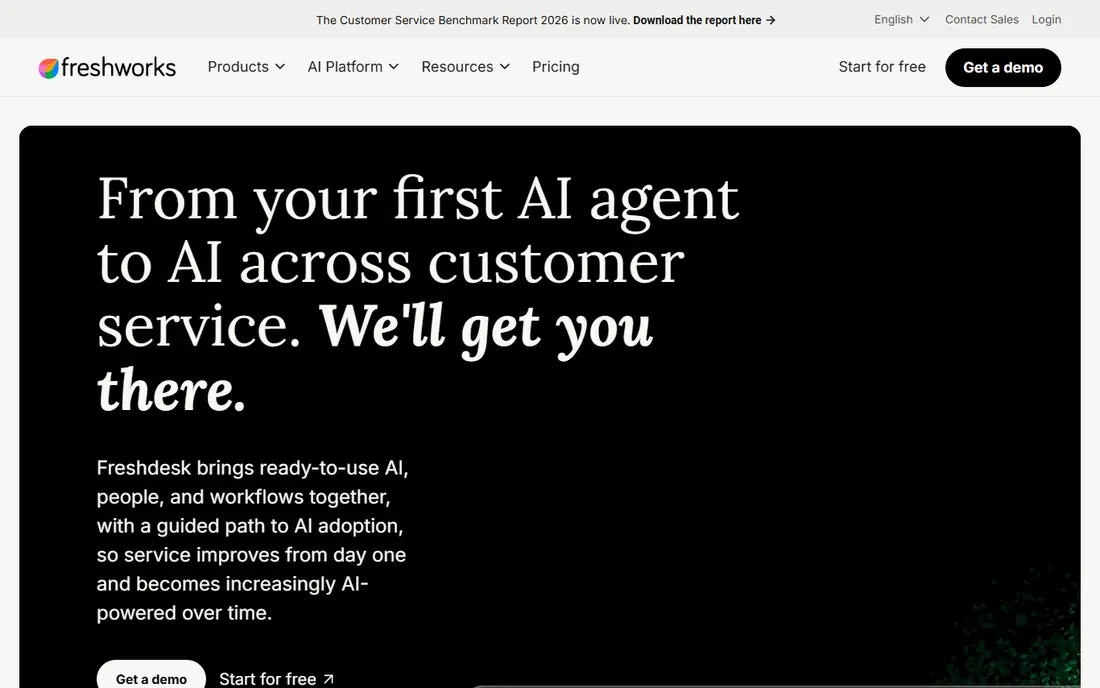
Freshdesk is a solid default for a growing team that needs ticketing, a customer portal, and a knowledge base without a long implementation project. Tickets can arrive by email, web form, chat, or phone, and automation rules can assign, prioritize, and escalate them based on rules your team sets once. Reporting and SLA policies help managers spot slow replies and busy topics, while the portal lets customers check status without opening another ticket.
The catch is pricing clarity, since Freshdesk has changed its free and entry plans over time and its AI copilot and session charges sit outside the base price. Check the current plan page for the exact free terms and AI costs for your team size before you budget, especially if you plan heavy AI use.
- Ticketing, knowledge base, and automation
- Omnichannel plans available
- Freddy AI tools on higher plans
- Free plan terms have changed over time
- AI features add cost on top of base plans
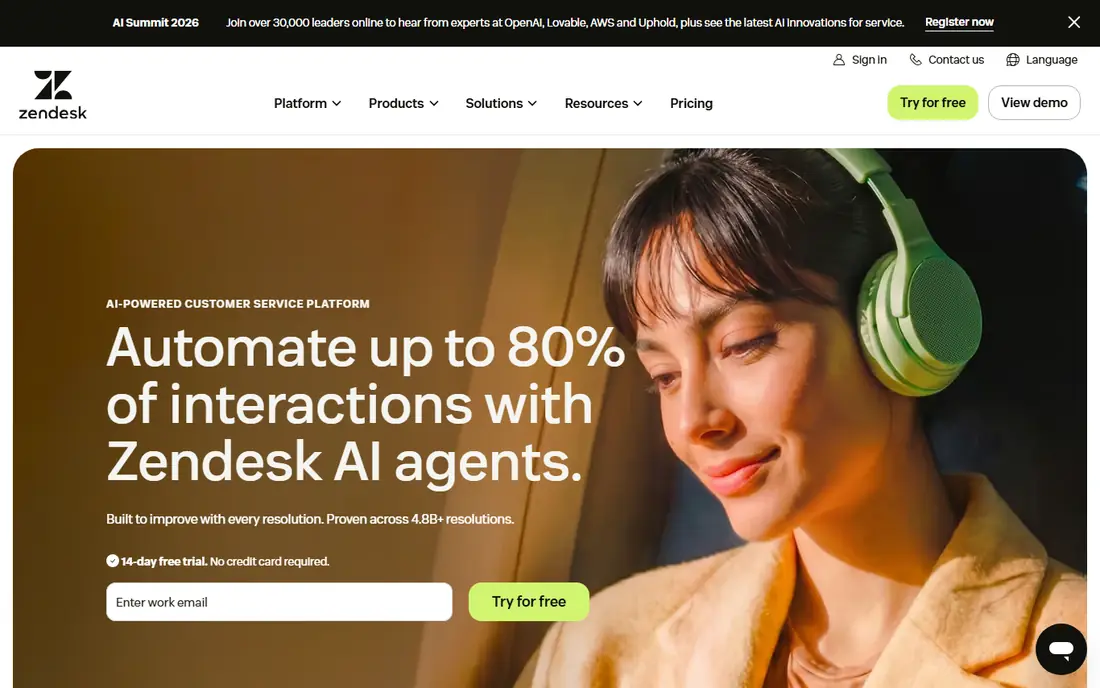
Zendesk is the deeper platform in this comparison, built for teams that run email, chat, voice, and social support from one agent workspace. Its Suite plans bring messaging, a help center, and ticketing together, and its large integration library connects support to CRM, ecommerce, and internal tools. Custom workflows, triggers, and reporting suit organizations with many teams, regions, or product lines that need consistent routing rules.
The catch is total cost, since Suite Professional and Enterprise pricing rises steeply and AI features are often metered or sold as add-ons. Smaller teams may pay for depth they never use, so Zendesk fits best when support volume, channels, or complexity already justify the investment.
- Wide integration library
- Strong omnichannel workspace
- Advanced workflows and analytics
- Higher tiers get expensive
- AI add-ons add material cost
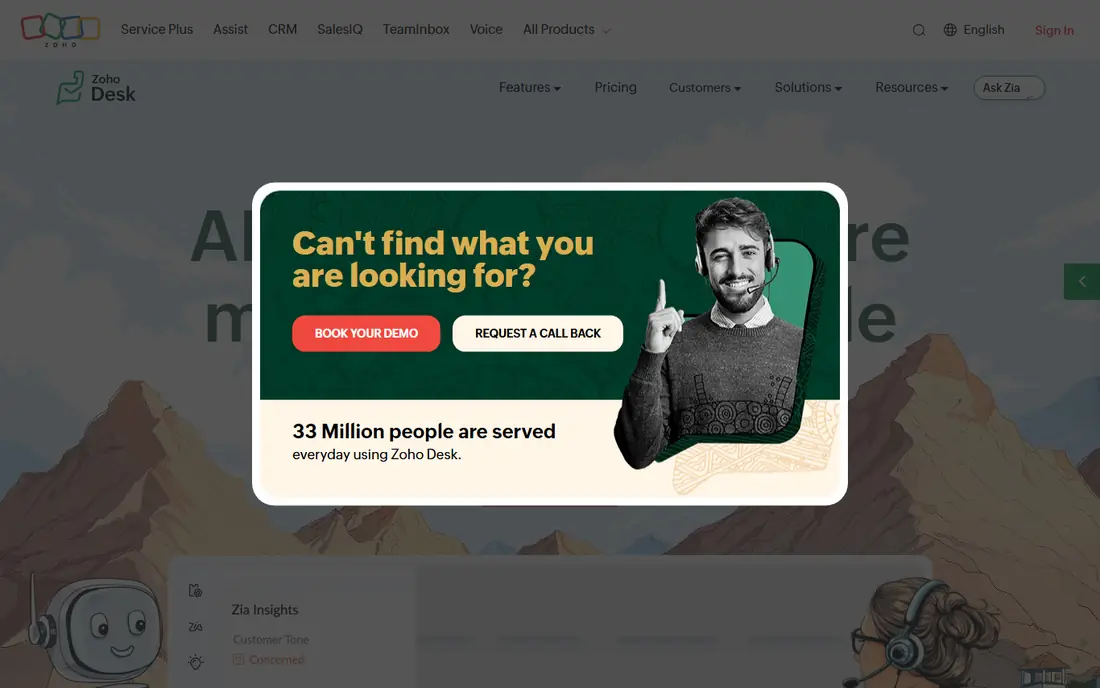
Zoho Desk is the value pick for a team that wants real multichannel ticketing at a low per-user price, especially if it already uses Zoho CRM or other Zoho apps. Tickets, live chat, telephony, and social channels feed one queue, and automation can assign work and send alerts without manual triage. The free plan for up to three users makes it easy to test with a small team before paying, and paid plans stay below most rivals at each tier.
The catch is that the most useful AI and advanced automation features sit on higher plans, so the entry price is not the full story for a demanding team. Teams outside the Zoho ecosystem should also check integrations, since the deepest value comes when Desk connects with the CRM and apps you already use.
- Free plan for up to three users
- Multichannel ticketing
- Zia AI on higher plans
- Advanced features need higher tiers
- Interface is less polished than some rivals
Help Scout feels closer to a shared email inbox than a traditional ticket queue, which helps small teams answer personally without learning a complex system. Conversations, internal notes, and customer history sit together, and Docs gives customers a self-service place to find answers before writing in. Saved replies, workflows, and reporting cover the basics well, and the interface stays calm even when volume rises.
The catch is scope, since teams that need full voice support or deep omnichannel routing may need add-ons or a second tool. Pricing is also per user, so adding occasional collaborators can raise cost faster than a ticket-volume model would for the same team.
- Shared inbox feel
- Docs knowledge base
- Simple automation and reporting
- Per-user pricing for collaborators
- Chat and phone need add-ons or other tools
Intercom is built around in-app and website chat, so software teams can answer users where they already are instead of pushing every question to email. Its AI agent can resolve common questions automatically, and human agents pick up the rest in the same conversation thread with full context. Product tours, messages, and help center content sit in the same platform, which helps onboarding and support work together.
The catch is AI pricing, since resolutions beyond the included allowance are metered and can change the monthly bill at scale. Teams that mainly handle email tickets, or that need a traditional help desk first, may find Intercom chat-first design a weaker fit.
- In-app messaging and chatbots
- AI answers charged per resolution
- Strong product messaging tools
- AI resolution fees can add up
- Email ticketing is less central than chat
HubSpot Service Hub makes most sense when support, sales, and marketing already share HubSpot CRM records, since tickets then sit beside the full customer history. Agents can see past purchases, conversations, and company details without switching systems, and automation can route tickets by team or topic. The free tools cover basic ticketing and live chat, which is enough for a very small team to start without a new vendor contract.
The catch is ecosystem lock-in, since the strongest value appears when you already pay for HubSpot, and higher tiers can carry onboarding fees. Standalone support teams that do not use HubSpot CRM should compare its ticket features directly against a dedicated desk before choosing it.
- Free tools for small teams
- Ticketing tied to CRM records
- Knowledge base and feedback tools
- Higher tiers carry onboarding fees
- Best value is inside the HubSpot ecosystem
Jira Service Management is the natural choice for internal IT support, where a request often becomes an incident, a change, or a development task. Employees submit requests through a portal, agents triage them in queues, and work can link directly to engineering issues without copying details between tools. SLA tracking, approvals, and asset links help IT teams run a structured service without adding a separate customer support platform.
The catch is that it is an IT service tool first, so external customer support teams may miss the marketing, ecommerce, and messaging depth of Zendesk or Intercom. It also works best inside the Atlassian ecosystem, so teams without Jira should weigh setup effort against a simpler desk.
- Request portal and queues
- Links to Jira development work
- Incident and change processes
- Customer support features are lighter than dedicated desks
- Pricing rises with agents
Front suits teams that live in email but need shared ownership, since inboxes for support, sales, and success can sit in one workspace with clear assignment. Internal comments let teammates discuss a message without forwarding it, and automation can tag, assign, and route based on sender or topic. Analytics show response times and workload, which helps managers balance inboxes before queues grow.
The catch is per-seat pricing, since everyone who works an inbox needs a seat, including occasional helpers. Teams that need a full public help center or advanced phone support may also need another tool beside Front.
- Shared inboxes for email and other channels
- Internal comments and assignments
- Automation rules
- Per-seat pricing for all collaborators
- Reporting depth varies by plan
How we picked these
We compared vendor pricing pages, plan features, and public documentation in October 2026, judging each tool on channels, ticketing, automation, self-service, integrations, and total cost including AI charges where those apply. We favored tools with a usable free plan or trial and clear annual pricing, and we weighed simplicity for small teams against workflow depth for larger operations. No vendor paid for placement, and where pricing depends on seats, tickets, or AI usage we say so plainly.
Choosing a help desk by channel, volume, and team size
Start with where customers actually contact you, since a chat-first team and an email-first team need different tools even at the same headcount. Then estimate tickets per agent per day and whether volume is steady or seasonal, because per-agent, per-seat, and ticket-volume pricing punish different patterns. Finally, trial your top two choices with real tickets, test the knowledge base from a customer view, and check AI costs at your expected resolution volume before you sign a yearly plan.
FAQ
What is the difference between a help desk and a shared inbox?
A shared inbox lets several people answer the same email account, while a help desk adds tickets, SLAs, automation, reporting, and a customer portal. Small teams can start with a shared inbox, but once volume, handoffs, or reporting matter, a help desk keeps work visible and accountable.
Should I pay per agent or per ticket?
Per-agent pricing suits steady teams with predictable headcount, while ticket or usage pricing can suit seasonal teams or shared inboxes with many occasional helpers. Model both at your peak month, not your average month, since the cheaper model at low volume is not always cheaper at peak.
Do I need AI in a help desk?
AI can help by drafting replies, summarizing threads, and answering common questions, but its value depends on volume and repeat questions. Check what is included, what is metered per resolution or session, and whether AI answers stay inside your knowledge base before you rely on it.
How important is a knowledge base?
Very important once the same questions repeat, since a good help center deflects tickets and gives agents consistent answers to copy or link. Look for search that works, simple editing, and analytics that show which articles actually reduce incoming tickets.
Can I switch help desks later?
Yes, but ticket history, macros, and automation rules rarely move cleanly between platforms, so plan an export and a cutover window. Keep the old system read-only for a few months, and test imports with a sample of tickets before moving the full history.
Sources
- https://www.freshdesk.com/pricing
- https://www.zendesk.com/pricing/
- https://www.zoho.com/desk/pricing.html
- https://www.helpscout.com/pricing/
- https://www.intercom.com/pricing
- https://www.hubspot.com/pricing/service
- https://www.atlassian.com/software/jira/service-management/pricing
- https://www.front.com/pricing