Top DxO PureRAW Alternatives in 2026: 5 Picks Ranked
5 tools for DxO PureRAW alternatives, compared on pricing, free plans and best-fit use. Every profile names its biggest catch. Built for quick decisions.
- Editor's choice
 Affinity Photo
Precise layer-based photo editing
Starts atSee websiteVisit affinity.serif.comFull review - Great alternative
 Capture One Pro
Color-critical professional editing
Starts atSee websiteVisit captureone.comFull review - Also consider
 Topaz Photo AI
Sharpening, denoising and upscaling
Starts at$19 per monthVisit topazlabs.comFull review
Direct answer
Start with Affinity Photo if you need precise layer-based photo editing. Listed starting prices: Topaz Photo AI from $19 per month and ON1 Photo RAW from $49.99. For a different need, Capture One Pro covers color-critical professional editing and Topaz Photo AI covers Sharpening, denoising and upscaling. Prices, free plans and limits for all 5 tools follow.
TL;DR:
- This list starts with Affinity Photo, which is built for precise layer-based photo editing.
- ON1 Photo RAW is the one to check for all-in-one raw editing, one-time purchase.
- Affinity Photo, ON1 Photo RAW and the 3 others all need a premium plan or a trial, since no free plan is listed.
- For the cheapest start, look at Topaz Photo AI: $19 per month.
Last checked November 2026. Prices and plan details were read from the vendors' own pages in November 2026; vendors change plans often, so confirm the current price on the vendor site before you buy.
Quick comparison
| Tool | Best for | Starts at | Free plan? | |
|---|---|---|---|---|
| Affinity Photo | Precise layer-based photo editing | See website | Not stated | Visit |
| Capture One Pro | Color-critical professional editing | See website | Free trial | Visit |
| Topaz Photo AI | Sharpening, denoising and upscaling | $19 per month | Not stated | Visit |
 Adobe Lightroom Classic | Raw editing plus photo organization | See website | Not stated | Visit |
 ON1 Photo RAW | All-in-one raw editing, one-time purchase | $49.99 | Free trial | Visit |
Our 5 picks for DxO PureRAW
LinkVetted compared 5 tools for DxO PureRAW. The goal is a practical shortlist: published prices, free plan facts, best-fit use cases and honest limits for every entry.
Affinity Photo targets precise layer-based photo editing. Affinity Photo is a professional photo editor built for precision, speed and creative freedom, per its homepage.
What to check first: Dense professional interface.
Its strength in layered editing means the raw workflow is less centered on catalog organization than dedicated raw tools. If your primary goal is quick batch noise and detail processing, a more focused raw tool may be more straightforward. No starting price is listed for Affinity Photo here; confirm pricing on the vendor site. Free access: Not stated.
- Precision editing tools
- Layer-based workflow
- Raw workflow is less catalog-focused
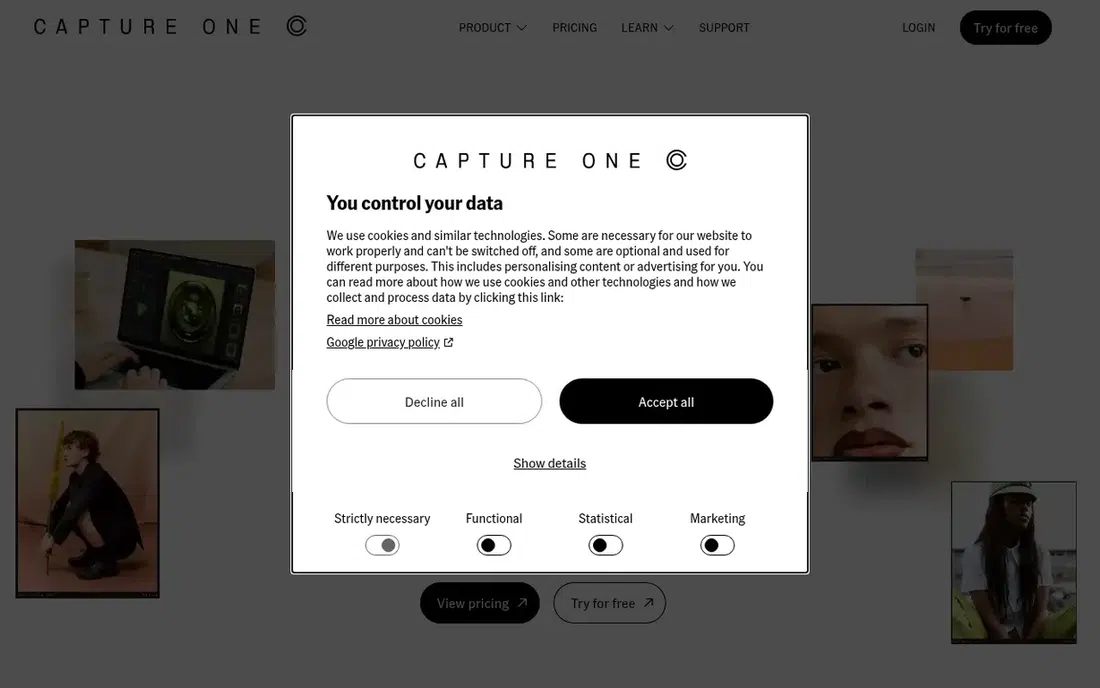
Capture One Pro is aimed squarely at color-critical professional editing. Capture One Pro is professional photo editing software built around capable color control, precision tools and a smooth workflow, according to its homepage.
It suits photographers who want raw processing and color accuracy handled in a single professional environment, making it a natural alternative for those who value color work as much as detail and noise handling. This comparison lists no price for Capture One Pro; ask the vendor. On free options: Free trial.
The main drawbacks: Aimed at professional users.
- Smooth workflow focus
- Precision editing tools
- Steeper ramp-up time
Topaz Photo AI is built with Sharpening, denoising and upscaling in mind. Topaz Photo AI concentrates on image enhancement, with its homepage describing sharpening, denoising and upscaling to make decent photos excellent.
For everyday use, for photographers who used DxO PureRAW primarily for noise and detail recovery, it is a direct alternative that concentrates on enhancement instead of full editing. It can complement a separate raw editor. On cost, Topaz Photo AI starts like this: $19 per month. Free access: Not stated.
Watch-outs: Not a full raw editor.
- Focused enhancement workflow
- Sharpen and denoise images
- Best paired with another editor

For Raw editing plus photo organization, Adobe Lightroom Classic is a natural candidate. Adobe Lightroom Classic is a desktop photo editor that merges raw processing with catalog-based organization. Its homepage highlights the editing tools needed to bring out the best in photos, plus simple organizing and sharing.
Also, for photographers leaving DxO PureRAW, it suits those who want denoising and detail work to live inside a full editing and library workflow instead of a standalone step. The central limit is that Lightroom Classic is built around a desktop catalog, so it fits photographers who work on a computer instead of mobile-first editors. Adobe Lightroom Classic shows no starting price here, so confirm the cost on the vendor site. As for free access: Not stated.
Downsides: Subscription-based model.
- Simple sharing of edited photos
- Raw processing and catalog in one app
- Desktop-focused workflow
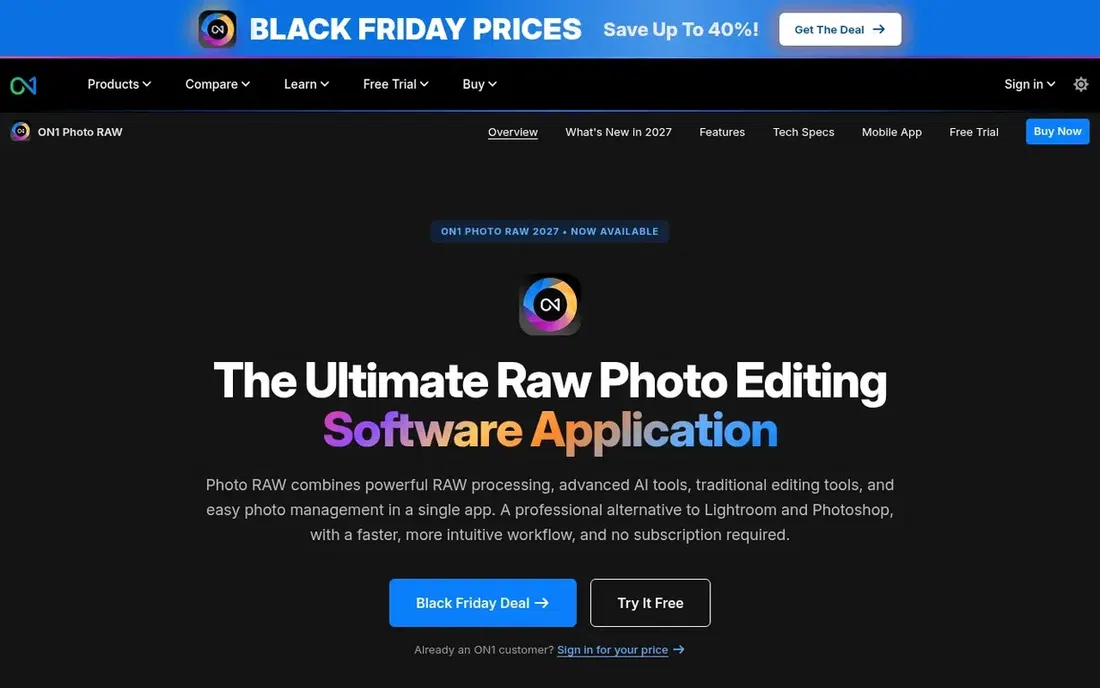
In short, ON1 Photo RAW is for all-in-one raw editing, one-time purchase. The all-in-one design means plenty of modules and controls, which can be a lot for newcomers to absorb.
Where it shines: organize and process in one app.
It is offered as a one-time purchase with no subscription required, which appeals to photographers who want raw processing, organization and effects in one application rather than a standalone pre-processing step. Price to start with ON1 Photo RAW: $49.99. Free access: Free trial. Points against: Wide toolset can overwhelm beginners.
- AI-powered raw editing
- Edit
- Ramp-up time across modules
How we compared the tools
The comparison looks at four things: starting price, free access, how well the feature set matches DxO PureRAW, and the main limit of each tool. Prices and plan limits come from vendor pages and can change, so confirm them on the vendor site before you buy. Position on the page reflects fit for a typical buyer first, with price clarity and free access breaking ties. Treat it as a guide, not a ruling.
Pre-purchase checklist
- Get a written quote from Affinity Photo, Capture One Pro and Adobe Lightroom Classic; the list shows no starting price for them.
- Take the trial from Capture One Pro and ON1 Photo RAW and push a live task through it before you pay.
- Before choosing Affinity Photo, weigh its main limit: Raw workflow is less catalog-focused.
- Verify that exporting from Capture One Pro is possible on your plan and covers all your records.
- Map your must-have features to a specific Affinity Photo plan before you compare prices.
FAQ
What is the best DxO PureRAW alternative overall?
This list starts with Affinity Photo, which fits precise layer-based photo editing. For other needs, Capture One Pro is aimed at color-critical professional editing, and Topaz Photo AI at Sharpening, denoising and upscaling. Check each tool's price and main limit first.
Can I try these tools before paying?
Often, yes. Capture One Pro and ON1 Photo RAW offer a free trial. Use your own data and a real task during the test, and check what the free tier or trial limits before you rely on it.
How are the tools for DxO PureRAW ordered?
Affinity Photo sits first and ON1 Photo RAW last because the order follows typical fit for DxO PureRAW, then price clarity and free access. It is a judgement call, so read each profile for fit and limits.
Does any tool for DxO PureRAW here have a free plan?
No tool in this list, Affinity Photo and ON1 Photo RAW included, has a permanent free plan. Capture One Pro, ON1 Photo RAW offer a trial. Trials and quotes are the usual route, so plan a short evaluation period.
Is Affinity Photo the right pick for everyone comparing DxO PureRAW?
No single tool suits every team. Affinity Photo comes first because it fits precise layer-based photo editing, while Capture One Pro suits color-critical professional editing and Topaz Photo AI suits Sharpening, denoising and upscaling. Match the tool to your own size, budget and workflow before deciding.
Which alternative is a good match for denoising and sharpening only?
For most readers this guide would start with Affinity Photo, built for precise layer-based photo editing. Capture One Pro is the alternative for color-critical professional editing, and Topaz Photo AI for Sharpening, denoising and upscaling. The right answer depends on budget and workflow.
Sources
- https://affinity.serif.com/en-us/photo
- https://www.captureone.com/en/products/capture-one-pro
- https://www.topazlabs.com/topaz-photo-ai
- https://www.adobe.com/products/photoshop-lightroom-classic.html
- https://www.on1.com/products/photo-raw