Best Database Platforms with Best User Interface for 2026: Our 5 Vetted Picks
Searching for database platforms with best user interface? Here are 5 options with prices and free plans. Costs and caveats sit beside each pick. Decide faster.
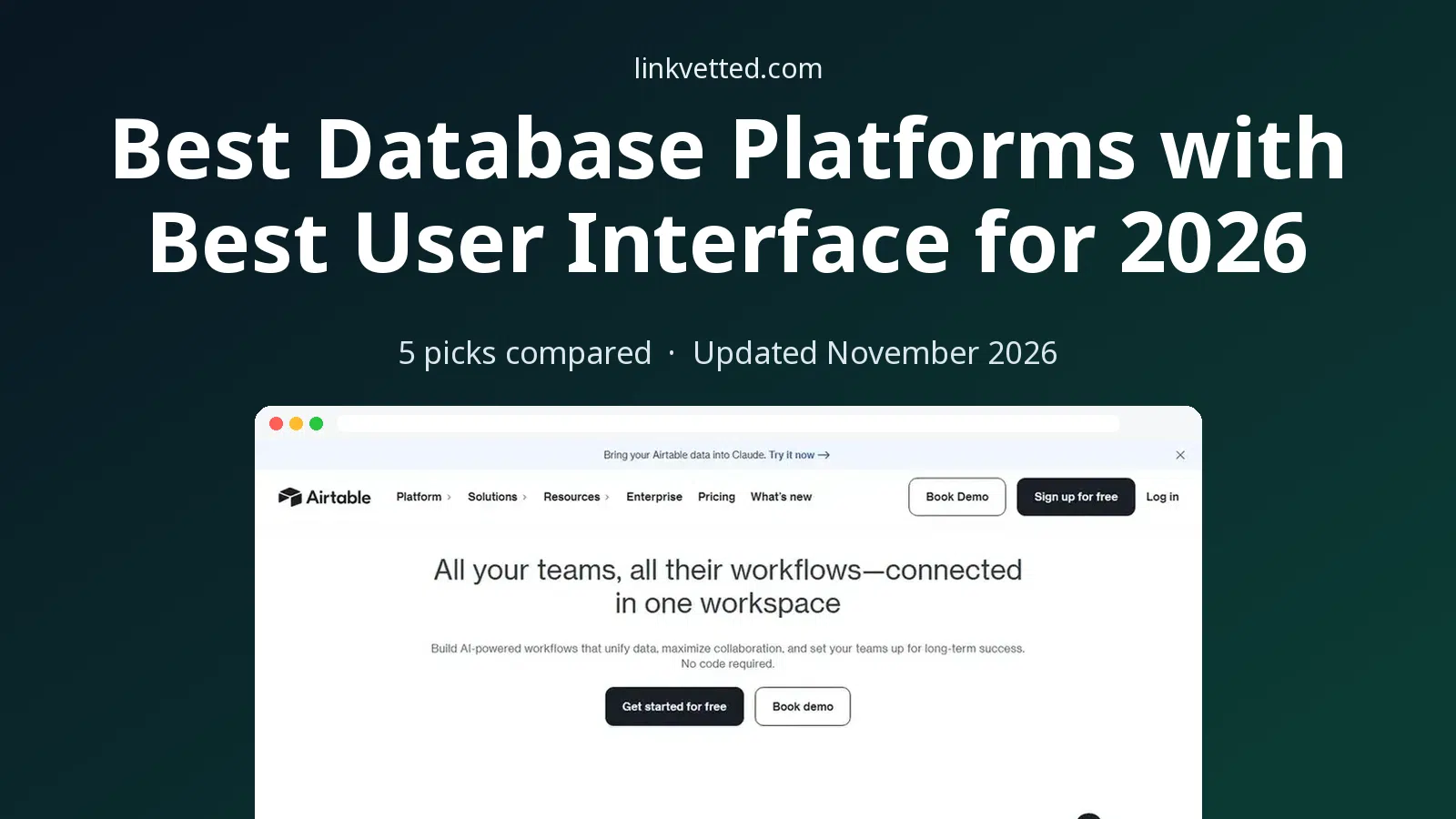
- Editor's choice
 MongoDB Atlas
Managed MongoDB with a visual interface
Starts atSee websiteVisit mongodb.comFull review - Great alternative
 Baserow
Open-source no-code database
Starts at$10 per user a monthVisit baserow.ioFull review - Also consider
 Airtable
Spreadsheet-style relational databases
Starts at$20 per user per monthVisit airtable.comFull review
Direct answer
Start with MongoDB Atlas if you need managed MongoDB with a visual interface. Listed starting prices: Baserow from $10 per user a month, Airtable from $20 per user per month and Retool from $10 per builder a month. Baserow is the stronger choice for open-source no-code database, while Airtable suits spreadsheet-style relational databases. The remaining 2 options are covered below with prices and limits.
TL;DR:
- Number one here is MongoDB Atlas, a fit for managed MongoDB with a visual interface.
- Notion suits document-first workspaces with databases.
- Baserow, Airtable, Retool, Notion: these are the 4 tools out of 5 that offer a free plan.
- Before buying Airtable, weigh this: restricted customization for advanced users.
- Baserow is the lowest-priced starter here at $10 per user per month.
Last checked November 2026. Prices and plan details were read from the vendors' own pages in November 2026; vendors change plans often, so confirm the current price on the vendor site before you buy.
Quick comparison
| Tool | Best for | Starts at | Free plan? | |
|---|---|---|---|---|
| MongoDB Atlas | Managed MongoDB with a visual interface | See website | Not stated | Visit |
| Baserow | Open-source no-code database | $10 per user a month | Yes | Visit |
| Airtable | Spreadsheet-style relational databases | $20 per user per month | Yes | Visit |
 Retool | Building internal tools rapidly | $10 per builder a month | Yes | Visit |
 Notion | Document-first workspaces with databases | $10 per member a month | Yes | Visit |
The best database platforms with best user interface
If you are comparing database platforms with best user interface, this page covers 5 tools in one place: what each is best for, what it costs to start, whether it has a free plan, and the main limit to know about.
MongoDB Atlas makes the most sense for managed MongoDB with a visual interface. MongoDB Atlas supplies a cloud database service with a web-based interface for managing clusters, exploring data, and monitoring performance.
Where it falls short: Complicated for beginners.
Its UI is geared toward developers and administrators, offering tools to visualize document structures and optimize queries. No starting price is listed for MongoDB Atlas here; confirm pricing on the vendor site. Free plan details: Not stated.
- Easy-to-learn cluster management
- Capable scalability features
- UI concentrated on administration
Baserow was built for open-source no-code database. As a newer product, Baserow has a smaller community and fewer integrations compared with established tools.
Trade-offs to know: Fewer advanced integrations.
Baserow is an open-source no-code database system with an approachable, spreadsheet-inspired interface. For everyday use, for teams needing deep external connections, those alternatives might be better. On cost, Baserow starts like this: $10 per user per month. Baserow has a free plan.
What works well: Open-source and self-hostable.
- Spreadsheet-like UI
- No technical skills required
- Smaller ecosystem than competitors
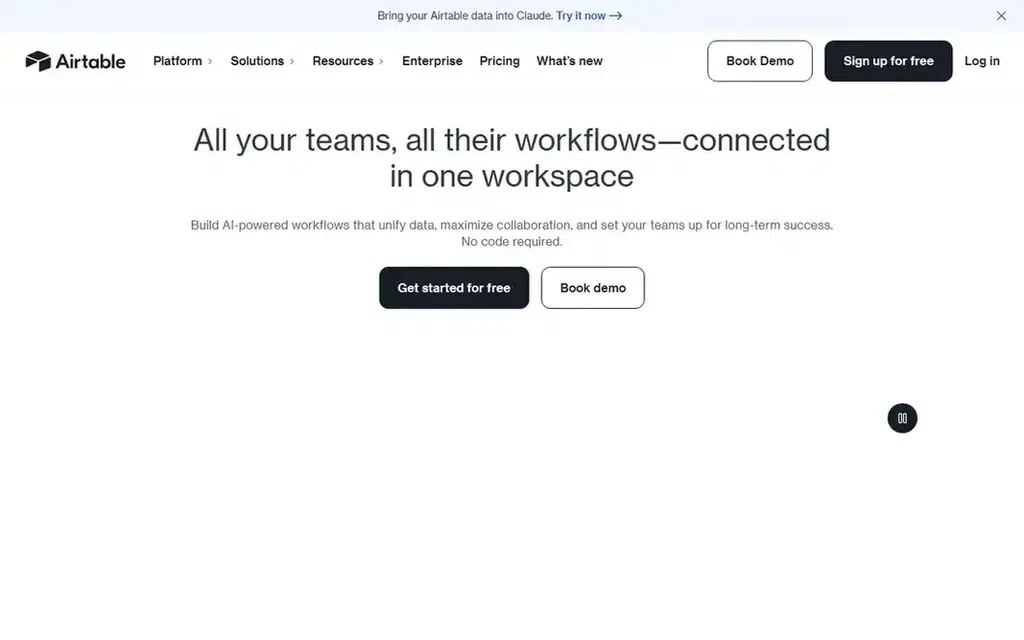
Think of Airtable for spreadsheet-style relational databases. Its visual interface supports several views, including kanban and calendar, and makes it possible for live collaboration.
Teams with heavy data processing needs might outgrow its capabilities. From a buyer's view, Whereas Airtable is approachable, it may not manage very large datasets or complicated relational queries as efficiently as traditional databases. Airtable starts at: $20 per user per month. A free plan is available with Airtable.
Trade-offs to know: Limited customization for advanced users.
- Broad template library
- Capable collaboration features
- Can become complicated at scale
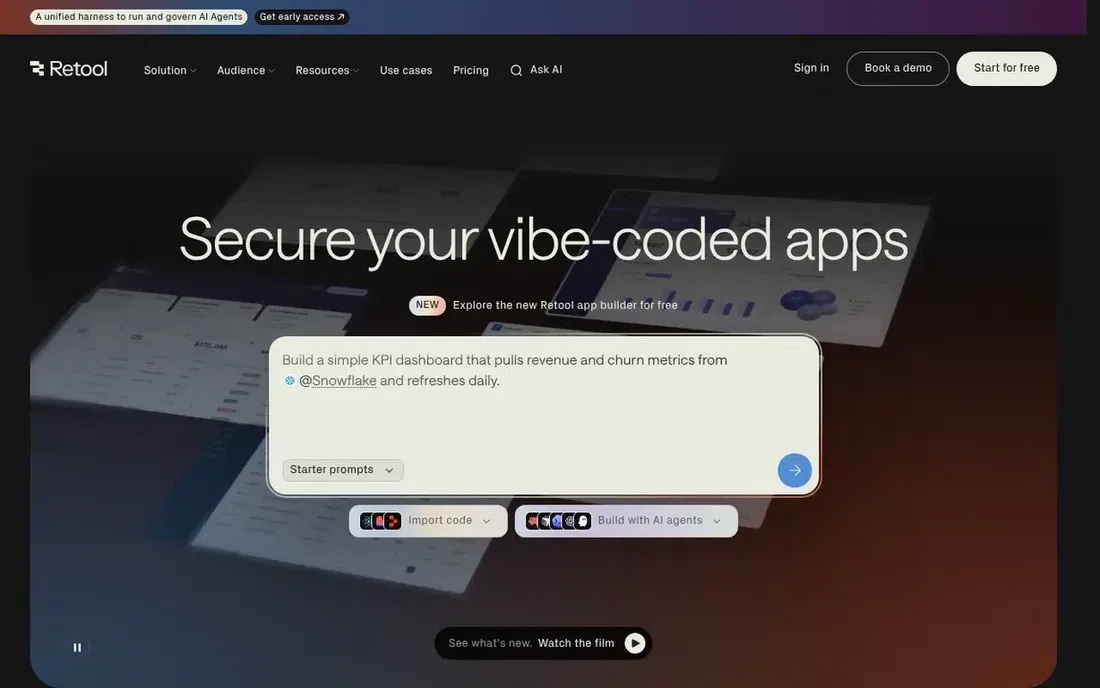
Retool is built with building internal tools rapidly in mind. Retool supplies a visual interface for building internal tools, allowing developers to drag-and-drop components and link to databases or APIs. Its UI is built for efficiency, with a library of pre-built widgets and a focus on rapid development.
It is primarily for internal use and may not be well suited to customer-facing applications. From a buyer's view, for a no-code choice, consider Baserow or Airtable. The starting price for Retool: $10 per builder per month. Retool offers a free plan.
The main drawbacks: Less suited for external-facing apps.
- Drag-and-drop UI builder
- Links to numerous data sources
- Needs some development knowledge
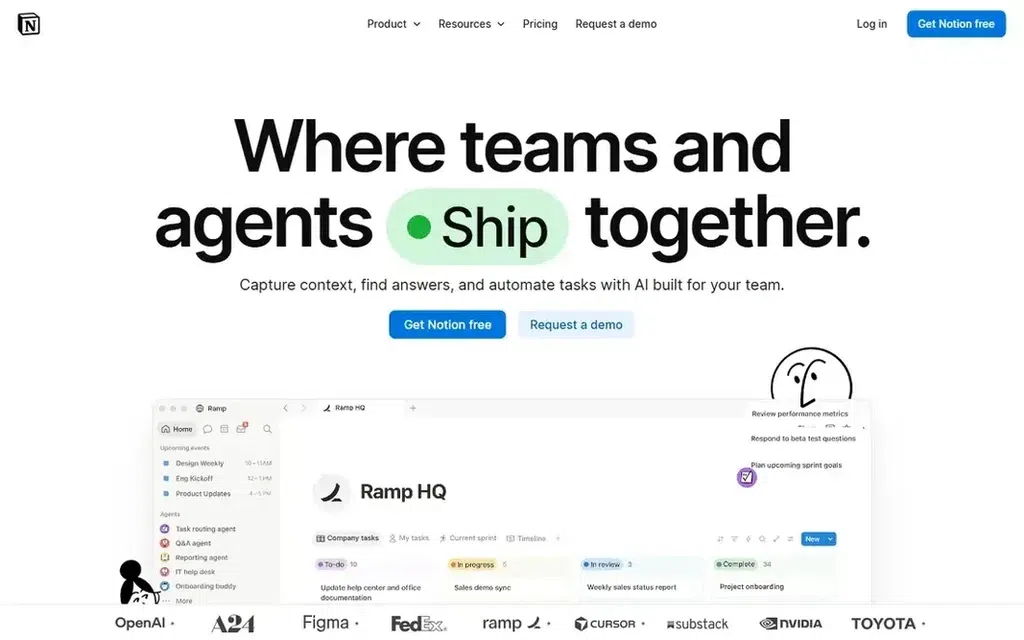
Think of Notion for document-first workspaces with databases. Notion merges documents, wikis, and databases into a single workspace with a sleek, easy-to-learn UI. Its databases can be embedded within pages and customized with several views, making it well suited to knowledge management and light project tracking.
From a buyer's view, Notion's database capabilities are not as solid as dedicated database systems; it lacks advanced permissions and complicated formulas. It may not suit heavy data operations or large-scale applications. Price to start with Notion: $10 per member per month. Notion has a free plan.
Where it is weaker: Database features are less advanced.
- Highly configurable pages
- Smooth integration of docs and databases
- Can become cluttered without structure
How we built this list
For each of the 5 tools we noted price, free plan or trial, fit for database platforms with best user interface and the main limit, using vendor pages and documentation. Treat prices as a snapshot: vendors change plans often, so check the vendor site for the figure that applies today. Tools are placed by general fit for database platforms with best user interface, with price clarity and free access as tie-breakers. A different team can reasonably rank them differently.
Before you commit
- Ask MongoDB Atlas for a written quote, since no starting price is shown.
- Check what the free option really includes: Baserow, Airtable, Retool and Notion offer a free plan, and usage caps differ.
- Read the limits listed for MongoDB Atlas first: complex for beginners.
- Test the integrations you rely on with Retool before committing; some connectors sit on upper tiers.
- Check whether Notion bills monthly or annually, and what cancelling early costs.
FAQ
Which options for database platforms with best user interface have a free plan?
On this list, Baserow, Airtable, Retool and Notion include a free plan. Caps on seats, usage or features are common, so test the free plan against your real workload.
Is MongoDB Atlas the right pick for everyone comparing database platforms with best user interface?
No single tool suits every team. MongoDB Atlas comes first because it fits managed MongoDB with a visual interface, while Baserow suits open-source no-code database and Airtable suits spreadsheet-style relational databases. Match the tool to your own size, budget and workflow before deciding.
Can I try these tools before paying?
Often, yes. Baserow, Airtable, Retool and Notion have a free plan. Use your own data and a real task during the test, and check what the free tier or trial limits before you rely on it.
How important is the user interface for a database platform?
It can make complicated data tasks more accessible to non-technical members. Even so, the best UI relies on your specific use case and the technical proficiency of your users.
How are the tools for database platforms with best user interface ordered?
MongoDB Atlas sits first and Notion last because the order follows typical fit for database platforms with best user interface, then price clarity and free access. It is a judgement call, so read each profile for fit and limits.
Sources
- https://www.mongodb.com/products/platform/atlas-database
- https://baserow.io
- https://www.airtable.com
- https://retool.com
- https://www.notion.so