Best User-Friendly Database Software in 2026: 8 Tools Compared
Looking for the best user-friendly database software? We compared 8 easy tools for small teams in 2026, from Airtable and Notion to open source options.
- Editor's choice
 Airtable
Spreadsheet-style team databases
Starts at$20 per user per monthVisit airtable.comFull review - Great alternative
 Notion
Databases inside docs and wikis
Starts atFreeVisit notion.soFull review - Also consider
 Coda
Docs that act like apps
Starts atSee websiteVisit coda.ioFull review
TL;DR:
- Airtable is our pick for most small teams because it pairs a spreadsheet feel with real linked records, views, and automations.
- Notion works best when your database lives inside docs, wikis, and project pages rather than as a standalone app.
- Open source options such as Baserow and NocoDB suit teams that want control over hosting and data, with more setup work in return.
- Free plans are useful for testing, but record limits, guest limits, and attachment limits are the usual reason teams upgrade.
Quick comparison
| Tool | Best for | Starts at | Free plan? | |
|---|---|---|---|---|
| Airtable | Spreadsheet-style team databases | $20 per user per month | Yes | Visit |
| Notion | Databases inside docs and wikis | Free | Yes | Visit |
| Coda | Docs that act like apps | See website | Yes | Visit |
 Zoho Creator | Low-code business apps | See website | Free trial | Visit |
 Knack | No-code business databases | See website | Free trial | Visit |
 Baserow | Open source Airtable alternative | See website | Yes | Visit |
 NocoDB | Turning spreadsheets into databases | See website | Yes | Visit |
 Budibase | Internal tools on your own data | See website | Yes | Visit |
The best user-friendly database software
We focused on tools a non-developer can set up without writing code, while still handling linked records, filters, and sharing. Here are the eight that stood out.
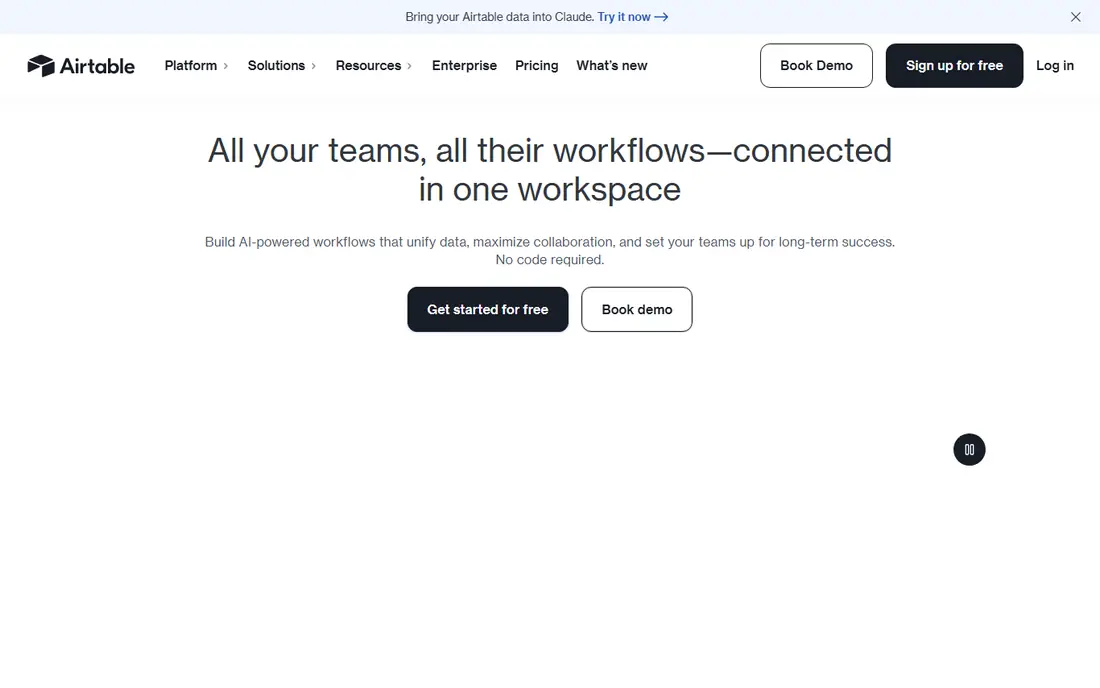
Airtable feels closest to a spreadsheet, which is why many teams adopt it fast. You can start with a grid, then switch to a calendar, kanban board, gallery, or timeline view without rebuilding the data. Linked records let you connect customers to orders or projects to tasks, so you avoid copying the same details across sheets.
The catch is pricing and limits. The free plan allows 1,000 records per base and up to five editors, which suits a trial or a small list. Once a base grows, the Team plan at $20 per user per month billed annually raises the cap to 50,000 records per base. Viewers are free, so only count people who need to edit when you estimate the bill.
- Familiar grid view
- Linked records and many view types
- Strong templates and automations
- Costs rise quickly with paid editors
- Free plan caps records per base
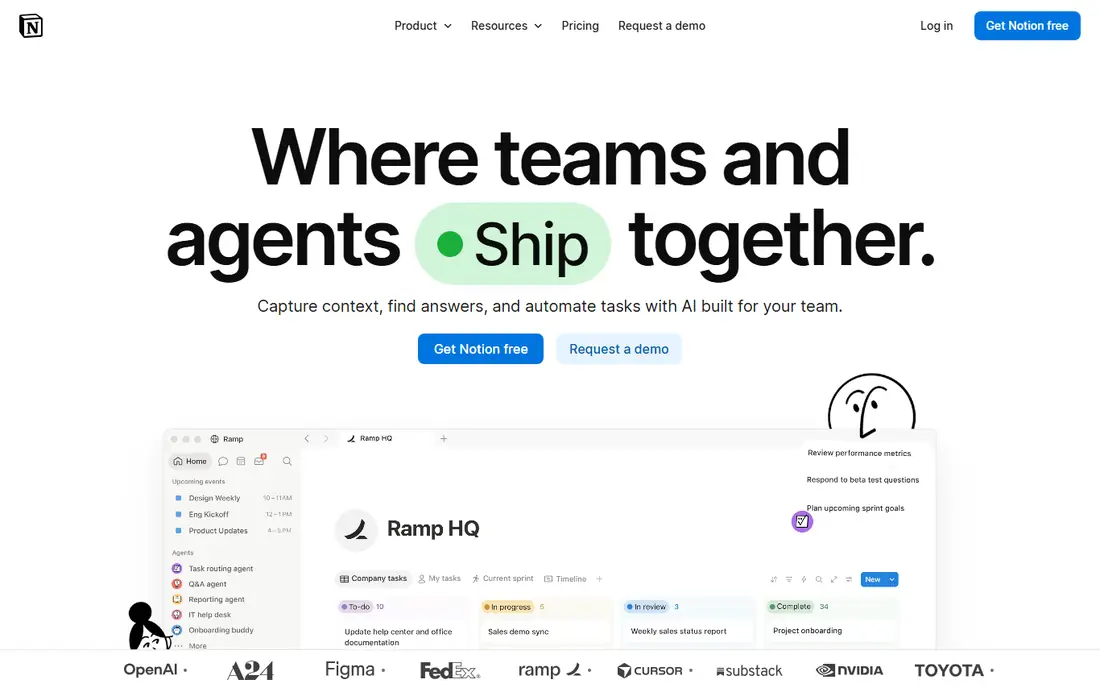
Notion suits teams that already write notes, specs, and meeting pages in one place. A database is just a page type, so you can put a task list inside a project doc, filter it by owner, and link it to a client page. That context is the main advantage over a standalone database tool.
For pure data work, Notion has limits. It is not built for very large tables or heavy automation in the same way Airtable is, and its Plus plan costs $10 per member per month billed annually. If your team mainly needs a shared workspace with useful databases inside it, Notion is hard to beat for the price.
- Pages, docs, and databases in one workspace
- Flexible views and templates
- Generous solo free plan
- Large databases can feel slower than a dedicated database app
- Full AI features need the Business plan
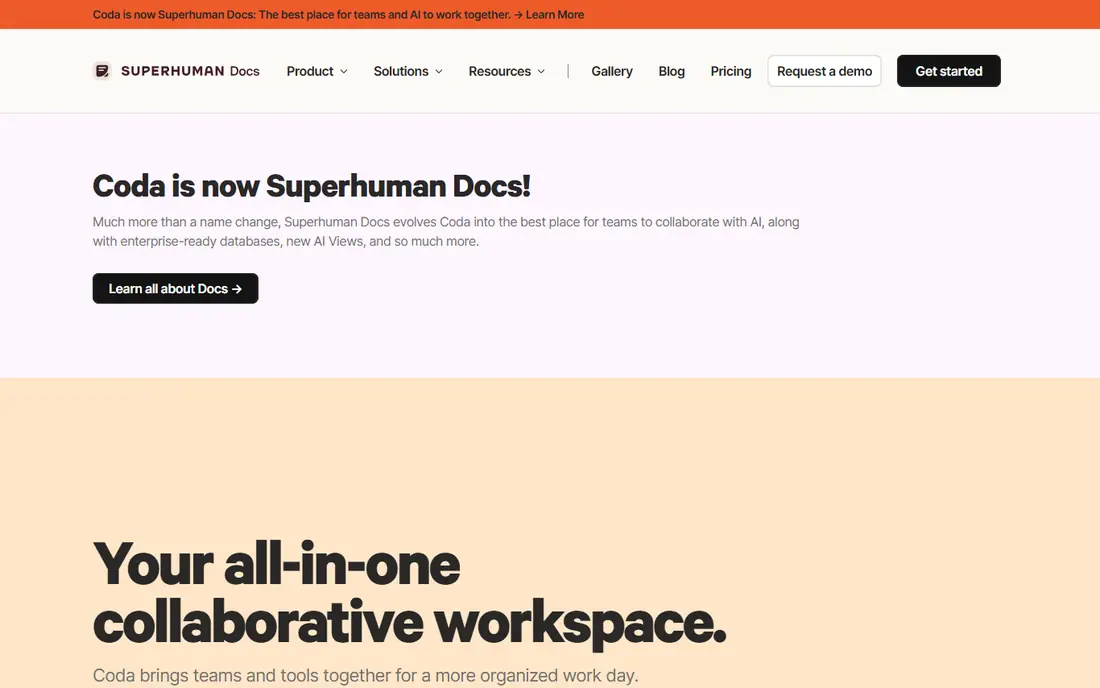
Coda starts as a document and grows into a small app. You can build a table, add a button that changes a status, and use a formula to pull related rows together. Teams use it for trackers, roadmaps, and lightweight CRMs that would otherwise need a separate tool.
The trade-off is complexity. Simple docs are easy, but a well-built Coda doc with formulas takes planning. Check the current pricing page before you commit, because Coda charges by doc makers rather than every viewer. That model can be good value for a team with a few builders and many readers.
- Formulas, buttons, and automations inside docs
- Packs connect common tools
- Good for custom workflows
- Learning curve for formulas
- Pricing depends on doc makers versus editors
Zoho Creator is aimed at businesses that want a custom app without hiring a developer. You build forms for data entry, set up workflows for approvals, and create reports for managers. It works well for inventory lists, job tracking, and internal request systems.
The first build takes longer than Airtable or Notion, because Creator is a fuller app platform. That extra effort pays off when you need permissions, validation rules, and scheduled actions. Use the free trial to build one real workflow before you buy, and confirm the current plan prices on the Zoho site.
- Drag-and-drop app builder
- Forms, workflows, and reports included
- Part of the wider Zoho suite
- Interface feels busy at first
- Best value if you already use Zoho products
Knack is a practical choice when you need people outside your team to log in and use the data. You can build a portal where clients see only their own records, submit forms, and check a status. That is a common need for service businesses, schools, and nonprofits.
The interface will not win design awards, and that is fine for an internal tool. The strength is structure: tables, relationships, and access rules are clear from the start. Start with the free trial, map your main tables first, and test the login experience with one outside user.
- Clear builder for tables, forms, and pages
- User logins and permissions
- Good for customer portals
- Design options are plain
- Pricing is aimed at business use rather than personal use
Baserow gives teams an Airtable-style grid without giving up control of the data. You can run it on your own server, or use the hosted cloud version if you prefer a managed setup. Views, filters, and linked tables cover most everyday database work.
Self-hosting is the main decision point. It is free in license terms, but you still need hosting, backups, and updates. If you do not want that work, compare the hosted plans on the Baserow site and check record and storage limits before you move a large base across.
- Open source and self-hostable
- Familiar grid, gallery, and kanban views
- No vendor lock-in for self-hosted data
- Self-hosting needs technical setup
- Hosted plan features differ from the open source version
NocoDB turns a spreadsheet or an existing database into a smart, collaborative interface. That makes it useful when the data already exists and you only need a friendlier way to view and edit it. Teams can add forms, views, and access controls without rebuilding the underlying tables.
Like Baserow, the open source version rewards a team with some technical help. If you run it yourself, plan for hosting and backups. If you use the cloud version, check the current limits and prices, and test how it handles your largest table before you rely on it daily.
- Open source
- Connects to existing databases
- Spreadsheet-like interface for non-technical users
- Setup and maintenance for self-hosting
- Some advanced features need the cloud or paid plans
Budibase is the pick when a simple grid is not enough and you want a proper internal tool. You can build dashboards, forms, and admin screens on top of your data, with user roles to control who sees what. It connects to databases and REST APIs, so it can sit on top of systems you already run.
That power comes with a steeper start. Budibase suits a team that has one technical person to build the first app, then lets others use it day to day. The open source version is free to self-host, so try a small internal tool first and judge it on speed and ease of use.
- Open source
- Builds internal apps and dashboards
- Connects to external databases and APIs
- More of an app builder than a simple database
- Setup takes more time than Airtable
How we picked these
We compared official feature pages, pricing pages, free plans, and public documentation for tools that a non-developer can use to store and manage structured data. We favored products with linked records, filters, views, and sharing controls, and we included open source options for teams that want to host their own data. We did not claim hands-on testing that did not happen, and we left out tools that require heavy coding for basic use.
What to check before you choose
Start with the shape of your data. If most of your work is lists with a few links between them, Airtable or Notion will feel natural. If you need logins for outside users, Knack or Budibase deserve a closer look. If data control matters most, Baserow and NocoDB are worth the extra setup.
Then check the limits that force upgrades. Record caps, attachment storage, automation runs, and the number of paid editors are the usual triggers. Build with your real data during a trial, not a tiny sample, because a tool that feels fast with 50 rows can feel slow with 5,000.
Finally, think about who will maintain it. A tool is only user-friendly if someone on your team can fix a broken view or add a field without calling a developer. Pick the tool your team will actually maintain, even if a more powerful option looks better on paper.
FAQ
What is the best user-friendly database software for a small business?
Airtable is a strong default for small businesses because it combines a familiar grid with linked records, templates, and automations. Notion is better if the database needs to live inside docs and wikis. Test both with one real workflow, such as client tracking, before you pay.
Can I use database software without coding?
Yes. All the tools in this list are built for non-developers, with drag-and-drop builders, templates, and form-based data entry. You may still need to learn concepts such as linked records and filters, but you do not need to write code for everyday use.
Is there a free user-friendly database tool?
Yes. Notion, Baserow, NocoDB, and Budibase offer free options, and Airtable and Coda have free plans with limits. Free plans usually cap records, storage, or collaborators, so check those limits against your real data size.
How is a database app different from a spreadsheet?
A spreadsheet stores values in cells, while a database app links records across tables and enforces structure. That means you can update a customer once and see the change everywhere, filter by related fields, and control who can edit each table.
Should I choose a cloud tool or self-hosted database software?
A cloud tool is easier to start and maintain, with automatic updates and backups handled by the vendor. Self-hosted tools such as Baserow, NocoDB, and Budibase give you more control over data and hosting, but you take on setup, security, and updates.