CorelDRAW Graphics Suite Alternatives in 2026: 5 Options Vetted
CorelDRAW Graphics Suite alternatives, compared. 5 tools with published prices, free plans and limits. Fit and flaws are laid out for each entry. No filler.
- Editor's choice
 Canva
Quick template based graphics for non-designers
Starts atSee websiteVisit canva.comFull review - Great alternative
 Sketch
Interface and product design on Mac
Starts at$12 per editor a monthVisit sketch.comFull review - Also consider
 Figma
Live collaborative design and prototyping
Starts at$3 a monthVisit figma.comFull review
Direct answer
Start with Canva if you need quick template based graphics for non-designers. Listed starting prices: Sketch from $12 per editor a month, Figma from $3 a month and Vectornator from $8 a month. Sketch is better for interface and product design on Mac, and Figma is better for live collaborative design and prototyping. The full list of 5 tools follows, with prices and free plan facts.
TL;DR:
- The list opens with Canva, aimed at quick template based graphics for non-designers.
- The cheapest monthly starting price in the list is $3 per month, offered by Figma.
- Only Vectornator offers a free plan among these 5 tools.
- Adobe Illustrator is the one to check for professional vector illustration and AI assisted art.
- Check the limits for Canva before you commit: less precise control over vector paths.
Last checked November 2026. Prices and plan details were read from the vendors' own pages in November 2026; vendors change plans often, so confirm the current price on the vendor site before you buy.
Quick comparison
| Tool | Best for | Starts at | Free plan? | |
|---|---|---|---|---|
| Canva | Quick template based graphics for non-designers | See website | Not stated | Visit |
| Sketch | Interface and product design on Mac | $12 per editor a month | Free trial | Visit |
| Figma | Live collaborative design and prototyping | $3 a month | Not stated | Visit |
| Vectornator | AI generated campaign asset sets | $8 a month | Yes | Visit |
 Adobe Illustrator | Professional vector illustration and AI assisted art | See website | Not stated | Visit |
5 options for CorelDRAW Graphics Suite in detail
LinkVetted put together this guide to CorelDRAW Graphics Suite for readers who want a clear shortlist without reading every vendor page. It compares 5 tools on starting price, free plans, who each one suits and where each one falls short.
Where Canva fits: quick template based graphics for non-designers. Its template-driven approach lowers the barrier for marketers, small companies and teams without dedicated designers who require refined visuals rapidly.
The main drawbacks: Less precise control over vector paths.
Choose Canva for fast, on-brand assets instead of intricate illustration or prepress work. Canva hands you less command over individual paths, typography detail and print-ready vector output than a professional suite. Canva shows no starting price here, so confirm the cost on the vendor site. Free options: Not stated. Best features of Canva: Includes social posts, presentations.
- Posters and logos
- Also supports video creation
- Template-driven output can feel generic
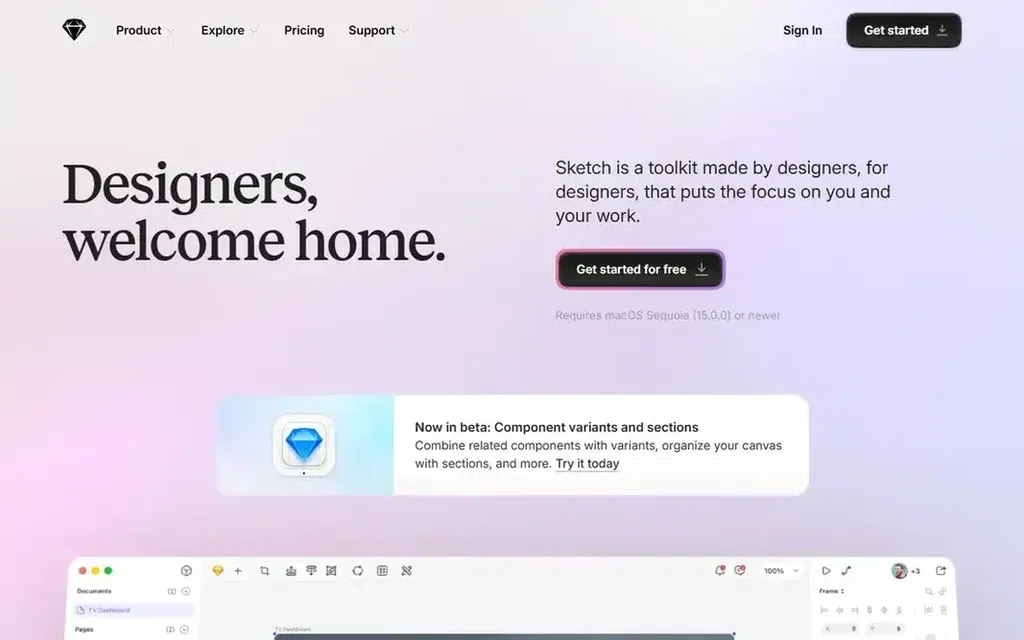
Sketch is a good fit for interface and product design on Mac. Sketch is a design tool that spans design, prototyping, collaboration and handoff, with a stated focus on putting you and your work first. Sketch is most often used in Apple-centric environments, so mixed Windows teams may prefer a browser-based choice.
It is also less oriented toward print production and complicated illustration than a full vector suite. Choose it when interface design and handoff are the core of your work. Price to start with Sketch: $12 per editor per month. On free options: Free trial.
Points against: Primarily associated with macOS.
What users get: Design, prototype.
- Positioned as made by designers for designers
- Collaborate and handoff in one app
- Less suited to print and illustration heavy work
For live collaborative design and prototyping, Figma is a natural candidate. If you need complicated vector artwork or prepress output, a tool like Illustrator is a better fit. On top of that, Figma presents itself as the collaborative canvas where design, code and AI come together, taking a project from first idea to shipped product in one place.
Trade-offs to know: Deep illustration tools are less central.
Its strength is multiplayer editing, so designers, developers and stakeholders can work on the same file at the same time. From a buyer's view, since it is built around the browser, it relies on a dependable connection. Its illustration and print production depth is thinner than a dedicated vector suite. Entry price for Figma: $3 per month. As for free access: Not stated. Strengths: Shared canvas for design.
- Supports the full path from concept to production
- Code and AI
- Needs a stable internet connection for best results
Vectornator
Best for: AI generated campaign asset sets
Vectornator is designed for AI generated campaign asset sets. Every format and channel is covered, with output ready to ship.
In daily use, pick it when rapid, multi-format asset production is the priority instead of in-depth freehand drawing. What you pay to start with Vectornator: $8 per month. You can start on Vectornator without paying.
Trade-offs to know: Brand consistency relies on clear input.
- Assets are editable and ready to ship
- AI design generator turns a prompt into editable assets
- Narrower focus on general illustration workflows
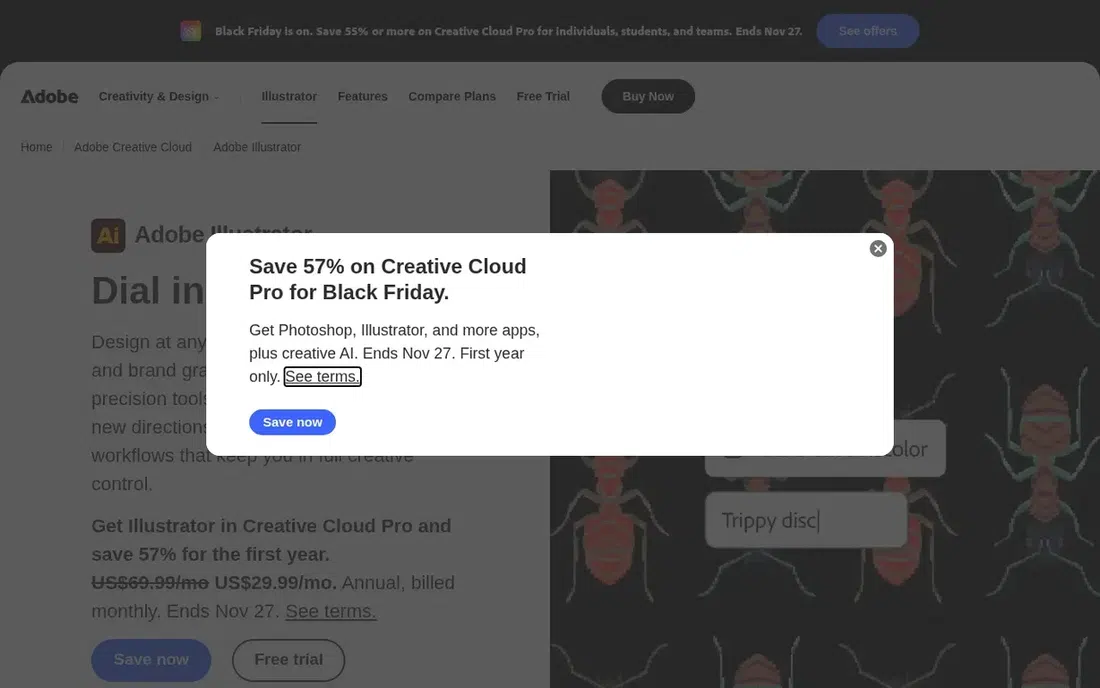
For professional vector illustration and AI assisted art, Adobe Illustrator is a natural candidate. Adobe Illustrator is a vector graphics application positioned by Adobe as industry-leading software for vector work. Its generative AI features can turn a text prompt into a completely editable vector graphic, which helps with concepting and fast asset creation.
What to check first: Subscription based access.
As for the details, choose Illustrator when vector craft and AI assisted generation are central to your work. As for the details, if you mainly need light layout or quick social graphics, a more straightforward tool may be less effort. Pricing for Adobe Illustrator is not stated here, so ask the vendor for current figures. Trial and free access: Not stated.
- Generative AI converts text prompts into editable vectors
- Wide vector drawing and editing toolset
- Feature depth can feel heavy for straightforward jobs
How we chose
Selection started from tools commonly considered for CorelDRAW Graphics Suite, then narrowed to 5 that have clear pricing information or a clear quote process. Treat prices as a snapshot: vendors change plans often, so check the vendor site for the figure that applies today. Position on the page reflects fit for a typical buyer first, with price clarity and free access breaking ties. Treat it as a guide, not a ruling.
Pre-purchase checklist
- Confirm the entry price on the vendor page. For Canva and Adobe Illustrator that means a quote rather than a fixed price.
- Look at the free plan from Vectornator closely: its caps decide whether it is usable for real work.
- Take the trial from Sketch and push a live task through it before you pay.
- Before choosing Canva, weigh its main limit: less precise control over vector paths.
- Find out what support Canva includes on your plan, and whether onboarding help costs extra.
- Check whether Figma bills monthly or annually, and what cancelling early costs.
FAQ
Is Canva the right pick for everyone comparing CorelDRAW Graphics Suite?
No single tool suits every team. Canva comes first because it fits fast template based graphics for non-designers, while Sketch suits interface and product design on Mac and Figma suits real-time collaborative design and prototyping. Match the tool to your own size, budget and workflow before deciding.
Can I try these tools before paying?
Often, yes. Vectornator has a free plan and Sketch offers a free trial. Use your own data and a real task during the test, and check what the free tier or trial limits before you rely on it. All 5 picks in this CorelDRAW Graphics Suite alternatives comparison list a starting price, free plan details and the main limits on their cards above.
How are the tools for CorelDRAW Graphics Suite ordered?
Canva sits first and Adobe Illustrator last because the order follows typical fit for CorelDRAW Graphics Suite, then price clarity and free access. It is a judgement call, so read each profile for fit and limits.
Which options for CorelDRAW Graphics Suite have a free plan?
Vectornator is the only tool in this list with a free plan. Free plans usually cap users, projects or features, so check the limits on the vendor page. One other tool offers a trial instead. For the full picture, the cards above cover all 5 entries of this CorelDRAW Graphics Suite alternatives list, including price, free plan and limits.
Sources
- https://www.canva.com
- https://www.sketch.com
- https://www.figma.com
- https://www.vectornator.io
- https://www.adobe.com/products/illustrator.html