Top BuildXact Alternatives in 2026: 5 Picks Ranked
Shortlisting BuildXact alternatives? 5 products compared on cost, free access and ideal buyer. Trade-offs are spelled out for each entry. Decide faster.

- Editor's choice
 Contractor Foreman
Small contractors wanting core tools
Starts atSee websiteVisit contractorforeman.comFull review - Great alternative
 JobTread
Estimating and resource handling
Starts at$199 per monthVisit jobtread.comFull review - Also consider
 Houzz Pro
Design-led remodelers and builders
Starts atSee websiteVisit houzz.comFull review
Direct answer
Start with Contractor Foreman if you need small contractors wanting core tools. Listed starting prices: JobTread from $199 per month and Knowify from $19 per unit per month. If your case is different, JobTread suits estimating and resource handling and Houzz Pro suits design-led remodelers and builders. The remaining 2 options are covered below with prices and limits.
TL;DR:
- The list opens with Contractor Foreman, aimed at small contractors wanting core tools.
- None of the 5 tools, from Contractor Foreman to CoConstruct, has a free plan, so budget for a subscription or use a trial.
- CoConstruct is the one to check for builders wanting unified management.
- The cheapest monthly starting price in the list is $19 per unit per month, offered by Knowify.
Last checked November 2026. Prices and plan details were read from the vendors' own pages in November 2026; vendors change plans often, so confirm the current price on the vendor site before you buy.
Quick comparison
| Tool | Best for | Starts at | Free plan? | |
|---|---|---|---|---|
| Contractor Foreman | Small contractors wanting core tools | See website | Not stated | Visit |
| JobTread | Estimating and resource handling | $199 per month | No | Visit |
| Houzz Pro | Design-led remodelers and builders | See website | Not stated | Visit |
 Knowify | Trade contractors bidding and invoicing | $19 per unit per month | Free trial | Visit |
 CoConstruct | Builders wanting unified management | See website | Not stated | Visit |
BuildXact, one by one
Choosing BuildXact usually comes down to price, fit and limits. This LinkVetted guide sets 5 tools side by side on those three points, with the facts kept short and checkable.
Contractor Foreman is designed for small contractors wanting core tools. Contractor Foreman markets all-in-one construction management software including estimates, scheduling, time cards, and invoicing.
Drawbacks to consider: Less specialized for design work.
On top of that, the emphasis is on core operational features instead of design or client-facing presentation. Pick Contractor Foreman when you chiefly need estimates, schedules, time tracking, and invoices working together for a practical crew. Contractor Foreman shows no starting price here, so confirm the cost on the vendor site. Free options: Not stated. Strengths: Clear core feature set.
- All-in-one construction management
- Estimates, scheduling
- Wide feature list needs onboarding time
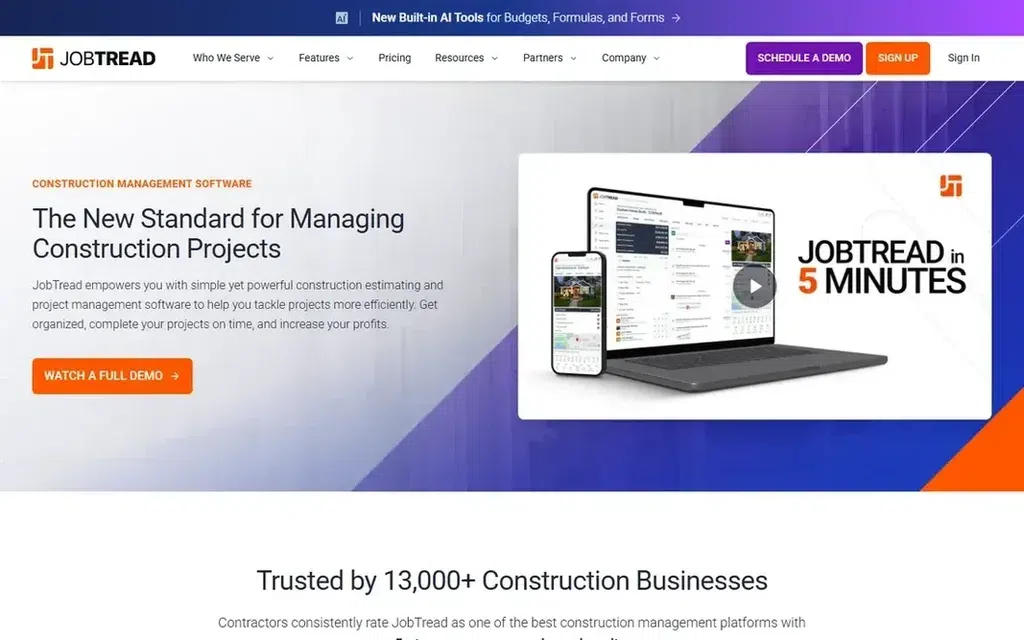
Pick JobTread if this describes you: estimating and resource handling. Very small crews may find the breadth unnecessary.
Also, choose JobTread when estimating accuracy and resource visibility are the primary problems you want to solve. What you pay to start with JobTread: $199 per month. JobTread has no free plan.
Drawbacks to consider: Fit varies by trade workflow.
- Estimating and project management together
- Includes planning to completion
- All-in-one scope takes setup effort

Houzz Pro serves design-led remodelers and builders. The system leans toward design professionals and remodelers, so pure trade contractors may find parts of it less relevant.
Consider Houzz Pro when design and remodeling are central to your projects. Houzz Pro does not show a starting price in this comparison, so check the vendor site for current pricing. Trial and free access: Not stated.
Watch-outs: Design focus may not fit every trade.
- All-in-one business software
- Fits contractors and design pros
- Wide scope can feel heavy for small crews
Knowify works best for trade contractors bidding and invoicing. Knowify describes itself as construction management software for trade contractors, helping them bid, run, and invoice commercial and residential jobs on time and on budget.
Downsides: Job costing needs disciplined data entry.
That focus fits specialty trades that move from estimate to invoice rapidly and want job management tied to the paperwork that follows the work. Price to start with Knowify: $19 per unit per month. Free access: Free trial.
Highlights: Made for trade contractors.
- Handles commercial and residential jobs
- Bid, handle
- Trade focus may limit design workflows
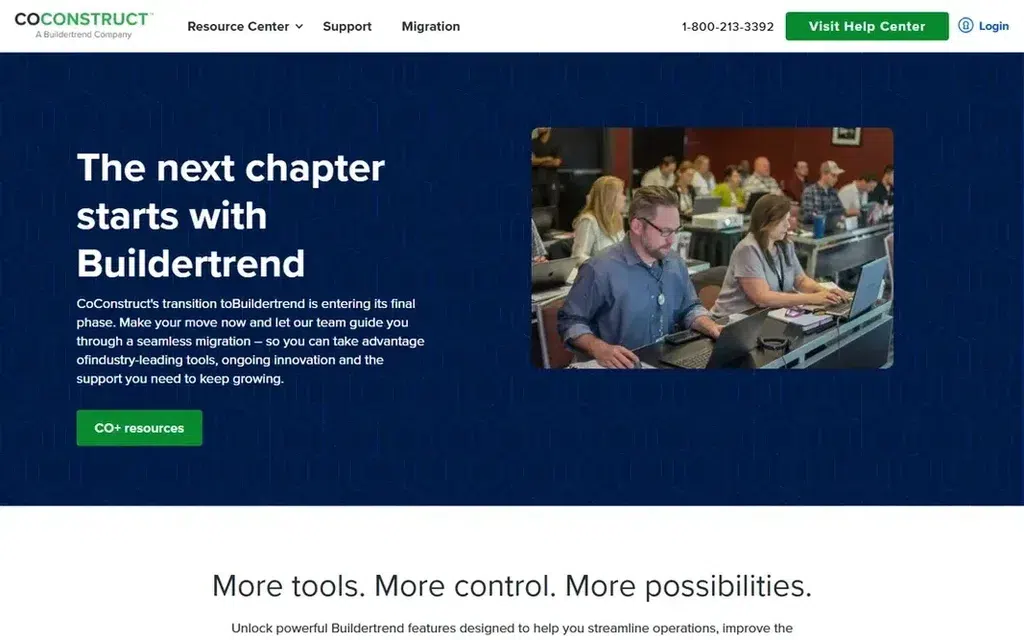
For builders wanting unified management, CoConstruct is a natural candidate. Pick CoConstruct if the unified direction matches your long-term plans. Teams that require a single stable product name and roadmap may prefer a standalone alternative.
CoConstruct presents itself as construction management software and notes that it and Buildertrend are now a unified brand committed to a smooth experience. That makes it a reasonable choice for builders who value a connected management workflow and want to grow within a bigger product family over time. This comparison lists no price for CoConstruct; ask the vendor. Free access: Not stated.
Drawbacks to consider: Brand transition may confuse new buyers.
- Construction management focus
- Pitched at smooth experience
- Details of combined roadmap are unclear
How we built this list
For each of the 5 tools we noted price, free plan or trial, fit for BuildXact and the main limit, using vendor pages and documentation. Prices and plan limits come from vendor pages and can change, so confirm them on the vendor site before you buy. Position on the page reflects fit for a typical buyer first, with price clarity and free access breaking ties. Treat it as a guide, not a ruling.
What to check before you buy
- Confirm the entry price on the vendor page. For Contractor Foreman, Houzz Pro and CoConstruct that means a quote rather than a fixed price.
- Use real work to test the free trial from Knowify, rather than a demo project.
- Before choosing Contractor Foreman, weigh its main limit: wide feature list needs onboarding time.
- Ask Contractor Foreman how an export works before you move any records in; an easy exit lowers the risk.
- Get the contract term, renewal terms and any onboarding fees from Houzz Pro in writing.
FAQ
Does any tool for BuildXact here have a free plan?
A permanent free plan is not offered by Contractor Foreman, CoConstruct or the other tools here. Knowify offer a trial. Plan a short evaluation period instead.
Do these tools publish their prices?
Not all of them. Contractor Foreman, Houzz Pro and CoConstruct publish no starting price, so expect a quote request for those. The rest, JobTread included, show a starting price, though seats and billing terms still change the final cost.
Can I try these tools before paying?
Often, yes. Knowify offers a free trial. Use your own data and a real task during the test, and check what the free tier or trial limits before you rely on it. Each of the 5 options in this BuildXact alternatives guide has its own card above with the price, free plan and limits.
How are the tools for BuildXact ordered?
Contractor Foreman sits first and CoConstruct last because the order follows typical fit for BuildXact, then price clarity and free access. It is a judgement call, so read each profile for fit and limits.
Sources
- https://www.contractorforeman.com
- https://www.jobtread.com
- https://www.houzz.com/pro
- https://www.knowify.com
- https://www.coconstruct.com