Top DMDE Alternatives in 2026: 5 Picks Ranked
Comparing DMDE alternatives? 5 contenders, each with entry cost, free tier and best-fit buyer. Fit, price and catches for every tool. Straight answers.
- Editor's choiceMiniTool Power Data Recovery
Windows and Mac file recovery
Starts atSee websiteVisit minitool.comFull review - Great alternative
 Disk Drill
Mac-focused recovery and free scanning
Starts atSee websiteVisit cleverfiles.comFull review - Also considerEaseUS Data Recovery Wizard
Wide device and server recovery
Starts atSee websiteVisit easeus.comFull review
Direct answer
MiniTool Power Data Recovery leads the list, best for Windows and Mac file recovery. Listed starting prices: Wondershare Recoverit from $99.95 per year. Look at Disk Drill for Mac-focused recovery and free scanning, and at EaseUS Data Recovery Wizard for broad device and server recovery. Prices, free plans and limits for all 5 tools follow.
TL;DR:
- This list starts with MiniTool Power Data Recovery, which is built for Windows and Mac file recovery.
- No starting price is published for MiniTool Power Data Recovery, Disk Drill, EaseUS Data Recovery Wizard and Recuva; expect a quote.
- Just one of the 5 tools, Wondershare Recoverit, has a free plan.
- Before buying Recuva, weigh this: narrower scope than full recovery suites.
Last checked November 2026. Prices and plan details were read from the vendors' own pages in November 2026; vendors change plans often, so confirm the current price on the vendor site before you buy.
Quick comparison
| Tool | Best for | Starts at | Free plan? | |
|---|---|---|---|---|
| MiniTool Power Data Recovery | Windows and Mac file recovery | See website | Not stated | Visit |
| Disk Drill | Mac-focused recovery and free scanning | See website | Not stated | Visit |
| EaseUS Data Recovery Wizard | Wide device and server recovery | See website | Not stated | Visit |
 Recuva | Straightforward deleted file recovery | See website | Not stated | Visit |
| Wondershare Recoverit | AI-assisted recovery across devices | $99.95 per year | Yes | Visit |
5 options for DMDE in detail
LinkVetted put together this guide to DMDE for readers who want a clear shortlist without reading every vendor page. It compares 5 tools on starting price, free plans, who each one suits and where each one falls short.
MiniTool Power Data Recovery
Best for: Windows and Mac file recovery
Where MiniTool Power Data Recovery fits: Windows and Mac file recovery. MiniTool Power Data Recovery is documented as data recovery software for Windows and Mac, geared toward recovering lost data and files across different data loss situations.
What to check first: Feature set is recovery-centered with less breadth.
On top of that, the homepage concentrates on Windows and Mac recovery, so mobile device and server scenarios are better served by tools that document those areas. If you need in-lab recovery services for failing hardware, a vendor offering that escalation path may be preferable. Pricing for MiniTool Power Data Recovery is not stated here, so ask the vendor for current figures. Free access: Not stated.
- Positioned for both current and older Windows versions
- Spans Windows and Mac
- Mobile and server coverage not emphasized
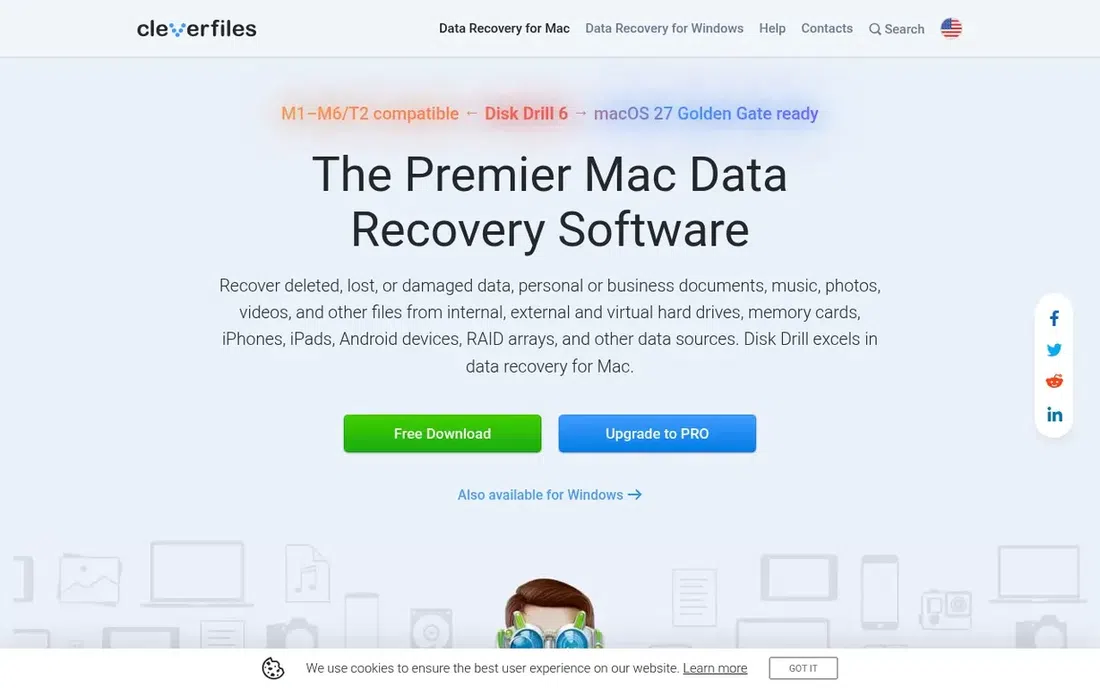
Disk Drill serves Mac-focused recovery and free scanning. Disk Drill from CleverFiles is presented as data recovery software for macOS, with the capacity to recover deleted or lost data from storage devices, iOS and Android.
Downsides: Mac-first focus may not suit Windows-only users.
For everyday use, since the homepage positions Disk Drill as Mac recovery software, Windows-only users may find other tools more naturally aligned. From a buyer's view, the vendor flags free scanning, which lets you check what is recoverable before committing. No starting price is listed for Disk Drill here; confirm pricing on the vendor site. Free options: Not stated. Upsides: Recovers from storage.
- Solid macOS positioning
- IOS and Android
- Recovery scope varies by file system
EaseUS Data Recovery Wizard
Best for: Wide device and server recovery
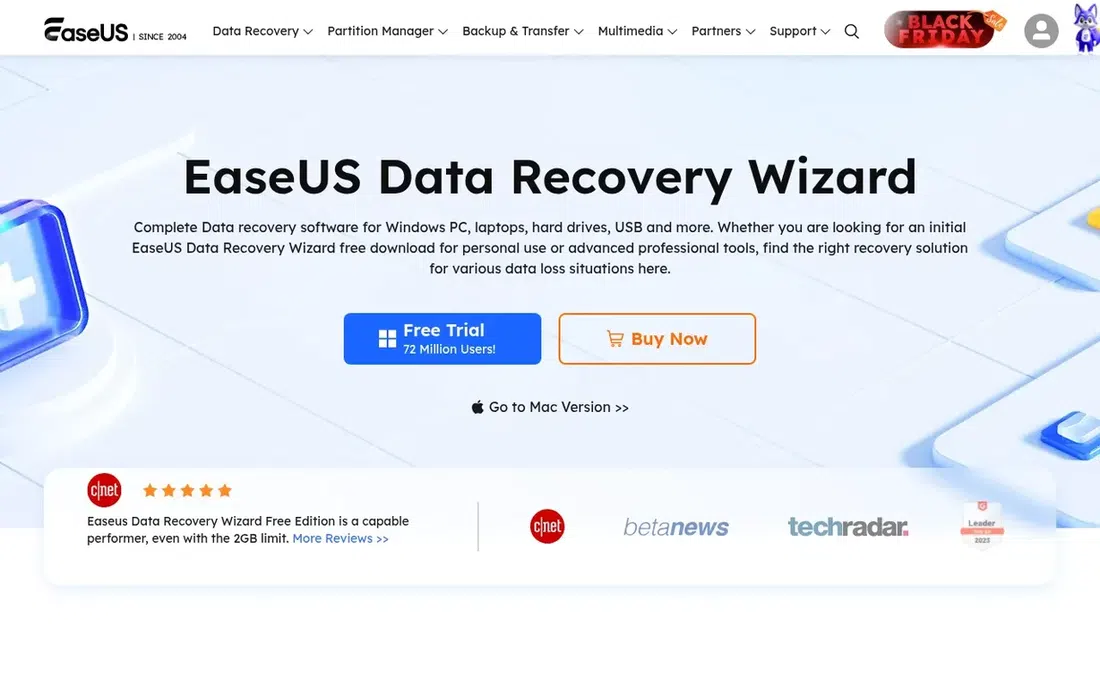
EaseUS Data Recovery Wizard works best for wide device and server recovery. EaseUS Data Recovery Wizard is a data recovery suite that the vendor documents for Windows PCs, Macs, hard drives, SSDs, NAS devices, iOS and Android devices, plus SQL and Exchange servers. Its breadth makes it heavier than a straightforward undelete utility, and casual users may not need server or NAS coverage.
Where EaseUS Data Recovery Wizard stands out: Includes SQL and Exchange server recovery.
If you only have to restore a handful of deleted files on one desktop, a lighter tool like Recuva may be more straightforward. Pick EaseUS when device variety and server recovery are real requirements. Pricing for EaseUS Data Recovery Wizard is not stated here, so ask the vendor for current figures. Free options: Not stated. The main drawbacks: Feature depth may overwhelm casual users.
- IOS and Android
- Broad storage device compatibility
- Server recovery is a niche need for most
Where Recuva fits: straightforward deleted file recovery. Recuva is a file recovery tool from the makers of CCleaner, positioned around recovering and undeleting files.
It works well as a first attempt for everyday accidental deletion on a personal computer. More specifically, Recuva is not presented as a full recovery suite for NAS devices, servers or mobile products, so complicated cases may need a broader product. Pricing for Recuva is not stated here, so ask the vendor for current figures. On free options: Not stated.
Downsides: Narrower scope than full recovery suites.
- Straightforward for entry-level recovery
- From the makers of CCleaner
- Not positioned for servers or mobile devices
How we built this list
Each tool was reviewed on what its vendor publishes: price, plan limits, core features and stated drawbacks. We did not run hands-on tests. Figures are shown as the vendors publish them. Billing terms, seat minimums and add-ons can change the real cost. Tools are placed by general fit for DMDE, with price clarity and free access as tie-breakers. A different team can reasonably rank them differently.
What to check before you buy
- Get a written quote from MiniTool Power Data Recovery, Disk Drill, EaseUS Data Recovery Wizard and Recuva; the list shows no starting price for them.
- Look at the free plan from Wondershare Recoverit closely: its caps decide whether it is usable for real work.
- Before choosing MiniTool Power Data Recovery, weigh its main limit: feature set is recovery-centered with less breadth.
- Compare total cost, not headline price: for Recuva, add extra seats, add-ons and any usage-based charges.
- See whether MiniTool Power Data Recovery offers onboarding or training, and whether it is included in the price.
FAQ
Can I try these tools before paying?
Often, yes. Wondershare Recoverit has a free plan. Use your own data and a real task during the test, and check what the free tier or trial limits before you rely on it. All 5 picks in this DMDE alternatives comparison list a starting price, free plan details and the main limits on their cards above.
Can these tools recover data from SD cards and USB drives?
Multiple of these tools document removable media support. Worth adding: Recovery success relies on how much new data has been written since deletion, so act rapidly.
Do these tools publish their prices?
Not all of them. MiniTool Power Data Recovery, Disk Drill, EaseUS Data Recovery Wizard and Recuva publish no starting price, so expect a quote request for those. The rest, Wondershare Recoverit included, show a starting price, though seats and billing terms still change the final cost.
How are the tools for DMDE ordered?
MiniTool Power Data Recovery sits first and Wondershare Recoverit last because the order follows typical fit for DMDE, then price clarity and free access. It is a judgement call, so read each profile for fit and limits.
Is MiniTool Power Data Recovery the right pick for everyone comparing DMDE?
No single tool suits every team. MiniTool Power Data Recovery comes first because it fits Windows and Mac file recovery, while Disk Drill suits Mac-focused recovery and free scanning and EaseUS Data Recovery Wizard suits broad device and server recovery. Match the tool to your own size, budget and workflow before deciding.
Sources
- https://www.minitool.com/data-recovery-software
- https://www.cleverfiles.com
- https://www.easeus.com/data-recovery-software
- https://www.ccleaner.com/recuva
- https://recoverit.wondershare.com