Brightspace Alternatives in 2026: 5 Options Vetted
Brightspace alternatives in 2026: 5 contenders with entry costs and free tiers. We put Moodle first for deep customization and adaptability. No filler.
- Editor's choice
 Moodle
Deep customization and adaptability
Starts atPricing on requestVisit moodle.comFull review - Great alternative
 Microsoft Teams for Education
Communication and collaboration
Starts atPricing on requestVisit microsoft.comFull review - Also considerSakai LMS
Institutions seeking an open LMS
Starts atPricing on requestVisit sakailms.orgFull review
Direct answer
Our first pick is Moodle, best for deep customization and flexibility. Microsoft Teams for Education is better for communication and collaboration, and Sakai LMS is better for institutions seeking an open LMS. The remaining 2 options are covered below with pricing notes and limits. None of these vendors publish plan prices, so pricing is on request for every option.
TL;DR:
- This list starts with Moodle, which is built for deep customization and adaptability.
- Google Classroom is the one to check for schools already using Google tools.
- Moodle, Google Classroom and the 3 others all sell by quote; expect sales conversations before you see a price.
- Before buying Canvas LMS, weigh this: advanced customization can be restricted.
Last checked November 2026. Pricing on request: vendors did not publish plan prices when this guide was last checked (November 2026), so ask each vendor for a written quote.
Quick comparison
| Tool | Best for | Starts at | Free plan? | |
|---|---|---|---|---|
| Moodle | Deep customization and adaptability | Pricing on request | Not stated | Visit |
| Microsoft Teams for Education | Communication and collaboration | Pricing on request | Not stated | Visit |
| Sakai LMS | Institutions seeking an open LMS | Pricing on request | Not stated | Visit |
 Canvas LMS | Approachable teaching and learning | Pricing on request | Not stated | Visit |
 Google Classroom | Schools already using Google tools | Pricing on request | Not stated | Visit |
The best Brightspace
This LinkVetted guide covers 5 options for Brightspace. Each profile lists a starting price, free plan details, strengths and drawbacks, so you can drop poor fits quickly.
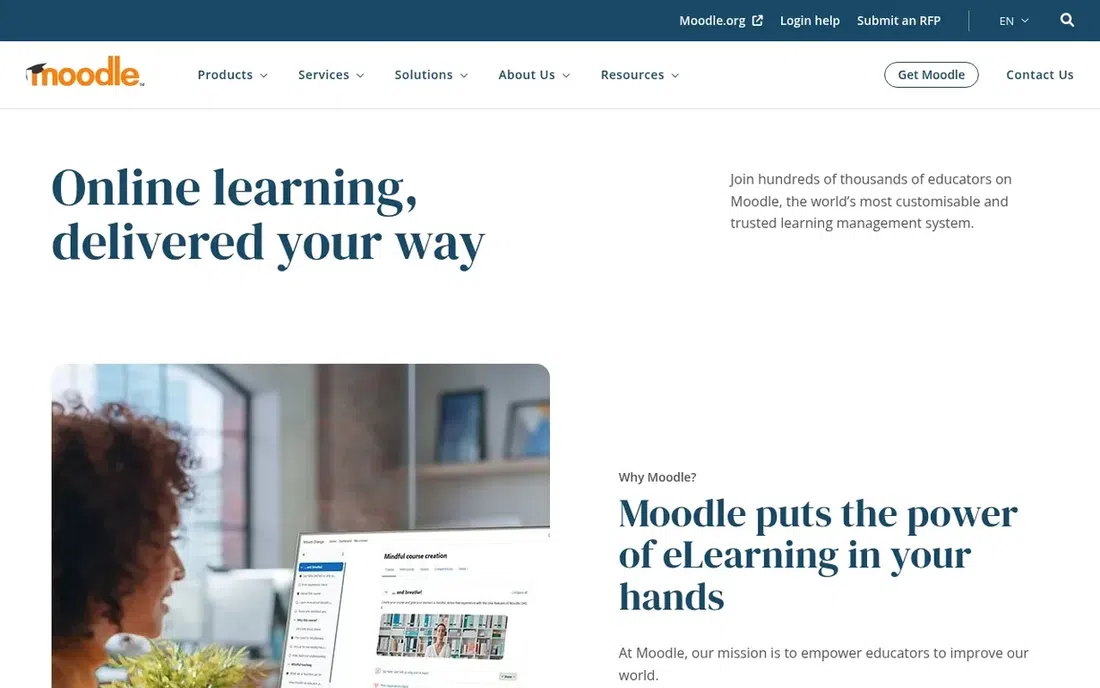
Pick Moodle if this describes you: deep customization and adaptability. Moodle describes itself as the most configurable and widely used LMS for education, enterprise and public sector organizations.
More specifically, organizations that want a guided, low-configuration experience may prefer Canvas LMS or Google Classroom instead. Moodle shows no starting price here, so confirm the cost on the vendor site. Free plan details: Not stated.
Reasons to shortlist it: Open approach to building learning environments.
Where it falls short: Less guided out-of-the-box experience.
- Highly configurable learning ecosystem
- Used across education
- Configuration can need technical effort
Microsoft Teams for Education is designed for communication and collaboration. Microsoft Teams for Education is presented as a video conferencing and communication app for schools that supports both in-person and remote students. Its homepage flags teaching and collaboration.
As for the details, Teams is oriented around communication and collaboration instead of serving as a complete course management system on its own, so numerous schools pair it with a dedicated LMS. On top of that, institutions that require structured course delivery as the core should evaluate Canvas LMS or Moodle. Microsoft Teams for Education shows no starting price here, so confirm the cost on the vendor site. Free access: Not stated.
Where it is weaker: Not a full replacement for every LMS function.
- Suits Microsoft-centered schools
- Supports in-person and remote students
- Best experience inside Microsoft tools
Sakai LMS
Best for: Institutions seeking an open LMS
Pick Sakai LMS if this describes you: institutions seeking an open LMS. Sakai's interface and administration can feel heavier than newer commercial choices, and institutions need technical resources to run it well.
Points against: Interface can feel dated to some users.
From a buyer's view, Teams wanting a more refined, vendor-supported experience may prefer Canvas LMS or Moodle. This comparison lists no price for Sakai LMS; ask the vendor. On free options: Not stated.
- Established open learning management system
- Centred on academic course delivery
- Needs hosting and administrative support
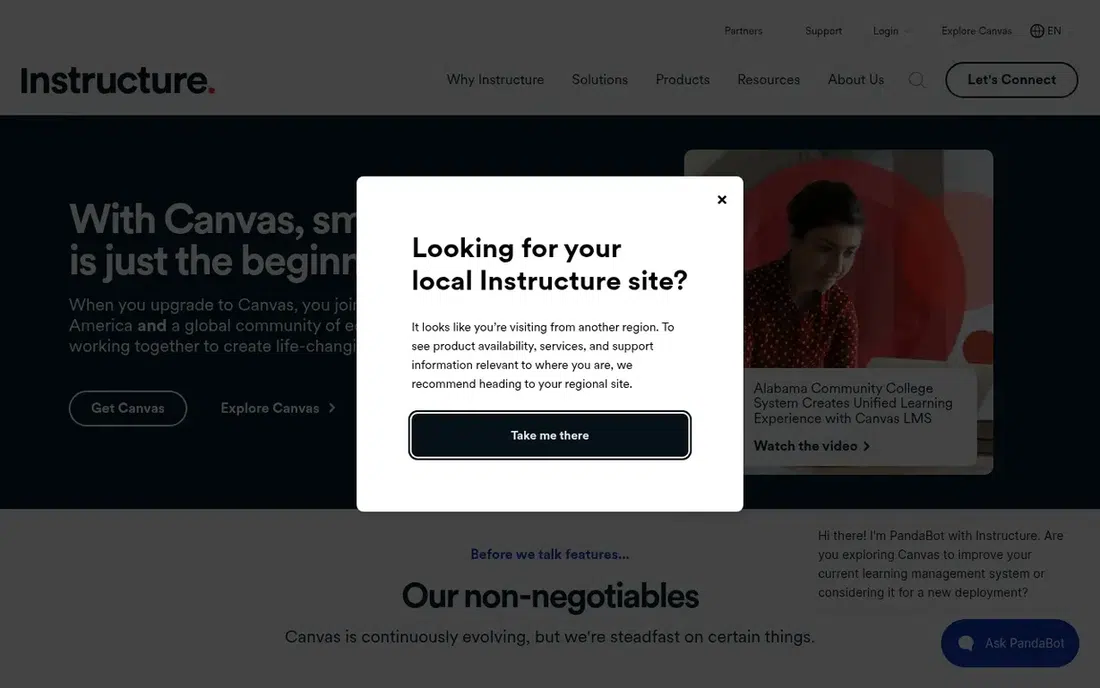
Canvas LMS serves approachable teaching and learning. Since the vendor positions Canvas around simplicity, institutions with highly specialized or unusual workflows may find they need extra integrations to match every requirement.
Canvas LMS is presented by Instructure as an approachable learning management system built to ease teaching and enhance student learning. In daily use, Teams that prioritize deep structural customization over a simplified experience should compare it against Moodle before deciding. Pricing for Canvas LMS is not stated here, so ask the vendor for current figures. Free plan details: Not stated.
Upsides: Clean.
Where it is weaker: Feature depth varies by deployment.
- Suited to plenty of institution types
- Broad set of teaching tools
- Advanced customization can be restricted
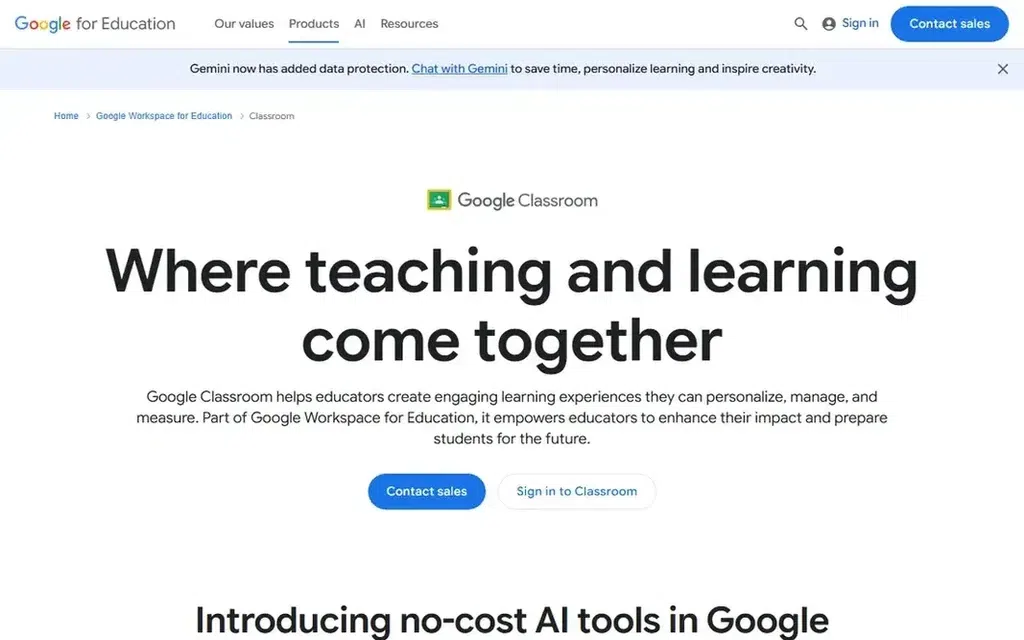
Google Classroom is built with schools already using Google tools in mind. Google Classroom is described as a central hub for tools and resources meant to help educators handle classrooms and enrich learning experiences.
Where it is weaker: Less suited to complicated institutional structures.
Its strengths are tied to the Google ecosystem, so institutions with mixed or non-Google environments may find integration less natural. This comparison lists no price for Google Classroom; ask the vendor. Trial and free access: Not stated.
- Central hub for classroom management
- Ties into Google for Education resources
- Best value inside the Google ecosystem
How we chose
Selection started from tools commonly considered for Brightspace, then narrowed to 5 that have clear pricing information or a clear quote process. Where a price is missing, the vendor does not list one publicly or ties it to a quote. Always confirm before budgeting. The order reflects how well each tool fits the most common buying scenario for Brightspace, then price clarity, then free plan access. It is a starting point, not a verdict.
What to check before you buy
- Request quotes from Moodle, Google Classroom and the others; the list shows no fixed prices.
- Before choosing Moodle, weigh its main limit: configuration can need technical effort.
- Verify that exporting from Google Classroom is possible on your plan and covers all your records.
- A short pilot of Canvas LMS with your real workflow tells you more than a feature table.
- Ask Moodle about contract length, onboarding fees and user minimums before you sign.
FAQ
How are the tools for Brightspace ordered?
The order follows typical fit for Brightspace, with Moodle first and Google Classroom last, then price clarity and free access. It is editorial judgement, not a score, so another team could rank the tools differently.
Do these tools publish their prices?
No. None of the tools, from Moodle to Google Classroom, shows a fixed starting price here, so budget time for quotes.
Does any tool for Brightspace here have a free plan?
No tool in this list, Moodle and Google Classroom included, has a permanent free plan. Trials and quotes are the usual route, so plan a short evaluation period.
Is Moodle the right pick for everyone comparing Brightspace?
No single tool suits every team. Moodle comes first because it fits deep customization and flexibility, while Microsoft Teams for Education suits communication and collaboration and Sakai LMS suits institutions seeking an open LMS. Match the tool to your own size, budget and workflow before deciding.
Can Microsoft Teams for Education replace a LMS?
Numerous schools use it alongside a dedicated learning management system instead of as a full replacement. Check whether your course delivery needs are covered before relying on it alone.
What is the best Brightspace alternative for most schools?
Start with Moodle if you need deep customization and adaptability. Microsoft Teams for Education is the better match for communication and collaboration, and Sakai LMS for institutions seeking an open LMS. The best choice depends on budget, team size and workflow.
Sources
- https://moodle.com
- https://www.microsoft.com/en-us/education/products/teams
- https://www.sakailms.org
- https://www.instructure.com/canvas
- https://classroom.google.com