Blackboard Learn Alternatives in 2026: 5 Options Vetted
Shortlisting Blackboard Learn alternatives? 5 products compared on cost, free access and ideal buyer. Each pick comes with its main catch. Decide faster.
- Editor's choiceSakai
Open-source deployments in higher education
Starts atPricing on requestVisit sakailms.orgFull review - Great alternative
 Google Classroom
Schools already using Google for Education
Starts atPricing on requestVisit classroom.google.comFull review - Also consider
 Canvas LMS
Institutions wanting a simplified teaching interface
Starts atPricing on requestVisit instructure.comFull review
Direct answer
Our first pick is Sakai, best for open-source deployments in higher education. Google Classroom is better for schools already using Google for Education, and Canvas LMS is better for institutions wanting a simplified teaching interface. All 5 tools are compared below on fit, free plan and limits. None of these vendors publish plan prices, so pricing is on request for every option.
TL;DR:
- Sakai is the opening pick, best for open-source deployments in higher education.
- Sakai, Moodle and the 3 others all need a premium plan or a trial, since no free plan is listed.
- No starting price is shown for any of the 5 tools, Sakai and Moodle included, so plan time for sales calls.
- Microsoft Teams for Education comes with a trade-off: Classroom management is secondary.
- Moodle fits open-source adaptability and customization.
Last checked November 2026. Pricing on request: vendors did not publish plan prices when this guide was last checked (November 2026), so ask each vendor for a written quote.
Quick comparison
| Tool | Best for | Starts at | Free plan? | |
|---|---|---|---|---|
| Sakai | Open-source deployments in higher education | Pricing on request | Not stated | Visit |
| Google Classroom | Schools already using Google for Education | Pricing on request | Not stated | Visit |
| Canvas LMS | Institutions wanting a simplified teaching interface | Pricing on request | Not stated | Visit |
 Microsoft Teams for Education | Communication and collaboration in Microsoft schools | Pricing on request | Not stated | Visit |
 Moodle | Open-source adaptability and customization | Pricing on request | Not stated | Visit |
Blackboard Learn compared in detail
LinkVetted compared 5 tools for Blackboard Learn. The goal is a practical shortlist: published prices, free plan facts, best-fit use cases and honest limits for every entry.
Sakai
Best for: Open-source deployments in higher education
Where Sakai fits: open-source deployments in higher education. It supplies a modular set of course tools and appeals to schools that value community-driven development and local control over their product.
Compared to commercial vendors, the support ecosystem is narrower, so institutions generally need internal staff or a hosting partner to run upgrades and integrations. Sakai does not show a starting price in this comparison, so check the vendor site for current pricing. On free options: Not stated.
Where it is weaker: Needs in-house technical effort.
- Typical in university settings
- Modular tool set for courses
- Smaller commercial support market
Google Classroom makes the most sense for schools already using Google for Education. It performs best for schools and districts already standardized on Google for Education, where assignments, files and communication flow through familiar accounts.
Pricing for Google Classroom is not stated here, so ask the vendor for current figures. Trial and free access: Not stated.
What to check first: Fewer advanced LMS features.
- Tight integration with Google tools
- Straightforward setup for teachers
- Best value only inside the Google ecosystem
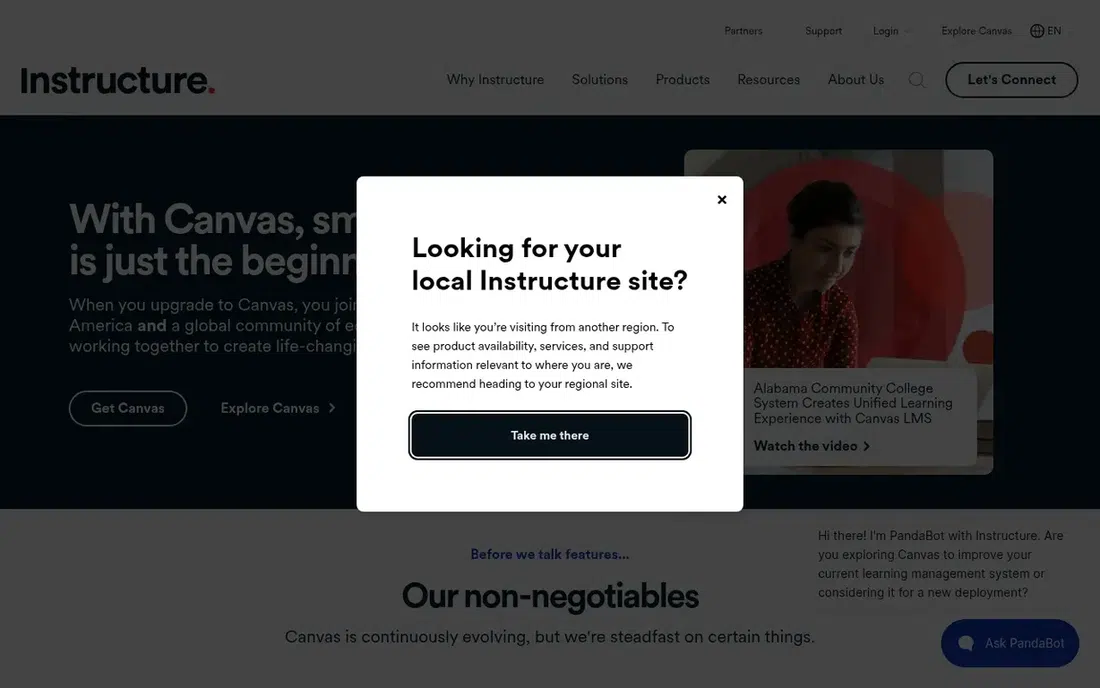
Where Canvas LMS fits: institutions wanting a simplified teaching interface. Canvas by Instructure is a learning management system built around simplifying teaching and enhancing student learning, with a reputation for an approachable interface.
From a buyer's view, if your priority is deep open-source customization instead of a refined out-of-the-box experience, Moodle is the better comparison point. This comparison lists no price for Canvas LMS; ask the vendor. Free plan details: Not stated.
Honest limits: Full feature set favors bigger institutions.
- Clean
- Approachable interface
- Advanced customization can need extras
Microsoft Teams for Education
Best for: Communication and collaboration in Microsoft schools
For communication and collaboration in Microsoft schools, Microsoft Teams for Education is a natural candidate. Course structure, grading and content authoring are thinner than in a purpose-built LMS.
Trade-offs to know: Classroom management is secondary.
So it rarely handles every Blackboard Learn function on its own. No starting price is listed for Microsoft Teams for Education here; confirm pricing on the vendor site. On free options: Not stated.
- Supports in-person and remote students
- Video conferencing and chat in one app
- Needs Microsoft 365 groundwork
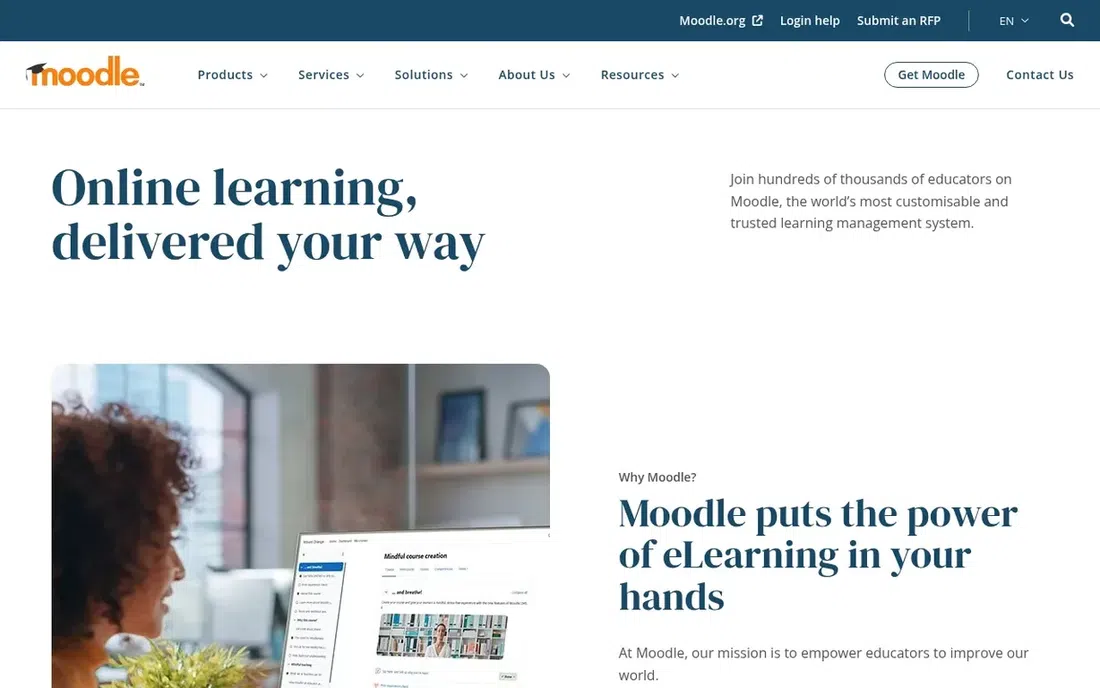
Choose Moodle for open-source adaptability and customization. Schools and agencies that want control over their data and hosting arrangements frequently treat Moodle as the natural alternative to a proprietary system. It scales from single departments to whole systems.
Honest limits: Interface can feel dated without tuning.
That adaptability includes responsibility: self-hosted deployments need IT staff for upgrades, security and support, and the default experience can feel less refined than commercial rivals. On top of that, Moodle describes itself as the most configurable and widely used LMS, serving education, enterprise and public sector organizations. It is open source, which means institutions can tailor layouts, workflows and integrations to their own policies. Pricing for Moodle is not stated here, so ask the vendor for current figures. Free plan details: Not stated.
- Highly configurable and extensible
- Large plugin and integration community
- Self-hosting demands technical staff
Our selection method
The comparison looks at four things: starting price, free access, how well the feature set matches Blackboard Learn, and the main limit of each tool. Where a price is missing, the vendor does not list one publicly or ties it to a quote. Always confirm before budgeting. The sequence is a judgement call: typical use case first, then pricing transparency, then free access. Use the profiles to check fit.
Things to verify first
- Confirm the entry price with every vendor: no tool from Sakai to Moodle shows a fixed starting price.
- Read the limits listed for Sakai first: smaller commercial support market.
- Ask Microsoft Teams for Education which support channels and response times come with the plan you would buy.
- Work out what Canvas LMS costs with your real seat count, add-ons and usage, not just the entry price.
- Ask the daily users to test Google Classroom on a live task before you roll it out to everyone.
FAQ
Can I try these tools before paying?
Not by default. None of the tools, from Sakai to Moodle, lists a free plan or a free trial here, so ask each vendor for a demo before committing.
Is Sakai the right pick for everyone comparing Blackboard Learn?
No single tool suits every team. Sakai comes first because it fits open-source deployments in higher education, while Google Classroom suits schools already using Google for Education and Canvas LMS suits institutions wanting a simplified teaching interface. Match the tool to your own size, budget and workflow before deciding.
Do these tools publish their prices?
No. None of the tools, from Sakai to Moodle, shows a fixed starting price here, so budget time for quotes.
Which Blackboard Learn alternative is easiest for faculty to adopt?
Canvas LMS is commonly cited for an approachable interface, and Google Classroom is even more straightforward for schools already using Google for Education. The right choice relies on how much assessment and reporting depth your faculty actually need.
Does any tool for Blackboard Learn here have a free plan?
No tool in this list, Sakai and Moodle included, has a permanent free plan. Trials and quotes are the usual route, so plan a short evaluation period.
Sources
- https://www.sakailms.org
- https://classroom.google.com
- https://www.instructure.com/canvas
- https://www.microsoft.com/en-us/education/products/teams
- https://moodle.com