Best Workload Management Software for HR Teams for 2026: Our 6 Vetted Picks
Need the best workload management software for HR teams? We compare 6 tools on cost, free access and who each suits. Short verdicts, no fluff. Details below.
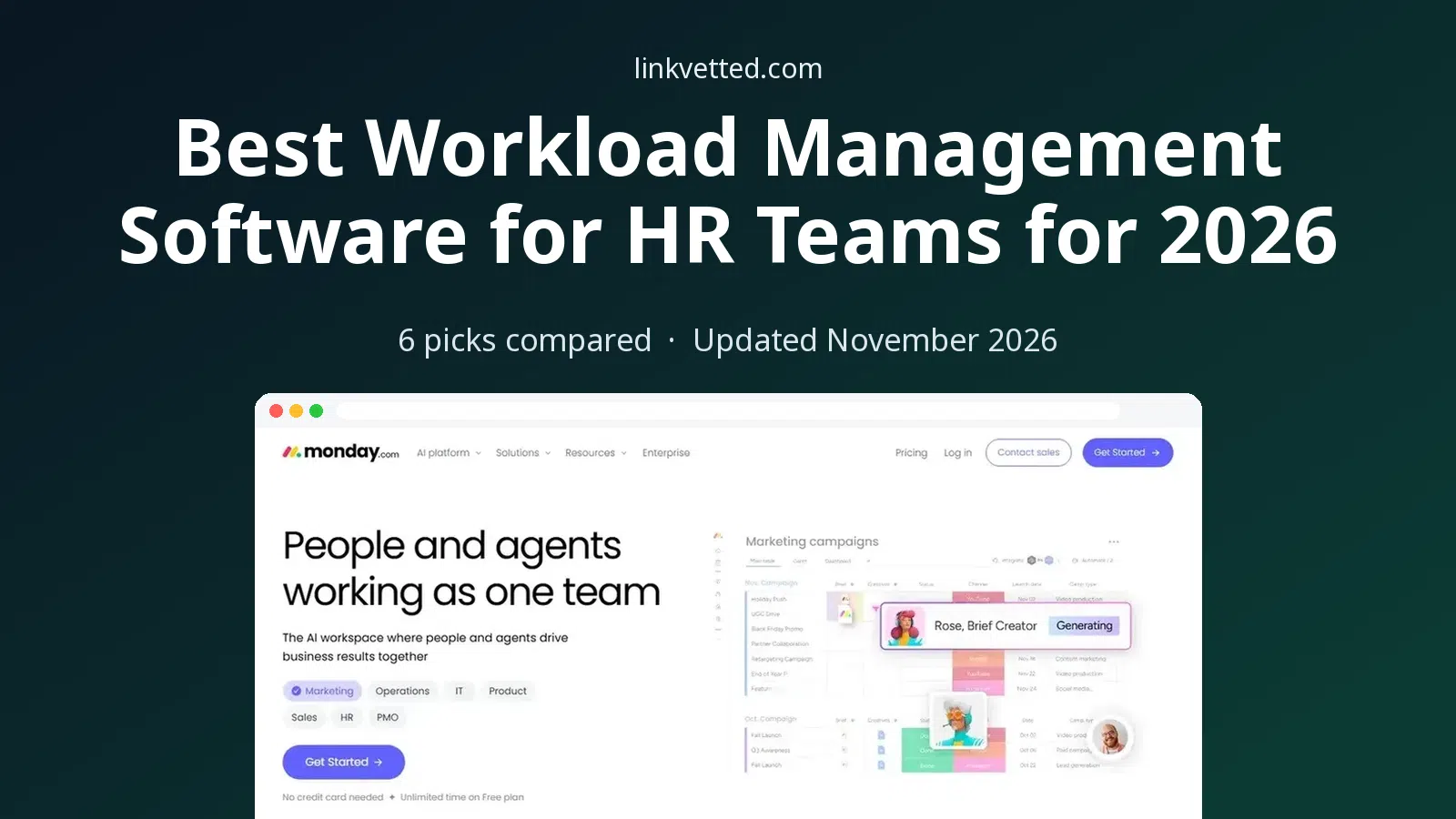
- Editor's choice
 Smartsheet
Governed HR operations at scale
Starts at$12 per Member/monthVisit smartsheet.comFull review - Great alternative
 Monday.com
Visual HR workspace and capacity
Starts at$9 per seat a monthVisit monday.comFull review - Also consider
 ClickUp
Consolidating HR tasks and docs
Starts at$9 per user a monthVisit clickup.comFull review
Direct answer
This list puts Smartsheet first for governed HR operations at scale. Listed starting prices: Smartsheet from $12 per Member/month, Monday.com from $9 per seat a month and ClickUp from $9 per user a month. Monday.com is better for visual HR workspace and capacity, and ClickUp is better for consolidating HR tasks and docs. The full list of 6 tools follows, with prices and free plan facts.
TL;DR:
- Top of the list is Smartsheet, which targets governed HR operations at scale.
- Free plans exist at 4 of 6 tools (Monday.com, ClickUp, Trello, Asana).
- A fair warning about Trello: restricted for complicated workload views.
- Trello has the lowest monthly starting price in this list: $5 per user per month.
Last checked November 2026. Prices and plan details were read from the vendors' own pages in November 2026; vendors change plans often, so confirm the current price on the vendor site before you buy.
Quick comparison
| Tool | Best for | Starts at | Free plan? | |
|---|---|---|---|---|
| Smartsheet | Governed HR operations at scale | $12 per Member/month | Not stated | Visit |
| Monday.com | Visual HR workspace and capacity | $9 per seat a month | Yes | Visit |
| ClickUp | Consolidating HR tasks and docs | $9 per user a month | Yes | Visit |
 Trello | Straightforward HR task boards | $5 per user a month | Yes | Visit |
 Jira | HR request tracking with IT-style flow | See website | Not stated | Visit |
 Asana | Balanced workload planning for HR | $10.99 per user a month | Yes | Visit |
Workload Management Software for HR Teams profiles
If you are comparing workload management software for HR teams, this page covers 6 tools in one place: what each is best for, what it costs to start, whether it has a free plan, and the main limit to know about.
Where Smartsheet fits: governed HR operations at scale. Smaller teams may find it heavier than needed. On top of that, Smartsheet presents itself as the execution hub for enterprise work, where people and AI get work done with the governance and visibility enterprises need.
Also, pick Smartsheet when governance and in-depth tracking outweigh simplicity. Also, HR teams that think in rows and columns can track headcount requests, compliance tasks and onboarding steps in structured sheets with clear ownership. Smartsheet cost at the entry level: $12 per Member/month. On free options: Not stated.
Watch-outs: Less playful for casual users.
- A decent match for tracking in-depth HR data
- Spreadsheet-style structure feels familiar
- Needs thoughtful template design
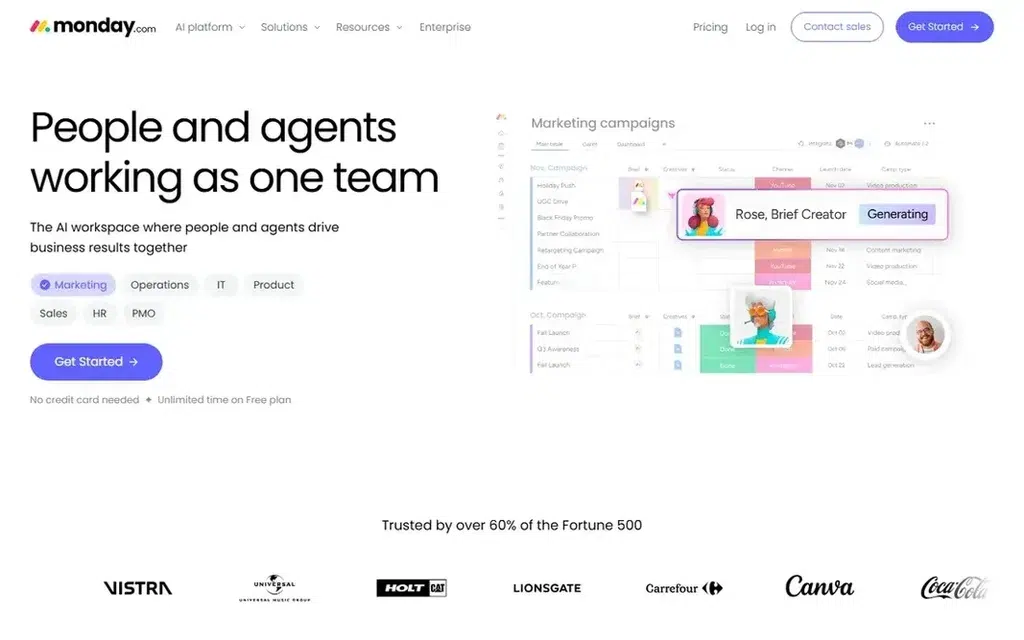
Monday.com makes the most sense for visual HR workspace and capacity. Pick Monday.com when HR wants a configurable visual workspace and has someone to keep it tidy.
Downsides: Complex boards need an owner.
Beyond that, teams with strict process requirements may prefer a more prescriptive tool. The starting price for Monday.com: $9 per seat per month. A free plan is available with Monday.com.
- Colorful boards are simple to scan
- Works for requests and projects
- Plenty of choices can overwhelm new users
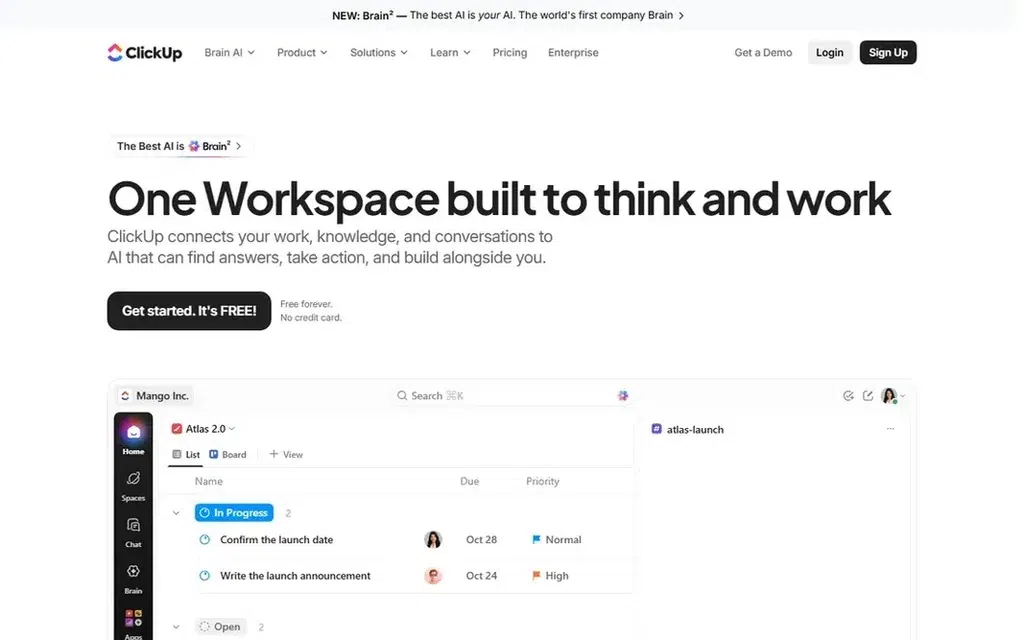
For consolidating HR tasks and docs, ClickUp is a natural candidate. For HR, that means job descriptions, onboarding docs, goals and request tracking can sit in one workspace rather than multiple. From a buyer's view, ClickUp calls itself the everything app for work, combining tasks, docs, goals and chat.
For everyday use, if HR only needs straightforward task boards, a leaner tool may be simpler to adopt. Worth adding: the breadth of features can feel busy, and teams that skip setup may end up with cluttered spaces. Entry price for ClickUp: $9 per user per month. A free plan is available with ClickUp.
Where it shines: Plenty of views for different HR needs. Where it falls short: Feature depth can feel busy.
- Goals and chat together
- Tasks, docs
- Needs configuration discipline
Trello serves straightforward HR task boards. Trello helps teams capture, organize and tackle to-dos from anywhere, with boards, cards and a planner that stay efficient even on mobile.
Watch-outs: Restricted for complicated workload views.
Trello is intentionally straightforward, so in-depth capacity planning and layered reporting are restricted compared to bigger products. Also, small HR teams and managers who just need visibility into who is doing what will find it approachable. Trello cost at the entry level: $5 per user per month. Free access exists with Trello.
- Quick to learn and use
- Does well on mobile
- Reporting is basic
Where Jira fits: HR request tracking with IT-style flow. Jira is project management software from Atlassian that brings teams together with AI agents that orchestrate, plan and track projects at scale. People programs like reviews or engagement may feel awkward there.
For everyday use, pick Jira when HR request tracking and technical collaboration are the core needs. Jira's vocabulary is engineering-oriented, so HR staff and employees may need guidance to use it comfortably. Jira does not show a starting price in this comparison, so check the vendor site for current pricing. Free plan details: Not stated.
Drawbacks to consider: Terminology is engineering-oriented.
- Clear status workflows
- Solid request and issue tracking
- Less natural for people programs
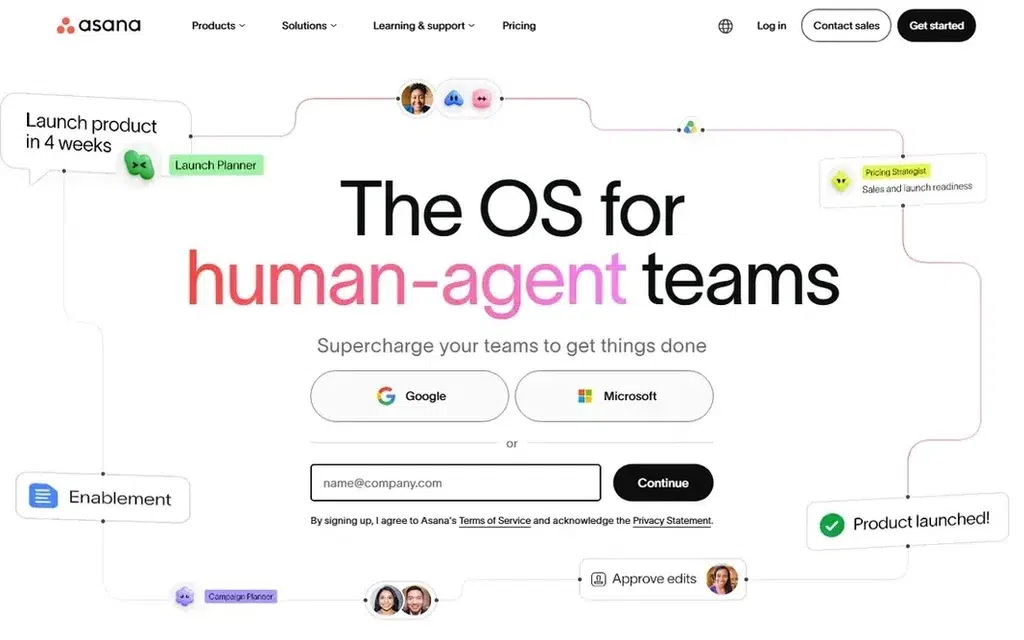
Choose Asana for balanced workload planning for HR. Asana is work management software for teams and AI agents, built to plan, automate and execute critical workflows together. On top of that, Asana is wide, so small HR teams may find the feature set deeper than they need at first.
For HR, that means onboarding checklists, hiring pipelines and recurring people operations can live in one place with owners and due dates. In daily use, workload views help HR leads see who is overloaded before deadlines slip, and automations cut repetitive admin. Reporting and portfolio views reward teams that invest time in setup. What you pay to start with Asana: $10.99 per user per month. Asana offers a free plan.
Where it is weaker: Advanced reporting can feel layered.
- Automations for recurring HR workflows
- Workload views help balance assignments
- Setup needs planning for large teams
How we built this list
Questions to settle before buying
- Get a written quote from Jira; the list shows no starting price for them.
- Look at free plan limits closely: Monday.com, ClickUp, Trello and Asana have one, and the caps decide whether it is usable for real work.
- Read the limits listed for Smartsheet first: less playful for casual users.
- Find out whether the entry plan of ClickUp covers your must-haves or only a trimmed-down version.
- Ask Asana about contract length, onboarding fees and user minimums before you sign.
FAQ
How are the tools for workload management software for HR teams ordered?
The order follows typical fit for workload management software for HR teams, with Smartsheet first and Asana last, then price clarity and free access. It is editorial judgement, not a score, so another team could rank the tools differently.
How do structured tools like Smartsheet compare with visual boards?
Smartsheet favors rows, columns and governance, which fits in-depth tracking and compliance-heavy work. The right choice relies on whether structure or simplicity matters more to your HR team.
Can Jira work for HR request tracking?
Yes. Jira manages request queues and status workflows well, which fits high-volume employee requests. In daily use, the tradeoff is engineering-oriented terminology, so plan some guidance for HR staff and employees.
Which options for workload management software for HR teams have a free plan?
Monday.com, ClickUp, Trello and Asana offer a free plan in this list. Free plans usually cap users, projects or features, so check the limits on the vendor page. All 6 picks in this workload management software for HR teams comparison list a starting price, free plan details and the main limits on their cards above.
Is Smartsheet the right pick for everyone comparing workload management software for HR teams?
No single tool suits every team. Smartsheet comes first because it fits governed HR operations at scale, while Monday.com suits visual HR workspace and capacity and ClickUp suits consolidating HR tasks and docs. Match the tool to your own size, budget and workflow before deciding.
Is a straightforward board tool enough for HR workload tracking?
For small teams tracking onboarding or recruiting steps, a straightforward board tool like Trello can be enough. Once HR handles numerous parallel programs or needs capacity planning across people, a broader product like Asana or Monday.com normally suits better.
Sources
- https://www.smartsheet.com
- https://monday.com
- https://clickup.com
- https://trello.com
- https://www.atlassian.com/software/jira
- https://asana.com