Best Payroll Management Tools for HR in 2026: 8 Tools Compared
Compare the best payroll management tools for hr, with tax filing, benefits, time tracking and prices for small teams and growing companies for October 2026.
- Editor's choice
 Gusto
Small businesses wanting payroll plus HR
Starts at$49 per month + $6 per personVisit gusto.comFull review - Great alternative
 Rippling
Payroll inside a full HR and IT platform
Starts at$8 per user per monthVisit rippling.comFull review - Also consider
 OnPay
Simple affordable full-service payroll
Starts at$40 per month + $6 per personVisit onpay.comFull review
TL;DR:
- The best payroll management software for HR combines payroll, tax filing, benefits and HR basics in one system.
- Gusto and OnPay suit small US teams, while Rippling and BambooHR suit teams that want HR and IT in one platform.
- Published prices differ in structure, so compare total cost for your headcount, including per-person fees.
- International hiring needs a different tool or module, so check global coverage before you commit.
Quick comparison
| Tool | Best for | Starts at | Free plan? | |
|---|---|---|---|---|
| Gusto | Small businesses wanting payroll plus HR | $49 per month + $6 per person | No | Visit |
| Rippling | Payroll inside a full HR and IT platform | $8 per user per month | No | Visit |
| OnPay | Simple affordable full-service payroll | $40 per month + $6 per person | No | Visit |
 ADP Run | Growing businesses with complex needs | See website | Free trial | Visit |
 Paychex Flex | Compliance-heavy industries | See website | No | Visit |
 QuickBooks Payroll | QuickBooks Online users | $45 per month + $6 per employee | No | Visit |
 Patriot Software | Budget-conscious teams | $17 per month + $4 per worker | Free trial | Visit |
 BambooHR | HR-first companies adding payroll | See website | Free trial | Visit |
The best payroll management tools for HR
Payroll is where HR mistakes become expensive, from missed tax filings to wrong deductions. The best payroll and HR management tools in this list handle pay, taxes, benefits and HR basics together, so a hire, a pay change or a departure updates everything at once. Prices and depth vary, so match the tool to team size and complexity.
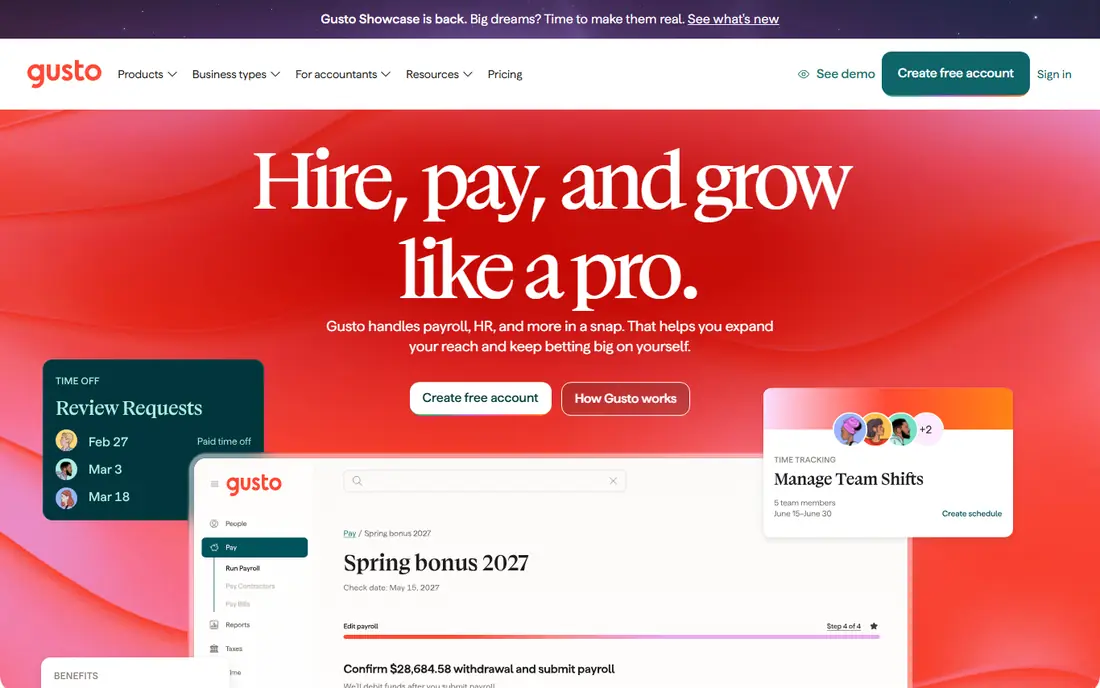
Gusto is our pick for a typical American small business. The Simple plan covers full-service federal and state tax filing, contractor payments, direct deposit and employee self-service onboarding, where new hires enter their own tax and bank details. Higher plans add multi-state payroll, benefits, time tracking and HR tools, so it can grow from a first hire to a team of around a hundred.
The weakness is the low end. A two-person company pays a base fee plus per-person fees for a tiny payroll run, which feels steep next to Patriot. International hiring is also limited compared with Rippling or Deel, so a team that hires abroad will need a second solution. For a domestic team, the polish and completeness are hard to beat.
- Clear published pricing
- Full-service tax filing
- Benefits, onboarding and time tracking
- Gets pricey for very small teams
- International payroll is limited
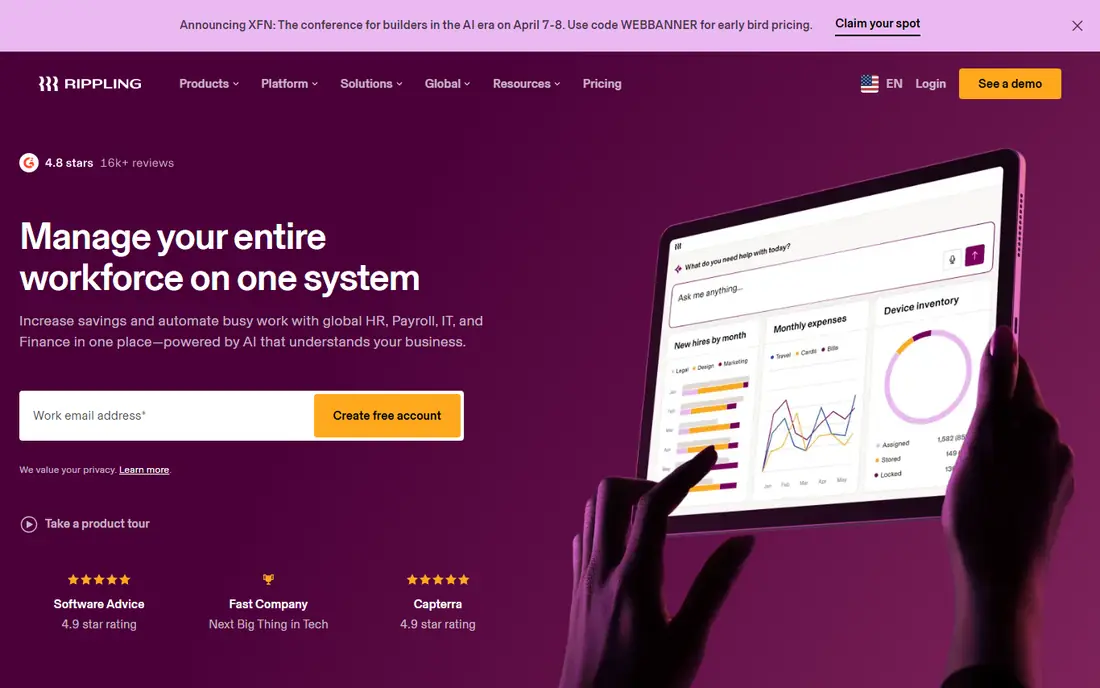
Rippling is not just a payroll tool, it is an employee platform that includes payroll, HR, benefits, device provisioning and app access in one system. When a new hire joins, payroll, benefits, laptop setup and app access can be provisioned from a single workflow, and when someone leaves, those items are removed together. That integration is the main reason growing tech companies choose it.
Pricing is modular, starting at $8 per user per month plus a monthly base fee, with payroll and other products adding cost, so you need a quote for a true total. A very small team that only needs payroll will find it more than necessary. A growing, remote-first team will find the consolidation saves real admin time.
- Payroll, HR, benefits and IT in one workflow
- Strong onboarding automation
- Global hiring options
- Modular pricing needs a quote for a true total
- More than a small team needs on day one
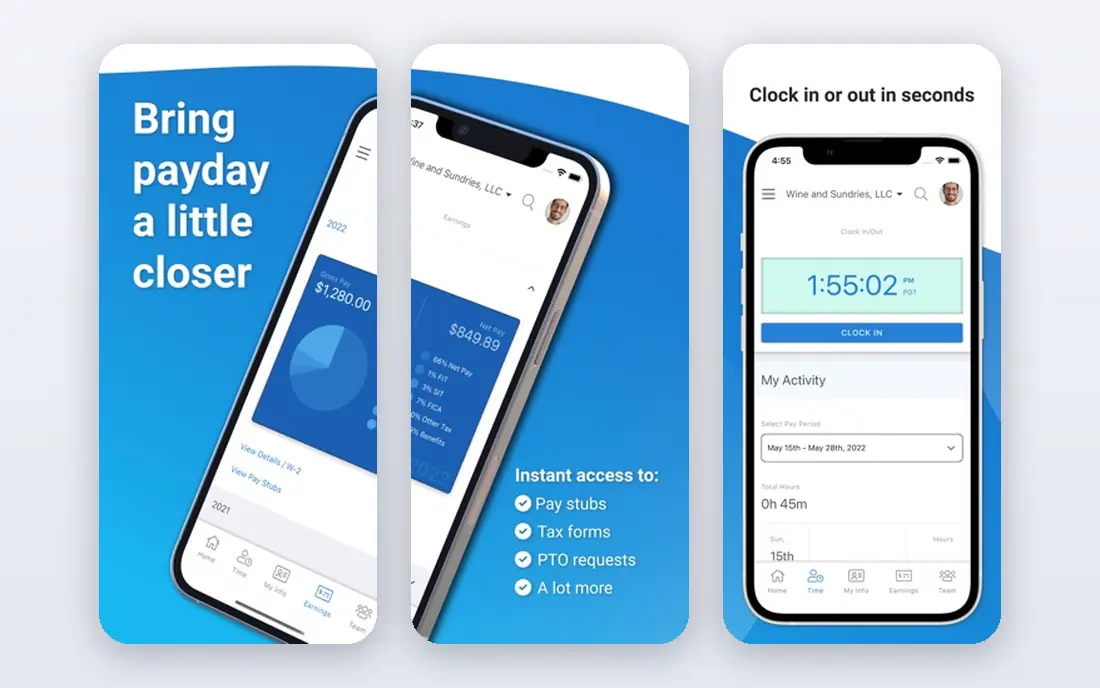
OnPay is the simple, affordable pick for small businesses that want full-service payroll without tier puzzles. One price covers payroll, tax filings, multi-state support, benefits administration basics and HR tools, which makes budgeting easy. The interface is straightforward, and phone support is available on all plans, which is not true of every rival.
It does not match Rippling or BambooHR for advanced HR, performance or IT features, so a team that wants a full HR suite will outgrow it. For a small business that mainly needs payroll done correctly, with HR basics included, OnPay is excellent value.
- One clear price for full-service payroll
- Multi-state tax filing
- HR basics included
- Fewer advanced HR features than Rippling or BambooHR
- No free plan
ADP Run suits growing businesses with complex payroll needs, such as multiple states, shift rules, or regulated industries. It offers payroll, tax filing, HR, benefits and time tracking, backed by a large support network and compliance resources. A business that starts on ADP Run can scale to larger ADP platforms without changing vendor family.
Pricing is quoted, with market guides putting small-business pricing around $59 per month plus a per-person fee, so confirm your quote. The depth can also feel complex for a tiny team. For a business that expects regulatory complexity, that depth is a benefit.
- Deep compliance and HR depth
- Large support network
- Scales from small to enterprise
- Quote-based pricing
- Interface can feel complex for very small teams
Paychex Flex is built for businesses in compliance-heavy industries, such as healthcare, manufacturing and multi-state services. It combines payroll, tax filing, HR, benefits and time tracking, with compliance tools and dedicated service options for teams that need guidance rather than just software. That service layer is a real difference for owners without an HR department.
Pricing is quoted, and small teams may find it pricier than Gusto or OnPay. If compliance risk is your main worry, the service and depth justify a quote. If you only need simple payroll, a cheaper tool will do.
- Strong compliance support
- Payroll, HR and benefits in one platform
- Dedicated service options
- Quote-only pricing
- Can be pricey for very small teams
QuickBooks Payroll is the obvious pick if you already run QuickBooks Online. Payroll entries flow into your books without re-keying, tax filings are handled, and employees get a portal for pay stubs and tax forms. That accounting link saves time at month end and at tax time, which is why many small businesses choose it despite cheaper standalone options.
If you do not use QuickBooks, much of the advantage disappears, and add-ons can raise the price. Compare the combined accounting plus payroll total, not just the payroll line, before you decide. For a QuickBooks shop, it is the simplest payroll choice.
- Payroll inside QuickBooks accounting
- Automatic tax filing
- Employee portal and benefits options
- Best value only with QuickBooks Online
- Price rises with add-ons
Patriot Software is the budget pick, with Basic payroll from $17 per month plus $4 per worker, and Full Service payroll from $37 per month plus $5 per worker. The Basic tier suits owners who are comfortable filing taxes themselves, while Full Service handles filings for you. A 30-day trial lets you test it before paying.
The catch is the tier gap. Basic does not file payroll taxes, so compare Full Service pricing when you compare with Gusto or OnPay. HR features are also lighter than HR-first platforms. For a cost-conscious small team, Patriot is still the cheapest credible full-service option.
- Lowest starting price here
- Clear basic and full-service tiers
- US-based support
- Basic tier does not file payroll taxes for you
- Fewer HR features than rivals
BambooHR suits companies that think HR first and payroll second. Its core covers employee records, onboarding, time off, performance and reporting, with payroll available as an add-on that keeps pay tied to HR data. That order matters for teams where HR workflows, not just pay runs, are the daily work.
Pricing is quoted, and payroll as an add-on means the total depends on your HR tier plus payroll. A payroll-only buyer should choose Gusto or OnPay instead. An HR-led team that wants payroll inside its HR system will find BambooHR a natural fit.
- Strong HR core with payroll add-on
- Onboarding, time off and reporting
- Good employee experience
- Quote-based pricing
- Payroll is an add-on, not the core product
How we picked these
We compared official product pages, pricing pages and documentation, plus public reviews, for payroll tools that are live and supported in October 2026. We looked for full-service payroll, tax filing, employee self-service and HR features, not just pay calculation. We excluded vendors with no working homepage and tools that only handle contractor payments with no employee payroll.
How to compare payroll costs fairly
Work the total for your headcount
Published prices use different structures, such as a base fee plus per-person fees, per-user pricing, or quotes. Work the monthly total for your exact headcount, in your states, with the add-ons you need, such as benefits, time tracking or multi-state filing. A low base price with high per-person fees can cost more than a higher base price.
Check what full service really means
Confirm whether tax filings, new-hire reporting, year-end W-2 and 1099 forms, and direct deposit are included, or cost extra. Check whether contractor payments, benefits deductions and garnishments are handled. A payroll tool that leaves filings to you is not full service, however cheap it looks.
Test onboarding and offboarding
Run a test hire and a test departure during the trial, and watch what updates automatically. Payroll, benefits, time off, app access and tax forms should follow from one change, not five manual edits. That test reveals more about HR fit than any feature list.
FAQ
What is the best payroll management software for HR for a small business?
Gusto or OnPay are the best starting points for most small US businesses, since both offer full-service payroll with HR basics and clear pricing. Patriot is cheaper if budget is tight, while Rippling suits a growing team that also wants IT management. Test onboarding during a trial before you commit.
How much does the best payroll management software for HR cost?
Small-business pricing ranges from around $17 per month plus $4 per worker for Patriot Basic, to $49 per month plus $6 per person for Gusto Simple, with Rippling from $8 per user per month plus a base fee and modules. Larger platforms such as ADP and Paychex are quoted. Work the total for your headcount and states before you compare.
What is the best payroll and HR management tool for a growing company?
Rippling or BambooHR suit growing companies, since Rippling combines payroll, HR and IT, while BambooHR leads with HR and adds payroll. ADP Run also scales well for complex, multi-state needs. Choose based on whether HR, IT or compliance is your main growth pain.
Does payroll software file taxes automatically?
Full-service payroll tools file federal, state and local payroll taxes for you, and handle year-end W-2 and 1099 forms, but basic tiers may not. Check the tier carefully, since Patriot Basic, for example, does not file taxes for you. Confirm filing coverage for every state where you have employees.
Can payroll software handle contractors and employees together?
Yes, most tools on this list pay both W-2 employees and 1099 contractors, with separate workflows for each. Gusto, Rippling, OnPay and QuickBooks Payroll all cover contractor payments alongside employee payroll. Check contractor fees, since some plans charge per contractor on top of the base price.
What happens when an employee leaves?
A good payroll and HR tool should end pay, benefits deductions, time off accrual and system access from one offboarding workflow, and handle final pay rules for your state. Rippling is strongest on combined HR and IT offboarding, while other tools focus on pay and benefits. Test this workflow during the trial, since manual offboarding creates compliance risk.