Best HR Software With Spend Management Features in 2026: 8 Tools Compared
best hr software with spend management features compared for payroll, expenses, cards and budgets, with pricing, approvals and fit by company size in 2026.
- Editor's choice
 Rippling
HR, IT, payroll and spend together
Starts at$8 per user per monthVisit rippling.comFull review - Great alternative
 Deel
Global hiring and contractor spend
Starts at$49 per contractor per monthVisit deel.comFull review - Also consider
 Gusto
Small US teams
Starts at$49 per monthVisit gusto.comFull review
TL;DR:
- Rippling leads for teams that want HR, IT and spend in one system, while Gusto and BambooHR fit smaller US teams better.
- Spend management here means expenses, cards, budgets and payroll visibility, not just a corporate card on its own.
- Published starting prices often exclude payroll, benefits and spend modules, so model the full stack before signing.
- Global teams should weigh Deel and Remote for hiring abroad, even if domestic HR depth is thinner.
- Approval workflows and accounting links matter more than card perks when spend grows past a few dozen people.
Quick comparison
| Tool | Best for | Starts at | Free plan? | |
|---|---|---|---|---|
| Rippling | HR, IT, payroll and spend together | $8 per user per month | No | Visit |
| Deel | Global hiring and contractor spend | $49 per contractor per month | No | Visit |
| Gusto | Small US teams | $49 per month | No | Visit |
 BambooHR | Core HR with payroll add-ons | $10 per employee per month | No | Visit |
 Remote | Global employment and payroll | See website | No | Visit |
 Paylocity | Mid-size HR and payroll | See website | No | Visit |
 HiBob | People experience and spend visibility | See website | No | Visit |
 Workday | Enterprise HR and finance | See website | No | Visit |
The best HR software with spend management features
HR software with spend management joins employee records, payroll, expenses and company spending in one view. That link helps finance teams see total people cost, approve spend by role and close the books without reconciling many separate tools.
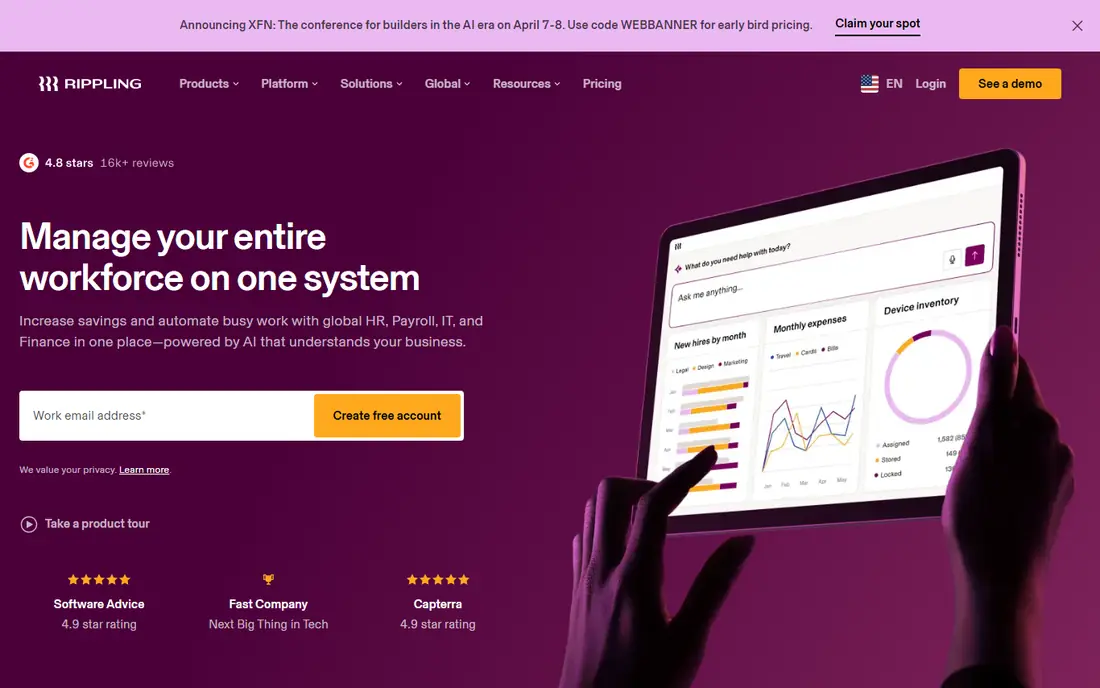
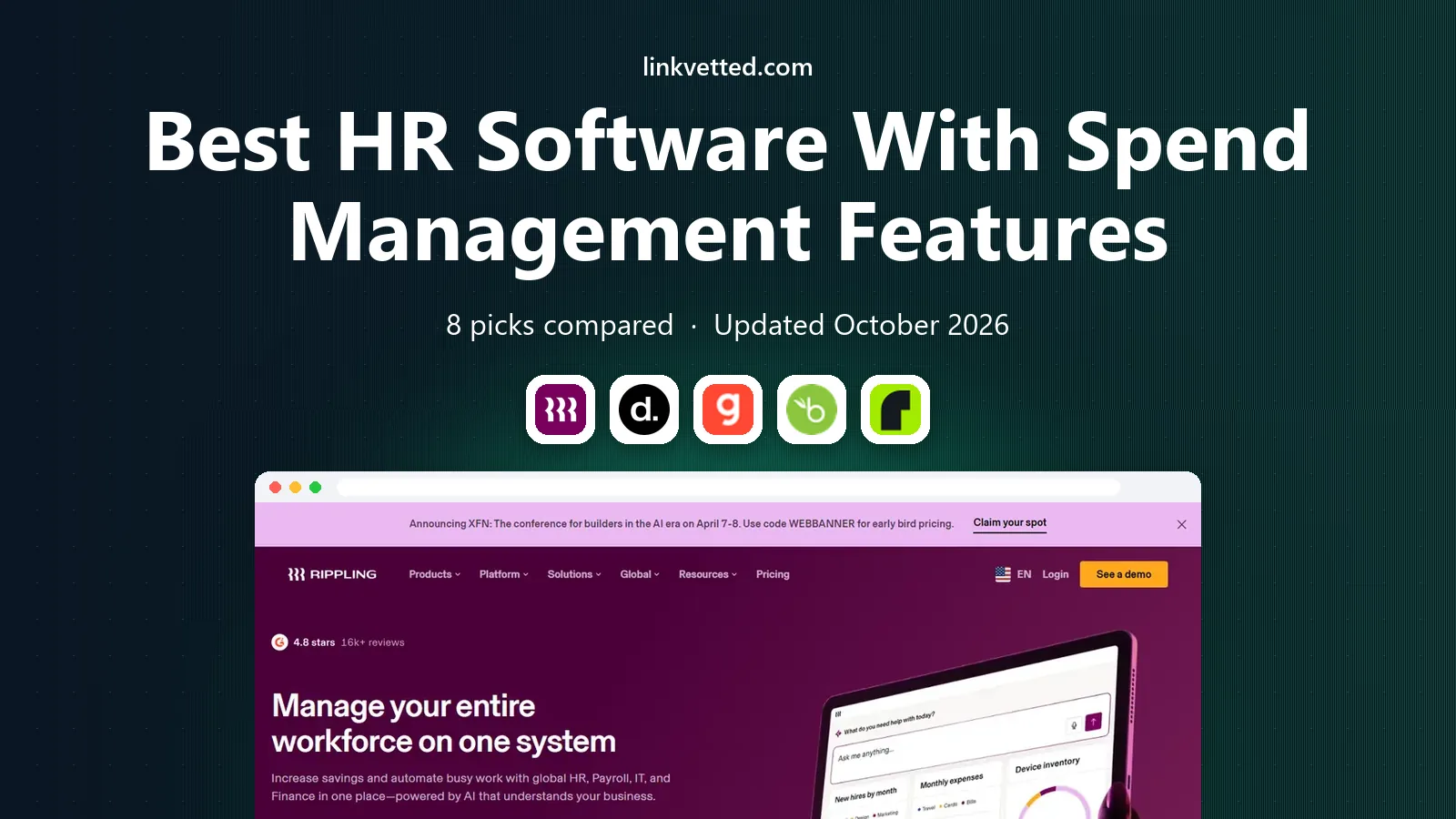
Rippling runs HR, payroll, benefits, device management and spend from a single employee record, so hiring, role changes and exits update access, payroll and spend controls together. Its spend tools cover corporate cards, expenses and approvals, with budgets tied to teams and roles, which helps finance teams control costs as headcount grows. Automation is the main draw: one onboarding workflow can set up payroll, benefits, apps, devices and spend limits at once.
The catch is price transparency. The advertised base starts at $8 per user per month plus a monthly platform fee, but payroll, benefits, IT and spend modules add their own fees, and many teams land at $20 to $50 per user per month all-in, according to third-party pricing guides. Rippling suits fast-growing companies that want to replace several tools and can manage a modular rollout. Smaller teams should get a full-stack quote first.
- One employee record across HR, IT and finance
- Spend cards and expense tools
- Strong automation
- Modules add cost quickly
- Pricing needs a quote for full stack
- Setup can be complex
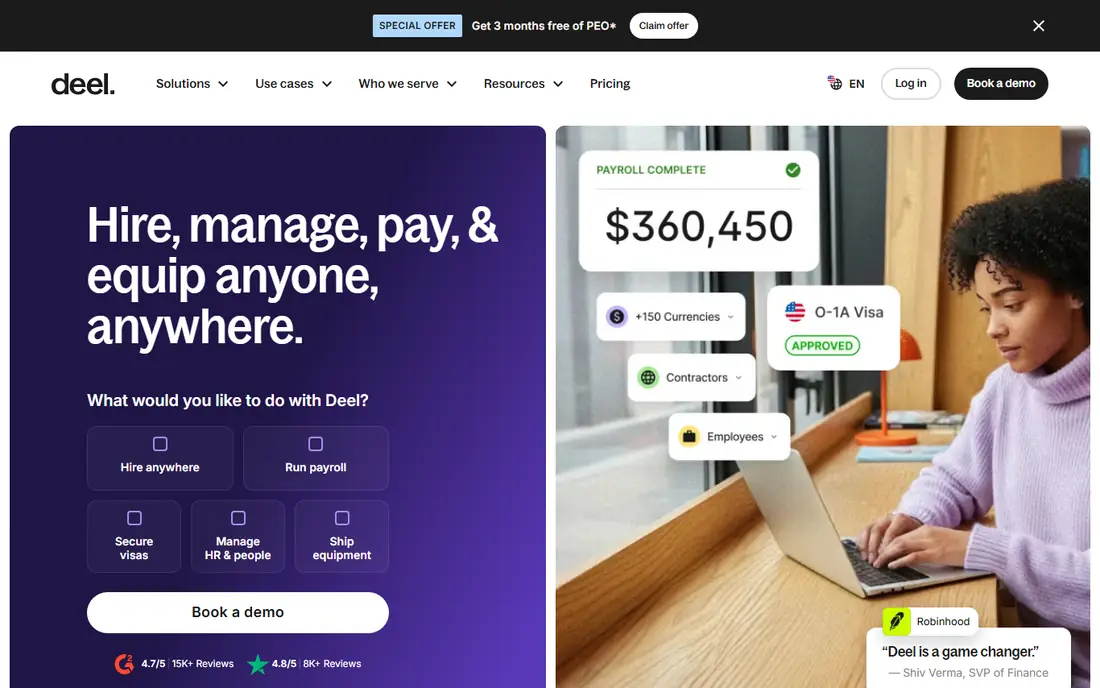
Deel is built for global employment, contractor management and international payroll, with HR tools, expenses and payments in the same platform. Contractor management starts at $49 per contractor per month in published pricing, while employer-of-record services start at $599 per employee per month for standard plans, according to vendor and third-party guides. That global spend visibility helps finance teams track contractor and employee costs by country, currency and entity.
Deel is less strong as a domestic-only HR system. Companies with mostly US staff and deep needs for performance, learning or US benefits administration may prefer Gusto, BambooHR or Rippling. It also charges separately for many services, so total cost depends on the mix of contractors, EOR staff and payroll countries. For distributed teams, Deel remains one of the clearest global options.
- Broad global hiring coverage
- Clear contractor pricing
- Payroll and expense links
- EOR pricing is high
- Domestic HR depth is thinner
- Add-ons increase total cost
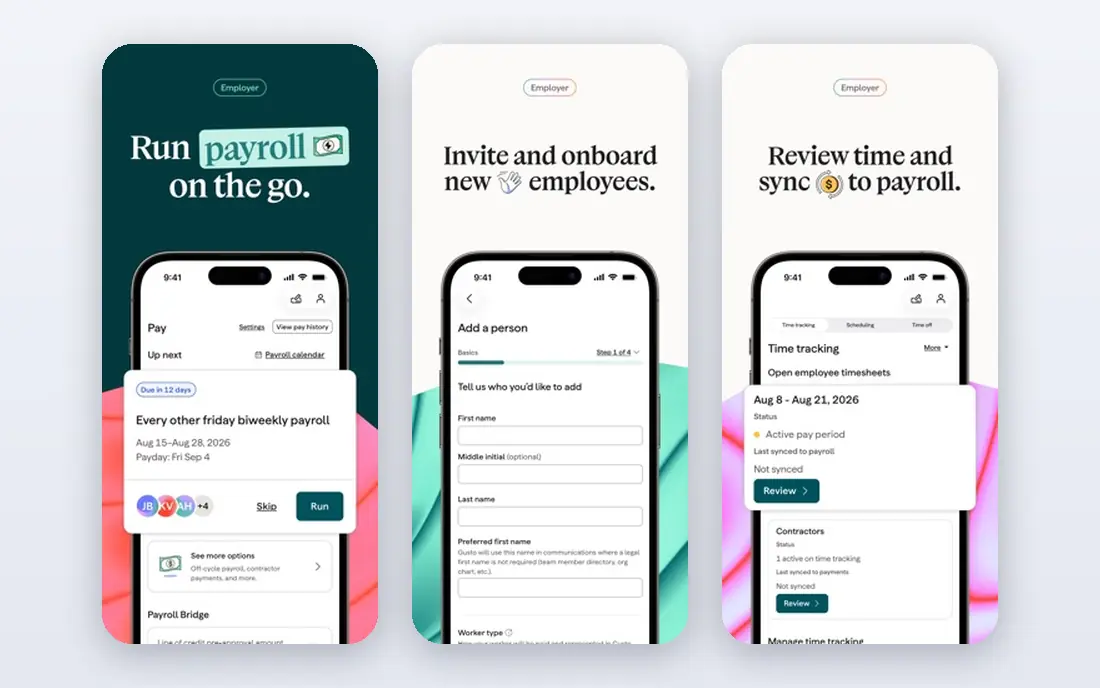
Gusto offers payroll, benefits, time tracking and HR tools for small US businesses, with a Simple plan starting at $49 per month plus $6 per person, according to vendor pricing guides. Its Plus and Premium tiers add more HR, performance and support features. Spend management comes through expenses, contractor payments, reimbursements and payroll cost visibility, rather than a full corporate card and procurement suite, which keeps the product simpler for small teams.
That simplicity is also the limit. Companies that need global payroll, device management or advanced spend controls will outgrow Gusto, and international hiring needs a separate partner. Higher tiers also raise the monthly bill quickly for larger teams. For a US team under about 50 people that wants honest pricing and payroll done well, Gusto is a strong, low-friction pick.
- Clear published pricing
- Simple payroll and HR
- Expense and contractor tools
- Global hiring is limited
- Spend tools are lighter than Rippling
- Higher tiers cost more
BambooHR is a core HR platform with employee records, time off, performance and reporting, plus payroll and benefits as add-ons. Published guides cite Core pricing from $10 per employee per month, with Pro and Elite tiers higher, and a flat monthly option for very small teams. Spend visibility comes mainly through payroll costs, time tracking, expenses handled in payroll workflows and integrations with accounting and expense tools, rather than native cards.
That makes BambooHR a good HR-first choice, but not a spend-first choice. Teams that need corporate cards, procurement approvals or deep budget controls should pair it with a dedicated spend tool or choose Rippling. Pricing also needs care, because payroll and other add-ons sit outside the core plan. For teams that value a clean employee experience and solid HR basics, BambooHR is easy to adopt and easy to like.
- Clean HR experience
- Clear core pricing
- Payroll and benefits add-ons
- Payroll is separate
- Spend features are lighter
- Larger teams need higher tiers
Remote helps companies hire, pay and manage employees and contractors in many countries, with global payroll, benefits, expenses and compliance handled in one platform. It gives finance teams a clear view of global people spend by country and role, and it handles local taxes, statutory benefits and contractor payments that domestic HR tools often leave to partners. That makes it a strong fit for remote-first companies with staff spread across borders.
Remote is less suited as a sole domestic HR system for US teams that need deep performance, learning or US benefits workflows. Pricing varies by service and country, so buyers should get a quote for their exact hiring mix. For a company hiring its first staff abroad, or running a fully distributed team, Remote offers a cleaner global payroll and spend picture than stitching local vendors together.
- Global payroll and EOR coverage
- Contractor payments
- Expense and benefits links
- Domestic HR depth is thinner
- Pricing varies by country
- Enterprise features need a quote
Paylocity provides HR, payroll, talent, time and expense tools for mid-size employers, with reporting that links people costs to teams, locations and budgets. Its expense workflows, payroll data and integrations with accounting systems give finance teams a practical view of spend tied to headcount, overtime and reimbursements. It also covers benefits, onboarding and performance, which helps mid-size teams replace several point tools.
Pricing is quote-based, so small teams cannot easily compare it with Gusto or BambooHR on price alone. Implementation and configuration also take more effort than a small-team tool. Paylocity suits companies in the mid-size range that need payroll depth, HR breadth and spend reporting in one system, and that have HR staff to run it. Smaller teams should trial the interface with their own payroll examples first.
- Broad HR and payroll suite
- Expense and time tools
- Strong reporting
- Quote-based pricing
- Implementation takes time
- Smaller teams may find it heavy
HiBob, known as Bob, is a people platform for mid-size and growing companies, with employee records, time off, performance, compensation and reporting in a modern interface. Spend visibility comes through compensation data, payroll integrations, expense links and headcount cost reporting, which helps finance and HR teams plan budgets together. Its strength is adoption: managers and employees tend to use it, which keeps people data current.
HiBob is not a full payroll or corporate card system on its own in every market, and payroll often runs through partners or integrations. That means spend depth depends on the stack around it. Pricing is quote-based, so buyers should ask what is included for payroll, expenses and reporting. For a growing company that values employee experience and people analytics, HiBob is a strong HR core to pair with a spend tool.
- Modern employee experience
- Strong reporting
- Payroll and finance integrations
- Quote-based pricing
- Payroll often via partners
- Spend depth depends on integrations
Workday combines human capital management with financial management, giving large organisations HR, payroll, expenses, procurement and spend analytics in one system. That finance link is its main advantage for spend management: employee costs, expenses, supplier spend and budgets can be reported together, with approval workflows and controls that suit large, regulated employers. It also supports global payroll and compliance at scale.
Workday is an enterprise purchase with quote-based pricing, long implementation and specialist support needs. It is far too heavy and costly for a small team, and even mid-size buyers should only choose it if they need its finance depth. For a large employer that wants HR and finance spend in one governed system, Workday is the most complete option in this list, provided the budget and timeline are realistic.
- Deep HR and finance in one suite
- Strong spend and procurement controls
- Global scale
- Enterprise cost and timeline
- Heavy for small teams
- Implementation needs specialists
How we picked these
We compared official product pages, pricing pages, public documentation and third-party pricing guides for HR tools with payroll, expense or card features in October 2026. We kept only tools that still sell HR plus a spend-related feature today, and we balanced small-team, mid-size, global and enterprise options. Where a vendor does not publish a price, we wrote See website rather than guessing.
How to choose HR software with spend controls
Start by listing every people cost you need to control: payroll, benefits, contractors, expenses, cards and software per employee. Then ask each vendor which of those costs live inside its system and which need an integration. A tool that only tracks expenses will not give finance the same control as one that links cards, budgets and payroll.
Next, test approvals with a real example, such as a manager approving an expense over a set limit, or a new hire triggering a card and payroll setup. Check accounting links, audit trails and reporting by team, location and cost centre. Also confirm data security, role permissions and how leavers lose access to cards and systems. Finally, model total cost for your headcount, including every module you actually need, and compare that figure, not the headline base price.
A note on pricing traps
Many vendors advertise a low base price, then charge separately for payroll, benefits, time tracking and spend. Ask for a written quote that lists each module, per-user fees, platform fees and implementation costs. That single document prevents most budget surprises.
FAQ
What counts as spend management in HR software?
It usually covers expenses, reimbursements, corporate cards, budgets, approvals and payroll cost reporting. Some tools also cover procurement and supplier spend, especially enterprise suites like Workday. The key link is that spend data ties back to employees, teams and cost centres.
Is Rippling or Gusto better for a small team?
Gusto is usually simpler and cheaper for a small US team that mainly needs payroll and HR basics. Rippling fits better when a team also needs device management, app access and spend cards in one system, and is ready to pay for extra modules.
Can HR software replace a corporate card tool?
Sometimes, if the HR tool includes cards, budgets and expense approvals that meet finance needs. Many teams still pair HR software with a dedicated card or expense tool, especially when they need procurement, travel or detailed accounting controls.
How much does HR software with spend features cost?
Small-team plans can start around $49 per month plus per-person fees, while mid-size and enterprise stacks often cost $20 to $50 per user per month or more once payroll and spend modules are added. Global hiring adds EOR or contractor fees on top.
Do these tools work for global teams?
Deel and Remote are built for global hiring, while Rippling and Workday support global operations with varying depth by country. Gusto and BambooHR are stronger for US-focused teams, so global buyers should check country coverage first.
What should finance check before buying?
Finance should check approval workflows, budget controls, accounting integrations, audit trails, card limits and reporting by cost centre. Also check how leavers are offboarded from payroll, cards and system access, since that gap creates real spend risk.