The 5 Best Workforce Software for Boutique Retail in 2026, Ranked
Best workforce software for boutique retail, compared. 5 tools with published prices, free plans and limits. Short, factual notes on every option. Easy to scan.
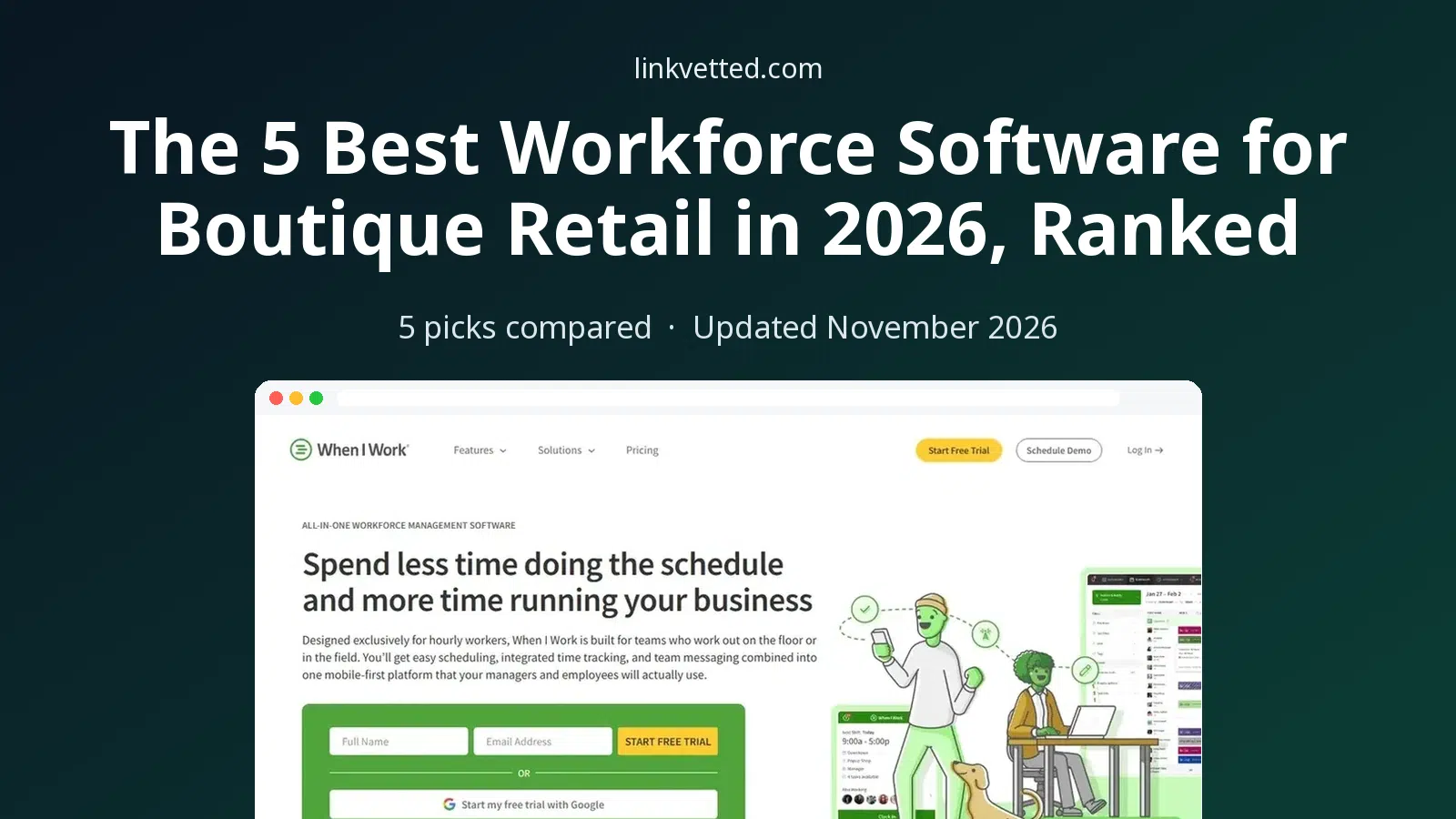
- Editor's choice
 ADP Workforce Now
Payroll and HR at scale
Starts atSee websiteVisit adp.comFull review - Great alternative
 When I Work
Shift scheduling and team messaging
Starts at$2.50 per user a monthVisit wheniwork.comFull review - Also consider
 Deputy
Scheduling with labor forecasting
Starts at$5 per user per monthVisit deputy.comFull review
Direct answer
If you need payroll and HR at scale, ADP Workforce Now is the first tool to look at here. Listed starting prices: When I Work from $2.50 per user a month, Deputy from $5 per user per month and Homebase from $30 per location per month. When I Work is better for shift scheduling and team messaging, and Deputy is better for scheduling with labor forecasting. The other 2 tools in the list cover narrower or pricier cases.
TL;DR:
- This list starts with ADP Workforce Now, which is built for payroll and HR at scale.
- Rippling fits unified HR, IT and finance.
- The lowest published monthly entry price here is $2.50 per user per month, from When I Work.
- Homebase is the only tool of the 5 with a free plan.
- The main caution on When I Work: narrower HR depth than full suites.
Last checked November 2026. Prices and plan details were read from the vendors' own pages in November 2026; vendors change plans often, so confirm the current price on the vendor site before you buy.
Quick comparison
| Tool | Best for | Starts at | Free plan? | |
|---|---|---|---|---|
| ADP Workforce Now | Payroll and HR at scale | See website | Not stated | Visit |
| When I Work | Shift scheduling and team messaging | $2.50 per user a month | Free trial | Visit |
| Deputy | Scheduling with labor forecasting | $5 per user per month | Free trial | Visit |
 Homebase | Small hourly teams in one app | $30 per location per month | Yes | Visit |
 Rippling | Unified HR, IT and finance | $8 per employee a month | Not stated | Visit |
Tool-by-tool breakdown
LinkVetted put together this guide to workforce software for boutique retail for readers who want a clear shortlist without reading every vendor page. It compares 5 tools on starting price, free plans, who each one suits and where each one falls short.
ADP Workforce Now targets payroll and HR at scale. ADP Workforce Now is part of ADP's payroll, tax, HR and HCM options, offered for firms of varying sizes.
Main advantages: Products built to scale with headcount.
Honest limits: Can be heavy for very small shops. More specifically, the breadth can feel heavy for a single small store, and setup may take more administrative effort than a straightforward scheduler. In practice, boutique retailers that expect to add locations or staff can use it as a single provider for payroll and HR administration. This comparison lists no price for ADP Workforce Now; ask the vendor. Free options: Not stated.
- Wide HCM coverage
- Payroll
- Setup may need more administrative effort
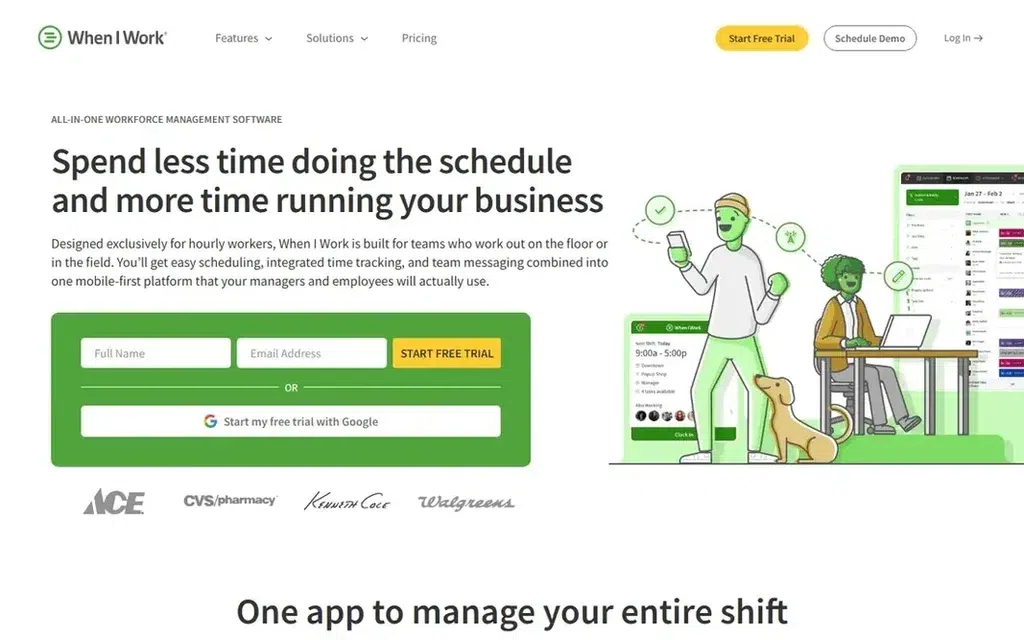
Choose When I Work for shift scheduling and team messaging. The mobile app keeps staff informed about their shifts.
Where it falls short: Payroll is not the core focus.
Worth adding: pick When I Work when quick scheduling and communication matter most and you can handle HR elsewhere. When I Work cost at the entry level: $2.50 per user per month. As for free access: Free trial.
- Built-in team messaging
- Straightforward mobile-friendly workflow
- Narrower HR depth than full suites
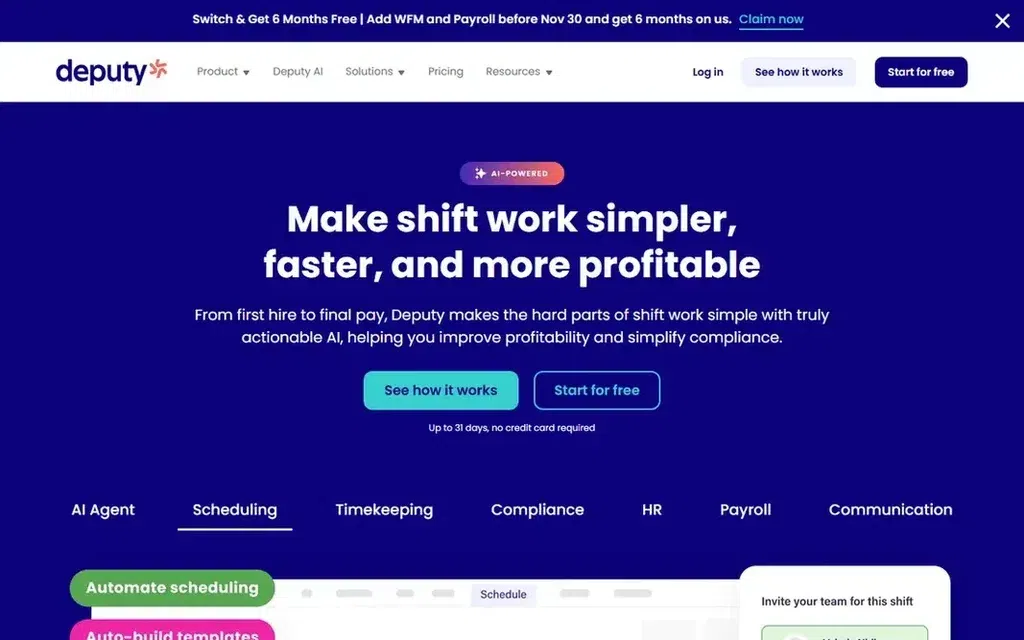
Deputy works best for scheduling with labor forecasting. The breadth of features can feel like more than a single small store needs, and payroll support relies on your location.
Downsides: Payroll availability varies by region.
In daily use, Deputy is an employee scheduling, HR and payroll system with AI labor forecasting built in. Price to start with Deputy: $5 per user per month. Trial and free access: Free trial.
- Payroll features included
- AI labor forecasting for staffing needs
- Wide feature set may overwhelm very small shops
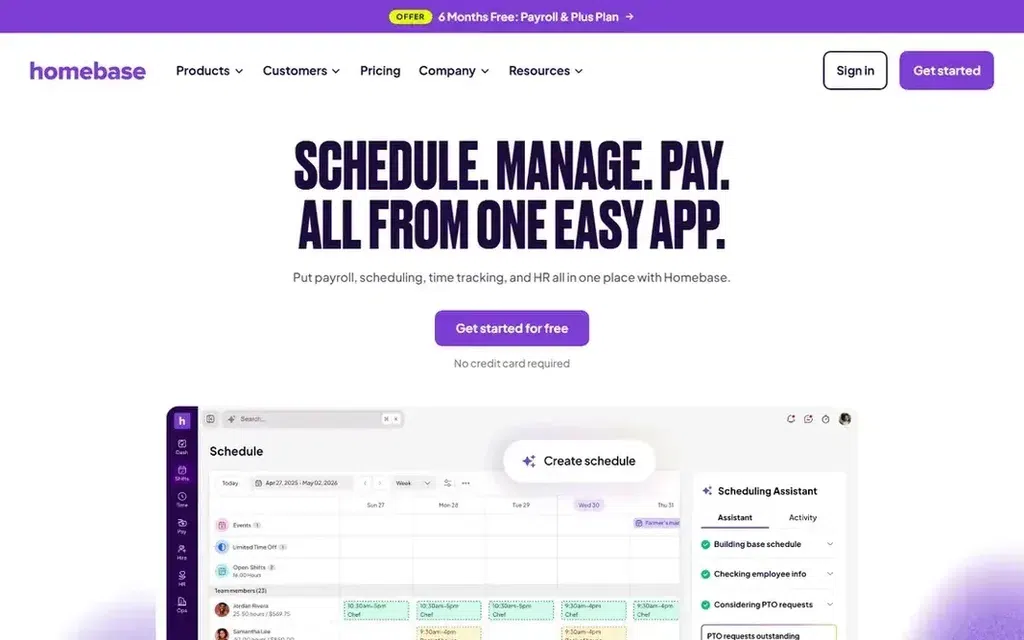
Think of Homebase for small hourly teams in one app. That makes it a natural fit for boutique retail, where hourly staff need clear schedules and accurate time records. Also, the product includes a lot, and some modules may be more than a very small shop needs.
Owners can build schedules and track hours without juggling several systems. In daily use, Homebase performs best for hourly-focused retailers who want scheduling and time tracking in one place. Check that the specific features you need are available in your setup. Price to start with Homebase: $30 per location per month. A free plan is available with Homebase.
Limits to weigh: May be more than a tiny shop needs.
- Scheduling and time clocks together
- Payroll and hiring features
- Feature depth varies by module
Pick Rippling if this describes you: unified HR, IT and finance. Rippling makes sense when unified HR, IT and finance administration is the goal.
Points against: Complexity grows with modules added.
For a small shop, the scope can exceed what is needed day to day, and complexity grows as more modules are added. Also, if your priority is just scheduling hourly staff, a focused tool is simpler. Starting cost for Rippling: $8 per employee per month. Free access: Not stated.
- IT and finance apps on one product
- Wide administrative coverage
- More than most boutiques need initially
What went into this list
For each of the 5 tools we noted price, free plan or trial, fit for workforce software for boutique retail and the main limit, using vendor pages and documentation. Seat minimums, billing terms and add-ons can move the real cost, so the starting prices here are a guide and not a quote. The ranking is editorial: typical fit first, then clear pricing, then free access. If your needs are unusual, read the profiles rather than relying on position.
Before you commit
- Get a written quote from ADP Workforce Now; the list shows no starting price for them.
- Look at the free plan from Homebase closely: its caps decide whether it is usable for real work.
- Take the trial from When I Work and Deputy and push a live task through it before you pay.
- Read the limits listed for ADP Workforce Now first: can be heavy for very small shops.
- Check how data leaves Rippling: formats, limits and whether exports are available on every plan.
- Confirm the exact When I Work plan that includes your must-have features.
FAQ
Is ADP Workforce Now the right pick for everyone comparing workforce software for boutique retail?
No single tool suits every team. ADP Workforce Now comes first because it fits payroll and HR at scale, while When I Work suits shift scheduling and team messaging and Deputy suits scheduling with labor forecasting. Match the tool to your own size, budget and workflow before deciding.
Which options for workforce software for boutique retail have a free plan?
Homebase is the only tool in this list with a free plan. Free plans usually cap users, projects or features, so check the limits on the vendor page. Several others offer a trial instead. Each of the 5 options in this workforce software for boutique retail guide has its own card above with the price, free plan and limits.
What is the cheapest option for workforce software for boutique retail in this list?
On published monthly entry prices, When I Work is the lowest here at $2.50 per user per month. Entry price is only part of the cost, because seats, add-ons and billing terms can change the total. All 5 picks in this workforce software for boutique retail comparison list a starting price, free plan details and the main limits on their cards above.
Do these tools publish their prices?
Not all of them. ADP Workforce Now publishes no starting price, so expect a quote request for it. The rest, When I Work included, show a starting price, though seats and billing terms still change the final cost.
What should boutique retailers look for in workforce software?
Prioritize steady shift scheduling, accurate time tracking and simple mobile access for hourly staff. Worth adding: match the tool's depth to your team size and growth plans.
How do these tools deal with hourly staff and shift changes?
Most choices here support publishing schedules, tracking time and letting staff view shifts on mobile. This matters most for keeps with variable foot traffic and part-time teams.
Sources
- https://www.adp.com
- https://wheniwork.com
- https://www.deputy.com
- https://www.joinhomebase.com
- https://www.rippling.com