Top 5 Workforce Management Software for Hospitals for 2026 (Prices and Free Plans)
Best workforce management software for hospitals, compared. 5 tools with published prices, free plans and limits. Short verdicts, no fluff. Details below.
- Editor's choiceWorkday Human Capital Management
Large health systems unifying HR and finance
Starts atSee websiteVisit workday.comFull review - Great alternative
 ADP Workforce Now
Payroll and HR for mid-size hospitals
Starts atSee websiteVisit adp.comFull review - Also considerUKG Pro Workforce Management
Workforce intelligence in large hospitals
Starts atSee websiteVisit ukg.comFull review
Direct answer
This list puts Workday Human Capital Management first for large health systems unifying HR and finance. Listed starting prices: Deputy from $5 per user per month. Alternatives: ADP Workforce Now for payroll and HR for mid-size hospitals, and UKG Pro Workforce Management for Workforce intelligence in large hospitals. All 5 tools are compared below on price, free plan and limits.
TL;DR:
- Number one here is Workday Human Capital Management, a fit for large health systems unifying HR and finance.
- Deputy suits straightforward scheduling for smaller care teams.
- Neither Workday Human Capital Management nor Deputy, nor any of the other 3 tools, has a permanent free plan; trials and quotes are the norm.
- Starting prices begin at $5 per user per month with Deputy.
- What to know about UKG Pro Workforce Management first: wide suite may overwhelm small teams.
Last checked November 2026. Prices and plan details were read from the vendors' own pages in November 2026; vendors change plans often, so confirm the current price on the vendor site before you buy.
Quick comparison
| Tool | Best for | Starts at | Free plan? | |
|---|---|---|---|---|
| Workday Human Capital Management | Large health systems unifying HR and finance | See website | Not stated | Visit |
| ADP Workforce Now | Payroll and HR for mid-size hospitals | See website | Not stated | Visit |
| UKG Pro Workforce Management | Workforce intelligence in large hospitals | See website | Not stated | Visit |
| Infor Workforce Management | Industry-specific cloud deployment | See website | Not stated | Visit |
 Deputy | Straightforward scheduling for smaller care teams | $5 per user per month | Free trial | Visit |
Our 5 workforce management software for hospitals
If you are comparing workforce management software for hospitals, this page covers 5 tools in one place: what each is best for, what it costs to start, whether it has a free plan, and the main limit to know about.
Workday Human Capital Management
Best for: Large health systems unifying HR and finance
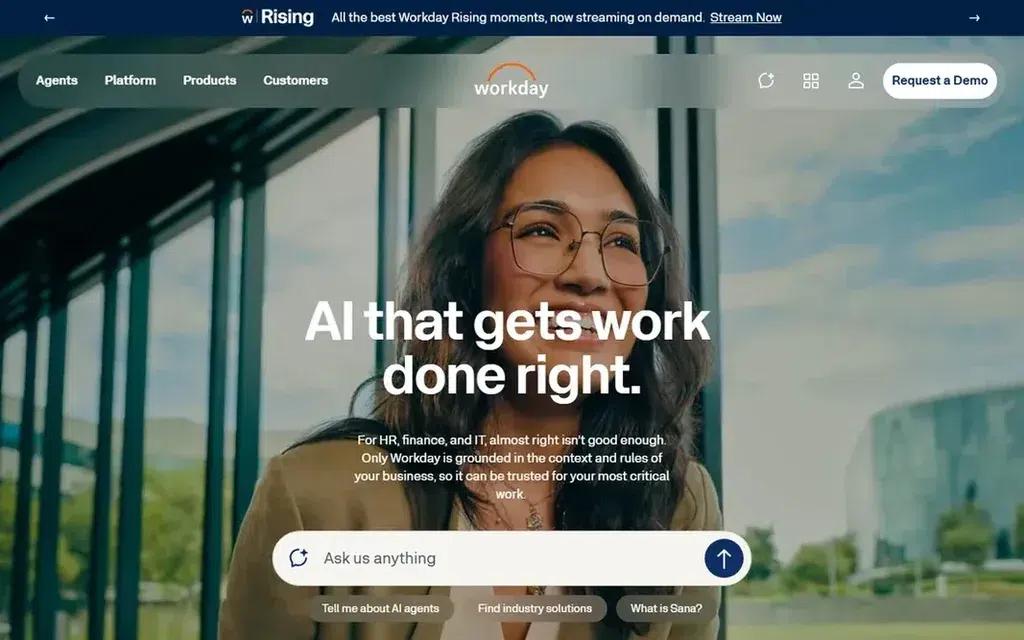
Workday Human Capital Management is a good fit for large health systems unifying HR and finance. The enterprise scope can exceed what a smaller facility needs, and implementation involves real effort.
Where it shines: Solid fit for complicated organizations.
More specifically, organizations that primarily want shift scheduling and time tracking may find a focused tool simpler. Pricing for Workday Human Capital Management is not stated here, so ask the vendor for current figures. Free options: Not stated. Downsides: Enterprise scope can be more than needed.
- Enterprise AI system for HR
- Unified data across departments
- Needs implementation effort
In short, ADP Workforce Now is for payroll and HR for mid-size hospitals. ADP Workforce Now belongs to a vendor offering payroll, tax, HR and HCM options for companies of every size, with products built to scale. Scheduling and workforce management depth can vary based on the modules selected, so it is worth confirming fit for complicated shift patterns.
In daily use, choose ADP when payroll and HR administration are the core requirement. Facilities needing highly specialized clinical scheduling may look at dedicated workforce systems. ADP Workforce Now shows no starting price here, so confirm the cost on the vendor site. Free plan details: Not stated.
Limits to weigh: Needs review of module fit.
- Payroll
- Serves organizations of varied sizes
- Workforce scheduling depth varies by setup
UKG Pro Workforce Management
Best for: Workforce intelligence in large hospitals
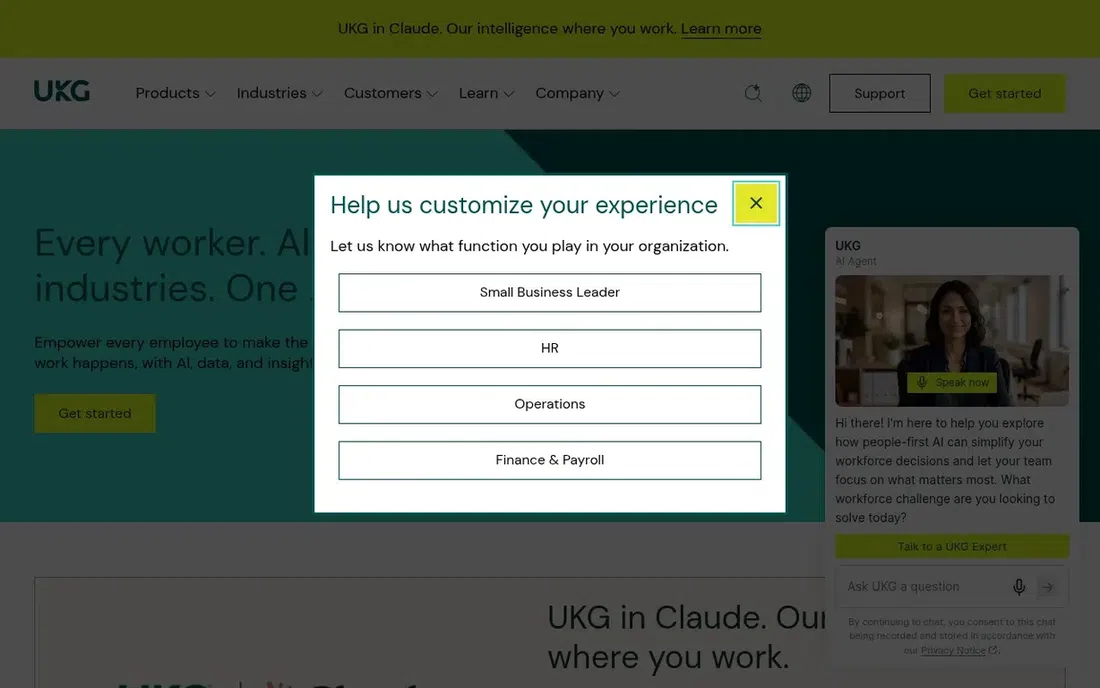
Think of UKG Pro Workforce Management for Workforce intelligence in large hospitals. For hospitals, that combination matters since scheduling, timekeeping and pay all affect staffing coverage around the clock.
From a buyer's view, UKG Pro Workforce Management is a product that brings HR, payroll and workforce management together with workforce intelligence aimed at modern operations. In daily use, if you run a compact practice, a lighter scheduling tool may be simpler to adopt, whereas bigger hospitals gain more from the connected suite. Check the vendor site for UKG Pro Workforce Management pricing; none is listed in this comparison. Free options: Not stated.
What to check first: Wide suite may overwhelm small teams.
- Payroll and workforce management
- Fits complicated modern operations
- Setup needs planning
Infor Workforce Management
Best for: Industry-specific cloud deployment
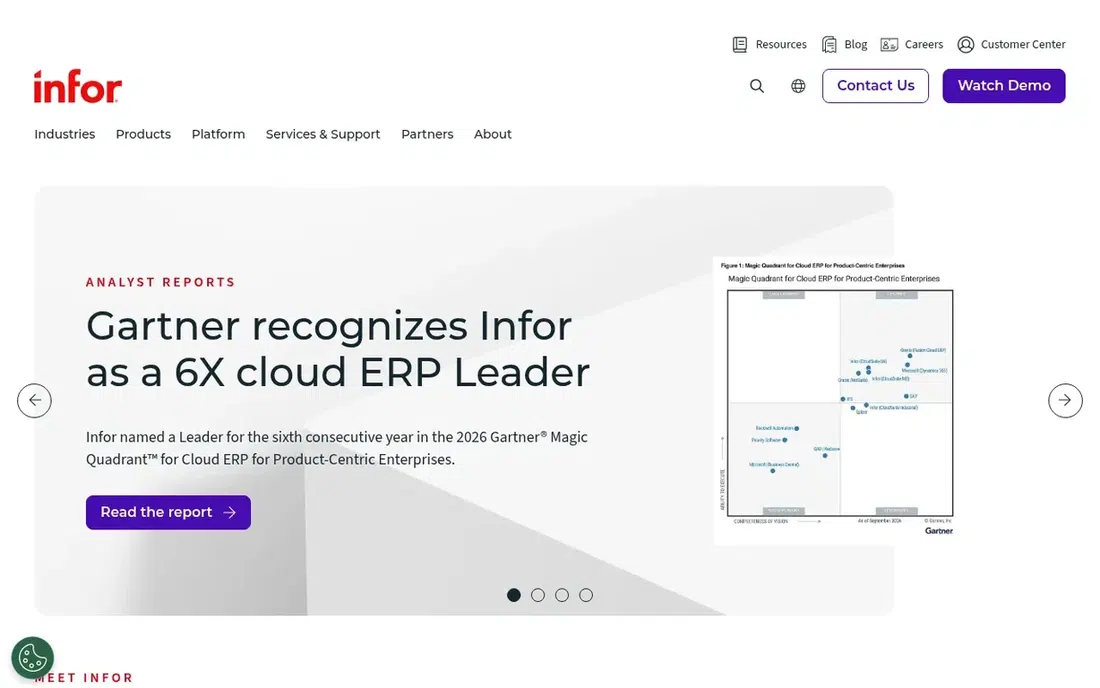
For industry-specific cloud deployment, Infor Workforce Management is a natural candidate. Industry-specific configuration can add complexity, and smaller facilities may not need that depth.
The main drawbacks: Configuration layers on complexity.
As for the details, choose Infor when your hospital wants a cloud product shaped around industry needs. Check the vendor site for Infor Workforce Management pricing; none is listed in this comparison. On free options: Not stated.
- Industry-specific cloud enterprise software
- Merges industry expertise with AI
- Industry focus may not suit every facility
For straightforward scheduling for smaller care teams, Deputy is a natural candidate. Deputy supplies easy-to-use employee scheduling, HR, AI labor forecasting and payroll software. Also, organizations needing deep enterprise HR integration may outgrow it.
Also, for smaller clinics, outpatient centers and departments, that combination keeps shift planning and labor forecasting approachable without a heavy enterprise rollout. Deputy is less suited to very large hospital systems with complicated HR and finance requirements. On cost, Deputy starts like this: $5 per user per month. Free plan details: Free trial.
Honest limits: Deeper enterprise HR needs may exceed it.
- HR and payroll features alongside scheduling
- Easy-to-use employee scheduling
- Less suited to very large hospital systems
How we compared the tools
Before you commit
- Get a written quote from Workday Human Capital Management, ADP Workforce Now, UKG Pro Workforce Management and Infor Workforce Management; the list shows no starting price for them.
- Run a trial of Deputy with real work before paying for a year; your own workflow is the best test.
- Read the limits listed for Workday Human Capital Management first: enterprise scope can be more than needed.
- See whether Infor Workforce Management offers onboarding or training, and whether it is included in the price.
- Verify that exporting from UKG Pro Workforce Management is possible on your plan and covers all your records.
FAQ
What should hospitals look for in workforce management software?
Hospitals should prioritize shift scheduling that handles round-the-clock coverage, accurate timekeeping, payroll integration and labor rule compliance. On top of that, reporting and forecasting features also help managers plan staffing.
What is the cheapest option for workforce management software for hospitals in this list?
On published monthly entry prices, Deputy is the lowest here at $5 per user per month. Entry price is only part of the cost, because seats, add-ons and billing terms can change the total. For the full picture, the cards above cover all 5 entries of this workforce management software for Hospitals list, including price, free plan and limits.
Is Workday Human Capital Management the right pick for everyone comparing workforce management software for hospitals?
No single tool suits every team. Workday Human Capital Management comes first because it fits large health systems unifying HR and finance, while ADP Workforce Now suits payroll and HR for mid-sized hospitals and UKG Pro Workforce Management suits Workforce intelligence in large hospitals. Match the tool to your own size, budget and workflow before deciding.
Do these tools publish their prices?
Not all of them. Workday Human Capital Management, ADP Workforce Now, UKG Pro Workforce Management and Infor Workforce Management publish no starting price, so expect a quote request for those. The rest, Deputy included, show a starting price, though seats and billing terms still change the final cost.
Does any tool for workforce management software for hospitals here have a free plan?
A permanent free plan is not offered by Workday Human Capital Management, Deputy or the other tools here. Deputy offer a trial. Plan a short evaluation period instead.
Is a broad HR suite or a focused scheduling tool better for a hospital?
Large health systems commonly benefit from wide suites that link HR, payroll and workforce data, like UKG Pro Workforce Management or Workday. The right choice relies on staff size and process complexity.
Sources
- https://www.workday.com
- https://www.adp.com
- https://www.ukg.com
- https://www.infor.com
- https://www.deputy.com