Best Work Order Software for Maintenance Teams in 2026: Prices, Free Plans and 6 Picks
6 best work order software for maintenance teams, with entry costs, free tiers and the buyer each one serves. Read the caveats before you buy. Easy to scan.
- Editor's choiceMaintenance Connection
Asset and inventory heavy maintenance operations
Starts at$58 per user a monthVisit maintenanceconnection.comFull review - Great alternative
 Limble CMMS
Technicians wanting an easy-to-use CMMS
Starts atSee websiteVisit limblecmms.comFull review - Also considerCorrigo
Enterprise facility and vendor management
Starts atSee websiteVisit corrigo.comFull review
Direct answer
Our first pick is Maintenance Connection, best for Asset and inventory heavy maintenance operations. Listed starting prices: Maintenance Connection from $58 per user a month, Fiix from $45 per user a month and UpKeep from $24 per user a month. If your case is different, Limble CMMS suits technicians wanting an easy-to-use CMMS and Corrigo suits enterprise facility and vendor management. The other 3 tools in the list cover narrower or pricier cases.
TL;DR:
- Maintenance Connection sits first on this list: Asset and inventory heavy maintenance operations.
- Only Fiix offers a free plan among these 6 tools.
- UpKeep is the lowest-priced starter here at $24 per user per month.
- UpKeep suits mobile-first maintenance teams on any device.
- What to know about Fiix first: wide feature set may take time to learn.
Last checked November 2026. Prices and plan details were read from the vendors' own pages in November 2026; vendors change plans often, so confirm the current price on the vendor site before you buy.
Quick comparison
| Tool | Best for | Starts at | Free plan? | |
|---|---|---|---|---|
| Maintenance Connection | Asset and inventory heavy maintenance operations | $58 per user a month | Free trial | Visit |
| Limble CMMS | Technicians wanting an easy-to-use CMMS | See website | Not stated | Visit |
| Corrigo | Enterprise facility and vendor management | See website | Not stated | Visit |
 Fiix | Teams wanting AI-assisted maintenance planning | $45 per user a month | Yes | Visit |
 eMaint | Reducing downtime and extending equipment life | See website | Not stated | Visit |
 UpKeep | Mobile-first maintenance teams on any device | $24 per user a month | Free trial | Visit |
Work Order Software for Maintenance Teams, one by one
If you are comparing work order software for maintenance teams, this page covers 6 tools in one place: what each is best for, what it costs to start, whether it has a free plan, and the main limit to know about.
Maintenance Connection
Best for: Asset and inventory heavy maintenance operations
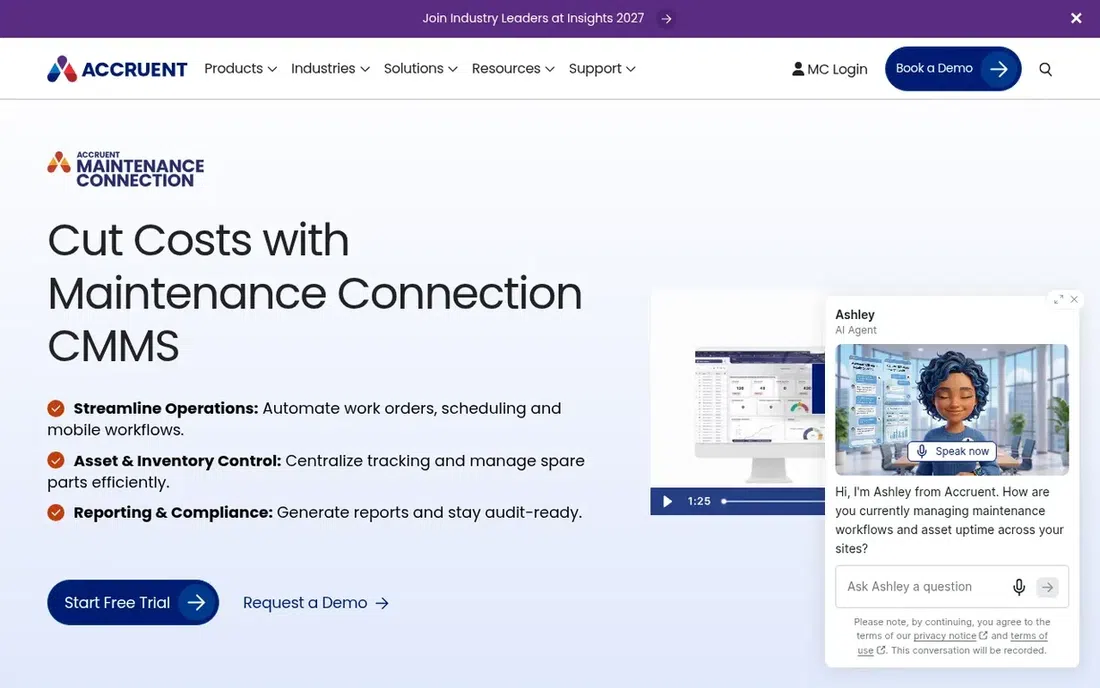
In short, Maintenance Connection is for Asset and inventory heavy maintenance operations. Maintenance Connection is a complete CMMS that eases asset management whereas covering work orders and inventory tracking.
Starting cost for Maintenance Connection: $58 per user per month. As for free access: Free trial.
Limits to weigh: Feature depth can overwhelm new users.
- Work order management in a complete CMMS
- Asset management focus
- Setup may need planning across modules
Limble CMMS works best for technicians wanting an easy-to-use CMMS. Limble CMMS is a modern asset management system positioned as maintenance software technicians actually use. Its vendor page emphasizes simplicity for the people doing the work.
It spans asset management and maintenance workflows in a modern interface. If your operation relies on highly specialized workflows, confirm that Limble supports them before deciding. Also, consider Limble when getting technicians to actually use the CMMS is the primary goal. This comparison lists no price for Limble CMMS; ask the vendor. Free plan details: Not stated.
What to check first: Usability focus may not suit every specialist workflow.
- Modern asset management product
- Spans maintenance work order workflows
- Some advanced needs may need configuration
Corrigo
Best for: Enterprise facility and vendor management
Corrigo makes the most sense for enterprise facility and vendor management. Corrigo is cloud-based enterprise facility management software used by facilities managers and directors to automate facility workflows, handle maintenance work orders and optimize asset and vendor management at enterprise scale. Worth adding: teams focused purely on equipment work orders may prefer a dedicated CMMS.
More specifically, the enterprise orientation can be more structure than a small maintenance team needs. Beyond that, consider Corrigo when facility workflows, vendor management and multi-site scale are central to your operation. Check the vendor site for Corrigo pricing; none is listed in this comparison. Free options: Not stated.
Watch-outs: Broader facility scope than pure maintenance shops.
- Cloud-based enterprise facility management
- Automates facility workflows
- Enterprise focus may not suit small teams
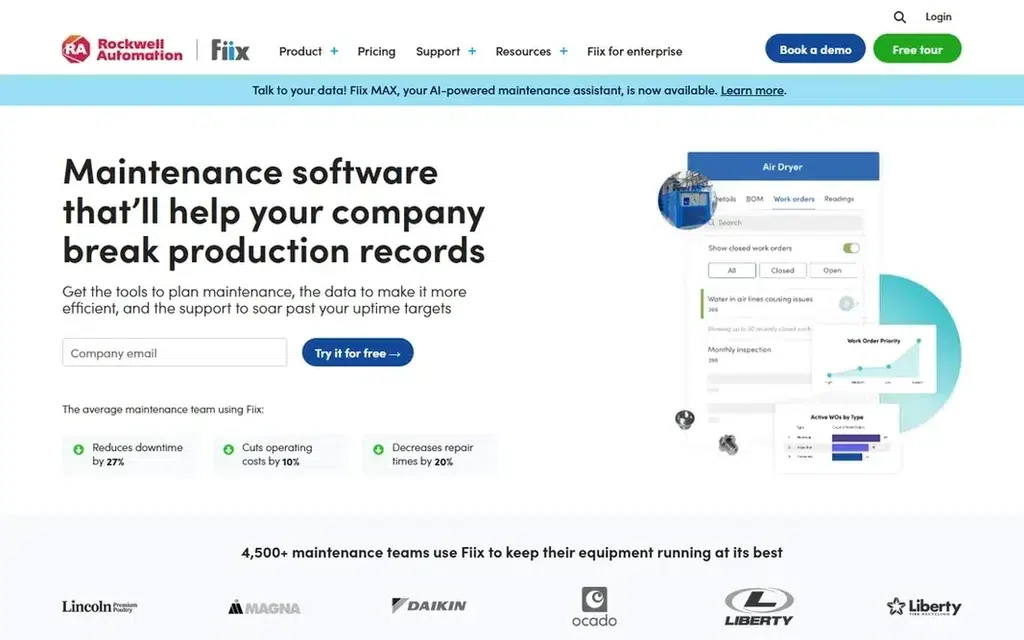
Fiix is aimed squarely at teams wanting AI-assisted maintenance planning. Fiix is a cloud-based CMMS built to help maintenance teams plan, track and optimize work orders.
From a buyer's view, consider Fiix when reporting, integrations and AI-assisted planning matter to your maintenance operation. Fiix pricing: $45 per user per month. A free plan is available with Fiix.
What to check first: Wide feature set may take time to learn.
- Embedded AI tools for maintenance work
- Cloud-based CMMS with work order planning and tracking
- Advanced needs may call for deeper configuration
eMaint is a good fit for reducing downtime and extending equipment life. eMaint is a CMMS option whose vendor page frames it around reducing downtime, increasing productivity and extending equipment lifespan. Those goals suit maintenance teams concentrated on equipment reliability instead of only logging work orders.
Downsides: Fit relies on your maintenance maturity.
As for the details, choose eMaint when downtime reduction and equipment lifespan are the outcomes you are measured on. From a buyer's view, teams without entry-level work order discipline may find a more straightforward starting point easier. Check the vendor site for eMaint pricing; none is listed in this comparison. Free plan details: Not stated.
- Aims to increase maintenance productivity
- Extends equipment lifespan as a stated goal
- Feature breadth may need onboarding effort
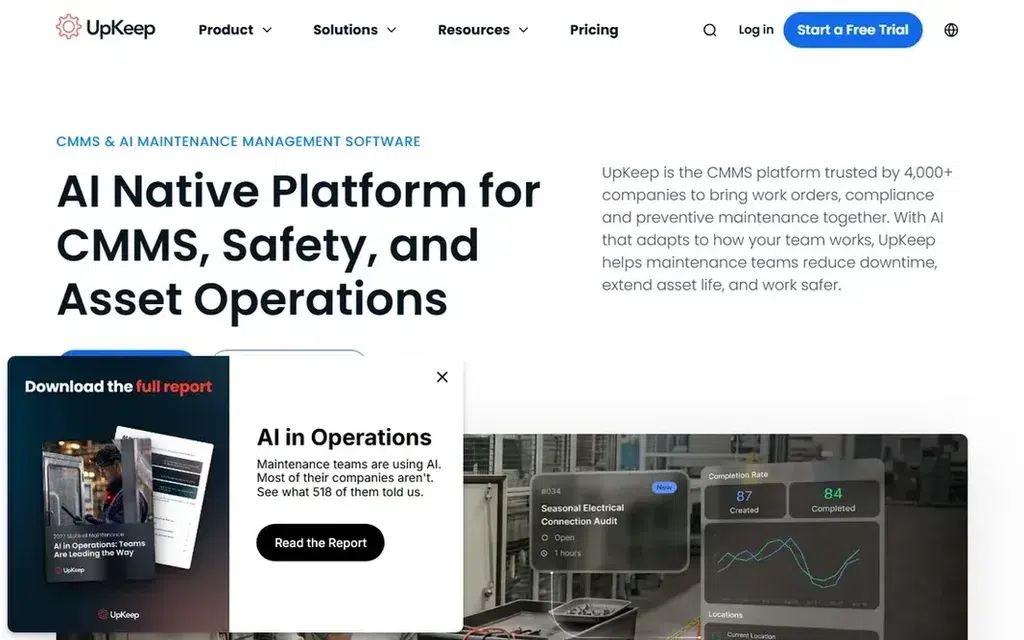
UpKeep targets mobile-first maintenance teams on any device. Choose UpKeep when technicians have to update work orders and preventive tasks wherever the job takes them.
Where it falls short: Advanced reporting needs may need review.
More specifically, teams that largely work from desktop stations may not need the mobile emphasis. On cost, UpKeep starts like this: $24 per user per month. Trial and free access: Free trial.
What users get: Designed for use from any device.
- Work orders
- AI-powered maintenance system
- Mobile-first design may suit desk users less
How the list was put together
What to check before you buy
- Confirm the entry price on the vendor page. For Limble CMMS, Corrigo and eMaint that means a quote rather than a fixed price.
- Look at the free plan from Fiix closely: its caps decide whether it is usable for real work.
- Use real work to test the free trial from Maintenance Connection and UpKeep, rather than a demo project.
- Read the limits listed for Maintenance Connection first: feature depth can overwhelm new users.
- Ask Corrigo about contract length, onboarding fees and user minimums before you sign.
- Let daily users try Limble CMMS on real work; their feedback beats any feature checklist.
FAQ
How is a CMMS different from entry-level work order software?
A CMMS usually brings asset management, preventive maintenance and inventory tracking around the work order. Entry-level work order software may only log and assign tasks.
Is Maintenance Connection the right pick for everyone comparing work order software for maintenance teams?
No single tool suits every team. Maintenance Connection comes first because it fits Asset and inventory heavy maintenance operations, while Limble CMMS suits technicians wanting an easy-to-use CMMS and Corrigo suits enterprise facility and vendor management. Match the tool to your own size, budget and workflow before deciding.
Can I try these tools before paying?
Often, yes. Fiix has a free plan and Maintenance Connection and UpKeep offer a free trial. Use your own data and a real task during the test, and check what the free tier or trial limits before you rely on it. All 6 picks in this work order software for maintenance teams comparison list a starting price, free plan details and the main limits on their cards above.
How are the tools for work order software for maintenance teams ordered?
Maintenance Connection sits first and UpKeep last because the order follows typical fit for work order software for maintenance teams, then price clarity and free access. It is a judgement call, so read each profile for fit and limits.
Do these tools publish their prices?
Not all of them. Limble CMMS, Corrigo and eMaint publish no starting price, so expect a quote request for those. The rest, Maintenance Connection included, show a starting price, though seats and billing terms still change the final cost.
Sources
- https://www.maintenanceconnection.com
- https://limblecmms.com
- https://www.corrigo.com
- https://www.fiixsoftware.com
- https://www.emaint.com
- https://www.upkeep.com