Work Order Software for Property Maintenance Teams in 2026: The 6 Best Options Side by Side
6 best work order software for property maintenance teams, compared on pricing, free plans and best-fit use. Concise write-ups of every option. Details below.
- Editor's choice
 Kickserv
Straightforward job and payment management
Starts at$60 a monthVisit kickserv.comFull review - Great alternative
 Jobber
Small teams quoting and scheduling
Starts atSee websiteVisit getjobber.comFull review - Also consider
 Service Fusion
All-in-one field service management
Starts at$220 a monthVisit servicefusion.comFull review
Direct answer
Kickserv leads the list, best for straightforward job and payment management. Listed starting prices: Kickserv from $60 a month, Service Fusion from $220 a month and Housecall Pro from $59 a month. Jobber is better for small teams quoting and scheduling, and Service Fusion is better for all-in-one field service management. The full list of 6 tools follows, with prices and free plan facts.
TL;DR:
- Kickserv sits first on this list: straightforward job and payment management.
- Starting prices begin at $24 per user per month with UpKeep.
- A fair warning about ServiceTitan: wide system may feel heavy for small teams.
- None of the 6 tools, from Kickserv to UpKeep, has a free plan, so budget for a subscription or use a trial.
Last checked November 2026. Prices and plan details were read from the vendors' own pages in November 2026; vendors change plans often, so confirm the current price on the vendor site before you buy.
Quick comparison
| Tool | Best for | Starts at | Free plan? | |
|---|---|---|---|---|
| Kickserv | Straightforward job and payment management | $60 a month | Free trial | Visit |
| Jobber | Small teams quoting and scheduling | See website | Not stated | Visit |
| Service Fusion | All-in-one field service management | $220 a month | No | Visit |
 ServiceTitan | All-in-one contractor operations | See website | Free trial | Visit |
 Housecall Pro | Home service business management | $59 a month | Free trial | Visit |
 UpKeep | Asset and preventive maintenance | $24 per user a month | Free trial | Visit |
Work Order Software for Property Maintenance Teams profiles
LinkVetted put together this guide to work order software for property maintenance teams for readers who want a clear shortlist without reading every vendor page. It compares 6 tools on starting price, free plans, who each one suits and where each one falls short.
Kickserv is designed for straightforward job and payment management. Choose Kickserv when you want straightforward job, customer and payment management.
Where it falls short: Lighter on advanced asset features.
Kickserv is lighter on advanced asset and preventive maintenance features, so teams with heavy equipment tracking needs may need another system alongside it. Kickserv is field service management software that offers management of jobs, customers, communication and payments for home service companies. Entry price for Kickserv: $60 per month. Free access: Free trial.
- Comes with communication tools
- Takes care of payments for home service businesses
- May suit smaller operations best
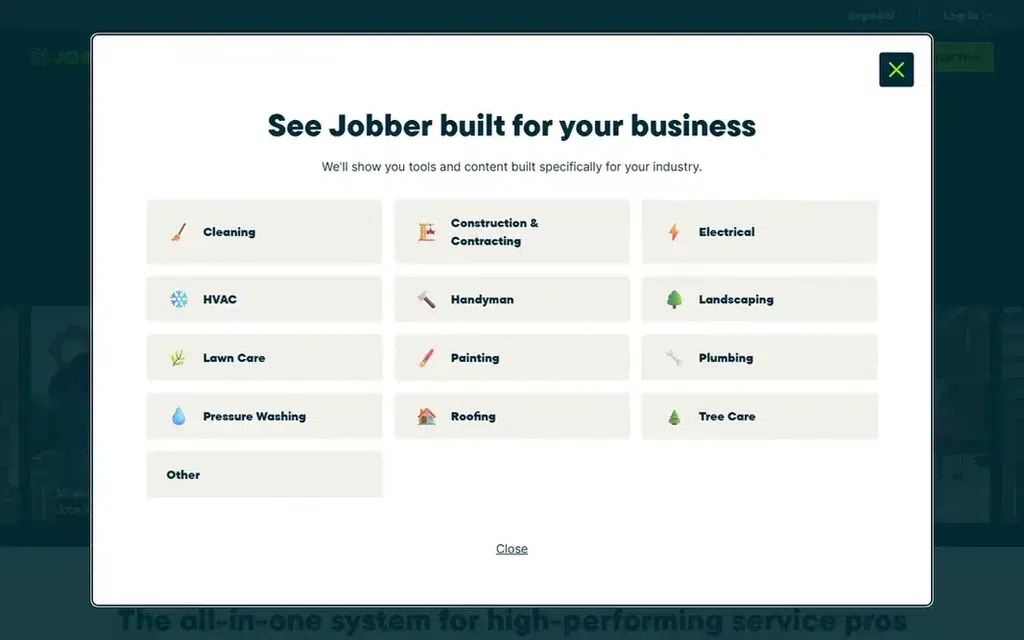
Jobber is a good fit for small teams quoting and scheduling. Jobber is home and commercial service software that organizes quoting, scheduling, invoicing and payments in one place. Its app is built to be straightforward to use, which helps property maintenance crews move between jobs without heavy training.
Upsides: schedule and invoice in one place.
What to check first: May not fit large multi-site portfolios.
On top of that, pick Jobber when simplicity and quick adoption matter most. More specifically, Jobber is oriented toward service firms instead of deep asset or preventive maintenance programs. So teams managing equipment histories may want a dedicated CMMS. It also may not suit large multi-site portfolios. Jobber does not show a starting price in this comparison, so check the vendor site for current pricing. Free access: Not stated.
- Quote
- Easy-to-use app for field staff
- Less depth for complicated asset tracking
Where Service Fusion fits: all-in-one field service management. Service Fusion offers all-in-one field service management software made for service firms and contractors. From a buyer's view, consider Service Fusion when you want consolidated field service management.
In practice, teams wanting only minimal work order tracking might find it more than necessary. Property maintenance teams looking for a single system to handle jobs and field operations may find it a practical fit, especially contractors who want consolidated tooling. On cost, Service Fusion starts like this: $220 per month. Service Fusion has no free tier.
Where it falls short: Feature set may overlap for niche needs.
Where Service Fusion stands out: All-in-one field service management.
- Designed for service firms and contractors
- Aims to save time and boost productivity
- Needs setup to match your workflows
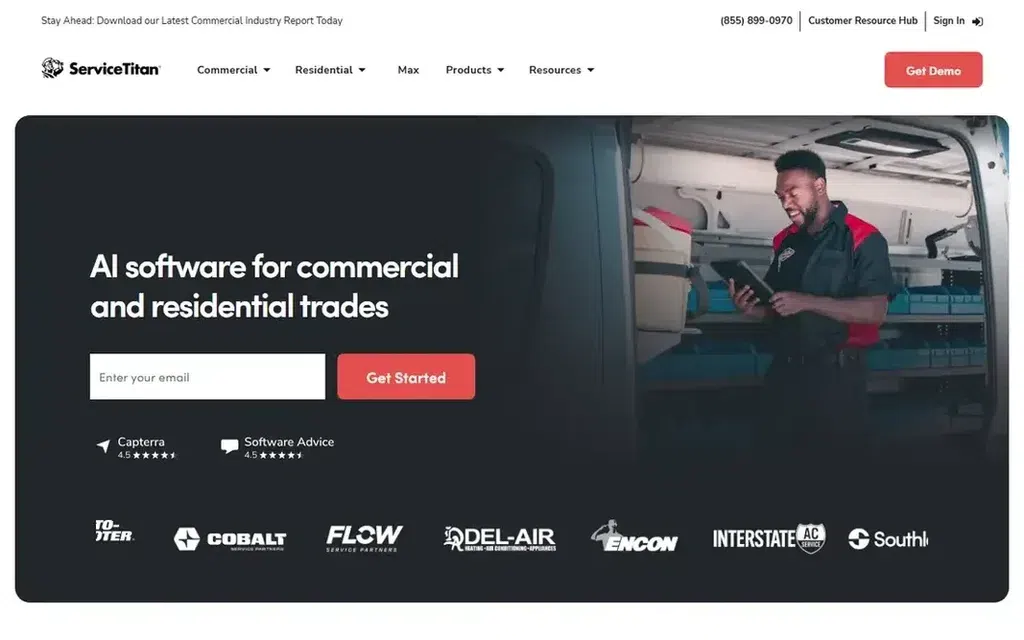
For all-in-one contractor operations, ServiceTitan is a natural candidate. ServiceTitan is an all-in-one software designed for home and commercial contractors, meant to keep service visits and construction projects running smoothly.
Trade-offs to know: Setup demands time and planning.
Also, consider ServiceTitan when you need coordinated service and project management in one place. This comparison lists no price for ServiceTitan; ask the vendor. Free access: Free trial.
- Designed for home and commercial trades
- Handles service visits and construction projects
- Wide system may feel heavy for small teams

Housecall Pro is a good fit for home service business management. Teams with large commercial portfolios should check fit carefully.
From a buyer's view, Housecall Pro is a software option for home service companies, positioned around managing field service operations. Its orientation toward home service work means some property-specific requirements, like complicated asset tracking, may need additional tools. On cost, Housecall Pro starts like this: $59 per month. As for free access: Free trial.
Where it is weaker: Property-specific needs may need extras.
- Merges field service management features
- Made for home service firms
- Focus leans toward residential service work
UpKeep is built with asset and preventive maintenance in mind. UpKeep is CMMS software that helps maintenance teams handle work orders, assets and preventive tasks efficiently from any device.
UpKeep is centered on maintenance management rather than quoting, invoicing or customer sales, so service companies that need those features may want a field service tool instead or in addition. Worth adding: property maintenance teams centred on equipment upkeep and scheduled maintenance can use it to organize recurring tasks and asset records. On cost, UpKeep starts like this: $24 per user per month. Free plan details: Free trial.
Drawbacks to consider: Field service sales features are restricted.
- Supports preventive maintenance tasks
- Works from any device
- Less concentrated on quoting and invoicing
How we chose
LinkVetted looked at what each vendor publishes: pricing, plan limits, feature coverage for work order software for property maintenance teams and stated drawbacks. No hands-on testing is claimed. Seat minimums, billing terms and add-ons can move the real cost, so the starting prices here are a guide and not a quote. Order on the page follows fit for the typical buyer first, then price transparency and free access. Your own requirements should decide the final pick.
What to check before you buy
- Ask Jobber and ServiceTitan for a written quote, since no starting price is shown.
- Take the trial from Kickserv, ServiceTitan, Housecall Pro and UpKeep and push a live task through it before you pay.
- Before choosing Kickserv, weigh its main limit: lighter on advanced asset features.
- Check whether Jobber bills monthly or annually, and what cancelling early costs.
- Before you load data into Service Fusion, check what an export looks like and who can run it.
FAQ
Is Kickserv the right pick for everyone comparing work order software for property maintenance teams?
No single tool suits every team. Kickserv comes first because it fits straightforward job and payment management, while Jobber suits small teams quoting and scheduling and Service Fusion suits all-in-one field service management. Match the tool to your own size, budget and workflow before deciding.
What should property maintenance teams look for in work order software?
Look for clear work order creation, dispatch and service history, plus mobile access for field staff. If your team maintains equipment, confirm asset tracking and preventive maintenance scheduling are included instead of assumed.
Can smaller property maintenance teams use these tools?
Jobber and Kickserv are oriented toward straightforward scheduling, job management and payments, which fits smaller teams. Bigger products like ServiceTitan offer broader coverage but need more setup and planning.
How are the tools for work order software for property maintenance teams ordered?
Kickserv sits first and UpKeep last because the order follows typical fit for work order software for property maintenance teams, then price clarity and free access. It is a judgement call, so read each profile for fit and limits.
Do these tools publish their prices?
Not all of them. Jobber and ServiceTitan publish no starting price, so expect a quote request for those. The rest, Kickserv included, show a starting price, though seats and billing terms still change the final cost.
What is the cheapest option for work order software for property maintenance teams in this list?
On published monthly entry prices, UpKeep is the lowest here at $24 per user per month. Entry price is only part of the cost, because seats, add-ons and billing terms can change the total. Prices, free plan details and limits for all 6 tools in this work order software for property maintenance teams roundup sit on the individual cards above.
Sources
- https://www.kickserv.com
- https://www.getjobber.com
- https://www.servicefusion.com
- https://www.servicetitan.com
- https://www.housecallpro.com
- https://www.upkeep.com