Best Equipment Maintenance Software in 2026: 8 Tools Compared
Compare the best equipment maintenance software in 2026, with pricing, mobile apps, preventive maintenance and parts tracking for small and large teams.
- Editor's choice
 MaintainX
Small teams moving off paper fast
Starts atFreeVisit getmaintainx.comFull review - Great alternative
 Fiix
Plants that want a free start and deep reporting
Starts atFreeVisit fiixsoftware.comFull review - Also consider
 UpKeep
Mobile-first maintenance teams
Starts at$24 per monthVisit upkeep.comFull review
TL;DR:
- MaintainX and Fiix both offer a free plan, so a small team can leave paper behind without a first invoice.
- UpKeep starts at $24 per user per month and suits phone-first teams that want work orders and asset records in one place.
- Limble, eMaint, Hippo CMMS, Fracttal and FMX fit larger or more specialised operations, and most of them price by quote.
- Per-user pricing adds up fast, so count technicians, planners and supervisors before comparing headline prices.
- The best equipment maintenance app is the one technicians will open on the floor, not the one with the longest feature list.
Quick comparison
| Tool | Best for | Starts at | Free plan? | |
|---|---|---|---|---|
| MaintainX | Small teams moving off paper fast | Free | Yes | Visit |
| Fiix | Plants that want a free start and deep reporting | Free | Yes | Visit |
| UpKeep | Mobile-first maintenance teams | $24 per month | Free trial | Visit |
 Limble | Mid-market preventive maintenance programs | See website | Free trial | Visit |
 eMaint | Regulated plants with complex assets | $69 per month | Free trial | Visit |
 Hippo CMMS | Facilities teams that want a simple setup | See website | Free trial | Visit |
 Fracttal | Teams that want AI-assisted planning | See website | No | Visit |
 FMX | Schools and multi-site facilities | See website | Free trial | Visit |
The best equipment maintenance software
Equipment breaks when no one owns the next service date. These eight tools turn that job into scheduled work orders, asset histories and parts records that a whole team can see.
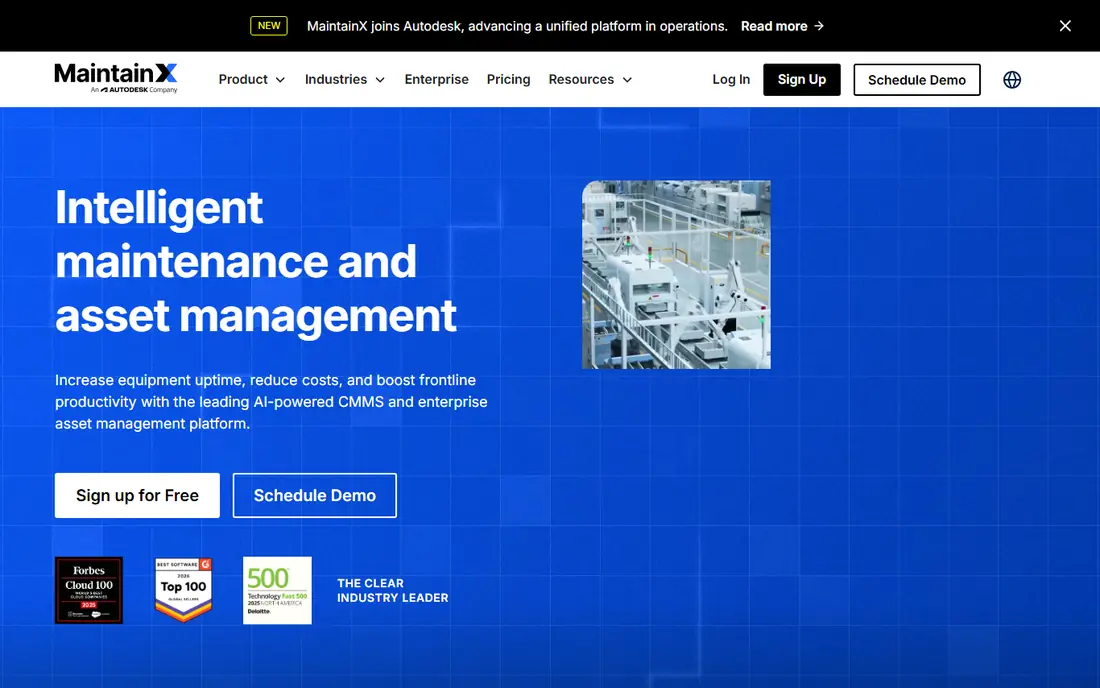
MaintainX is the easiest place to start. The free Basic plan covers unlimited work orders and unlimited requesters, which is enough for a small facility to stop using clipboards and shared spreadsheets. Technicians pick up jobs on a phone, add photos and notes, and message planners from the floor.
The paid Essential plan costs $20 per user per month billed annually, and Premium costs $65 per user per month billed annually. Premium adds parts inventory, purchase orders, meter-based maintenance and an open API. The catch is depth. Plants with a formal reliability program may find reporting lighter than on eMaint or Fiix, and multi-site controls sit on Enterprise. For most small and mid-size teams, that trade is worth it, because adoption matters more than a feature list no one uses.
- Free Basic plan with unlimited work orders
- Strong mobile app with messaging
- Free unlimited requester accounts
- Advanced analytics and inventory sit on higher tiers
- Enterprise features need a custom quote
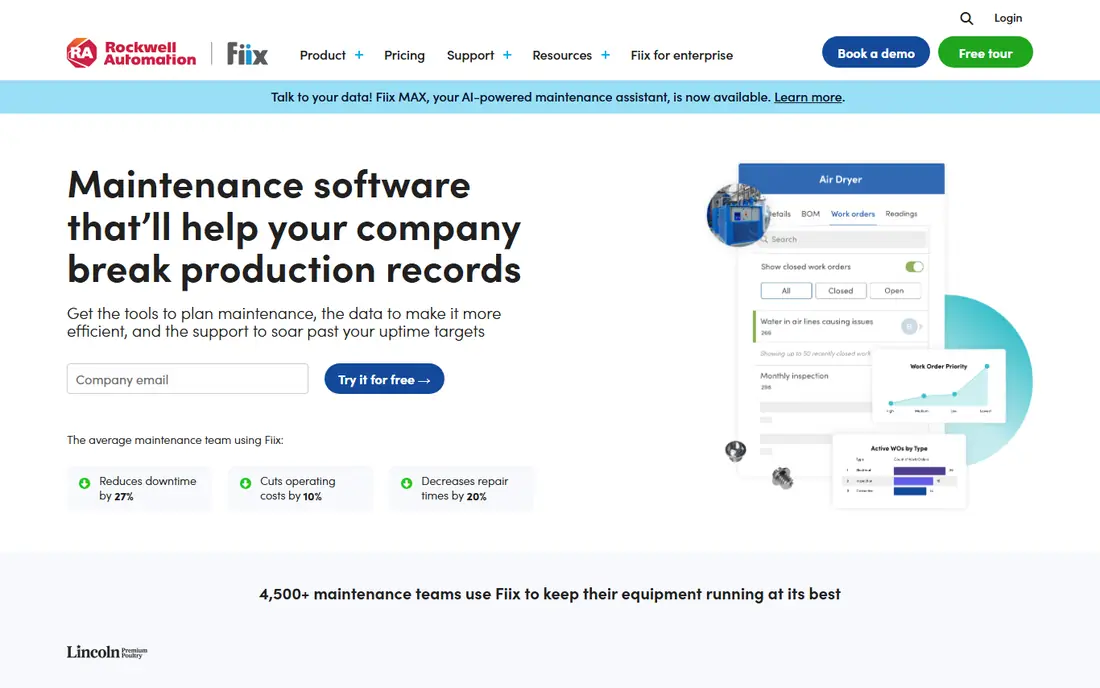
Fiix suits a manufacturer that wants to prove value before paying. Its free CMMS does not expire after a trial period, and it covers the core work order loop. Basic costs $45 per user per month and Professional costs $75 per user per month, with Enterprise priced by quote.
What stands out is the balance between ease of use and reporting. Fiix handles scheduled maintenance, parts and asset history in a way that managers can audit, and it connects to business systems such as ERP tools. The honest catch is price growth. Once a team needs advanced workflows, single sign-on or deeper analytics, it moves into higher tiers or paid services. Price the tier you will need in year two, not just the free plan you start with.
- Free CMMS plan with no expiry date stated
- Clear work order and preventive maintenance tools
- Integrations with business systems
- Paid plans start at $45 per user per month
- Implementation and training can add cost

UpKeep starts at $24 per user per month for Essential, with Premium at $55 per user per month. Essential covers unlimited work orders and locations, asset management, barcode scanning and internal requests. Premium adds preventive maintenance scheduling, custom checklists, parts and inventory costing, and time and labor tracking.
This is a good pick for a team that lives on phones. The app is built for technicians in the field, and requesters and view-only users do not need a paid licence, which keeps the bill lower than a headcount count might suggest. The catch is that implementation is sold separately, and the upper tiers, with offline mode, multi-site tools and single sign-on, require a sales conversation. Small teams should still find the entry price fair for what it covers.
- Low starting price for a full CMMS
- Unlimited work orders and locations on Essential
- AI credits included on paid tiers
- No permanent free plan
- Professional and enterprise tiers need a quote
Limble is built around preventive maintenance as a program, not a side task. Teams can schedule work by time, meter readings or condition triggers, build asset hierarchies, and track downtime with measures such as mean time between failures. That structure helps mid-market plants and facilities teams that run repeat PMs across many assets.
The mobile app is a genuine strength, with QR codes, photos and checklists that technicians can complete on site. The catch is tier gating. Parts inventory, vendor and purchase order management, and offline mode sit above the entry tier, so a buyer should map the features they need to the tier that holds them. Ask for a written quote that lists users, sites and add-ons, and confirm the trial length before signing.
- Flexible preventive maintenance scheduling
- Well-rated mobile app
- Strong reporting on higher tiers
- Pricing is not fully published on the main pricing page
- Offline mode and inventory sit on higher tiers
eMaint is the choice when maintenance processes do not fit a standard template. It offers custom fields, workflows and reports that adapt to how a plant actually runs, and it supports compliance work for standards that matter in food, pharma and healthcare settings. Team pricing is listed at $69 per user per month, with Professional at $85 and Enterprise at $120 per user per month in third-party pricing listings.
That depth comes with a heavier setup. This is not a self-serve signup for a complex site, and buyers should budget time for data loading, workflow design and training. For a smaller team with simple PMs, the price and setup are hard to justify. For a large plant with calibration, condition monitoring and audit needs, eMaint earns its place, because the system can match the process instead of forcing the process to match the system.
- Deep customisation for complex workflows
- Compliance tools for regulated industries
- Fluke backing and sensor links
- Highest starting price in this list
- Setup can be a real project for complex plants
Hippo CMMS aims at facilities teams that want clarity over complexity. Staff can submit requests through a portal, managers can assign work orders, and technicians can track equipment, parts and preventive tasks without a long training course. Healthcare, education and government teams show up often among its users, and that focus shows in its request and reporting tools.
The interface is simpler than enterprise asset platforms, which is a strength for adoption and a limit for depth. Teams that need heavy inventory control, complex purchasing or deep analytics may outgrow it. Pricing on the vendor site is by quote, with third-party listings showing older per-user figures, so treat any number from a review site as a starting point only and get a current quote for your user count and facility count.
- Clean, easy-to-learn layout
- Maintenance request portal for non-technicians
- Good fit for healthcare and education
- Pricing is quote-based on the vendor site
- Advanced features sit on higher tiers
Fracttal positions itself as a modern cloud CMMS with AI woven into maintenance planning and asset management. Teams can plan, assign and report tasks from one place, manage contractors and third parties, and use mobile tools on site. Its interface feels current next to older industrial systems, which helps with training and daily use.
The catch is the buying process. There is no free tier, and pricing is set by quote based on scope and team size, with consulting and integrations often contracted separately. That makes it a better fit for organisations that are comfortable with a consultative sale and want AI features as part of the package. Smaller teams that want a published price and a self-serve trial should start with MaintainX, Fiix or UpKeep instead.
- Modern interface with AI-assisted planning
- Strong asset and mobile tools
- Growing international presence
- No free tier
- Pricing requires a sales conversation
FMX is a facilities platform, not just a CMMS. Alongside work orders and preventive maintenance, it covers room and event scheduling, capital planning and a public request portal. That combination is why K-12 schools, campuses, churches and public buildings use it. One system can handle a broken light, a gym booking and a long-term capital plan.
The trade is price transparency. FMX quotes based on billable users, or student enrolment for public K-12 districts, plus the suites added, with a one-time implementation fee. Requesters and vendors are free, which helps. The mobile Work List app covers core technician tasks and QR scanning, but some tasks, such as creating PMs and inventory records, stay on desktop. Check that split against how your technicians actually work before committing.
- Work orders plus facility scheduling in one system
- Public request portal
- Strong fit for K-12 schools and campuses
- Pricing is by quote
- Mobile app is lighter than the desktop version
How we picked these
We compared official pricing pages, product documentation and public user reviews for tools that are actively sold in October 2026 and truly serve equipment maintenance, not generic project software. A tool made the list only if it covers work orders, preventive maintenance and asset records for real plants, facilities or field teams. Where a vendor publishes a price, we used it. Where pricing is by quote or third-party listings disagree, we wrote See website rather than guessing.
We did not claim hands-on trials. The trade-offs here reflect documented billing models, tier contents and consistent reviewer feedback about adoption, depth and setup effort.
What to check before you buy equipment maintenance software
Start with your asset list, not the demo. Count every asset that needs a scheduled service, every site, and every person who will log in as a technician, planner or supervisor. Then check if requesters are free, because that single rule can change the bill by a large amount.
Next, test the mobile app where work happens. A technician in a basement, a plant floor or a remote building needs offline access, photo capture and simple checklists. If the app needs a strong signal for every step, it will fail in the places where maintenance matters most.
Also ask about parts and purchasing. Some teams only need a parts list. Others need inventory costing, reorder points and purchase orders. Those features often sit on higher tiers, so confirm them in writing.
Finally, plan the data move. Loading assets, PM schedules and task templates is usually the slowest step. Ask the vendor how long onboarding takes, what it costs, and what happens to your data if you leave. A clear answer on those three points tells you more than a polished sales demo.
A simple rollout plan
Pick one site and one asset class first, such as HVAC units or production lines. Load those assets, set their PM schedules, and run work orders for two to four weeks. Fix the checklists and naming rules during that pilot, then roll out site by site. That approach keeps training short and gives managers real completion data before the whole organisation switches.
FAQ
What is the best equipment maintenance app for a small team?
MaintainX is our pick for most small teams, because its free Basic plan covers unlimited work orders and free requesters. Fiix is a close second when a team wants a free start with stronger reporting. UpKeep is worth a look when the team is phone-first and can justify $24 per user per month.
How much does equipment maintenance software cost?
It ranges from free for entry plans to more than $100 per user per month on enterprise tiers. Most mid-market teams land between $20 and $75 per user per month, plus implementation in some cases. Always price the tier that holds inventory, offline mode and reporting, not just the entry tier.
Is a CMMS the same as equipment maintenance software?
A CMMS, or computerised maintenance management system, is the main type of equipment maintenance software. It covers work orders, preventive maintenance, assets and parts. Larger enterprise asset management platforms add lifecycle costing and capital planning, which smaller teams often do not need.
Do technicians need a paid licence?
It depends on the vendor. MaintainX and UpKeep offer free requester accounts for people who only report problems. Paid licences usually apply to technicians, planners and managers who create and close work. Check that rule before you multiply a per-user price by headcount.
Can equipment maintenance software work offline?
Some tools offer offline mode on higher tiers, including MaintainX on paid plans and UpKeep on Professional and above. Others limit offline use or keep it on premium tiers. If your team works in basements, plants or remote sites, confirm offline behaviour in a trial, not just on a feature page.
What is the best equipment maintenance app for schools?
FMX is a strong fit for schools because it pairs work orders with facility scheduling and a public request portal. Hippo CMMS is another option when a school wants a simpler facilities setup. Both price by quote, so compare total cost, including implementation, before choosing.