6 Best Work Order Software for Commercial Cleaning Crews for 2026, Vetted and Compared
Best work order software for commercial cleaning crews: 6 tools compared on price, free plans and fit. Every profile names its biggest catch. Straight answers.
- Editor's choice
 Kickserv
Straightforward job and payment management
Starts at$60 a monthVisit kickserv.comFull review - Great alternative
 FieldPulse
Scheduling, invoicing and team communication
Starts atSee websiteVisit fieldpulse.comFull review - Also consider
 ServiceM8
Trade contractors cutting paperwork
Starts at$29 per monthVisit servicem8.comFull review
Direct answer
This list puts Kickserv first for straightforward job and payment management. Listed starting prices: Kickserv from $60 a month, ServiceM8 from $29 per month and Housecall Pro from $59 a month. FieldPulse fits scheduling, invoicing and team communication; ServiceM8 fits trade contractors cutting paperwork. The other 3 tools in the list cover narrower or pricier cases.
TL;DR:
- Top of the list is Kickserv, which targets straightforward job and payment management.
- The lowest published monthly entry price here is $29 per month, from ServiceM8.
- ServiceM8 is the only tool of the 6 with a free plan.
- FieldPulse comes with a trade-off: commercial cleaning depth is restricted.
- Housecall Pro fits home service teams adding cleaning work.
Last checked November 2026. Prices and plan details were read from the vendors' own pages in November 2026; vendors change plans often, so confirm the current price on the vendor site before you buy.
Quick comparison
| Tool | Best for | Starts at | Free plan? | |
|---|---|---|---|---|
| Kickserv | Straightforward job and payment management | $60 a month | Free trial | Visit |
| FieldPulse | Scheduling, invoicing and team communication | See website | Not stated | Visit |
| ServiceM8 | Trade contractors cutting paperwork | $29 per month | Yes | Visit |
| Vonigo | Multi-location and franchise cleaning operations | See website | Not stated | Visit |
 ServiceTitan | Cleaning businesses tied to contractor operations | See website | Free trial | Visit |
 Housecall Pro | Home service teams adding cleaning work | $59 a month | Free trial | Visit |
Work Order Software for Commercial Cleaning Crews compared in detail
This LinkVetted guide covers 6 work order software for commercial cleaning crews. Each profile lists a starting price, free plan details, strengths and drawbacks, so you can drop poor fits quickly.
Kickserv serves straightforward job and payment management. Cleaning crews that want a straightforward way to track work orders and collect payment can use it without a long rollout.
Worth adding: the feature set is deliberately focused, so large commercial crews with complicated routing or multi-site billing may hit limits. Kickserv supplies field service management software for jobs, customers, communication and payments in home service companies. What you pay to start with Kickserv: $60 per month. Trial and free access: Free trial.
Downsides: Fewer advanced dispatch features.
- Centred on home service firms
- Runs jobs and customers
- May feel entry-level for large crews
FieldPulse targets scheduling, invoicing and team communication. If your priority is deep cleaning-specific scheduling logic, review the alternatives here before committing.
FieldPulse helps field service companies handle scheduling, invoicing, communication and team management in one place. In practice, the product spans general field service needs, so highly specialized commercial cleaning requirements may need workarounds. FieldPulse does not show a starting price in this comparison, so check the vendor site for current pricing. Free options: Not stated.
Trade-offs to know: Configuration takes some effort.
- Communication tools for field teams
- Team management in one place
- Commercial cleaning depth is restricted
In short, ServiceM8 is for trade contractors cutting paperwork. Cleaning crews that operate like small trade firms can use it to track work orders and customer details in one place. If your commercial cleaning operation spans plenty of sites with layered approvals, a more operations-heavy system may serve you better.
ServiceM8 provides job tracking and CRM for trade contractors and home service firms, with a focus on cutting paperwork, getting more jobs done and delivering capable service. The tool is framed around trade contracting, so cleaning-specific scheduling patterns like recurring crew rotations may need manual setup. Entry price for ServiceM8: $29 per month. ServiceM8 has a free plan.
What to check first: Most useful for smaller trade teams.
- Job tracking and CRM for contractors
- Aims to help teams complete more jobs
- Cleaning-specific features are restricted
Vonigo
Best for: Multi-location and franchise cleaning operations
Vonigo targets multi-location and franchise cleaning operations. Setup and configuration take planning.
From a buyer's view, if you run one location with straightforward work orders, a lighter tool here may be simpler to adopt. The system is made for bigger service structures, so a single small crew may find it heavier than necessary. This comparison lists no price for Vonigo; ask the vendor. Free plan details: Not stated.
Honest limits: Franchise focus may be overkill for some.
- Booking
- Aimed at service firms and franchises
- More setup for smaller crews
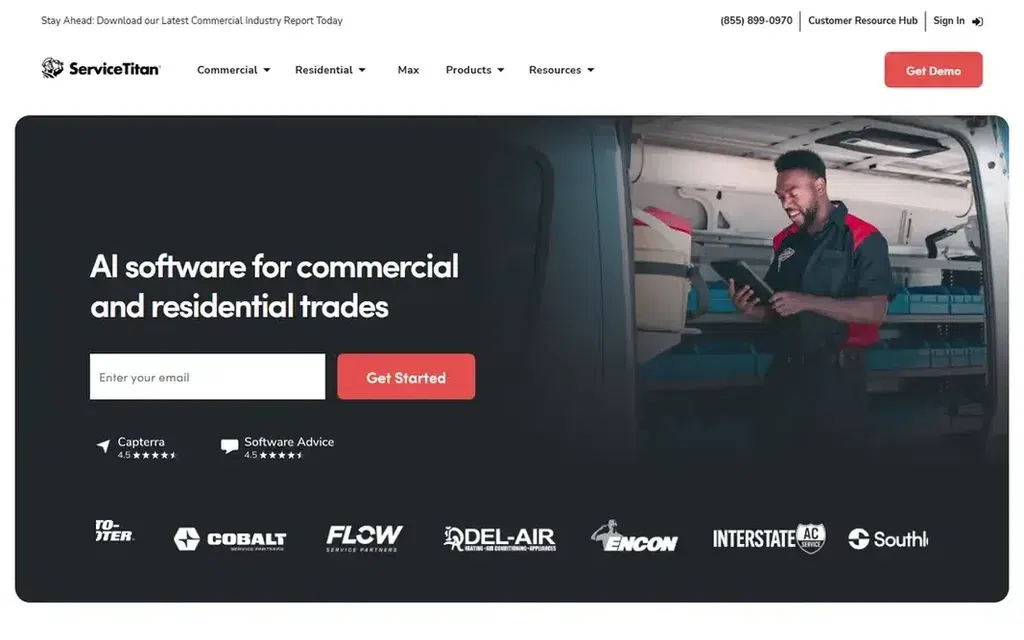
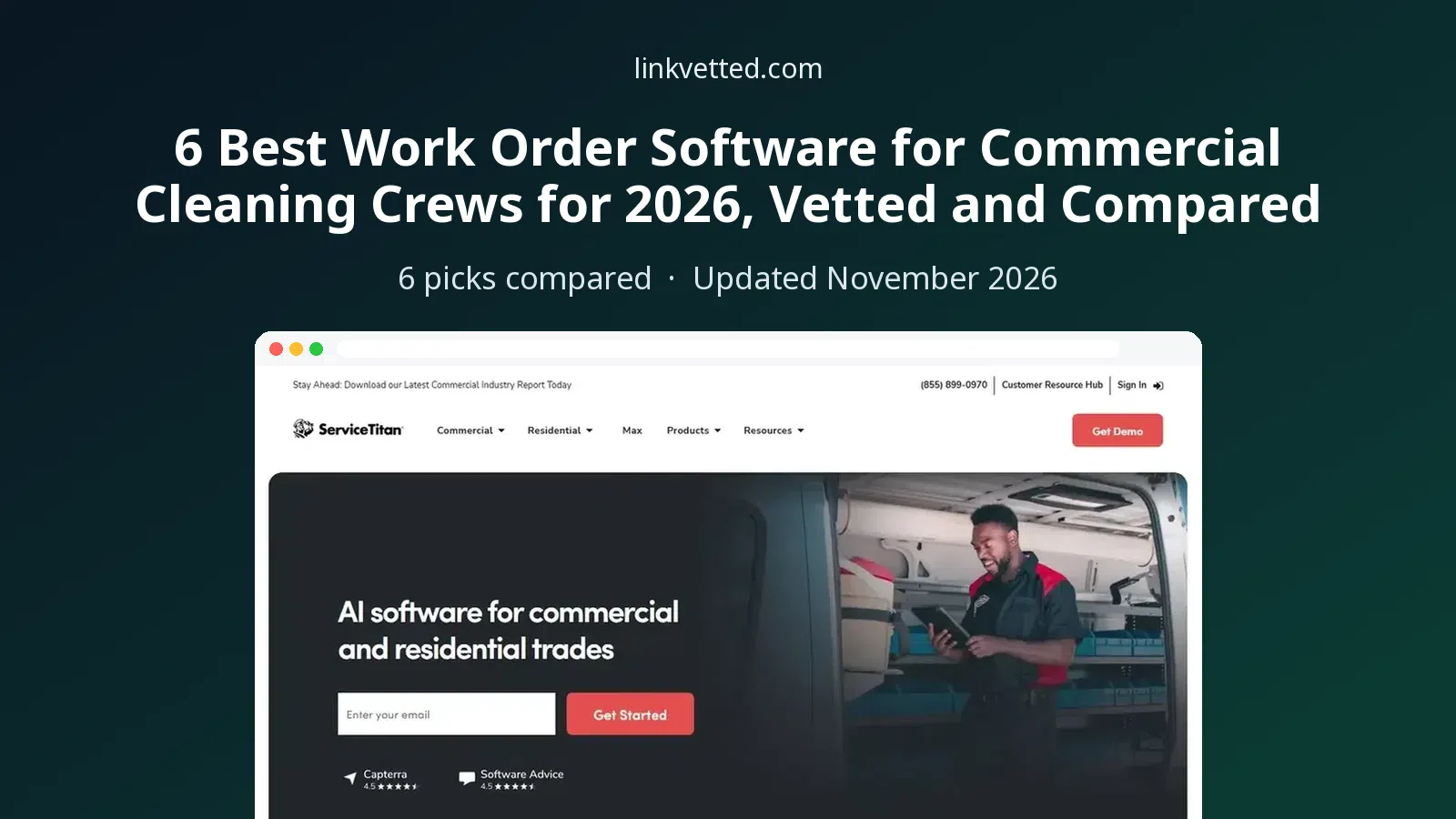
ServiceTitan was built for cleaning businesses tied to contractor operations. ServiceTitan is an all-in-one software designed for home and commercial contractors, built to keep service visits and construction projects running smoothly.
Downsides: Setup demands more planning.
On top of that, weigh the ramp-up time and configuration effort against your job volume. The system is wide, so a small cleaning crew with straightforward recurring work orders may find more capability than it needs. No starting price is listed for ServiceTitan here; confirm pricing on the vendor site. Free access: Free trial.
- All-in-one system for service visits and projects
- Aimed at home and commercial contractors
- Wide scope may exceed straightforward cleaning needs
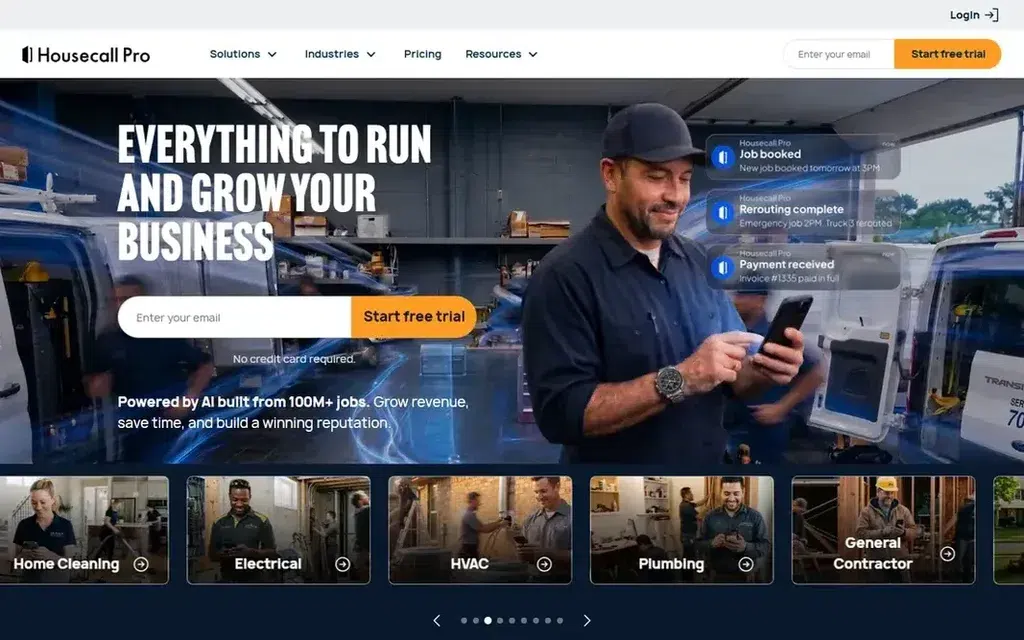
Housecall Pro was built for home service teams adding cleaning work. The product is oriented toward home service workflows, so complicated commercial cleaning contracts with several buildings and billing cycles may need workarounds.
Drawbacks to consider: Commercial contract detail may need workarounds.
Cleaning crews that serve residential clients alongside light commercial accounts can run work orders through a familiar field service structure. Worth adding: consider it when residential and small commercial work dominate. Starting cost for Housecall Pro: $59 per month. On free options: Free trial.
- Widely adopted by field service professionals
- Scheduling and invoicing in one option
- Built around home service patterns
How we chose
Before you commit
- Ask FieldPulse, Vonigo and ServiceTitan for a written quote, since no starting price is shown.
- Test the free plan from ServiceM8 against your real workload before relying on it.
- Use real work to test the free trial from Kickserv, ServiceTitan and Housecall Pro, rather than a demo project.
- Before choosing Kickserv, weigh its main limit: fewer advanced dispatch features.
- Ask Kickserv about contract length, onboarding fees and user minimums before you sign.
- Confirm you can export your data from ServiceTitan, so leaving later does not mean losing records.
FAQ
Which options for work order software for commercial cleaning crews have a free plan?
ServiceM8 is the only tool in this list with a free plan. Free plans usually cap users, projects or features, so check the limits on the vendor page. Several others offer a trial instead. Prices, free plan details and limits for all 6 tools in this work order software for commercial cleaning crews roundup sit on the individual cards above.
What should commercial cleaning crews look for in work order software?
Focus on recurring job scheduling, crew assignment, mobile access for on-site updates, and invoicing that matches your billing cycle. If you serve several buildings or clients, confirm how the tool groups work orders by site.
What is the cheapest option for work order software for commercial cleaning crews in this list?
On published monthly entry prices, ServiceM8 is the lowest here at $29 per month. Entry price is only part of the cost, because seats, add-ons and billing terms can change the total. Each of the 6 options in this work order software for commercial cleaning crews guide has its own card above with the price, free plan and limits.
Is Kickserv the right pick for everyone comparing work order software for commercial cleaning crews?
No single tool suits every team. Kickserv comes first because it fits simple job and payment management, while FieldPulse suits scheduling, invoicing and team communication and ServiceM8 suits trade contractors cutting paperwork. Match the tool to your own size, budget and workflow before deciding.
Can I try these tools before paying?
Often, yes. ServiceM8 has a free plan and Kickserv, ServiceTitan and Housecall Pro offer a free trial. Use your own data and a real task during the test, and check what the free tier or trial limits before you rely on it. All 6 picks in this work order software for commercial cleaning crews comparison list a starting price, free plan details and the main limits on their cards above.
Sources
- https://www.kickserv.com
- https://www.fieldpulse.com
- https://www.servicem8.com
- https://www.vonigo.com
- https://www.servicetitan.com
- https://www.housecallpro.com