Best Commercial Cleaning Apps in 2026: 8 Apps Compared
Looking for the best commercial cleaning apps? We compare 8 tools for scheduling, inspections, bidding, invoicing, crew tracking and pricing before you pay.

- Editor's choice
 Jobber
All-round field service for mixed commercial and residential work
Starts at$49 per monthVisit getjobber.comFull review - Great alternative
 Housecall Pro
Booking, dispatch and payments in one place
Starts at$79 per monthVisit housecallpro.comFull review - Also consider
 Swept
Multi-site janitorial crew management
Starts at$30 per monthVisit sweptworks.comFull review
TL;DR:
- Swept is the most janitorial-specific pick, with pricing by location rather than by cleaner, which suits multi-site contracts.
- Jobber and Housecall Pro cover the full job cycle from quote to payment, and both work well when a company also takes residential work.
- ZenMaid and BookingKoala are the lowest cost starting points, but appointment caps and per-user fees can change the real monthly total.
- CleanGuru stands out for bidding, while MaidCentral is built for larger operations that want detailed production and profit reporting.
- The cheapest headline price is rarely the cheapest total, so price the plan at your actual site count, cleaner count and message volume.
Quick comparison
| Tool | Best for | Starts at | Free plan? | |
|---|---|---|---|---|
| Jobber | All-round field service for mixed commercial and residential work | $49 per month | Free trial | Visit |
| Housecall Pro | Booking, dispatch and payments in one place | $79 per month | Free trial | Visit |
| Swept | Multi-site janitorial crew management | $30 per month | Free trial | Visit |
 CleanGuru | Janitorial bidding and proposals | See website | Free trial | Visit |
 ZenMaid | Low-cost scheduling for smaller cleaning teams | $19 per month | Free trial | Visit |
 BookingKoala | Online booking on a budget | $27 per month | Free trial | Visit |
 MaidCentral | Larger operations and production reporting | $450 per month | No | Visit |
 Launch27 | Booking-led cleaning businesses | See website | Free trial | Visit |
The best commercial cleaning apps
Commercial cleaning is not the same job as a one-off house clean. Contracts repeat, crews work after hours, several buildings may share one agreement, and a missed shift can cost an account. The apps below were picked because they handle that repeat, multi-site reality, not just a single booking form.
Jobber
Best for: All-round field service for mixed commercial and residential work
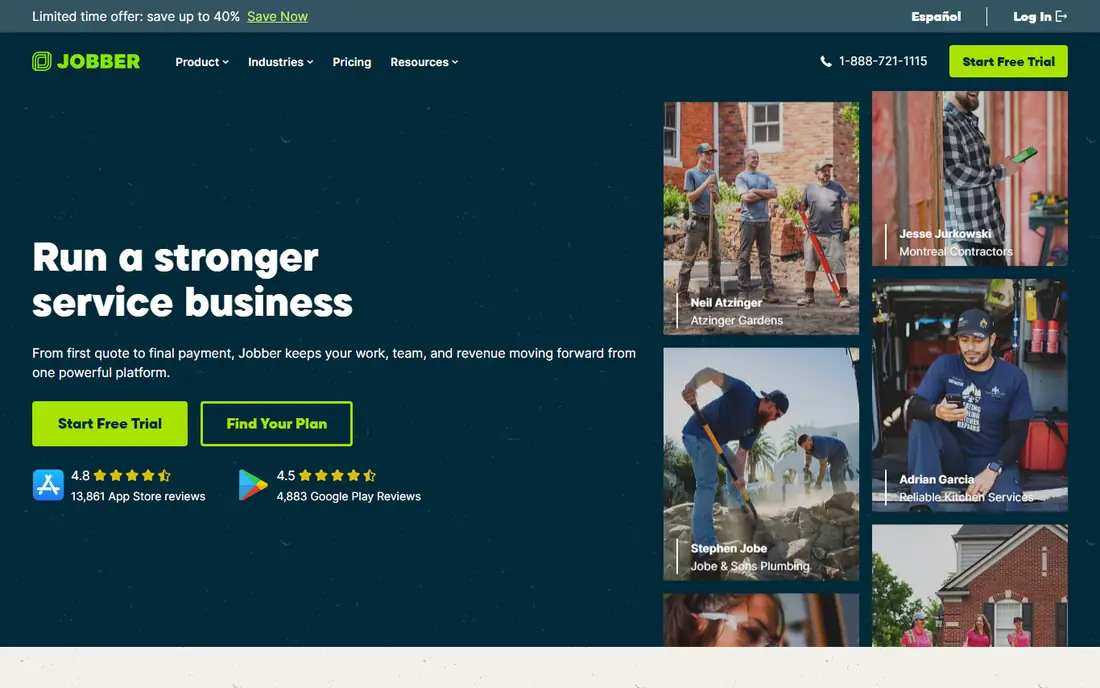
Jobber is our pick for most cleaning companies that do a mix of commercial and residential work. A quote can turn into a scheduled job, then into an invoice and an online payment, without moving the job between separate tools. That matters when an office manager is juggling a nightly contract, a weekly deep clean and a handful of homes in the same week.
The catch is the pricing structure. Core starts at $49 per month for one user, and extra users add to the bill, so a larger crew costs notably more than the headline price suggests. Companies that only clean commercial buildings may also find some residential booking features surplus to requirements, though the core scheduling and invoicing tools still carry the work.
- Quote, schedule, invoice and payment in one workflow
- Strong mobile app for crews
- Wide range of integrations
- Price rises with team size
- Some marketing and pipeline tools are paid add-ons
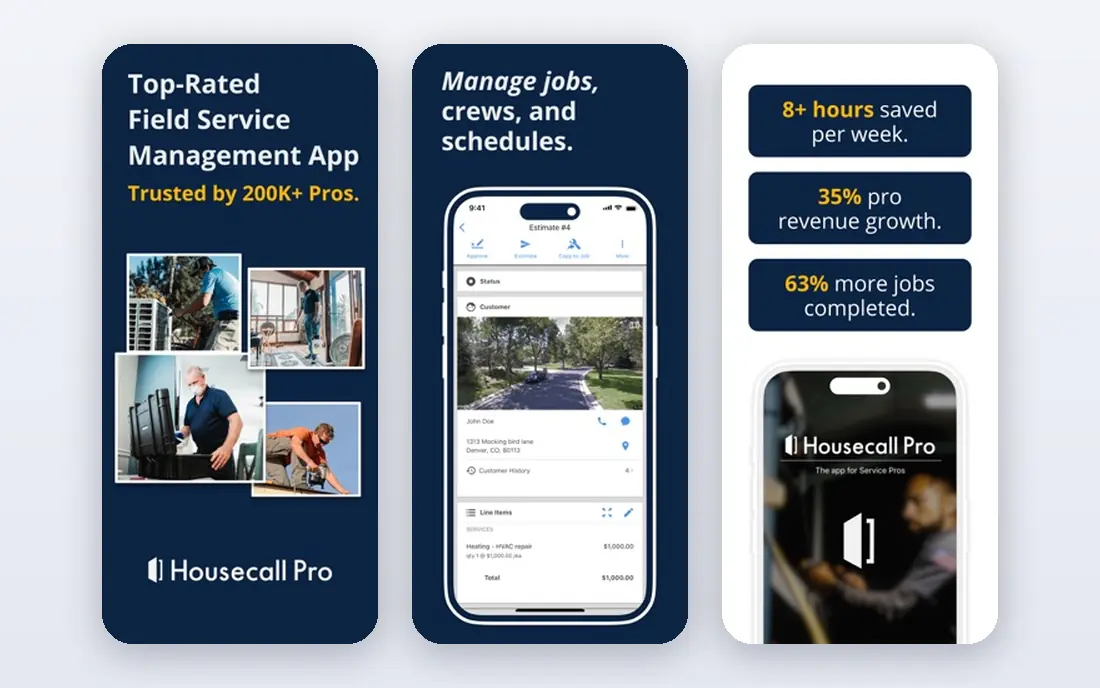
Housecall Pro suits a cleaning company that wants clients to book online and crews to see a clean dispatch board each day. Estimates, invoices, payments and customer messages sit in the same system, which cuts down on phone tag between the office and the field. The price book and job costing tools also help when a commercial quote needs line items a client can actually follow.
The trade-off is cost at the entry level. Basic starts at $79 per month for one user, or $59 per month on annual billing, and GPS tracking plus QuickBooks sync sit on the Essentials plan. A solo operator who only needs scheduling and invoicing may get better value elsewhere, while a growing team will use more of what the higher plans include.
- Clear online booking and dispatch tools
- Built-in payments and review requests
- QuickBooks sync on higher plans
- Higher starting price than Jobber
- GPS tracking and QuickBooks sync need a higher plan
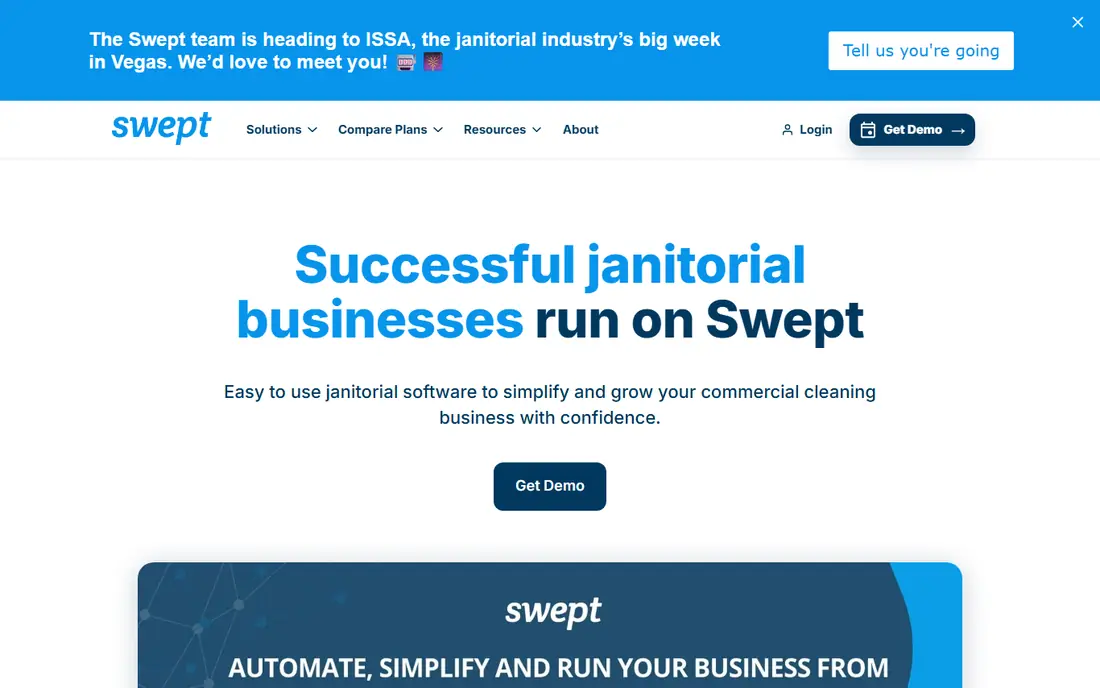
Swept was built for janitorial work first, and that focus shows in the details. Schedules are organised by location, cleaners get site-specific instructions, and managers can see no-shows quickly. Higher plans add geofenced clock-in, so a time entry is tied to the building itself, plus photo-based inspections that can be shared with a property manager.
Pricing is the other reason Swept stands out. Launch starts at $30 per month for up to 15 locations with unlimited users, which can be far cheaper than per-user pricing for a labour-heavy contract. The weakness is scope: Swept is an operations layer, not a billing system, so most companies will still need separate invoicing or accounting software.
- Pricing by location, not by cleaner
- Geofenced clock-in on higher plans
- Inspections and multilingual crew messaging
- No full invoicing or payment tools
- Inspections and profitability reporting need higher tiers
CleanGuru earns its place for one reason above all: winning the contract in the first place. Its bidding tools help a cleaning company put together a janitorial proposal with labour and cost detail, rather than sending a generic quote. Once work starts, cleaners can check in and out on their phones, and inspections give the office a record to show the client.
The honest limit is that CleanGuru is narrower than Jobber or Housecall Pro. It covers bidding, scheduling, timekeeping, invoicing and inspections, but a company that wants deep marketing automation or a large integration library may need another tool beside it. Pricing is also quoted rather than listed as a simple monthly tier, so get a written figure before comparing it with a published plan.
- Bidding tools built for janitorial work
- Mobile check-in and check-out for cleaners
- Inspections and invoicing included
- Pricing is not published as a simple tier list
- Smaller scope than a general field service platform
ZenMaid is the most focused option for a smaller team built around repeat appointments. Setting a weekly or fortnightly series is fast, moving one visit does not break the series, and automated messages keep clients and cleaners informed. Pro adds unlimited appointments, digital checklists, GPS tracking and QuickBooks integration, while Pro Max adds availability and time-off tracking.
The starting price needs careful reading. Starter is $19 per month, but it caps appointments at 40 per month, and extra users cost $4 per month each on Starter, $14 on Pro and $24 on Pro Max. Text message charges are separate too. For a solo cleaner or a small team, that can still be good value, but model a full month of appointments before choosing a tier.
- Very low starting price
- Built for repeat cleaning appointments
- Cleaner availability and payroll tools on higher plans
- Starter caps appointments at 40 per month
- Extra users and text messages cost more
BookingKoala is a good fit when the main problem is taking bookings without a stream of phone calls. Clients pick a service, a time and a provider through a booking form, and the schedule updates from there. Flat monthly tiers, starting at $27 per month, make the bill easier to predict than a per-user model as the team grows, up to the provider limit of the chosen tier.
For pure commercial janitorial work, BookingKoala is less specialised than Swept or CleanGuru. It does not centre the workflow on locations, inspections and contract profitability in the same way. A company with a few commercial accounts plus steady residential bookings will get more from it than a firm running dozens of nightly sites.
- Flat tiers tied to provider count
- Booking forms that clients can use without calling
- Straightforward setup
- Less depth for multi-site janitorial operations
- Storage and provider limits vary by tier
MaidCentral is aimed at cleaning companies that have outgrown a simple calendar. It adds mapping, skills and zone assignment, master schedule views and revenue production planning, so a manager can see which teams are productive and which jobs are losing money. That level of reporting is the point of the product, and it is why larger operations stay with it despite the price.
That price is the clear downside. MaidCentral starts around $450 per month, with no free plan, though a live demo is offered. A small team will not use enough of the automation to justify it. A multi-team company that already tracks production closely, and wants software to enforce that discipline, is the audience it is built for.
- Deep automation for multi-team operations
- Production, efficiency and profit reporting
- Skills, zones and mapping tools
- High starting price
- More setup and learning time than simpler tools
- Overkill for a solo cleaner
Launch27 suits a cleaning business that lives or dies by online bookings. Customers book through a form, the system dispatches the job, and reminders and payments follow the booking rather than sitting in separate tools. Cleaner and customer views keep instructions and job details in one place, which helps when a team covers many addresses in a day.
The main drawback is transparency on price. Launch27 does not publish a simple tier list, so a buyer needs a quote and should compare that quote at the same team size and booking volume as a rival plan. For a booking-led company, the workflow may be worth that extra step, while a multi-site janitorial firm should still shortlist Swept or CleanGuru first.
- Online booking and dispatch built for cleaning
- Customer and cleaner portals
- Payment and reminder tools
- Pricing is quoted rather than published
- Less janitorial-specific depth than Swept
How we picked these
We compared official feature pages, pricing pages and app store listings, plus public reviews, for tools that handle commercial or repeat cleaning work. We favoured products that cover scheduling, crew communication, inspections or bidding, and we kept the list mixed between broad field service platforms and cleaning-specific tools. We did not claim hands-on testing, and prices are the published monthly starting points unless a vendor quotes instead.
What to check before you pay
A demo can flatter any app, so test the parts of the job that cause trouble in real life. Start with a sick cleaner on a night when several sites are due. Can a manager reassign those visits quickly, notify the crew, and keep the client record intact. Then test a new commercial quote, from first walk-through notes to a sent proposal, and check how long each step takes.
Next, work out the true monthly cost. Count locations for Swept, users for Jobber and Housecall Pro, appointments for ZenMaid, and providers for BookingKoala. Add text message charges, payment processing fees and any add-ons you actually need. A plan that looks cheap at the headline price can become the most expensive option once those lines are added.
Scheduling and proof of work
Commercial clients buy proof as much as cleaning. Ask whether the app records who attended each site, what was completed, and whether an inspection passed. Photo checklists and geofenced clock-in help settle disputes quickly, and a short inspection report shared with a property manager can protect a contract at renewal time.
Bidding, billing and growth
If new contracts are the bottleneck, weight bidding and proposal tools more heavily than a pretty calendar. If retention is the problem, weight inspections, client communication and reporting. Also check how the app handles growth: more sites, more cleaners, more messages, and whether the price jumps at a threshold you are likely to cross within a year.
FAQ
What is the best commercial cleaning software for a small company?
For a small team, ZenMaid or BookingKoala usually offer the lowest starting cost, while Jobber is the stronger all-round choice if quoting, invoicing and payments all matter. Swept becomes the better pick once several commercial sites and after-hours crews are the core of the work. Price each option at your real team size and appointment volume before deciding.
Is Swept only for commercial cleaning?
Swept is built for commercial and janitorial work, with locations, multi-site scheduling and inspections at the centre. A residential maid service can use it, but it will miss some residential booking polish and will still need separate invoicing software. Residential-first teams usually fit ZenMaid or BookingKoala better.
Do these apps handle invoicing and payments?
Jobber, Housecall Pro, CleanGuru, BookingKoala and Launch27 include invoicing and payment tools in some form, though processing fees apply on card payments. Swept does not provide full invoicing or payment processing, so it is normally paired with accounting software. MaidCentral covers billing as part of a larger operations platform, and the exact scope should be confirmed in a demo.
What is the best commercial cleaning software for bidding?
CleanGuru is the most bidding-focused tool on this list, with janitorial proposal tools built into the product. Jobber and Housecall Pro also produce quotes and estimates, and they suit companies that want quoting inside a broader job system. If bidding is the main gap, start with CleanGuru and compare its proposal output with a Jobber quote.
Can a commercial cleaning app replace accounting software?
No, not fully. Most of these tools handle quotes, invoices and payments, but payroll, tax reporting and full bookkeeping still belong in accounting software or with an accountant. QuickBooks sync, offered by several tools on this list, is the practical bridge between the field app and the books.
How much should a cleaning company budget for software?
A solo cleaner can start near $19 to $30 per month, a small team often lands between $50 and $200 per month, and a larger multi-team operation can pay $450 per month or more for MaidCentral. Add message charges, payment processing and extra users to the subscription before setting a budget, since those lines often matter more than the headline price.