Best WordPress Hosting for Membership Communities in 2026: Prices, Free Plans and 6 Picks
6 best WordPress hosting for membership communities, with entry costs, free tiers and the buyer each one serves. With pricing notes and limits. Clear verdicts.
- Editor's choice
 Flywheel
Designers and creative agencies
Starts at$25 per monthVisit getflywheel.comFull review - Great alternative
 Cloudways
Adaptable managed cloud hosting
Starts at$20 a monthVisit cloudways.comFull review - Also consider
 WP Engine
Managed WordPress with solid support
Starts at$28.00 per monthVisit wpengine.comFull review
Direct answer
This list puts Flywheel first for designers and creative agencies. Listed starting prices: Flywheel from $25 per month, Cloudways from $20 a month and WP Engine from $28.00 per month. Cloudways is better for adaptable managed cloud hosting, and WP Engine is better for managed WordPress with capable support. The full list of 6 tools follows, with prices and free plan facts.
TL;DR:
- Top of the list is Flywheel, which targets designers and creative agencies.
- A fair warning about WP Engine: less control over server stack.
- Neither Flywheel nor Liquid Web, nor any of the other 4 tools, has a permanent free plan; trials and quotes are the norm.
- Starting prices begin at $17.50 per month with Kinsta.
- Liquid Web is the one to check for reliability and compliant infrastructure.
Last checked November 2026. Prices and plan details were read from the vendors' own pages in November 2026; vendors change plans often, so confirm the current price on the vendor site before you buy.
Quick comparison
| Tool | Best for | Starts at | Free plan? | |
|---|---|---|---|---|
| Flywheel | Designers and creative agencies | $25 per month | Not stated | Visit |
| Cloudways | Adaptable managed cloud hosting | $20 a month | Free trial | Visit |
| WP Engine | Managed WordPress with solid support | $28.00 per month | Not stated | Visit |
 Kinsta | Performance focused managed WordPress | $17.50 a month | Free trial | Visit |
 SiteGround | Accessible hosting with solid support | See website | Not stated | Visit |
 Liquid Web | Reliability and compliant infrastructure | See website | Not stated | Visit |
Our 6 WordPress hosting for membership communities
LinkVetted compared 6 WordPress hosting for membership communities. The goal is a practical shortlist: published prices, free plan facts, best-fit use cases and honest limits for every entry.
Pick Flywheel if this describes you: designers and creative agencies. Membership communities run by agencies or freelancers who maintain multiple client sites benefit from that multi site workflow, keeping community builds organized alongside other projects.
For everyday use, the agency oriented model is less compelling if you run a single community site in house and want the broadest possible configuration choices. Entry price for Flywheel: $25 per month. Free plan details: Not stated.
Limits to weigh: Agency focus may not suit every owner.
- Aimed at designers and agencies
- Straightforward site workflows
- Managed limits on customization
Cloudways is built with adaptable managed cloud hosting in mind. If you prefer a host that specializes entirely in WordPress with hands off management, WP Engine or Kinsta are closer suits.
What to check first: Not WordPress only.
In practice, for membership communities expecting traffic spikes, events or steady growth, the cloud foundation provides room to scale, and the managed layer takes care of much of the server upkeep so your team can concentrate on community features. On cost, Cloudways starts like this: $20 per month. Free options: Free trial.
- Choice of cloud infrastructure
- Scales with site growth
- Needs more technical comfort
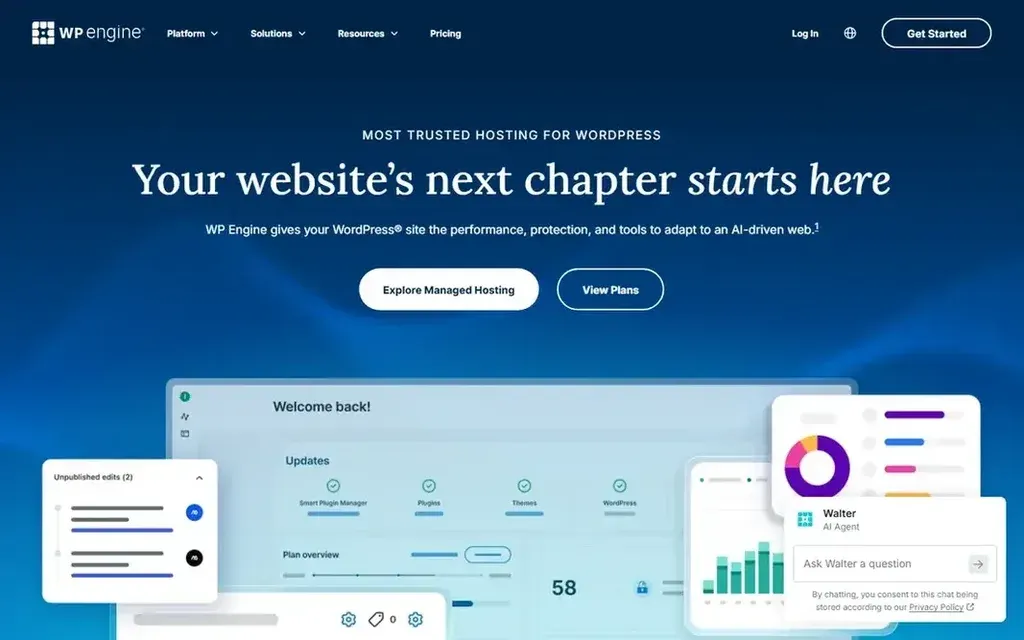
WP Engine is a good fit for managed WordPress with solid support. WP Engine is a managed website hosting platform built around WordPress, with support and security options included.
Beyond that, since it is a managed system, you get less control over the underlying server environment than with unmanaged cloud hosting. From a buyer's view, for a membership community, that means less server administration and more time on content, member experience and community features. WP Engine pricing: $28.00 per month. Free plan details: Not stated.
Downsides: Premium positioning.
- Fits expanding membership sites
- Managed WordPress focus
- Less control over server stack

Kinsta targets performance focused managed WordPress. Membership communities that care about quick page loads for logged in members and dependable uptime will find the managed model appealing, since the host deals with the server layer whereas you focus on plugins, gated content and community tools.
Downsides: Managed environment limits tinkering.
The starting price for Kinsta: $17.50 per month. As for free access: Free trial.
- Managed WordPress specialization
- Support included
- WordPress centric scope
Where SiteGround fits: accessible hosting with solid support. As a community scales, the resource ceilings of general hosting plans can become restrictive compared with managed WordPress or cloud products.
If you already expect heavy logged in traffic and complicated membership plugins, consider WP Engine, Kinsta or Cloudways instead. No starting price is listed for SiteGround here; confirm pricing on the vendor site. Trial and free access: Not stated.
Limits to weigh: Less specialized for large communities.
- Emphasis on speed and security
- Support available around the clock
- Shared style plans have limits

Liquid Web was built for reliability and compliant infrastructure. If you want a narrowly focused WordPress system with minimal decisions, WP Engine or Kinsta may be the more straightforward route.
Liquid Web does not show a starting price in this comparison, so check the vendor site for current pricing. Free access: Not stated.
What to check first: Broader stack can mean more decisions.
- Managed hosting plus dedicated servers
- Focus on uptime and security
- Overkill for very small sites
How we compared the tools
Pricing pages, product documentation and feature lists were the main sources, and every entry carries at least one honest drawback. Prices and plan limits come from vendor pages and can change, so confirm them on the vendor site before you buy. Tools are placed by general fit for WordPress hosting for membership communities, with price clarity and free access as tie-breakers. A different team can reasonably rank them differently.
What to confirm before you sign up
- Ask SiteGround and Liquid Web for a written quote, since no starting price is shown.
- Take the trial from Cloudways and Kinsta and push a live task through it before you pay.
- Before choosing Flywheel, weigh its main limit: agency focus may not suit every owner.
- Map your must-have features to a specific Cloudways plan before you compare prices.
- Test how quickly WP Engine answers a pre-sales question; it hints at how support will feel later.
FAQ
Do these tools publish their prices?
Not all of them. SiteGround and Liquid Web publish no starting price, so expect a quote request for those. The rest, Flywheel included, show a starting price, though seats and billing terms still change the final cost.
How are the tools for WordPress hosting for membership communities ordered?
The order follows typical fit for WordPress hosting for membership communities, with Flywheel first and Liquid Web last, then price clarity and free access. It is editorial judgement, not a score, so another team could rank the tools differently.
Does any tool for WordPress hosting for membership communities here have a free plan?
A permanent free plan is not offered by Flywheel, Liquid Web or the other tools here. Cloudways, Kinsta offer a trial. Plan a short evaluation period instead.
Is Flywheel the right pick for everyone comparing WordPress hosting for membership communities?
No single tool suits every team. Flywheel comes first because it fits designers and creative agencies, while Cloudways suits flexible managed cloud hosting and WP Engine suits managed WordPress with strong support. Match the tool to your own size, budget and workflow before deciding.
How do I check that a host supports my membership setup?
Confirm plugin compatibility with the host before signing up, and ask specifically about caching for logged in users and gated content. Also review backup, staging and restore choices so member data stays protected during updates.
Sources
- https://getflywheel.com
- https://www.cloudways.com
- https://wpengine.com
- https://kinsta.com
- https://www.siteground.com
- https://www.liquidweb.com