Best WordPress Developers Software for Remote Teams (2026): 5 Picks Checked on Vendor Pages
Best wordpress developers software for remote teams: 5 tools compared on price, free plans and fit. The weak spots sit next to the strengths. See the full list.
- Editor's choice
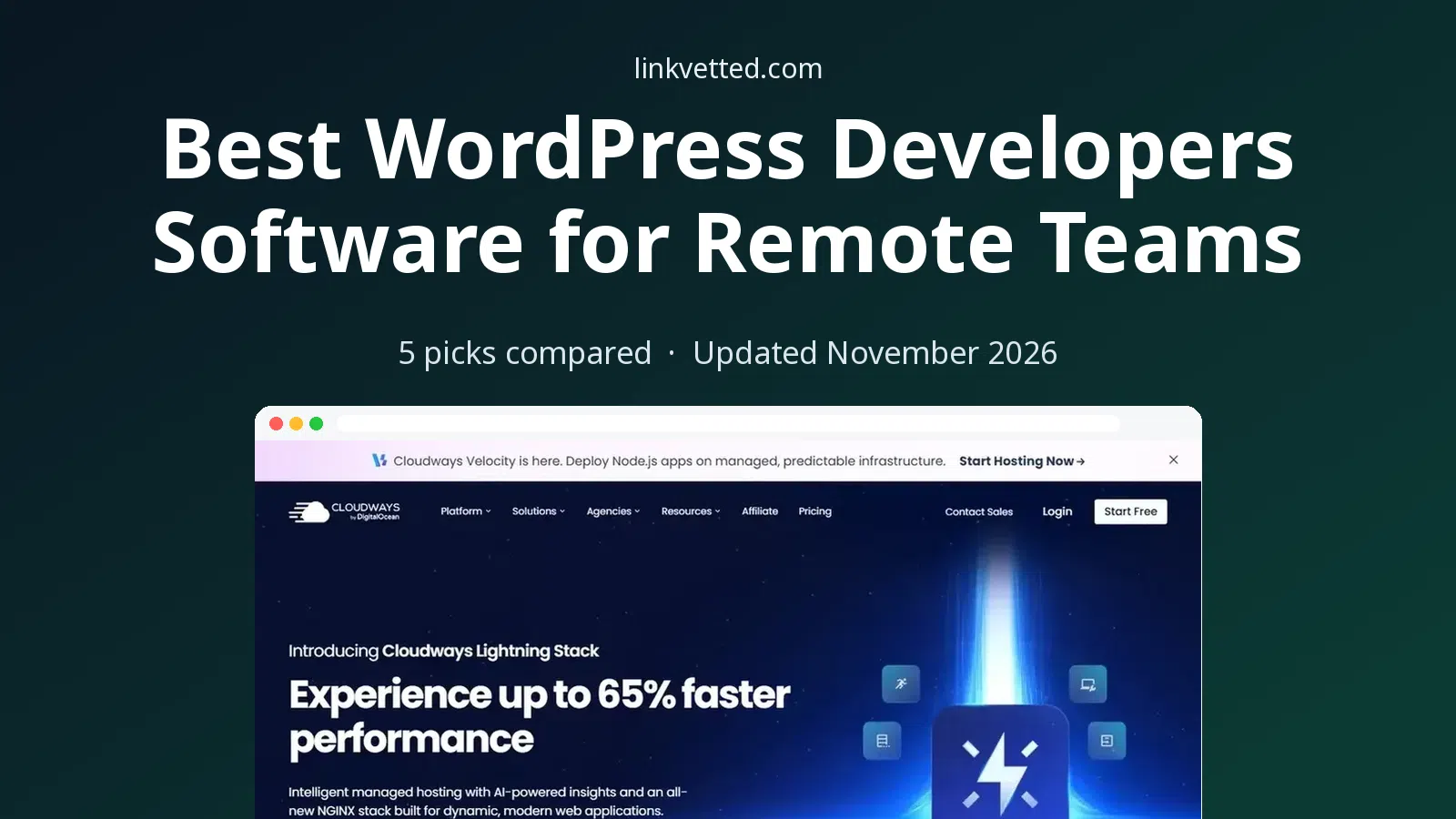
 Cloudways
Customizable managed cloud hosting
Starts at$20 per monthVisit cloudways.comFull review - Great alternative
 Flywheel
Designers and creative agencies
Starts at$25 per monthVisit getflywheel.comFull review - Also consider
 WP Engine
Managed WordPress hosting with support
Starts at$28.00 per monthVisit wpengine.comFull review
Direct answer
For customizable managed cloud hosting, Cloudways is where this list starts. Listed starting prices: Cloudways from $20 per month, Flywheel from $25 per month and WP Engine from $28.00 per month. Flywheel is better for designers and creative agencies, and WP Engine is better for managed WordPress hosting with support. Details, prices and limits for the rest of the 5 tools are below.
TL;DR:
- Cloudways is the opening pick, best for customizable managed cloud hosting.
- Kinsta is the one to check for performance-focused managed WordPress hosting.
- One limit worth knowing about Cloudways: needs more setup decisions.
- Kinsta is the lowest-priced starter here at $17.50 per month.
- None of the 5 tools, from Cloudways to Kinsta, has a free plan, so budget for a subscription or use a trial.
Last checked November 2026. Prices and plan details were read from the vendors' own pages in November 2026; vendors change plans often, so confirm the current price on the vendor site before you buy.
Quick comparison
| Tool | Best for | Starts at | Free plan? | |
|---|---|---|---|---|
| Cloudways | Customizable managed cloud hosting | $20 per month | Free trial | Visit |
| Flywheel | Designers and creative agencies | $25 per month | Not stated | Visit |
| WP Engine | Managed WordPress hosting with support | $28.00 per month | Not stated | Visit |
 WordPress VIP | Enterprise WordPress content systems | See website | Not stated | Visit |
 Kinsta | Performance-focused managed WordPress hosting | $17.50 a month | Free trial | Visit |
The best wordpress developers software for remote teams
Choosing wordpress developers software for remote teams usually comes down to price, fit and limits. This LinkVetted guide sets 5 tools side by side on those three points, with the facts kept short and checkable.
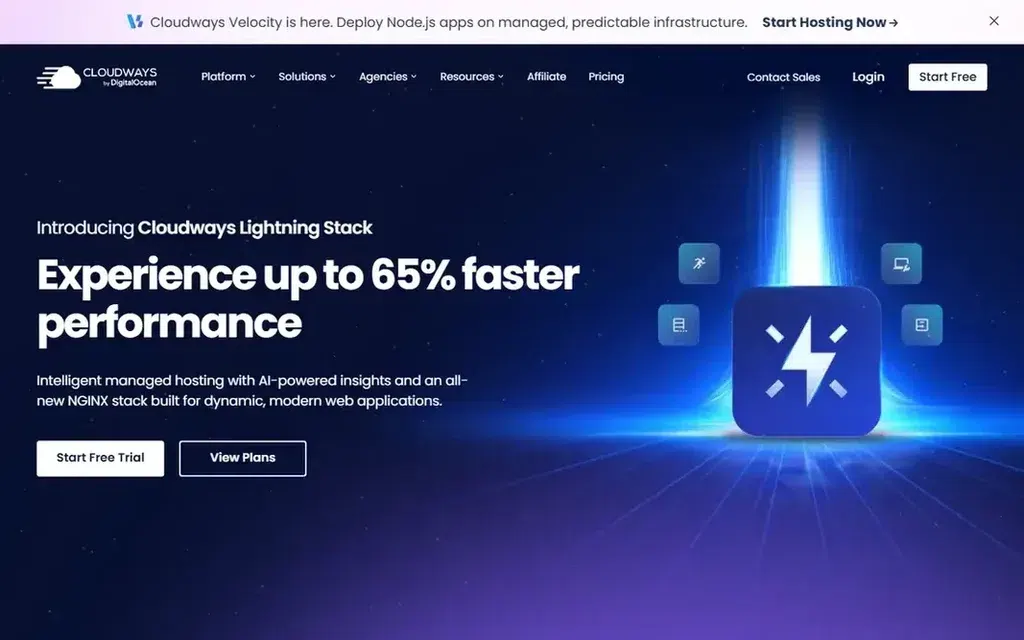
Cloudways is aimed squarely at customizable managed cloud hosting. Cloudways gives you a managed cloud hosting product that eases deploying sites on cloud infrastructure.
The added adaptability means more choices to make during setup, and it is less WordPress-specific than dedicated WordPress hosts. For everyday use, for remote teams, it gives you room to choose and configure cloud resources whereas keeping management handled, which fits developers who want adaptability without full server administration. Cloudways cost at the entry level: $20 per month. As for free access: Free trial.
Where it falls short: Less WordPress-specific than some hosts.
- Geared toward small and midsize companies
- Adaptable cloud configuration
- Needs more setup decisions
Flywheel was built for designers and creative agencies. Pick Flywheel when you run client sites at agency scale.
Remote agency teams can use it as a shared hosting base for client portfolios. Its agency focus means it is less pitched at teams needing wide cloud configuration or local development. What you pay to start with Flywheel: $25 per month. On free options: Not stated.
Honest limits: Restricted local development role.
- Designer-focused positioning
- Managed hosting for agencies
- Agency-oriented instead of general
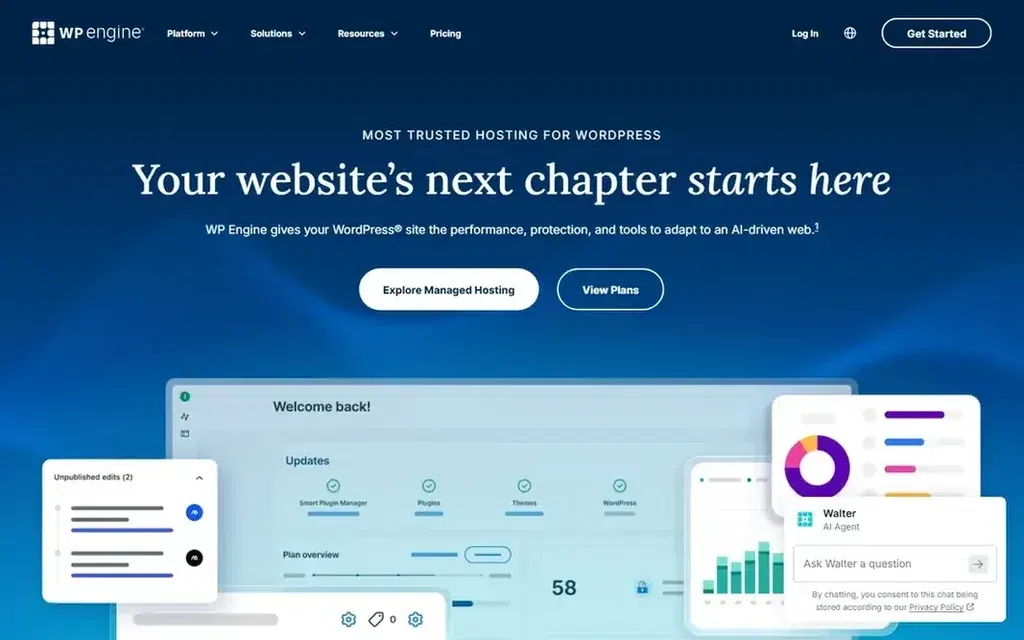
WP Engine works best for managed WordPress hosting with support. WP Engine is a managed website hosting product positioned around WordPress performance, security and support.
Limits to weigh: Less control over server stack.
As for the details, if your workflow relies on custom server configuration or you chiefly need local development, a different tool may fit better. Consider WP Engine when a managed production environment is the priority. What you pay to start with WP Engine: $28.00 per month. Free access: Not stated.
- Managed hosting product
- Support and security included
- May overlap with local dev needs
Choose WordPress VIP for enterprise WordPress content products. WordPress VIP is an enterprise content product and managed WordPress offering with a solid security and compliance posture, including FedRAMP authorization and SOC 2 Type 2 certification. Worth adding: remote teams at bigger organizations can use it where governance and reliability are central.
Watch-outs: Enterprise-oriented complexity.
Its enterprise orientation can be more than small teams need, and the system carries more process overhead. Beyond that, choose WordPress VIP when enterprise compliance and scale are priorities. This comparison lists no price for WordPress VIP; ask the vendor. On free options: Not stated.
- Enterprise content platform focus
- High uptime commitments
- Overkill for small teams

Kinsta is built with performance-focused managed WordPress hosting in mind. Remote teams can use it as a shared hosting layer where performance and reliability matter, particularly for client sites or content-heavy projects.
Also, as a managed host, Kinsta keeps control over the underlying infrastructure, which can limit deep server customization. In practice, choose Kinsta when WordPress performance and managed support are the central criteria. Price to start with Kinsta: $17.50 per month. Free plan details: Free trial.
Points against: Managed limits on customization.
- Enterprise-grade speed and security focus
- Support included
- Hosting-only scope
Our selection method
Pricing pages, product documentation and feature lists were the main sources, and every entry carries at least one honest drawback. Prices and plan limits come from vendor pages and can change, so confirm them on the vendor site before you buy. Tools are placed by general fit for wordpress developers software for remote teams, with price clarity and free access as tie-breakers. A different team can reasonably rank them differently.
Questions to settle before buying
- Ask WordPress VIP for a written quote, since no starting price is shown.
- Use real work to test the free trial from Cloudways and Kinsta, rather than a demo project.
- Before choosing Cloudways, weigh its main limit: needs more setup decisions.
- Verify that exporting from Cloudways is possible on your plan and covers all your records.
- Ask Kinsta whether prices are locked for the first term and what happens at renewal.
FAQ
What is the cheapest option for wordpress developers software for remote teams in this list?
On published monthly entry prices, Kinsta is the lowest here at $17.50 per month. Entry price is only part of the cost, because seats, add-ons and billing terms can change the total. Prices, free plan details and limits for all 5 tools in this WordPress developers software for remote teams roundup sit on the individual cards above.
How do managed WordPress hosts differ from cloud hosting products?
Managed WordPress hosts deal with infrastructure and WordPress-specific optimization, whereas cloud products offer more configuration adaptability. As for the details, the right choice relies on how much server control your team wants compared with hands-off management.
Is Cloudways the right pick for everyone comparing wordpress developers software for remote teams?
No single tool suits every team. Cloudways comes first because it fits configurable managed cloud hosting, while Flywheel suits designers and creative agencies and WP Engine suits managed WordPress hosting with support. Match the tool to your own size, budget and workflow before deciding.
Does any tool for wordpress developers software for remote teams here have a free plan?
A permanent free plan is not offered by Cloudways, Kinsta or the other tools here. Cloudways, Kinsta offer a trial. Plan a short evaluation period instead.
Can I try these tools before paying?
Often, yes. Cloudways and Kinsta offer a free trial. Use your own data and a real task during the test, and check what the free tier or trial limits before you rely on it. Each of the 5 options in this WordPress developers software for remote teams guide has its own card above with the price, free plan and limits.
Sources
- https://www.cloudways.com
- https://getflywheel.com
- https://wpengine.com
- https://wpvip.com
- https://kinsta.com