Best Weekly Planner App for 2026: Our 5 Vetted Picks
Best weekly planner app: 5 tools compared on price, free plans and fit. ClickUp takes the lead for all-in-one team planning. Pricing and limits included.

- Editor's choice
 ClickUp
All-in-one team planning
Starts at$9 per user per monthVisit clickup.comFull review - Great alternative
 Asana
Structured team workflows
Starts at$10.99 per user per monthVisit asana.comFull review - Also consider
 Notion
Custom weekly planning pages
Starts at$10 per member a monthVisit notion.soFull review
Direct answer
Our first pick is ClickUp, best for all-in-one team planning. Listed starting prices: ClickUp from $9 per user per month, Asana from $10.99 per user per month and Notion from $10 per member a month. Asana fits structured team workflows; Notion fits custom weekly planning pages. The remaining 2 options are covered below with prices and limits.
TL;DR:
- ClickUp is the opening pick, best for all-in-one team planning.
- ClickUp, Asana, Notion, TickTick, Todoist: these are the 5 tools out of 5 that offer a free plan.
- The lowest published monthly entry price here is $5 per month, from Todoist.
- For straightforward, quick task planning, Todoist is worth a look.
- A fair warning about Notion: requires setup to become a planner.
Last checked November 2026. Prices and plan details were read from the vendors' own pages in November 2026; vendors change plans often, so confirm the current price on the vendor site before you buy.
Quick comparison
| Tool | Best for | Starts at | Free plan? | |
|---|---|---|---|---|
| ClickUp | All-in-one team planning | $9 per user per month | Yes | Visit |
| Asana | Structured team workflows | $10.99 per user per month | Yes | Visit |
| Notion | Custom weekly planning pages | $10 per member a month | Yes | Visit |
 TickTick | Tasks, calendar and habits together | $49.99 per year | Yes | Visit |
 Todoist | Straightforward, quick task planning | $5 a month | Yes | Visit |
Tool-by-tool breakdown
Choosing weekly planner app usually comes down to price, fit and limits. This LinkVetted guide sets 5 tools side by side on those three points, with the facts kept short and checkable.
ClickUp is aimed squarely at all-in-one team planning. ClickUp calls itself the everything app for work, including tasks, docs, goals and chat with AI features. Beyond that, choose ClickUp when your weekly plan is really a team workflow with documents and goals attached.
For weekly planning in a team setting, that means one place to track assignments, reference documents and goals instead of stitching tools together. Also, smaller personal planning needs are typically better served by a lighter app. On cost, ClickUp starts like this: $9 per user per month. Free access exists with ClickUp.
Drawbacks to consider: Can be complicated to configure.
- Wide work management scope
- Goals and chat
- Overkill for personal planning
Asana is built with structured team workflows in mind. Asana is work and project management software for teams, positioned around planning, automating and executing critical workflows together. Its team orientation makes it heavier than necessary for individual weekly planning, and getting value relies on setting up projects and workflows deliberately.
Honest limits: Setup needed for straightforward use.
Beyond that, if you plan alone, a more straightforward task app will likely feel quicker. Pick Asana when coordination across people and recurring processes is the core of your week. Price to start with Asana: $10.99 per user per month. Free access exists with Asana.
- Made for team coordination
- Automation for workflows
- Heavier than personal planners
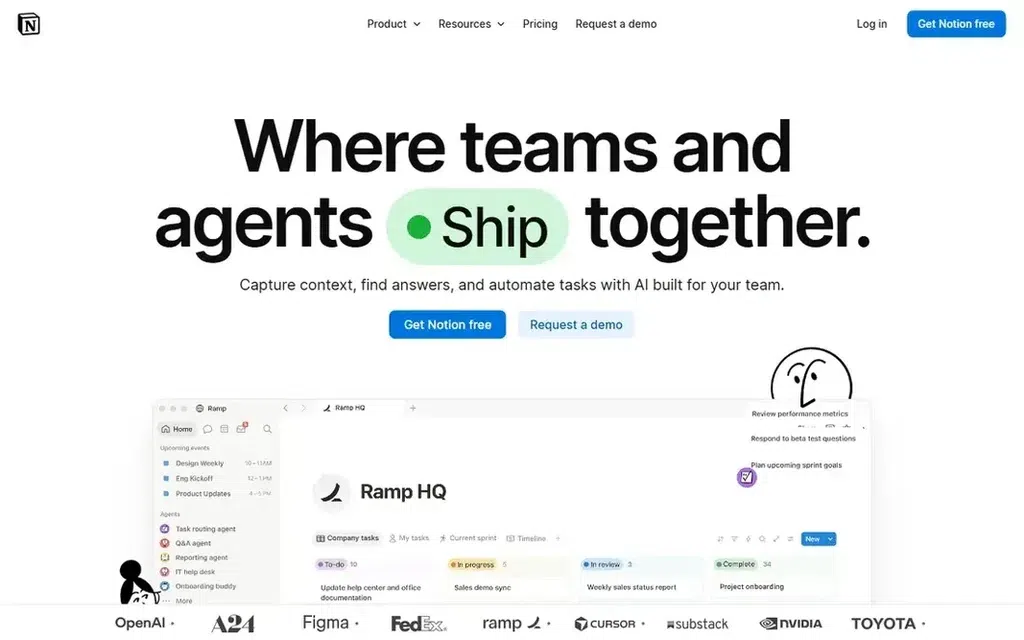
Notion is aimed squarely at custom weekly planning pages. Notion describes itself as an AI workspace where teams get more done, with custom agents, cross-app search and automation. Pick something more straightforward if you want to start planning at once without designing the structure yourself.
For weekly planning, its value is adaptability: you can shape pages and databases into a planner that mirrors your own routine, mixing tasks, notes and reference material. That adaptability includes setup effort, and a blank workspace can overwhelm anyone who just wants a ready-made weekly view. What you pay to start with Notion: $10 per member per month. You can start on Notion without paying.
Downsides: Can feel heavy for straightforward weeks.
- Adaptable pages and databases
- AI workspace features
- Needs setup to become a planner
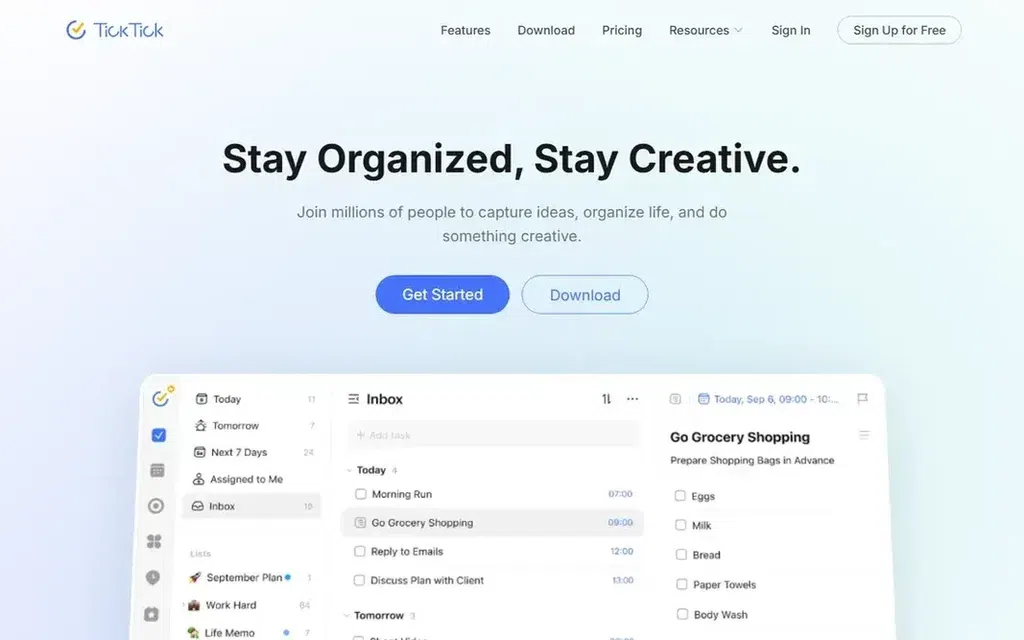
Where TickTick fits: tasks, calendar and habits together. The breadth of features can feel like more than a straightforward weekly planner needs. Its focus is personal productivity instead of deep team project management.
Downsides: Feature range may feel busy.
Also, TickTick presents itself as an all-in-one productivity app for managing tasks, calendars, habits and more, with syncing across devices. That combination makes it a capable weekly planner for people who want their task list, schedule and recurring routines in one place rather than spreading them across separate apps. Starting cost for TickTick: $49.99 per year. A free plan is available with TickTick.
- Calendar alongside tasks
- Habit tracking included
- Less suited to heavy team projects
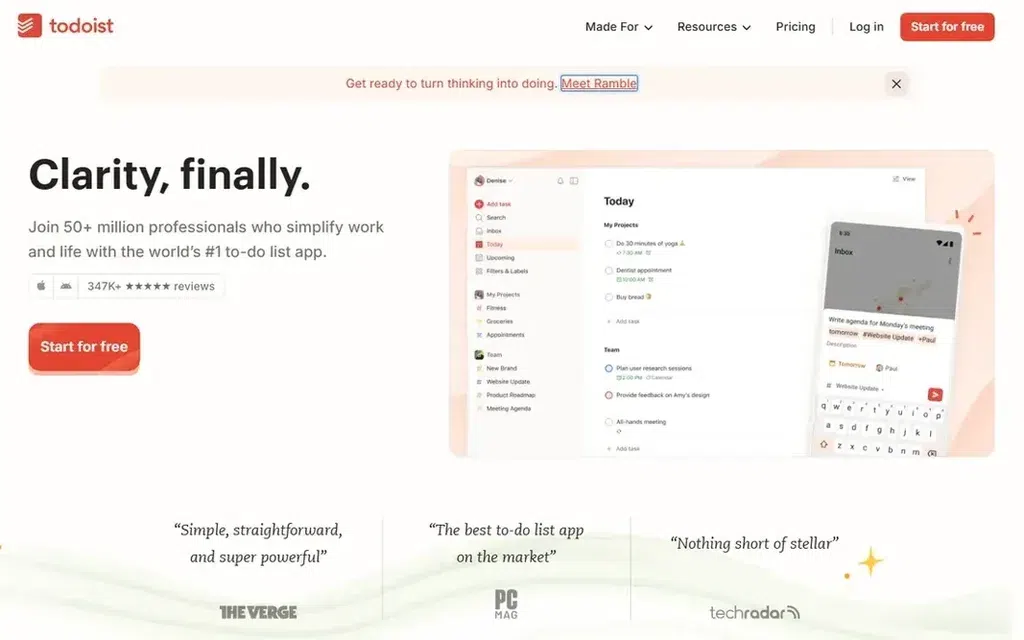
Todoist is designed for simple, quick task planning. Since it is task-centric, Todoist is less suited to people who want rich notes, documents or in-depth project views in the same tool.
As for the details, if your week revolves around a shared calendar or habit tracking, a combined app may fit better. Choose Todoist when clean task capture and follow-through matter most. Starting cost for Todoist: $5 per month. Free access exists with Todoist.
Where it falls short: Not a full document workspace.
- Organizes work and personal tasks
- Works for individuals and teams
- Restricted built-in calendar views
How we compared the tools
Selection started from tools commonly considered for weekly planner app, then narrowed to 5 that have clear pricing information or a clear quote process. Where a price is missing, the vendor does not list one publicly or ties it to a quote. Always confirm before budgeting. The sequence is a judgement call: typical use case first, then pricing transparency, then free access. Use the profiles to check fit.
What to check before you buy
- Confirm the entry price on the vendor page: Todoist starts at $5 per month, but seat counts and billing terms change the total.
- Look at free plan limits closely: ClickUp, Asana, Notion and others have one, and the caps decide whether it is usable for real work.
- Read the limits listed for ClickUp first: can be complicated to configure.
- Test the integrations you rely on with ClickUp before committing; some connectors sit on upper tiers.
- Add up seats, add-ons and usage charges for Notion before comparing it with cheaper entries.
FAQ
How are the tools for weekly planner app ordered?
The order follows typical fit for weekly planner app, with ClickUp first and Todoist last, then price clarity and free access. It is editorial judgement, not a score, so another team could rank the tools differently.
Which options for weekly planner app have a free plan?
ClickUp, Asana, Notion, TickTick and Todoist offer a free plan in this list. Free plans usually cap users, projects or features, so check the limits on the vendor page.
Do these tools publish their prices?
Yes. Every tool from ClickUp to Todoist shows a starting price, though seats, add-ons and billing terms still change the final cost.
What makes an app well suited to weekly planning?
The right view matters too, whether that is a task list, a calendar or a board. Matching the app to how you already think about your week is more handy than collecting features.
Can I try these tools before paying?
Often, yes. ClickUp, Asana, Notion and others have a free plan. Use your own data and a real task during the test, and check what the free tier or trial limits before you rely on it. Prices, free plan details and limits for all 5 tools in this weekly planner app roundup sit on the individual cards above.
How do I switch weekly planner apps without losing my plan?
Start by listing the tasks and recurring routines you depend on, then check whether the new app supports importing or recreating them.
Sources
- https://clickup.com
- https://asana.com
- https://www.notion.so
- https://ticktick.com
- https://todoist.com