Best Visual Planning Software Tools (2026): 6 Picks Checked on Vendor Pages
6 best visual planning software tools, with entry costs, free tiers and the buyer each one serves. Price notes and drawbacks come with each one. Easy to scan.
- Editor's choice
 Airtable
Custom workflows and app-style planning
Starts at$20 per user a monthVisit airtable.comFull review - Great alternative
 Asana
Work management for human-agent teams
Starts at$10.99 per user a monthVisit asana.comFull review - Also consider
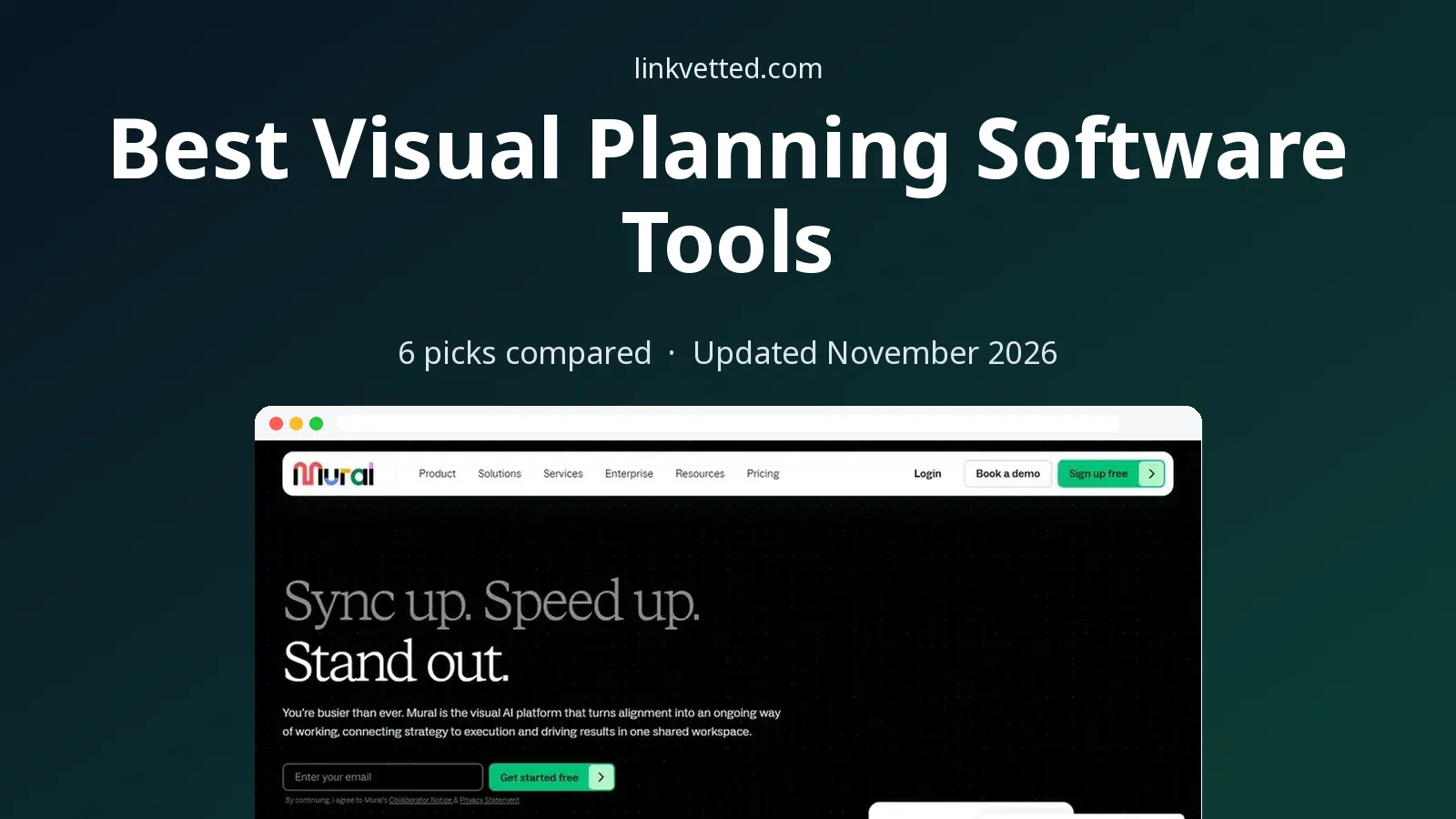
 Mural
Collaborative workshops and strategy sessions
Starts at$9.99 per member a monthVisit mural.coFull review
Direct answer
Airtable leads the list, best for custom workflows and app-style planning. Listed starting prices: Airtable from $20 per user a month, Asana from $10.99 per user a month and Mural from $9.99 per member a month. Asana is better for work management for human-agent teams, and Mural is better for collaborative workshops and strategy sessions. Prices, free plans and limits for all 6 tools follow.
TL;DR:
- This list starts with Airtable, which is built for custom workflows and app-style planning.
- A free plan is available from 5 of the 6 tools: Airtable, Asana, Mural, ClickUp, Miro.
- Miro is the one to check for open visual canvas for product planning.
- Miro is the lowest-priced starter here at $8 per member per month.
Last checked November 2026. Prices and plan details were read from the vendors' own pages in November 2026; vendors change plans often, so confirm the current price on the vendor site before you buy.
Quick comparison
| Tool | Best for | Starts at | Free plan? | |
|---|---|---|---|---|
| Airtable | Custom workflows and app-style planning | $20 per user a month | Yes | Visit |
| Asana | Work management for human-agent teams | $10.99 per user a month | Yes | Visit |
| Mural | Collaborative workshops and strategy sessions | $9.99 per member a month | Yes | Visit |
 Smartsheet | Structured enterprise work execution | $12 per Member/month | Not stated | Visit |
 ClickUp | All-in-one productivity and task planning | $9 per user a month | Yes | Visit |
 Miro | Open visual canvas for product planning | $8 per member a month | Yes | Visit |
Every option for visual planning software tools explained
LinkVetted compared 6 visual planning software tools. The goal is a practical shortlist: published prices, free plan facts, best-fit use cases and honest limits for every entry.
Airtable serves custom workflows and app-style planning. It fits teams that want to shape planning around their own data model, with views and automations that reflect how work actually flows.
More specifically, operations, marketing and product groups frequently use it as an adaptable base for tracking and planning together. Starting cost for Airtable: $20 per user per month. Airtable has a free plan.
Points against: Setup can need thoughtful design.
- Adaptable for plenty of planning use cases
- Builds enterprise-ready AI workflows and apps
- Less of a pure visual canvas experience
Asana targets work management for human-agent teams. Asana supplies work and project management software for teams and AI agents, with planning, automation and execution of critical workflows together. From a buyer's view, teams that value straightforward project tracking with automation tend to find it a comfortable home base for planning.
The main drawbacks: Less visual canvas for open brainstorming.
On top of that, Asana is oriented toward structured work management rather than freeform visual exploration, so ideation-heavy teams may want a canvas tool as well. Consider a more visual system when the planning process relies on boards, diagrams or workshops instead of task lists. Entry price for Asana: $10.99 per user per month. A free plan is available with Asana.
- Clear focus on project and task management
- Supports critical cross-team workflows
- Advanced needs may need extras
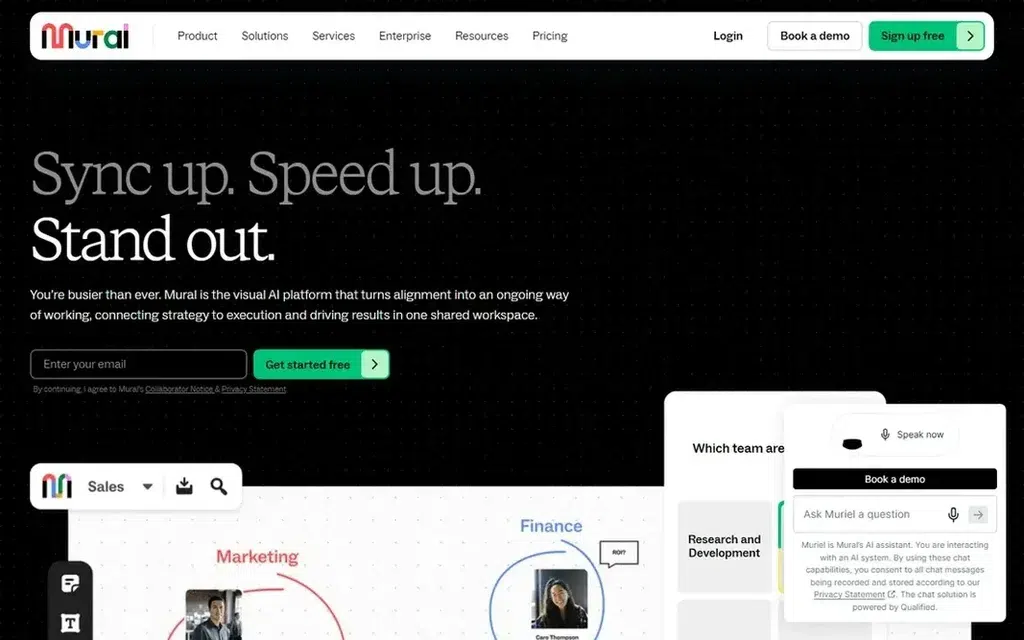
Mural is designed for collaborative workshops and strategy sessions. Pick a more execution-centric product when the priority is tracking delivery instead of running sessions. More specifically, Mural describes itself as an AI-powered visual workspace for team collaboration, pitched at helping groups plan, strategize and execute projects in one easy-to-learn tool.
Drawbacks to consider: Best value includes active facilitation.
From a buyer's view, Mural leans toward collaboration and facilitation instead of deep project controls. So teams needing in-depth task dependencies or portfolio reporting may pair it with another tool. Organizations that value guided group work tend to get the most from it. The starting price for Mural: $9.99 per member per month. Mural includes a free tier.
- Strategy and execution in one tool
- Supports planning
- Less suited to heavy structured project tracking
Pick Smartsheet if this describes you: structured enterprise work execution. Smartsheet is aimed at structured execution instead of open-ended visual brainstorming, so creative ideation sessions may feel constrained. More specifically, teams moving from spreadsheets to managed planning often find the format familiar whereas gaining more control.
In practice, Smartsheet calls itself the execution hub for enterprise work, where people and AI get work done together with the governance and visibility enterprises need. From a buyer's view, choose a canvas-first tool when the primary goal is collaborative visual thinking rather than governed delivery tracking. Smartsheet cost at the entry level: $12 per Member/month. Free plan details: Not stated.
Where it falls short: Less freeform than canvas-based tools. What Smartsheet does well: Merges people and AI in one workspace.
- Governance and visibility for bigger organizations
- Execution hub for enterprise work
- Enterprise focus can feel heavy for small teams
Where ClickUp fits: all-in-one productivity and task planning. Groups that prefer numerous views over their work and are willing to configure the system can shape it around their processes.
As for the details, if visual thinking and diagrams are the core need, a dedicated canvas or diagramming tool may be a better fit alongside or instead. ClickUp pricing: $9 per user per month. ClickUp includes a free tier.
Trade-offs to know: Configuration takes time to tune.
- AI features across the system
- Goals and chat
- Feature breadth can feel overwhelming

Pick Miro if this describes you: open visual canvas for product planning. Miro presents itself as an AI innovation workspace that supports product development from ideation to launch. Also, teams use it to align around shared visual boards, break down tool silos and keep planning visible in one place.
Points against: Very open canvas can need added structure.
Worth adding: since the canvas is intentionally open, teams that require rigid workflows, dependencies or reporting may find they must add structure themselves. Choose something more execution-focused when governance and visibility across numerous projects matter more than freeform visual thinking. Price to start with Miro: $8 per member per month. A free plan is available with Miro.
- AI features built into the product
- Wide visual workspace for ideation through launch
- Large boards can get hard to navigate
Selection criteria
LinkVetted looked at what each vendor publishes: pricing, plan limits, feature coverage for visual planning software tools and stated drawbacks. No hands-on testing is claimed. Treat prices as a snapshot: vendors change plans often, so check the vendor site for the figure that applies today. The sequence is a judgement call: typical use case first, then pricing transparency, then free access. Use the profiles to check fit.
Pre-purchase checklist
- Check the vendor page for the current price: Miro starts at $8 per member per month here, and seats or billing terms can move it.
- Check what the free option really includes: Airtable, Asana, Mural and others offer a free plan, and usage caps differ.
- Read the limits listed for Airtable first: setup can need thoughtful design.
- Map your must-have features to a specific Airtable plan before you compare prices.
- Ask the daily users to test ClickUp on a live task before you roll it out to everyone.
FAQ
Which options for visual planning software tools have a free plan?
On this list, Airtable, Asana, Mural, ClickUp and Miro include a free plan. Caps on seats, usage or features are common, so test the free plan against your real workload.
Is Airtable the right pick for everyone comparing visual planning software tools?
No single tool suits every team. Airtable comes first because it fits custom workflows and app-style planning, while Asana suits work management for human-agent teams and Mural suits collaborative workshops and strategy sessions. Match the tool to your own size, budget and workflow before deciding.
What is the cheapest option for visual planning software tools in this list?
On published monthly entry prices, Miro is the lowest here at $8 per member per month. Entry price is only part of the cost, because seats, add-ons and billing terms can change the total. All 6 picks in this visual planning software tools comparison list a starting price, free plan details and the main limits on their cards above.
How are the tools for visual planning software tools ordered?
The order follows typical fit for visual planning software tools, with Airtable first and Miro last, then price clarity and free access. It is editorial judgement, not a score, so another team could rank the tools differently.
Sources
- https://www.airtable.com
- https://asana.com
- https://www.mural.co
- https://www.smartsheet.com
- https://clickup.com
- https://miro.com