Best Video Conferencing Software for Contractors (2026): 6 Picks Checked on Vendor Pages
Best video conferencing software for contractors in 2026: 6 tools with starting prices, free plans and limits. Honest caveats for every entry. See which fits.
- Editor's choice
 Livestorm
Marketing-led branded events
Starts at€2.50 per attendeeVisit livestorm.coFull review - Great alternative
 ClickMeeting
Webinars that capture leads
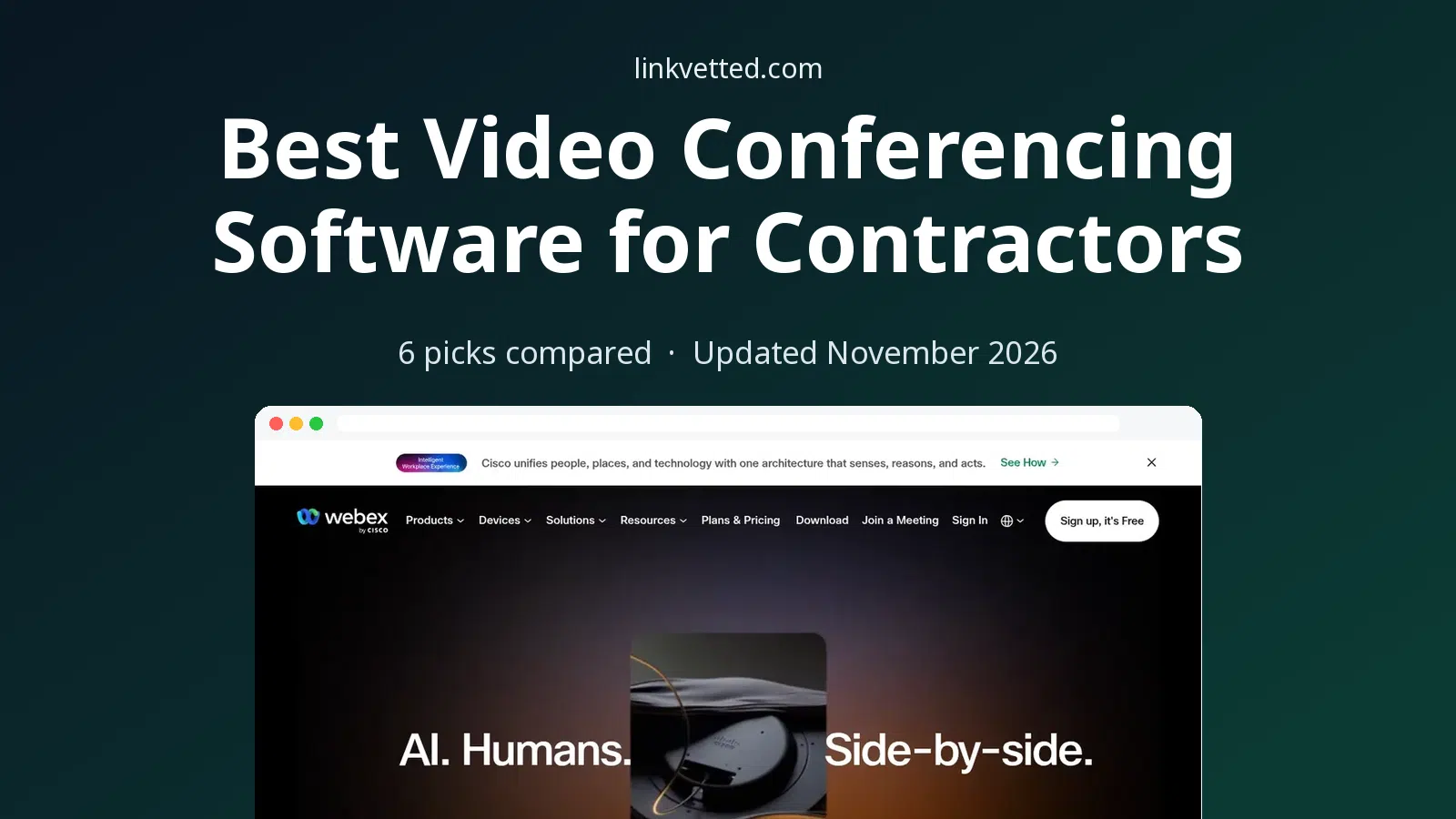
Starts atSee websiteVisit clickmeeting.comFull review - Also considerCisco Webex Meetings
AI-powered collaboration and devices
Starts atSee websiteVisit webex.comFull review
Direct answer
Livestorm is the first pick on this list for marketing-led branded events. Listed starting prices: Livestorm from €2.50 per attendee. If your case is different, ClickMeeting suits webinars that capture leads and Cisco Webex Meetings suits AI-powered collaboration and devices. The other 3 tools in the list cover narrower or pricier cases.
TL;DR:
- Livestorm sits first on this list: marketing-led branded events.
- Microsoft Teams is the one to check for Teams already using Microsoft 365.
- A free plan is available from 2 of the 6 tools: ClickMeeting, Cisco Webex Meetings.
- A fair warning about Livestorm: marketing focus may not suit all contractors.
- ClickMeeting, Cisco Webex Meetings, Zoom Workplace and others: pricing is by quote only, so plan time for a sales conversation.
Last checked November 2026. Prices and plan details were read from the vendors' own pages in November 2026; vendors change plans often, so confirm the current price on the vendor site before you buy.
Quick comparison
| Tool | Best for | Starts at | Free plan? | |
|---|---|---|---|---|
| Livestorm | Marketing-led branded events | €2.50 per attendee | Not stated | Visit |
| ClickMeeting | Webinars that capture leads | See website | Yes | Visit |
| Cisco Webex Meetings | AI-powered collaboration and devices | See website | Yes | Visit |
 Zoom Workplace | All-in-one client and team meetings | See website | Not stated | Visit |
 GoTo Meeting | Straightforward web conferencing | See website | Not stated | Visit |
 Microsoft Teams | Teams already using Microsoft 365 | See website | Not stated | Visit |
Video Conferencing Software for Contractors profiles
LinkVetted put together this guide to video conferencing software for contractors for readers who want a clear shortlist without reading every vendor page. It compares 6 tools on starting price, free plans, who each one suits and where each one falls short.
In short, Livestorm is for marketing-led branded events. Livestorm is an all-in-one webinar software for marketing teams, enabling branded events, engagement insights, and CRM data sync to prove ROI, enhanced with AI.
Points against: Less emphasis on internal meetings.
It suits contractors with a marketing function that runs webinars to attract and nurture leads. Entry price for Livestorm: €2.50 per attendee. Free plan details: Not stated.
- Branded events with engagement insights
- All-in-one webinar system for marketing
- Marketing focus may not suit all contractors
Where ClickMeeting fits: webinars that capture leads. ClickMeeting is a webinar product meant to capture leads on repeat through live, automatic, and on-demand webinars.
What users get: on-demand webinars.
More specifically, for straightforward calls, a general meeting tool may be a better fit. In practice, the browser-based approach means no install for participants. ClickMeeting shows no starting price here, so confirm the cost on the vendor site. ClickMeeting offers a free plan. Honest limits: Webinar focus may exceed meeting needs.
- Runs live, automatic
- Records leads after events
- Less suited to daily team stand-ups
Cisco Webex Meetings
Best for: AI-powered collaboration and devices

Choose Cisco Webex Meetings for AI-powered collaboration and devices. The product is aimed at organizations that value integrated devices and advanced collaboration.
For everyday use, if you chiefly need fast client calls, a lighter tool may be simpler. Evaluate whether you will use the device and AI features before choosing. Cisco Webex Meetings does not show a starting price in this comparison, so check the vendor site for current pricing. Cisco Webex Meetings has a free plan.
Trade-offs to know: Interface can feel complicated initially.
- AI-powered collaboration features
- Range of devices for hybrid work
- Feature set may be overkill for small teams
Choose Zoom Workplace for all-in-one client and team meetings. Zoom Workplace is a collaboration system that brings video meetings, chat, VoIP phone, webinars, whiteboard, contact center, and events into one place.
The breadth of features can feel heavy if you only need entry-level meetings, and some modules may go unused by smaller crews. The familiar interface makes it simple to invite clients who may not use your systems. Zoom Workplace does not show a starting price in this comparison, so check the vendor site for current pricing. Free access: Not stated.
Downsides: Advanced tools need configuration.
- Supports webinars and whiteboard
- Merges meetings with chat and phone
- Plenty of features may overwhelm new users
GoTo Meeting is designed for straightforward web conferencing. GoTo Meeting is a web conferencing tool that concentrates on delivering a quality virtual meeting experience with the features companies need. Beyond that, otherwise, consider a product with more integrated tools.
From a buyer's view, GoTo Meeting may not offer the same depth of chat, phone, or webinar capabilities as broader products. So it could be limiting if you need an all-in-one hub. The tool is meant to keep meetings straightforward. Pricing for GoTo Meeting is not stated here, so ask the vendor for current figures. Free access: Not stated.
What to check first: Fewer adjacent collaboration tools.
- Features for virtual meetings
- Straightforward meeting experience
- May lack advanced webinar depth
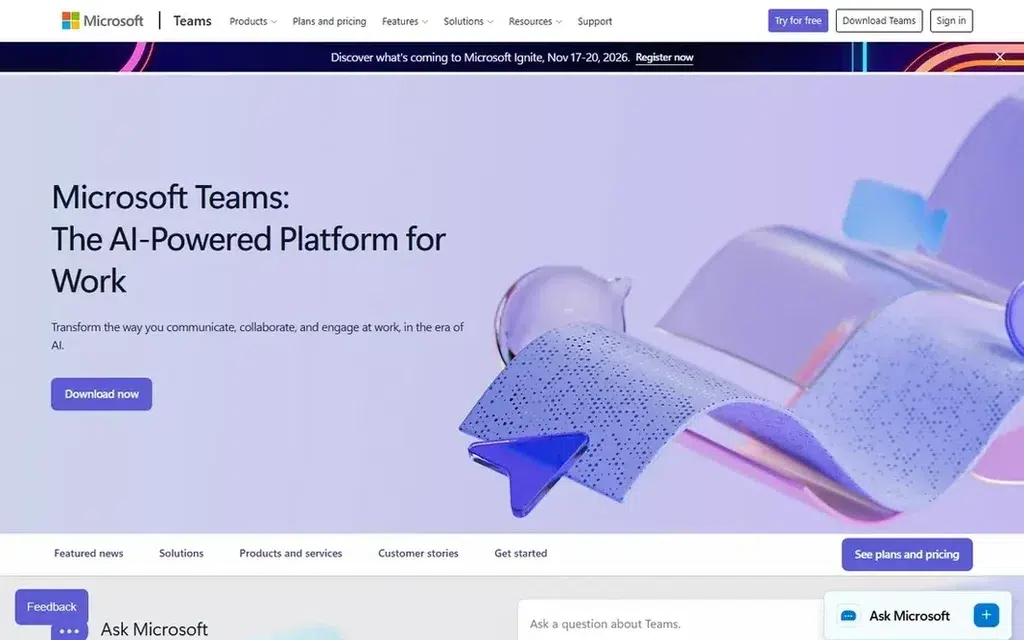
Microsoft Teams is designed for Teams already using Microsoft 365. Microsoft Teams is a collaboration hub that merges video conferencing, meetings, calling, chat, and files in one place.
Downsides: Can be complicated for external guests.
Consider your existing software stack before committing. The system is meant to help teams link naturally and stay organized across devices. Microsoft Teams shows no starting price here, so confirm the cost on the vendor site. On free options: Not stated.
- Supports natural connection and organization
- Links up with Microsoft files and chat
- Needs Microsoft ecosystem familiarity
How we chose
A buyer's checklist
- Confirm the entry price on the vendor page. For ClickMeeting, Cisco Webex Meetings, Zoom Workplace and others that means a quote rather than a fixed price.
- Check what the free option really includes: ClickMeeting and Cisco Webex Meetings offer a free plan, and usage caps differ.
- Before choosing Livestorm, weigh its main limit: marketing focus may not suit all contractors.
- Check the integration list for Cisco Webex Meetings against the tools you run today, and note which ones need a higher plan.
- Check how data leaves GoTo Meeting: formats, limits and whether exports are available on every plan.
FAQ
Is Livestorm the right pick for everyone comparing video conferencing software for contractors?
No single tool suits every team. Livestorm comes first because it fits marketing-led branded events, while ClickMeeting suits webinars that capture leads and Cisco Webex Meetings suits AI-powered collaboration and devices. Match the tool to your own size, budget and workflow before deciding.
Which options for video conferencing software for contractors have a free plan?
On this list, ClickMeeting and Cisco Webex Meetings include a free plan. Caps on seats, usage or features are common, so test the free plan against your real workload.
How important is device support for contractor video meetings?
Cisco Webex Meetings offers a set of devices for hybrid work. For most contractors, ensuring the software works on smartphones and laptops is enough, so test before committing.
Do these tools publish their prices?
Not all of them. ClickMeeting, Cisco Webex Meetings, Zoom Workplace and others publish no starting price, so expect a quote request for those. The rest, Livestorm included, show a starting price, though seats and billing terms still change the final cost.
Can I try these tools before paying?
Often, yes. ClickMeeting and Cisco Webex Meetings have a free plan. Use your own data and a real task during the test, and check what the free tier or trial limits before you rely on it.
What is the best video conferencing software for contractors who meet clients remotely?
The first pick on this list is Livestorm, because it suits marketing-led branded events. ClickMeeting is better for webinars that capture leads, and Cisco Webex Meetings for AI-powered collaboration and devices. Check price and limits against your own needs before choosing.
Sources
- https://livestorm.co
- https://clickmeeting.com
- https://www.webex.com
- https://www.zoom.com
- https://www.goto.com/meeting
- https://www.microsoft.com/en-us/microsoft-teams/group-chat-software