Best Window Cleaning Software in 2026: 9 Tools Compared
We compared the best window cleaning software for scheduling, quotes, routes, invoicing and payments, with pricing notes for solo cleaners and growing crews.
- Editor's choice
 Jobber
Small window cleaning firms and solo cleaners
Starts at$29 per monthVisit getjobber.comFull review - Great alternative
 Housecall Pro
Growing home-service teams with online booking
Starts at$59 per monthVisit housecallpro.comFull review - Also consider
 ServiceTitan
Large multi-crew window cleaning firms
Starts atSee websiteVisit servicetitan.comFull review
TL;DR:
- Jobber and Housecall Pro are the most practical starts for small window cleaning firms.
- Workiz and ServiceM8 offer low-cost or free starts for tiny teams.
- ServiceTitan and Service Fusion suit larger firms with many techs and complex reporting.
- Check route planning, recurring jobs and payment processing before you commit.
Quick comparison
| Tool | Best for | Starts at | Free plan? | |
|---|---|---|---|---|
| Jobber | Small window cleaning firms and solo cleaners | $29 per month | Free trial | Visit |
| Housecall Pro | Growing home-service teams with online booking | $59 per month | Free trial | Visit |
| ServiceTitan | Large multi-crew window cleaning firms | See website | No | Visit |
 Workiz | Call-heavy shops and small teams | Free | Yes | Visit |
 ServiceM8 | One-person operations and tiny crews | Free | Yes | Visit |
 FieldEdge | Firms wanting dispatch and CRM depth | See website | Free trial | Visit |
 Service Fusion | Mid-size teams wanting flat pricing | $208 per month | No | Visit |
 GorillaDesk | Route-based cleaning firms | $49 per month | Free trial | Visit |
 FieldPulse | Small shops wanting simple, fast scheduling | See website | Free trial | Visit |
The best window cleaning software
Window cleaning software is field service software tuned for recurring jobs, routes and quotes. These nine cover solo cleaners, small crews and larger multi-crew firms.
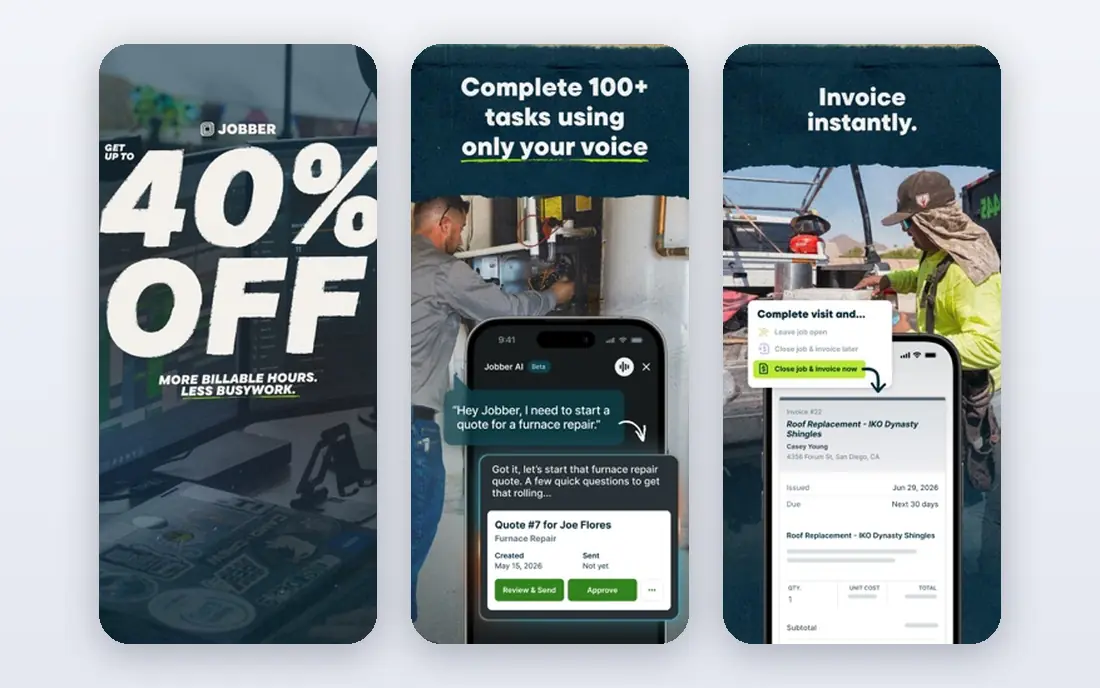
Jobber is a practical field service tool for window cleaning, with scheduling, quoting, invoicing and payments in one account. Its mobile app suits a cleaner in the field who needs the day's route and job details.
Recurring jobs, customer history and online booking help a residential route business grow without extra admin. The interface is easy to learn, which helps a small team start fast.
Advanced reporting and some automations sit on higher tiers. Jobber fits a solo cleaner or small crew that wants a clear, affordable system for daily work.
- Scheduling and quoting
- Invoicing and payments
- Easy mobile app
- Advanced reporting needs higher tiers
- Some automations are premium
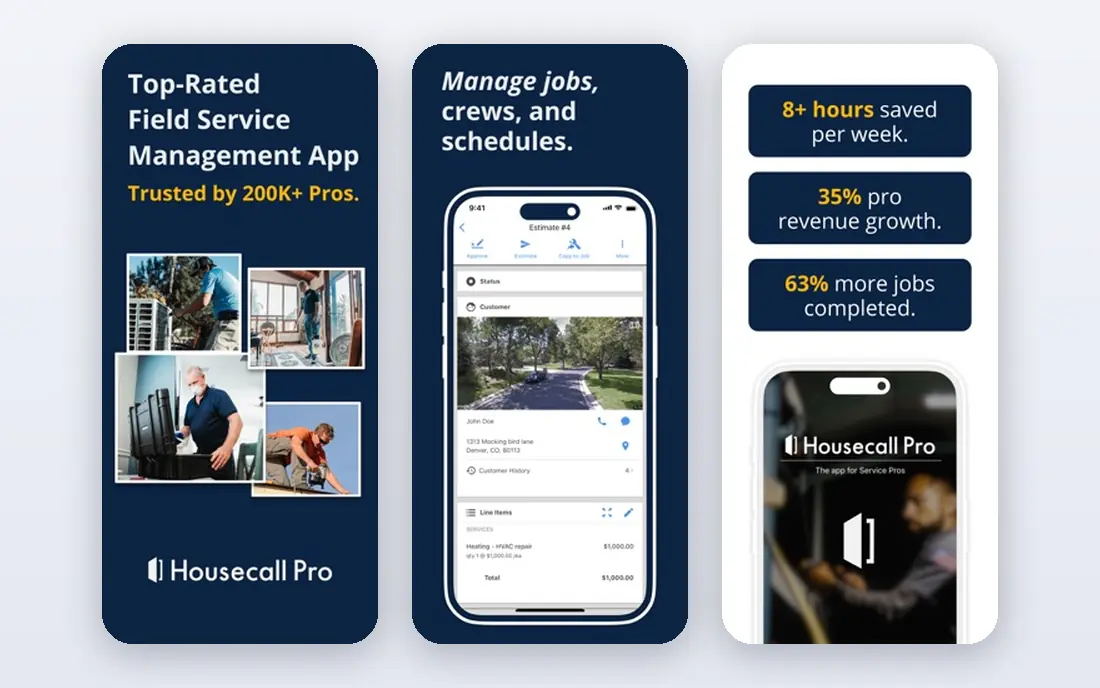
Housecall Pro suits a growing window cleaning firm that wants strong online booking, dispatch and customer reminders. Its app helps a crew see jobs, notes and payments on the road.
Built-in marketing tools, such as review requests and follow-up messages, help a residential firm win repeat work. The system also handles estimates, invoices and card payments.
Pricing is per user on many plans, so a larger crew pays more. Housecall Pro fits a growing team that values booking and customer communication.
- Online booking
- Dispatch and reminders
- Marketing tools
- Per-user pricing adds up
- Higher tiers needed for deeper features
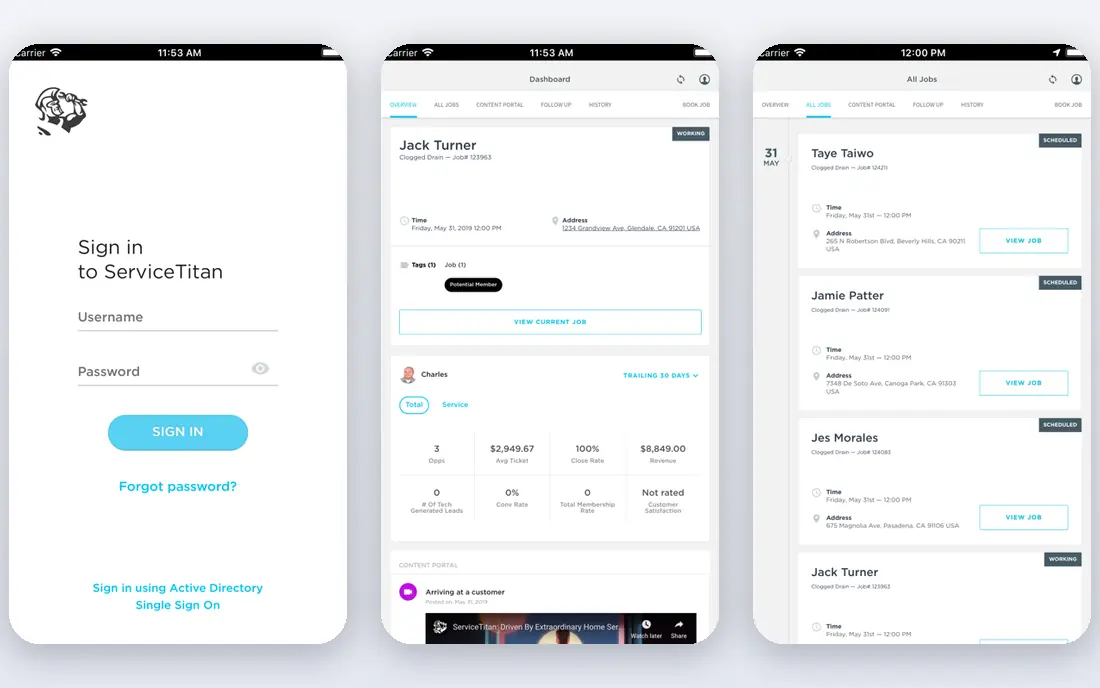
ServiceTitan is built for large home-service firms with many techs, complex pricing and deep reporting needs. Its pricebook, dispatch and reporting tools suit a multi-crew window cleaning operation.
For a large firm, control over pricing, job costing and performance data is the main draw. It can handle commercial routes, large teams and detailed financial reporting.
Pricing is quote-based and high per tech, and onboarding is heavy for a small firm. ServiceTitan fits a large firm that has outgrown a small-team tool.
- Deep reporting
- Pricebook control
- Large team tools
- Quote-based pricing
- Heavy onboarding for small firms
Workiz offers a free Lite plan for up to two users, which makes it a low-cost start for a tiny window cleaning team. Its phone, messaging and scheduling tools suit a shop that still takes many calls.
Online booking, invoicing and job tracking cover the core workflow, while call features help a team that books by phone. The free start lets a new firm test the system before paying.
Deeper reporting and automation need paid tiers, and some tools are add-ons. Workiz fits a small, call-heavy team that wants a free or low-cost start.
- Free Lite plan
- Phone and messaging tools
- Scheduling
- Paid tiers needed for deeper features
- Some tools are add-ons
ServiceM8 offers a free plan for a one-person operation, with paid tiers priced by jobs per month. Its mobile workflow suits a solo window cleaner who needs quotes, jobs and invoices on a phone.
Job-based pricing can be fair for a cleaner with a steady but modest job count. The app is simple, which helps a solo operator who does not want a complex system.
The free plan limits job numbers, and larger teams need higher tiers. ServiceM8 fits a solo cleaner or tiny crew starting out.
- Free plan
- Job-based pricing
- Simple mobile workflow
- Free plan limits jobs
- Larger teams need higher tiers
FieldEdge offers dispatch, scheduling, CRM and invoicing for field service firms, including window cleaning. Its QuickBooks link helps a firm keep job and accounting data together.
Dispatch boards and customer records help a growing team manage routes and repeat clients. The system suits a firm that wants more CRM depth than a basic scheduler.
Pricing is quote-based, and setup can take time. FieldEdge fits a growing firm that wants dispatch and CRM depth in one system.
- Dispatch and scheduling
- CRM
- QuickBooks link
- Quote-based pricing
- Setup can take time
Service Fusion offers flat monthly pricing with unlimited users, which can be cheaper than per-seat tools once a team grows. It covers scheduling, dispatch, invoicing and payments.
For a mid-size window cleaning firm, the flat price makes budgeting simple as staff numbers change. The system also links to accounting tools and supports customer communication.
The starting price is high for a solo cleaner. Service Fusion fits a mid-size team where unlimited users outweigh a higher base price.
- Flat pricing with unlimited users
- Scheduling
- Payments
- High starting price for a solo cleaner
- Less suited to tiny teams
GorillaDesk is a field service tool with strong route planning for cleaning firms. It suits a window cleaning business that runs set routes and needs jobs in order on a map.
Scheduling, customer records and invoicing cover the core workflow, while route tools help a crew cut driving time. A customer portal lets clients see job details.
Its integration ecosystem is smaller than Jobber or Housecall Pro. GorillaDesk fits a route-based cleaning firm that values route order and simplicity.
- Route planning
- Scheduling
- Customer portal
- Smaller ecosystem than Jobber or Housecall Pro
FieldPulse offers simple, fast scheduling for small field service shops, with estimates, invoices and a mobile app. It suits a window cleaning firm that wants to go live quickly.
Its clean interface helps a small team book jobs, send estimates and collect payments without a long setup. The mobile app keeps field staff on the same page.
Pricing is quote-based, and reporting is lighter than ServiceTitan. FieldPulse fits a small shop that wants simple scheduling and a fast start.
- Simple scheduling
- Estimates and invoices
- Mobile app
- Quote-based pricing
- Reporting is lighter than large platforms
How we picked these
We compared official feature pages, pricing pages, app store listings, privacy and support pages, and public reviews for each product. We checked that each product exists and works today, that it fits the topic, and that its pricing or free tier could be stated honestly. Where a vendor does not publish a price, we wrote See website rather than guessing.
We also weighed who each product suits best, not only which one has the longest feature list. A tool that fits a small team can beat a larger platform for that buyer, even if the larger platform has more features. That is why our picks mix well-known leaders with strong smaller options.
We also checked free tiers and trial terms, because a tool that cannot be tested before purchase is a harder buy for a small team. Where a free plan was limited, we said so in the table and in the product write-up, so the starting price does not mislead a reader about what is actually included at that level.
How to choose window cleaning software
Start with your daily workflow: booking, route order, job notes and photos, then invoicing and payment. A tool that handles recurring residential routes well will save more time than a generic scheduler. Test the mobile app in the field, not only on a desktop.
Check pricing by users, jobs or plan, because a cheap headline price can rise fast with a crew. Also check QuickBooks links, text reminders and online booking. A clear quote, a tidy route and fast payment matter more than extra features you never use.
FAQ
What is the best software for window cleaning?
Jobber and Housecall Pro are strong all-round picks for small firms. Workiz suits call-heavy shops, and ServiceTitan suits larger multi-crew firms. The best pick depends on team size and budget.
Can window cleaning software handle recurring jobs?
Yes, most tools support recurring schedules for residential and commercial routes. Set the frequency, route order and price once, then let the system generate future jobs.
Do I need route planning for window cleaning?
Route planning helps once you run several jobs a day or cover a wide area. It cuts driving time and missed jobs, and it helps a crew see the day in order on a phone.
How much does window cleaning software cost?
Jobber starts around 29 dollars a month on annual billing, and Housecall Pro starts around 59 dollars a month. Larger platforms such as ServiceTitan are quote-based and cost far more per tech.
Can customers book and pay online?
Yes, most tools offer online booking, quotes, invoices and card payments. Online booking suits residential work, while commercial work often still needs a custom quote.