Top 5 Web Hosting Platforms for Remote Teams for 2026 (Prices and Free Plans)
Weighing the best web hosting platforms for remote teams? We lined up 5 products by cost, free access and fit. Each pick lists its main limit. No filler.
- Editor's choice
 SiteGround
Quick and secure general hosting
Starts atSee websiteVisit siteground.comFull review - Great alternative
 A2 Hosting
Quick hosting with migration support
Starts atSee websiteVisit a2hosting.comFull review - Also consider
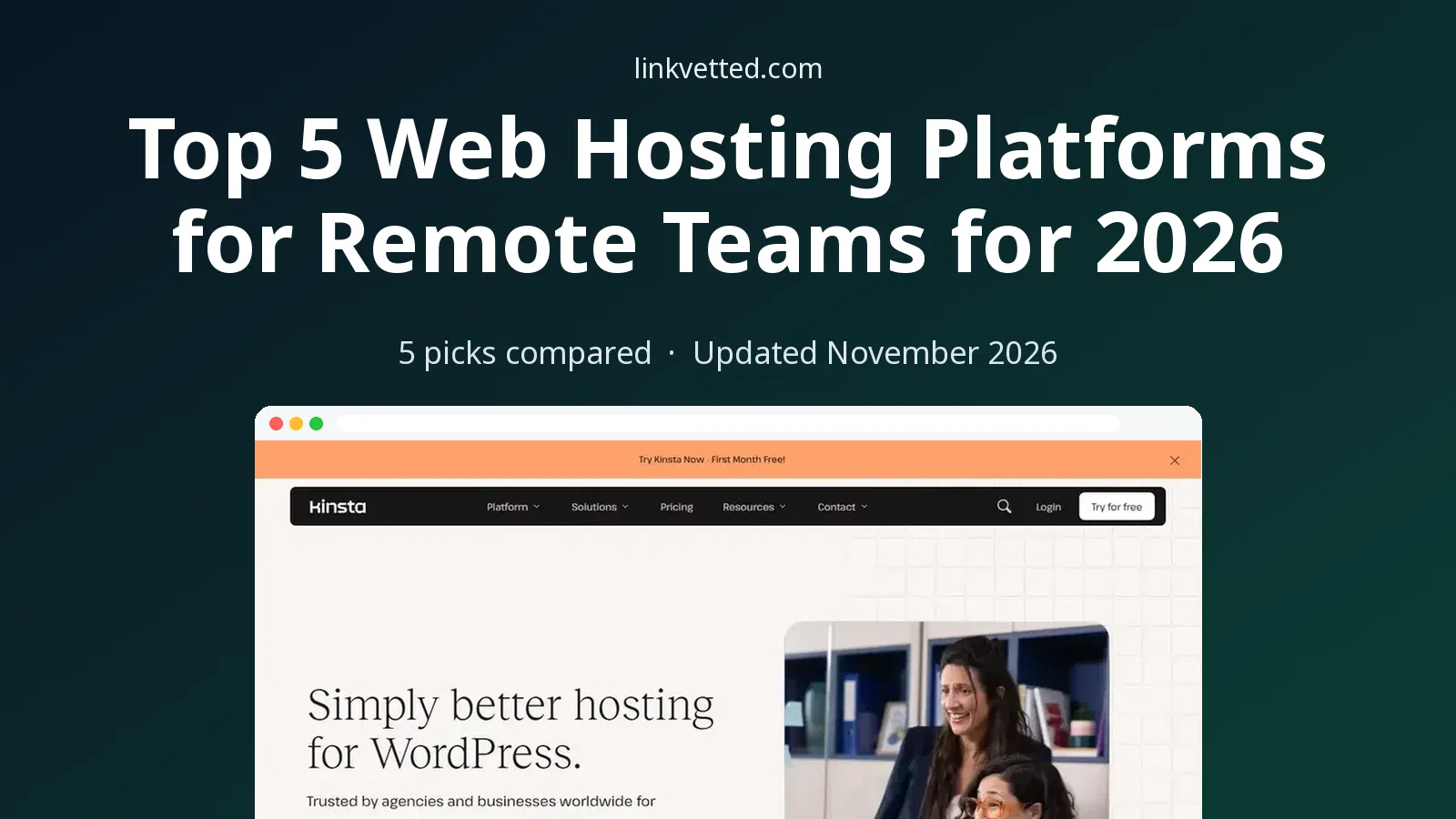
 Kinsta
High-performance WordPress hosting
Starts at$17.50 a monthVisit kinsta.comFull review
Direct answer
SiteGround is the first pick on this list for quick and secure general hosting. Listed starting prices: Kinsta from $17.50 a month, Cloudways from $20 a month and WP Engine from $28.00 a month. A2 Hosting is the stronger choice for quick hosting with migration support, while Kinsta suits high-performance WordPress hosting. All 5 tools are compared below on price, free plan and limits.
TL;DR:
- SiteGround takes the first slot, best suited to quick and secure general hosting.
- SiteGround, WP Engine and the 3 others all need a premium plan or a trial, since no free plan is listed.
- The cheapest monthly starting price in the list is $17.50 per month, offered by Kinsta.
- SiteGround comes with a trade-off: resource limits on lower levels.
- WP Engine fits managed WordPress hosting for teams.
Last checked November 2026. Prices and plan details were read from the vendors' own pages in November 2026; vendors change plans often, so confirm the current price on the vendor site before you buy.
Quick comparison
| Tool | Best for | Starts at | Free plan? | |
|---|---|---|---|---|
| SiteGround | Quick and secure general hosting | See website | Not stated | Visit |
| A2 Hosting | Quick hosting with migration support | See website | Not stated | Visit |
| Kinsta | High-performance WordPress hosting | $17.50 a month | Free trial | Visit |
 Cloudways | Managed cloud hosting adaptability | $20 a month | Free trial | Visit |
 WP Engine | Managed WordPress hosting for teams | $28.00 a month | Not stated | Visit |
The best web hosting platforms for remote teams
If you are comparing web hosting platforms for remote teams, this page covers 5 tools in one place: what each is best for, what it costs to start, whether it has a free plan, and the main limit to know about.
SiteGround makes the most sense for quick and secure general hosting. SiteGround is a web hosting company that helps domains thrive online with quick speed, capable security, and round-the-clock expert support. From a buyer's view, SiteGround's entry-level plans come with resource limits that may not suffice for high-traffic or resource-intensive sites, and renewal prices can increase.
Teams with very specific needs, such as managed WordPress-only hosting or dedicated servers, might find other choices more tailored. It remains a solid choice for teams prioritizing simplicity and support. SiteGround shows no starting price here, so confirm the cost on the vendor site. As for free access: Not stated.
Trade-offs to know: Resource limits on lower levels.
- 24/7 expert support
- Ultrafast speed and security features
- Renewal pricing can be higher
A2 Hosting works best for quick hosting with migration support. It emphasizes speed, security, and real expert support available around the clock, along with free migration and an uptime service level agreement.
For everyday use, remote teams that require help moving existing sites and want a host centred on reliability may find it a solid fit. The homepage title indicates a transition to hosting.com, which could result in uncertainty about branding and future direction. Pricing for A2 Hosting is not stated here, so ask the vendor for current figures. Free options: Not stated.
What to check first: Brand transition may cause confusion.
- Free migration assistance
- Uptime service level agreement
- Performance relies on plan level

Kinsta targets high-performance WordPress hosting. Remote teams that require quick load times and solid security for WordPress sites will find it a solid candidate.
Teams with simple sites or tight budgets may want to explore more low-cost or adaptable choices. Kinsta cost at the entry level: $17.50 per month. Free options: Free trial.
Points against: WordPress-only focus.
- Capable support reputation
- Optimized WordPress infrastructure
- Higher cost for advanced features
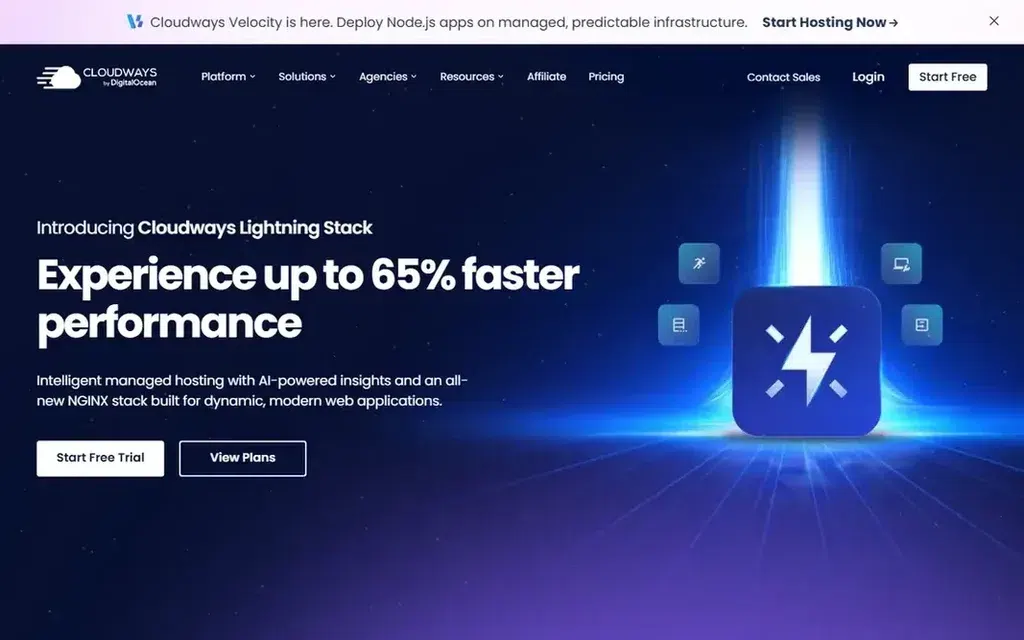
Cloudways targets managed cloud hosting adaptability. Cloudways gives you a managed cloud hosting system that eases the deployment and management of cloud servers. Beyond that, support quality can rely on the chosen cloud provider.
The system abstracts away much of the underlying cloud configuration, making it accessible to teams with moderate technical skills. For everyday use, teams seeking a completely managed, hands-off WordPress experience might prefer a specialized host instead. The starting price for Cloudways: $20 per month. Free access: Free trial.
Drawbacks to consider: Needs some technical knowledge.
- Eases cloud server management
- Scalable for expanding teams
- Support depth varies by provider
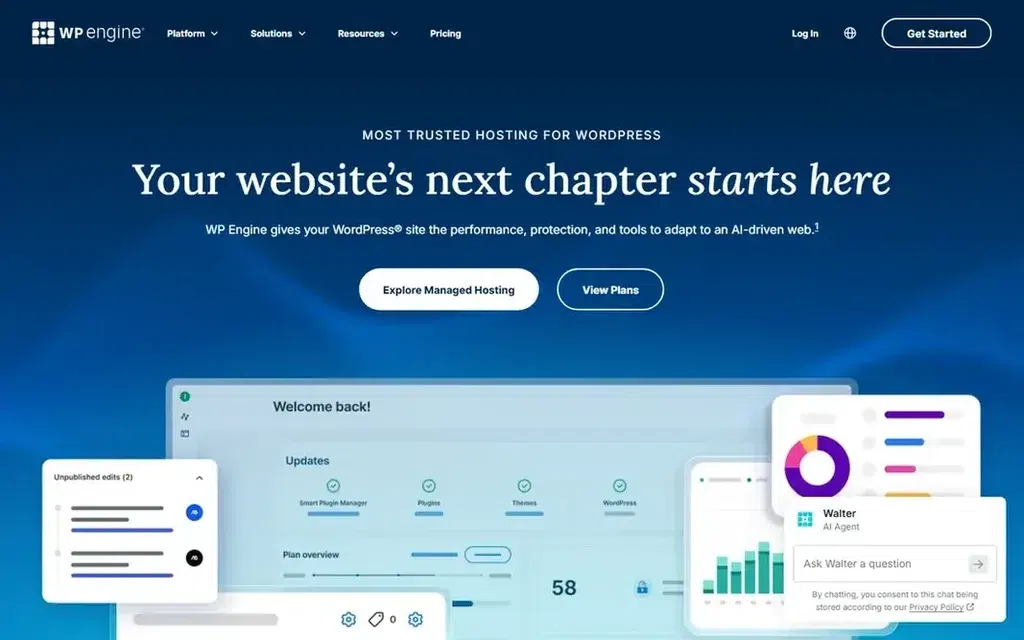
Where WP Engine fits: managed WordPress hosting for teams. WP Engine is a website hosting system built around WordPress, offering managed services with an emphasis on security and support. The system is built to deal with traffic and security concerns so teams can focus on content and development.
Since WP Engine concentrates on WordPress, teams with mixed technology stacks or custom applications may find it restrictive. It is also a premium managed choice, so smaller teams on tight budgets might prefer a more general-purpose host. What you pay to start with WP Engine: $28.00 per month. On free options: Not stated.
What to check first: May be overkill for straightforward sites.
- 24/7 support included
- Trusted product with focus on security
- Limited to WordPress and related stacks
How these tools were picked
The comparison looks at four things: starting price, free access, how well the feature set matches web hosting platforms for remote teams, and the main limit of each tool. Plan names, prices and limits change often. Treat the figures here as a starting point and verify them with the vendor. We ordered the tools by general fit, then by how clearly pricing is shown, then by free access. A buyer with unusual needs may reorder them.
Things to verify first
- Get a written quote from SiteGround and A2 Hosting; the list shows no starting price for them.
- Run a trial of Kinsta and Cloudways with real work before paying for a year; your own workflow is the best test.
- Before choosing SiteGround, weigh its main limit: resource limits on lower levels.
- Check the support hours and onboarding help Kinsta offers; smaller vendors vary a lot here.
- Pick one real project and run it in Cloudways first; a small pilot shows fit faster than a checklist.
FAQ
Is SiteGround the right pick for everyone comparing web hosting platforms for remote teams?
No single tool suits every team. SiteGround comes first because it fits fast and secure general hosting, while A2 Hosting suits fast hosting with migration support and Kinsta suits high-performance WordPress hosting. Match the tool to your own size, budget and workflow before deciding.
Do these tools publish their prices?
Not all of them. SiteGround and A2 Hosting publish no starting price, so expect a quote request for those. The rest, Kinsta included, show a starting price, though seats and billing terms still change the final cost.
What should remote teams look for in a web host?
Scalability and ease of collaboration, for example staging environments and access controls, are also important. Consider whether the host concentrates on your system or supplies general adaptability.
What is the cheapest option for web hosting platforms for remote teams in this list?
On published monthly entry prices, Kinsta is the lowest here at $17.50 per month. Entry price is only part of the cost, because seats, add-ons and billing terms can change the total. All 5 picks in this web hosting platforms for remote teams comparison list a starting price, free plan details and the main limits on their cards above.
Can I migrate my existing site to a new host easily?
Plenty of hosting providers offer free migration assistance, notably for WordPress sites. Some products may charge for complicated migrations or need you to deal with them manually.
How are the tools for web hosting platforms for remote teams ordered?
SiteGround sits first and WP Engine last because the order follows typical fit for web hosting platforms for remote teams, then price clarity and free access. It is a judgement call, so read each profile for fit and limits.
Sources
- https://www.siteground.com
- https://www.a2hosting.com
- https://kinsta.com
- https://www.cloudways.com
- https://wpengine.com